
Blog
Touchscreen Calibration Service in Calgary: When You Need Testing or Screen Repair
Understand touchscreen calibration, safe troubleshooting, screen repair signs, costs, timing, and what to expect at a Calgary walk-in assessment before you visit.
If your phone or tablet registers taps inaccurately, responds slowly, or touches the screen by itself, you may search for a touchscreen calibration service. In repair settings, that phrase can refer to touch diagnosis, screen or digitizer assessment, software troubleshooting, and testing after a repair. It does not always mean there is a separate calibration procedure available for every device.
Key facts
- Published: October 22, 2026
- Last updated: October 22, 2026
- Reading time: 10 min read
- Questions about your own device: Call (403) 273-8324
Last updated
Touchscreen Calibration Service in Calgary: When You Need Testing or Screen Repair
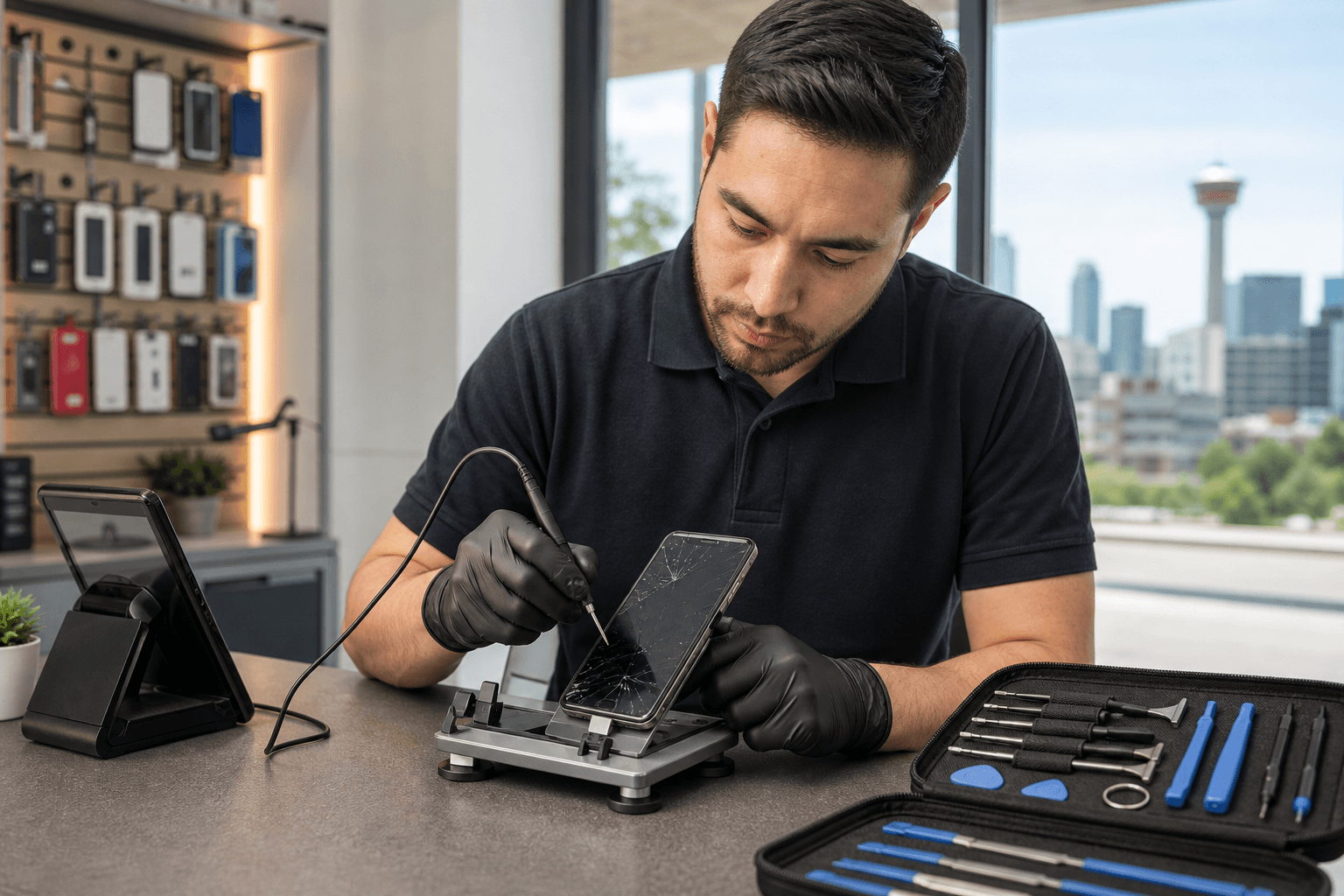
Published by TechBrotherz at TechBrotherz, the walk-in repair Store at 3317 17 Ave SE in Calgary. October 22, 2026.
No article on this site is paid for or sponsored. For a quote on your own device, call (403) 273-8324.
The right next step depends on the pattern of the fault. A case or screen protector may interfere with touch, while a dead zone, ghost touches, liquid exposure, or visible screen damage may require professional diagnosis and possibly screen or digitizer repair.
Quick summary

- Remove cases, screen protectors, accessories, and surface moisture before deciding the touchscreen has failed.
- Restart the device and note whether the problem affects the whole screen or one particular area.
- Persistent dead zones, ghost touches, cracked glass, liquid exposure, or problems after a screen replacement justify a professional assessment.
- Ask for a diagnosis and quote before approving work, including the proposed part, testing process, expected timing, and warranty.
- TechBrotherz offers walk-in service at 3317 17 Ave SE in Calgary, with a free quote before work and a 60-day warranty on repairs.
What touchscreen calibration service usually means
Touchscreens use a touch-sensitive layer, often called a digitizer, to identify where your finger or stylus makes contact. The display shows the image, but the digitizer detects the input. When those two functions do not work together properly, the result can look like a calibration problem even when the underlying fault is physical.
In practical repair language, touchscreen service may include checking touch response, reviewing software or accessory causes, inspecting the display assembly, assessing the digitizer and connectors, replacing a damaged screen, and testing the full surface after repair. The correct solution cannot be confirmed from a symptom alone.
TechBrotherz’s supplied service information supports touchscreen diagnosis, screen or digitizer work, replacement, and post-repair touch testing. It does not verify a separately listed standalone calibration service, so it is more accurate to request a touchscreen assessment and ask what repair or testing your device requires.
Touchscreen symptoms and what they may indicate

Different symptoms can point to different causes, but none provides a definite diagnosis without inspection. Recording exactly what happens helps a technician avoid treating the wrong problem.
Dead zones or areas that do not respond
If taps fail consistently in one strip, corner, or section of the screen, the touch layer, display assembly, connector, or previous repair may be involved. A screen protector, impact damage, or a fault beneath the glass can all produce similar behaviour.
Delayed or inaccurate taps
Slow response can result from a temporary software issue, an accessory that affects contact, a damaged display, or a more complex hardware fault. Note whether the delay happens in every app or only one. If the same area misses taps across different screens, that is useful information for diagnosis.
Ghost touches or taps you did not make
Ghost touches can cause apps to open, text to appear, or menus to activate without deliberate input. They may occur after impact, moisture exposure, a screen replacement, or another hardware problem. If the behaviour is frequent or worsening, avoid entering passwords or making important changes until the device is assessed.
Problems after a drop, spill, or screen replacement
A recent event is important context. A drop may damage the glass, display, digitizer, or connector. Liquid can affect more than the visible screen. After a replacement, inaccurate touch may involve the fitted assembly, compatibility, installation, or another existing fault. An inspection is safer than assuming calibration alone will resolve it.
Safe checks to try before booking repair
Begin with non-invasive checks. Do not press hard on the screen, open the device, apply household cleaners, or repeatedly force a device that has been exposed to liquid.
- Remove the case and screen protector. A poorly fitted protector, trapped debris, or pressure around the edges can affect touch response. Test briefly with the device bare.
- Disconnect accessories. Unplug chargers, USB devices, keyboards, hubs, and other accessories. If the fault appears only while charging, note the charger and cable you used.
- Clean and dry the surface. Use a soft, dry cloth. If the device was exposed to liquid, stop normal use and avoid charging it until you have received appropriate advice.
- Restart the device. A restart can clear a temporary software fault, but it will not repair cracked glass, a damaged digitizer, or a failing connector.
- Map the problem. Test tapping, typing, swiping, and rotating the device. Record whether one area, one app, or the entire screen is affected.
- Back up important data. If the device is usable, back up photos, messages, contacts, and work files before handing it in. If it is unstable, ask the repair shop about data-safe handling before work begins.
Stop troubleshooting if the screen is cracked and worsening, the device is swelling or overheating, ghost touches are taking over, or liquid has entered the device. These situations need assessment rather than more repeated tests.
Choose the right next step
| Situation | Reasonable next step | What to confirm |
|---|---|---|
| Minor or intermittent issue with no visible damage | Try the safe checks and observe the pattern. | Whether the fault returns without the case, protector, or accessories. |
| Persistent inaccurate, delayed, or nonresponsive touch | Request professional touchscreen diagnosis. | Whether the issue is software, display, digitizer, connector, or another hardware fault. |
| Cracked glass, dead zones, or failure after an impact | Ask about screen or digitizer replacement. | Part availability, part quality, total price, and post-repair touch testing. |
| Ghost touches, liquid exposure, swelling, or unexplained shutdowns | Stop normal use and request further assessment. | Data protection, safety concerns, and whether repair is practical for the device. |
Calibration is not a guaranteed substitute for replacing a damaged screen or repairing a faulty digitizer. A technician should identify the likely cause and explain the available options before you approve the work.
What touchscreen testing and repair usually involve
A useful assessment starts with your description of the symptom. The technician may ask when it began, whether the device was dropped or exposed to liquid, whether the screen was replaced previously, and whether the fault affects a particular section.
The next step is diagnosis and a quote. TechBrotherz states that quotes are free before work begins, with parts and labour included in one figure. This gives you an opportunity to compare the proposed repair with the device’s age, condition, and replacement value before authorizing it.
If you approve the repair, the work may involve the display assembly, digitizer, connector, or another related component, depending on the findings. The device should then be checked across the screen rather than tested only at its centre. A 15-point post-fix test routine can help confirm touch response, display behaviour, and other tablet functions after service.
Testing should include taps, typing, swipes, edge response, and any functions affected by the original symptom. Ask what was tested and whether the device needs any settling time or follow-up if the problem returns.
What affects touchscreen repair timing, cost, and value
The device model is one of the first cost and timing factors. Screen assemblies, digitizers, connectors, and compatible parts vary between iPhone, Samsung Galaxy, Google Pixel, iPad, and other phones or tablets. Parts availability can also affect whether a repair is completed during your visit.
Parts quality, calibration or testing needs, and diagnostic complexity can change the estimate. A straightforward screen replacement may require less investigation than intermittent touch, liquid exposure, or a device that has already received an unsuccessful repair. The calibration needs and parts considerations can be discussed as part of the overall repair estimate.
Device age matters as well. If a device has a worn battery, additional damage, limited parts availability, or outdated performance, compare the repair cost with the value of keeping it. If the phone or tablet contains important data, include data protection and the risk of further handling in your decision, not just the price of the replacement part.
Pre-visit checklist for a touchscreen assessment
Bring the device in a condition that allows the technician to understand the problem quickly. Before you leave home, write down:
- The exact brand, model, and storage version if known.
- Which area is inaccurate, delayed, or nonresponsive.
- When the issue began and whether it is constant or intermittent.
- Any recent drop, liquid exposure, overheating, swelling, or screen replacement.
- The case, screen protector, charger, cable, or accessory used when the fault appears.
- Whether your photos and important files are backed up.
- Whether you know the device passcode and account details needed for testing.
Ask these questions before approving work: What do you believe is causing the touch problem? Is testing included in the quote? Which part would be fitted? How will the full screen be tested afterward? Could the device need additional assessment? What does the warranty cover?
What to expect from a Calgary walk-in assessment
TechBrotherz is a walk-in electronics repair shop at 3317 17 Ave SE in Calgary. No appointment is required, so you can bring in an affected phone or tablet during posted opening hours for an initial discussion and quote.
The shop works on phones, iPads, tablets, laptops, and desktop computers, including iPhone, Samsung Galaxy, and Google Pixel devices. That does not guarantee that every model or touchscreen fault can be repaired, so provide the exact model and symptom before relying on a particular part or outcome.
TechBrotherz states that most repairs take about 30 minutes, although actual timing depends on the device, repair type, parts, and diagnostic complexity. Every repair carries a 60-day warranty according to the supplied business information. Confirm the specific coverage for the proposed work before authorizing it.
Frequently asked questions
Can a touchscreen be calibrated after a screen replacement?
Sometimes post-repair testing or device-specific adjustment may be part of the process, but not every screen fault is solved through calibration. If touch remains inaccurate after replacement, the assembly, compatibility, connector, software, or another hardware issue may need assessment.
How can I tell whether inaccurate touch is caused by software or a damaged digitizer?
There is no reliable universal home test. Restarting the device, removing accessories, and checking whether the same area fails in multiple apps can provide useful clues. Persistent problems, visible damage, or a fault after impact require professional diagnosis.
Should I keep using a phone with ghost touches?
Limit use if ghost touches are frequent or worsening. Unintended taps can open apps, send messages, change settings, or interfere with password entry. Back up your data if possible and arrange an assessment, especially after liquid exposure or physical damage.
Does touchscreen repair protect my photos and other data?
A screen repair does not automatically guarantee data protection. Back up your device first when you can, and tell the shop if the data is important or the device cannot be backed up. Ask what access and testing will be required before service begins.
How long does touchscreen testing or screen repair take in Calgary?
TechBrotherz states that most repairs take about 30 minutes, but this is not a promise for every touchscreen issue. The model, parts availability, damage, and diagnostic complexity can extend the visit.
What should I bring to a walk-in touchscreen repair assessment?
Bring the device, its case and relevant accessories, the exact model information, and a description of when the fault occurs. Have a backup if possible and be ready to provide the passcode needed for agreed testing.
Conclusion: Start with diagnosis, not a guaranteed calibration fix
For a minor or uncertain touchscreen problem, removing accessories, cleaning the surface, restarting the device, and recording the symptoms are sensible first steps. Persistent dead zones, ghost touches, inaccurate taps, visible damage, liquid exposure, or problems after a screen replacement call for a proper assessment rather than an assumption that calibration alone will fix the device.
When comparing repair options, focus on the diagnosis, proposed part, testing process, total quote, expected timing, data handling, and warranty. In Calgary, a walk-in assessment can help you decide whether troubleshooting, screen or digitizer repair, or further investigation makes the most sense. Visit TechBrotherz at 3317 17 Ave SE for a free quote before work begins and a repair backed by a 60-day warranty.
Related pages
Rather just ask a person?
Call (403) 273-8324 and describe the problem, or walk in to 3317 17 Ave SE in Calgary. Every repair is quoted free before any work starts.