
Blog
Forgot Your Windows Password in Calgary? What to Try Before Reinstalling Windows
Forgot your Windows password in Calgary? Learn safe recovery steps, protect your files, and know when a walk-in reset is the better option for you.
Forgotten Windows password help in Calgary starts with identifying what is actually locked. A Windows sign-in, Microsoft account, BIOS or UEFI password, and drive-encryption prompt are different problems, so the safest solution depends on where the password request appears.
Key facts
- Published: October 18, 2026
- Last updated: October 18, 2026
- Reading time: 8 min read
- Questions about your own device: Call (403) 273-8324
Last updated
Forgot Your Windows Password in Calgary? What to Try Before Reinstalling Windows
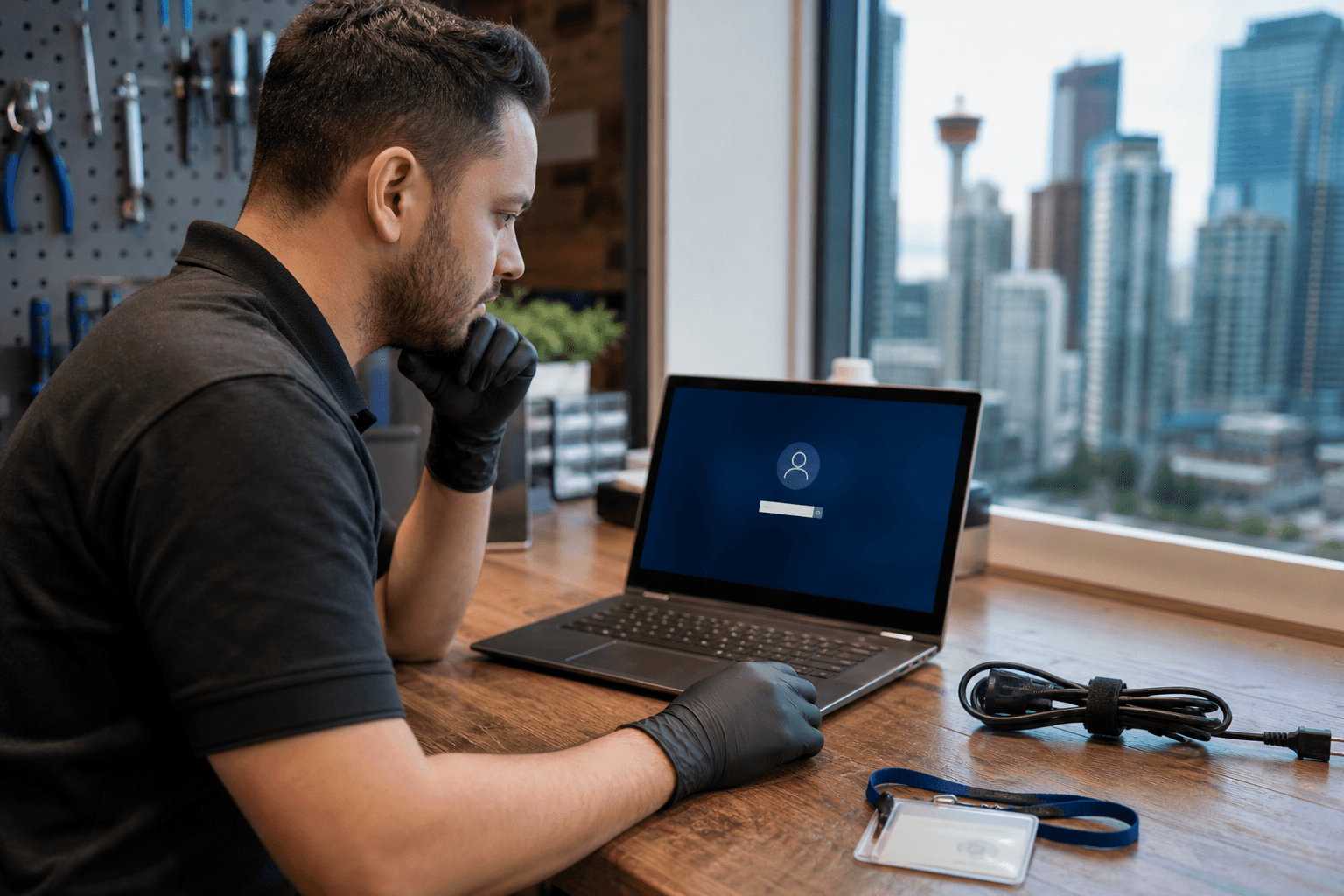
Published by TechBrotherz at TechBrotherz, the walk-in repair Store at 3317 17 Ave SE in Calgary. October 18, 2026.
No article on this site is paid for or sponsored. For a quote on your own device, call (403) 273-8324.
Try the official recovery route that matches your account before using third-party tools or reinstalling Windows. If your files matter and you are unsure which recovery method applies, a non-destructive password reset may be a better first option than replacing the contents of the drive.
Quick summary

- Check whether the prompt appears at the Windows sign-in screen or before Windows starts.
- Local Windows accounts and Microsoft accounts use different recovery paths.
- Do not reinstall Windows first if you need the files, programs, and settings on the computer.
- Professional help makes sense when ownership, account type, or data preservation is unclear.
- TechBrotherz offers walk-in Windows password reset help at 3317 17 Ave SE in Calgary. Most resets are completed the same day.
Identify what password is blocking access
If you see the familiar Windows sign-in screen with a user name, PIN, or password field, you are dealing with an account used by Windows. If the computer asks for a password before the Windows logo appears, it may be a BIOS or UEFI password instead.
A prompt for a recovery key can indicate drive encryption rather than an ordinary Windows password. These distinctions matter because a method intended for one type of lockout may not work for another and could create unnecessary data-loss risk.
| What you see | Likely issue | Best first direction |
|---|---|---|
| Windows sign-in screen | Local Windows account or Microsoft account | Identify the account type and use its official recovery option |
| Password prompt before Windows starts | BIOS or UEFI password | Check the manufacturer and model before attempting a reset |
| Recovery-key request | Drive-encryption protection | Locate the correct recovery key and avoid guessing |
Local Windows account versus Microsoft account

A local Windows account exists on the computer itself. A Microsoft account uses an email address and is managed through Microsoft’s account systems. The sign-in screens can look similar, but the recovery process is not the same.
If you can identify the account type and still have access to its recovery method, use the official route rather than downloading an unverified password utility. If you are unsure, a Windows password reset service can first identify whether the locked account is local or connected to Microsoft.
TechBrotherz states that a Microsoft account password is reset through Microsoft rather than directly on the computer. A repair shop should not present a local machine reset as a way to change the Microsoft account password itself. Confirm the account type before approving any work.
BIOS, UEFI, and drive-encryption passwords are different
A BIOS or UEFI password protects access before Windows loads. It is stored at the firmware level, and recovery options depend on the computer’s manufacturer and model. It is not the same as forgetting the password for a Windows user account.
Drive encryption adds another layer of protection. When the computer asks for a recovery key, that key may be required to unlock the drive even if the Windows account password is known. Do not treat this as an ordinary password reset or repeatedly guess at the prompt.
Take a photo of the exact message, note the computer’s make and model, and seek advice before changing firmware settings or erasing the drive. The wrong step can make it harder to determine whether the files are still recoverable.
What to try yourself before seeking help
- Confirm the account. Check whether the sign-in uses an email address or a local user name. Determine whether the issue is a password, PIN, or security-key prompt.
- Use official recovery. If the account has a recognised recovery method, follow the account provider’s instructions rather than installing a bypass tool.
- Check for a recovery key. If the prompt refers to drive encryption, look for the recovery information associated with the computer or account.
- Stop guessing when files matter. Repeated attempts, unfamiliar utilities, or rushed changes can complicate recovery.
- Back up before major changes. If another administrator account can access the computer, copy important files before attempting a reset or installation.
Do not use tools marketed as password bypasses without understanding what they change. A legitimate recovery process should respect ownership and explain whether files, programs, and settings will remain available.
Password reset or Windows reinstallation?
A password reset and a clean Windows installation solve different problems. A password reset is intended to restore access to the existing computer while keeping its files in place. TechBrotherz describes its Windows password reset service as preserving files, programs, and settings.
A clean installation replaces the contents of the drive. It may be appropriate when Windows is badly damaged, the files are backed up, or the owner no longer needs the existing setup. It should not be the first response to a forgotten password when important documents, photos, or installed programs are still on the computer.
Before approving a Windows installation, ask what will happen to the drive and whether the files have been backed up. A password problem alone does not automatically justify erasing the operating system.
When professional help makes sense
Consider professional assistance if you cannot tell whether the account is local or Microsoft, no recovery method is available, the computer contains important files without a current backup, or the password prompt appears before Windows starts. Help is also useful when you want the options explained before approving a potentially destructive repair.
Ownership verification is an important part of this process. TechBrotherz requires proof that the computer belongs to the customer before password-reset work begins. This protects customers and helps prevent a service from being used to access someone else’s device.
What to expect from Windows password reset help in Calgary
TechBrotherz provides walk-in computer repair at 3317 17 Ave SE in Calgary, so an appointment is not required. Bring the locked computer to the shop, explain what happened, and provide proof linking you to the device.
The account type is identified before the work is quoted. You can then decide whether to approve the service. The shop states that most Windows password resets are completed the same day, but timing can depend on the computer, account type, and nature of the lockout.
If the work proceeds, the aim is to restore access while leaving the files on the computer in place. You set a new password yourself, rather than relying on a technician to keep a copy. Repairs are backed by TechBrotherz’s stated 60-day warranty.
What to bring to the repair shop
- The locked Windows laptop or desktop.
- The charger or power cable, especially if it is non-standard.
- Photo identification.
- A receipt, original box, account connection, or other proof linking you to the computer.
- A note or photo showing the exact password prompt and any error message.
- Any recovery key or account information you already have. Do not share unnecessary passwords.
If you are bringing a desktop tower, you generally do not need to carry the monitor, keyboard, and mouse if the shop can test with its own equipment. Bring unusual accessories if they may help explain the problem.
A five-minute decision checklist
- Where does the prompt appear: at Windows sign-in, before Windows starts, or at a recovery-key screen?
- Does the Windows sign-in show an email address or a local user name?
- Can you complete the official recovery process for that account?
- Do important files exist on the drive without a current backup?
- Have you confirmed whether the proposed solution preserves data?
- If the answer is unclear, can you bring the computer and ownership proof to a repair shop before approving an installation?
This checklist separates a routine account-recovery problem from a firmware or encryption issue. It also keeps the most important decision visible: regain access without erasing valuable data whenever that is a realistic option.
Frequently asked questions
Will a Windows password reset delete my files?
A password reset is intended to preserve the files, programs, and settings on the computer. No provider should promise that every lockout can be resolved without data loss, especially when the issue involves encryption, firmware, or a damaged drive. Confirm the expected outcome before work begins.
Can TechBrotherz reset a Microsoft account password directly on my computer?
No. TechBrotherz distinguishes Microsoft account recovery from a local Windows account reset. A Microsoft account password is reset through Microsoft. The shop can identify which type of account is involved and explain the appropriate next step.
Do I need an appointment for Windows password reset help in Calgary?
No appointment is required for TechBrotherz’s walk-in service. The shop is located at 3317 17 Ave SE in Calgary. Bring the computer and proof that it belongs to you during posted business hours.
What if the password prompt appears before Windows starts?
It may be a BIOS or UEFI password, or a drive-encryption recovery prompt, rather than a Windows sign-in password. The manufacturer, model, and exact message affect the available options, so do not assume an ordinary Windows reset will solve it.
How quickly can a Windows password reset be completed?
TechBrotherz states that most Windows password resets are completed the same day. This is typical timing, not a fixed guarantee. The account type, computer condition, ownership checks, and any encryption or firmware issue can affect the outcome.
The safest next step after forgetting a Windows password
Start with the official recovery method for the account you actually use. If the prompt is unclear or the computer contains files you cannot replace, avoid jumping straight to a clean Windows installation. A local account reset may preserve the existing setup, while a Microsoft account, BIOS or UEFI password, and drive-encryption prompt require different handling.
For local, walk-in help, TechBrotherz at 3317 17 Ave SE in Calgary can identify the account type, verify ownership, provide a quote before work begins, and handle Windows password reset requests without an appointment. Most resets are completed the same day, and repairs carry a 60-day warranty.
Related pages
Rather just ask a person?
Call (403) 273-8324 and describe the problem, or walk in to 3317 17 Ave SE in Calgary. Every repair is quoted free before any work starts.