
Blog
The Authorized Password Reset Process: Safe Recovery for Phones and Windows Computers
Learn the authorized password reset process for phones and Windows computers, including recovery options, proof of ownership, data risks, and safe help.
When you are locked out of a phone, tablet, or computer, the safest authorized password reset process starts with the account provider’s recovery tools. Do not begin by guessing repeatedly, sharing your password, or accepting a service that claims it can bypass Apple, Google, Samsung, or Microsoft security.
Key facts
- Published: October 14, 2026
- Last updated: October 14, 2026
- Reading time: 8 min read
- Questions about your own device: Call (403) 273-8324
Last updated
The Authorized Password Reset Process: Safe Recovery for Phones and Windows Computers
Published by TechBrotherz at TechBrotherz, the walk-in repair Store at 3317 17 Ave SE in Calgary. October 14, 2026.
No article on this site is paid for or sponsored. For a quote on your own device, call (403) 273-8324.
First identify what is locked: an online account, a device passcode, a Windows sign-in, a carrier restriction, or ownership protection after a factory reset. The correct recovery path determines whether your files can remain intact and what proof of ownership may be required.
Quick summary

- Use Apple Account, Google, Samsung, or Microsoft recovery before attempting a factory reset.
- Back up accessible data. A factory reset may erase information stored only on the device.
- Never give your password to a technician. Complete provider verification yourself.
- Bring the device and proof that it belongs to you for authorized in-store help.
- TechBrotherz offers walk-in password-reset support for supported devices at 3317 17 Ave SE in Calgary.
First, identify what is actually locked
“Password reset” can describe several different problems. Confusing them can lead to an unnecessary wipe or the wrong type of service.
| What is locked? | What it means | Usual first step |
|---|---|---|
| Apple Account, Google Account, or Samsung account | You cannot sign in to the account used for apps, backups, email, or device services. | Use the provider’s official account-recovery process. |
| Microsoft account | Windows sign-in uses an email address and a password managed through Microsoft. | Recover the account through Microsoft. |
| Local Windows account | The sign-in account exists on that computer and uses a local password. | Use an authorized local-account reset where appropriate. |
| Phone or tablet passcode | The device itself is locked, even if you know the account password. | Use official device recovery and check your backup before erasing anything. |
| Carrier lock | The phone is restricted to a mobile network. | Ask the carrier first. This is not a forgotten-password problem. |
| Factory Reset Protection | After a reset, the device asks for the previously linked account to confirm ownership. | Sign in with the legitimate account or use an authorized ownership-verified service. |
A carrier unlock removes a network restriction. It does not reset a forgotten device passcode or remove a Google account verification screen. Likewise, a factory reset returns a device to its setup state but does not prove that a new user owns it.
For an authorized Windows password reset, the distinction between a local Windows account and a Microsoft account is especially important.
Choose the correct authorized recovery path

The provider should verify the account holder through its own recovery system. A repair shop can explain legitimate options, but it should not impersonate you, bypass verification, or retain your credentials.
| Device or account | Recommended route | Data and verification considerations |
|---|---|---|
| Apple Account | Use Apple’s account-recovery tools and a trusted phone number or device. | Recovery may avoid a device wipe. The account holder must complete verification. |
| Google Account | Use Google Account recovery with an available recovery email, phone, or trusted sign-in method. | Account recovery is different from resetting the phone. A reset may still require the linked account. |
| Samsung account | Use Samsung’s account recovery process for the account ID or password. | Account access and the phone’s screen lock are separate issues. |
| Microsoft account | Reset the password through Microsoft’s recovery process. | It is not the same as resetting a local Windows account on the computer. |
| Local Windows account | Use an authorized local-account reset after ownership and account type are confirmed. | TechBrotherz states that its supported reset restores access without deleting files. |
| Phone or tablet passcode | Try official account recovery or manufacturer recovery before considering an erase. | A device reset can remove local data. A backup may allow restoration, but cannot guarantee every item returns. |
For phones, start with official account recovery whenever possible. It is generally the least disruptive route because it may restore access without immediately erasing the device.
For phones and tablets: follow this safe sequence
- Identify the lock. Note whether the screen asks for a passcode, Apple Account, Google Account, Samsung account, or a previous owner’s credentials.
- Stop repeated guesses. Failed attempts can increase waiting periods. Avoid random bypass tools from unverified sources.
- Try provider recovery. Use the official Apple, Google, or Samsung process from another trusted device if necessary.
- Check for a backup. Confirm what is stored in iCloud, Google backup, Samsung Cloud, a computer, or another approved location.
- Use device recovery carefully. Recovery mode or a manufacturer reset may restore access, but can erase local information.
- Escalate when needed. A qualified shop can assess the model and explain legitimate options without bypassing account verification.
Android users can review Android password reset options before deciding whether in-store help is necessary. The same principle applies to iPhone and iPad users: account recovery comes before an irreversible reset whenever possible.
A factory reset can erase photos, messages, app data, and files that were not synchronised. It may also leave Factory Reset Protection active. If the phone belongs to someone else, ask that owner to remove it from their account before it is erased.
For Windows computers: local account versus Microsoft account
The most important Windows question is whether the sign-in uses a local account or a Microsoft account. If the sign-in screen shows an email address, the password is normally managed through Microsoft. A shop cannot simply reset that online account on the computer, but it can explain the correct Microsoft recovery route.
A local Windows account exists on the computer itself. TechBrotherz describes an authorized local-account reset as a way to restore access while leaving files, programs, browser bookmarks, photos, documents, and settings in place. This differs from reinstalling Windows or choosing a full reset, which can remove data.
Before work begins, the account type and proposed solution should be explained. TechBrotherz states that most supported computer password resets are completed the same day, although the device and account situation determine the actual timing.
Authorization checklist: what to prepare
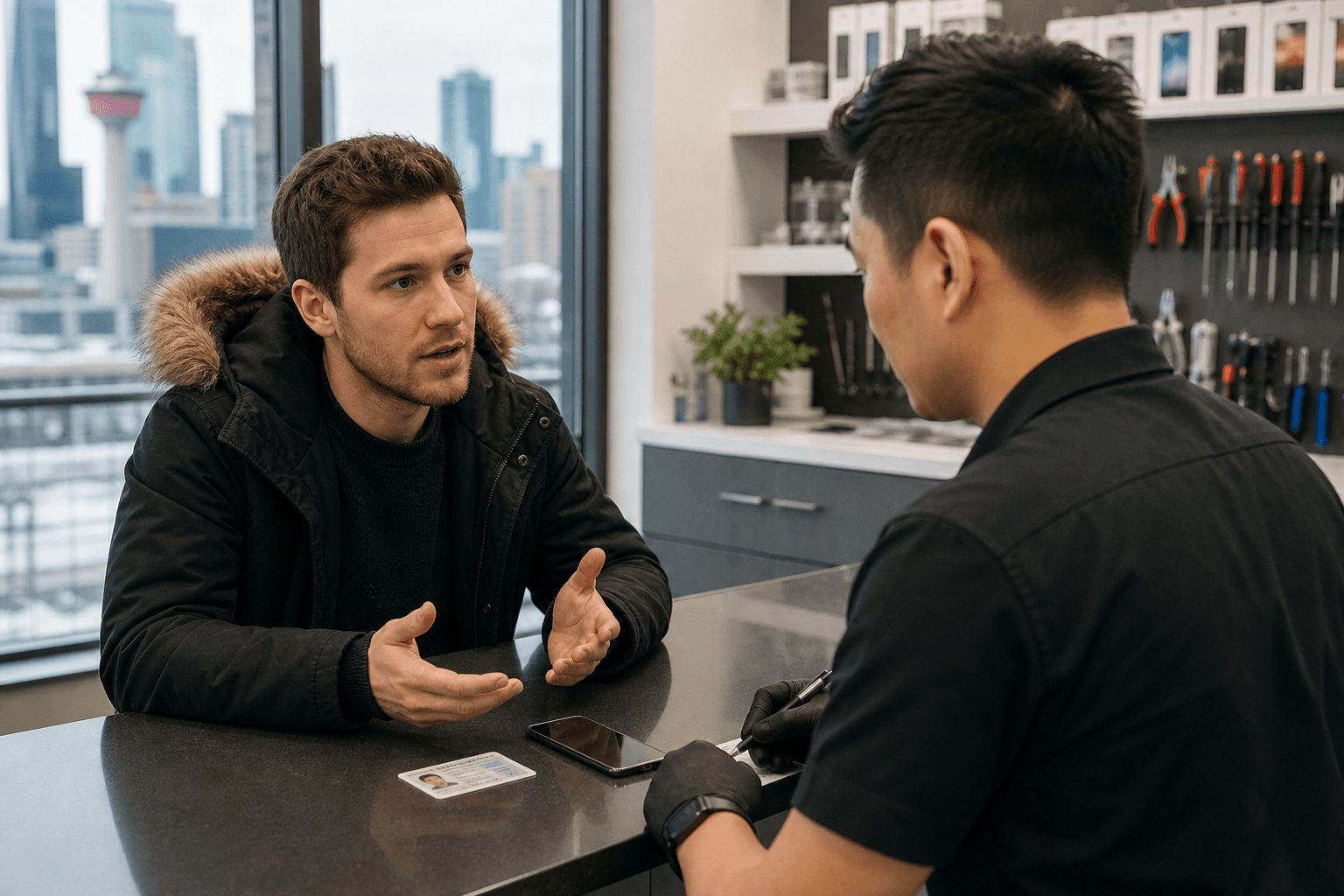
An authorized password reset should begin with ownership, not just possession. For owners locked out after a factory reset, TechBrotherz requires proof of ownership without exception.
- Bring the device. Include its charger if the battery is low.
- Bring photo identification.
- Bring ownership evidence. An original receipt, device box, or account connected to you may help.
- Know your recovery details. Bring access to the recovery email or phone, but do not disclose the password.
- Confirm your backup status. Back up important content before changing settings if possible.
- Explain the exact screen message. “Forgot password,” “device disabled,” and “verify your account” indicate different problems.
Do not ask a technician to work around proof-of-ownership checks. If you bought the device second-hand, contact the seller where possible and obtain documentation connecting the device to you.
What happens to your data and credentials
Data risk depends on the recovery method. Account recovery usually aims to restore access without wiping the device. An authorized local Windows password reset is also intended to restore access without deleting existing files, as described by TechBrotherz. A factory reset or operating-system installation may erase local content.
No responsible service can guarantee that every phone or tablet reset will preserve data. Some devices encrypt local information, some recovery paths require erasure, and some content may never have been backed up. Ask what action is proposed before approving it.
The Office of the Privacy Commissioner of Canada advises using unique passwords and not sharing them. A technician may help you navigate a recovery screen, but you should enter the password or verification code yourself.
For additional account recovery guidance, use the provider’s process, verify ownership, and avoid services that promise access by bypassing security.
When authorized in-store help makes sense
Professional help is reasonable when official recovery has failed, the device cannot complete its recovery steps, you are unsure which account type is involved, or a local Windows account remains inaccessible.
TechBrotherz provides walk-in password-reset support for supported phones, iPads, tablets, and Windows computers at 3317 17 Ave SE in Calgary. No appointment is required. Its published process requires proof of ownership for relevant locked-device situations and distinguishes local Windows accounts from Microsoft accounts.
Ask three questions before approving work:
- Which type of lock has been identified?
- Will the proposed action preserve files, or could it erase them?
- What verification and ownership evidence are required?
Prevent the next lockout
- Use a different, strong password for each important account.
- Keep recovery email addresses and phone numbers current.
- Turn on multi-factor authentication. The Canadian Centre for Cyber Security explains MFA as a combination of different authentication factors.
- Enable automatic backups and confirm they complete successfully.
- For a local Windows account, consider creating a password reset disk while signed in.
- Keep purchase records and device details in a secure place.
Frequently asked questions
Will an authorized Windows password reset delete my files?
A supported local Windows password reset is intended to restore access without deleting files, programs, photos, bookmarks, or settings. This differs from reinstalling Windows or performing a full reset.
What proof of ownership should I bring?
Bring the device, photo identification, and something connecting you to it, such as an original receipt, box, or account in your name. TechBrotherz requires proof of ownership for owners locked out after a factory reset.
Can a repair shop bypass Apple, Google, Samsung, or Microsoft verification?
A legitimate authorized service should not bypass provider verification. The account holder must use the provider’s recovery process or provide the evidence required for an appropriate device service.
Should I give my password to a technician?
No. Keep your password private and enter it yourself. A technician may explain the steps but should not request or retain your account password.
Is a carrier unlock the same as resetting a forgotten device password?
No. A carrier unlock removes a mobile-network restriction. It does not remove a screen passcode, reset an account, or clear Factory Reset Protection.
What should I do if I forgot my phone passcode but still know my account password?
Use the manufacturer’s official device-recovery instructions and check your backup first. Knowing the account password may help you sign back in after recovery, but a reset can still erase local data.
Conclusion: use the safest recovery route first
The right authorized password reset process depends on what is locked. Start with account recovery when the problem is an online account. For a phone or tablet passcode, check backups and understand the data consequences before using device recovery. For Windows, determine whether the sign-in is local or Microsoft-based.
Keep ownership evidence ready, never share your password, and reject services that promise to bypass verification. If official recovery fails, Calgary residents can visit TechBrotherz for walk-in password-reset support at 3317 17 Ave SE, with proof of ownership required for relevant services.
Related pages
Rather just ask a person?
Call (403) 273-8324 and describe the problem, or walk in to 3317 17 Ave SE in Calgary. Every repair is quoted free before any work starts.