
Blog
Tablet Password Reset in Calgary: Recovery Options Before You Erase Your Data
Locked out of your tablet in Calgary? Learn how to identify the lock, protect your data, try recovery safely, and decide when to get professional help.
If you need a tablet password reset in Calgary, first determine whether you forgot an account password or the tablet’s passcode, PIN, pattern, or screen lock. These are different problems with different recovery paths. Choosing the wrong reset too soon can erase local photos, documents, apps, and settings.
Key facts
- Published: October 11, 2026
- Last updated: October 11, 2026
- Reading time: 8 min read
- Questions about your own device: Call (403) 273-8324
Last updated
Tablet Password Reset in Calgary: Recovery Options Before You Erase Your Data
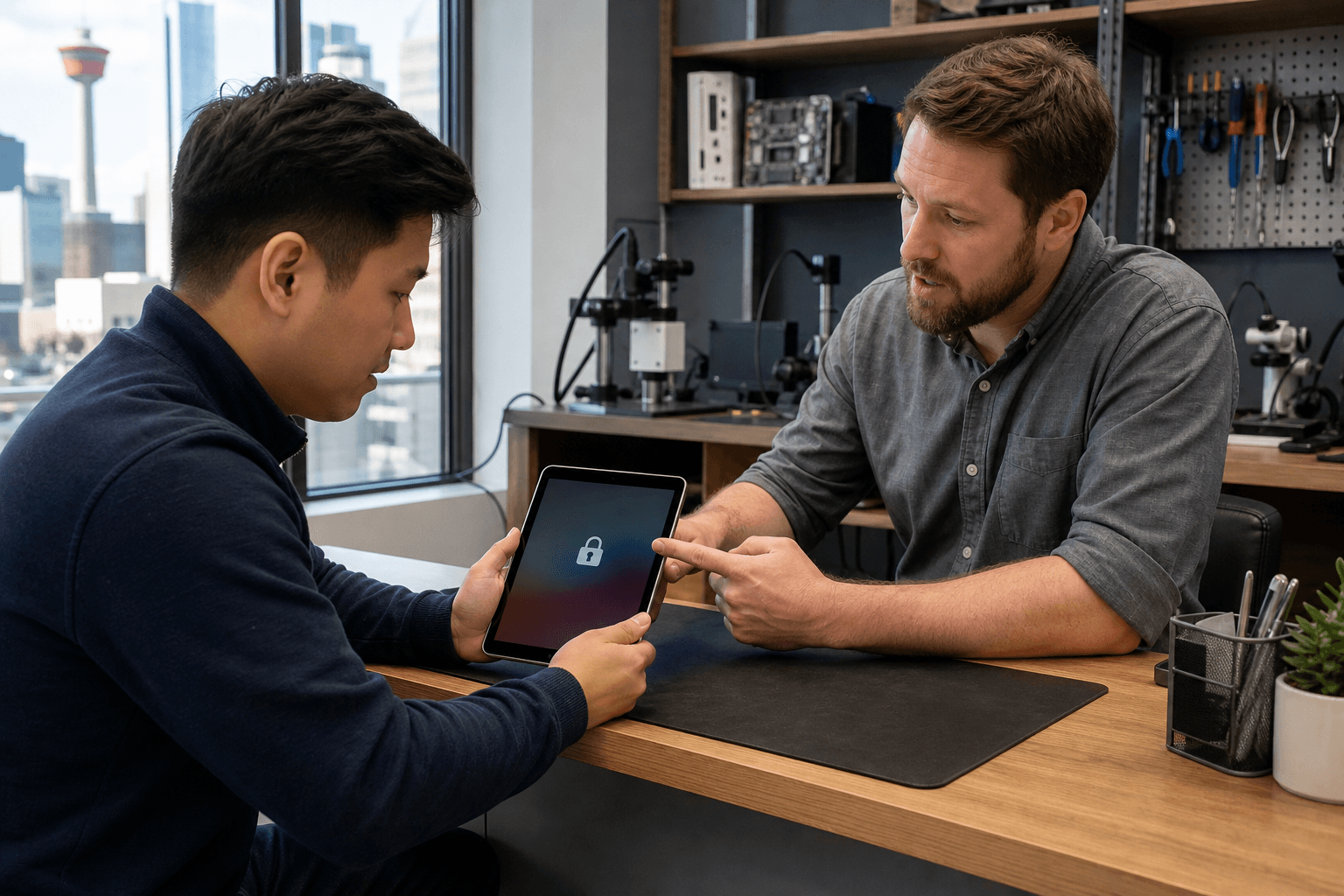
Published by TechBrotherz at TechBrotherz, the walk-in repair Store at 3317 17 Ave SE in Calgary. October 11, 2026, updated October 11, 2026.
No article on this site is paid for or sponsored. For a quote on your own device, call (403) 273-8324.
The safest approach is to identify the lock, protect any accessible data, try the relevant official recovery option, and treat a factory reset as a last resort. If the device remains inaccessible or its ownership status is unclear, professional assistance can help you choose the next step without promising that every lock can be removed without erasure.
Quick summary

- An account password belongs to services such as an Apple Account, Google Account, Microsoft account, or Amazon account. A screen lock is the code or pattern used to open the tablet.
- If you can still access the tablet, check backups and account recovery details before changing anything.
- Account recovery may preserve data, while a factory reset can remove information stored locally on the tablet.
- TechBrotherz offers walk-in phone, iPad, and tablet support at 3317 17 Ave SE in Calgary, with password-reset service advertised at $39.99 for supported devices.
- Bring proof of ownership for relevant cases involving a tablet locked after a factory reset.
First, identify what you forgot
Look closely at the wording on the screen. If the tablet asks for an email address, account password, or account verification, the issue is probably account-based. If it asks for a passcode, PIN, pattern, or screen lock after powering on or waking, the device itself is locked.
The account type depends on the tablet. An iPad may involve an Apple Account, while Android tablets commonly use a Google Account. Windows tablets may use a Microsoft account or a local Windows account, and Fire tablets use an Amazon account. Changing an account password will not necessarily remove a forgotten screen lock.
For a broader explanation of account recovery and device-based recovery, use the same distinction that applies to phones: account recovery verifies access to the associated account, while device recovery addresses the tablet’s software or lock state.
Protect your data before trying a reset

If the tablet still opens with a fingerprint, face scan, backup code, or another available method, avoid signing out or restarting it unnecessarily. Use that access to confirm that important photos, schoolwork, documents, and app data are backed up to the appropriate account or storage service.
Record the account email address, recovery phone number, and other information you legitimately control. This does not bypass a lock, but it can make official recovery easier. If the tablet has a damaged screen, failing buttons, charging trouble, or repeated crashes, document those symptoms before attempting a software reset.
A tablet repair checklist can help you separate a forgotten password from a wider software or hardware fault. If the tablet was dropped, exposed to liquid, or unable to respond to touch, the problem may not be limited to account access.
Tablet password recovery options compared
| Option | Best fit | Data considerations | Main limitation |
|---|---|---|---|
| Account recovery | The tablet asks for an Apple, Google, Microsoft, or Amazon account password | Often the least disruptive path when the account can be verified | Requires access to a legitimate recovery method |
| Device recovery | The operating system is malfunctioning or an approved recovery mode is required | Impact depends on the device and selected action | Exact steps vary by model and may not resolve an unknown screen lock |
| Factory reset | You accept that the tablet may return to setup condition | Local data, apps, settings, and unsynchronised files may be removed | The previously associated account may still be required |
| Professional assistance | You are unsure which lock applies or recovery has failed | A technician can discuss supported, less destructive options first | Compatibility, ownership, pricing, and results must be confirmed case by case |
Try official account recovery first
If the tablet is asking for an account password rather than a screen-lock code, start with the account provider’s official recovery process. Use the recovery email address, phone number, backup method, or verification process connected to the account. Avoid third-party tools that promise to bypass ownership checks or unlock any tablet instantly.
Once the account password has been changed or recovered, return to the tablet and follow its normal sign-in process. If it asks for an old password, verification code, or previously used account after a reset, that is an ownership-protection step, not necessarily a hardware fault.
TechBrotherz’s published guidance recommends trying official account recovery and using backups before a device reset where possible. Account recovery may restore access without the same data-loss risk as wiping the device.
When device recovery or a factory reset may be necessary
Device recovery is different from changing an account password. It may be relevant when the tablet is stuck during startup, repeatedly crashes, or has a software problem that prevents normal use. The correct process depends on the manufacturer and model, so confirm the device-specific instructions before selecting an option that could erase data.
A factory reset returns the tablet to an initial setup state. It can remove information stored only on the device, including unsynchronised photos, downloads, documents, app data, and personal settings. A backup may allow some content to be restored later, but it does not guarantee that every file or setting will return.
A reset also does not automatically prove ownership. After setup, the tablet may ask for the account previously associated with it. If you do not control that account or cannot provide legitimate ownership information, stop rather than trying to bypass the protection.
When to stop troubleshooting and get help
Consider professional help before resetting if you have no recent backup, cannot tell whether the problem is an account password or a screen lock, or the tablet contains important work, family, or school files. Assistance is also sensible after a failed recovery attempt, a factory-reset lock, or a combination of lock and hardware symptoms.
Ownership matters. TechBrotherz states that proof of ownership is required for owners locked out after a factory reset. A technician should explain whether the device and lock type are supported, what the proposed work involves, and what data-loss risk remains before proceeding.
Tablet password reset help in Calgary
TechBrotherz is a walk-in electronics repair shop at 3317 17 Ave SE in Calgary. The shop supports phones, iPads, tablets, laptops, and other consumer devices, and no appointment is required during posted business hours.
For supported phones, iPads, and tablets, the business advertises password-reset assistance at $39.99. This is device- and service-specific, not a guarantee that every tablet, account problem, or screen lock qualifies. Confirm the device, lock type, supported service, and quote before work begins.
Every repair carries a 60-day warranty according to the supplied business information. That warranty does not mean every software recovery will preserve data or that every ownership-protected device can be unlocked, so ask what the warranty covers in your particular case.
TechBrotherz serves Calgary as well as nearby Chestermere and Airdrie. Tablet service may require assessment, so confirm the expected timing before leaving the device.
What to bring to a Calgary tablet password-reset visit
- The tablet: Bring the device and, if relevant, its charging cable so its condition and power can be assessed.
- Account information: Bring the account email address and recovery information you legitimately control. Do not request a bypass of ownership protection.
- Backup details: Note whether the tablet was syncing to cloud storage and when it was last backed up.
- A clear description: Explain what appears on screen, when the problem started, whether the tablet was reset, and whether it was dropped or exposed to liquid.
- Proof of ownership: Bring documentation linking you to the tablet for relevant factory-reset lockouts.
Before authorizing work, ask whether the service is account recovery, device reset, screen-lock assistance, or broader tablet repair. Confirm the expected data impact, supported-device status, price, and whether the work is covered by the 60-day warranty.
Frequently asked questions
Does resetting a tablet password delete everything on the tablet?
It depends on what “reset” means. Changing an account password may not erase the tablet, but a factory reset can remove local data and return the device to setup condition. Check for backups and confirm the exact action before approving it.
Is a tablet account password different from its screen lock or PIN?
Yes. An account password authenticates you to a service such as Apple, Google, Microsoft, or Amazon. A passcode, PIN, pattern, or screen lock controls access to the device itself, so the recovery path may be different.
Can TechBrotherz reset any tablet password for $39.99?
No universal result should be assumed. The advertised $39.99 price applies to supported password-reset services, and eligibility depends on the tablet, lock type, and ownership situation. Confirm the current service and quote with the shop.
Do I need an appointment for tablet password-reset help in Calgary?
TechBrotherz offers walk-in service and states that appointments are not required. Tablet password-reset work may still require assessment, so bring the device and relevant account or ownership information.
What proof of ownership should I bring for a tablet locked after a factory reset?
Bring documentation that reasonably links you to the tablet, such as purchase or account records available in your name. TechBrotherz requires proof of ownership for relevant post-reset lockouts. Ask which documentation is acceptable for your device before work begins.
Choose the least destructive recovery path first
Start by identifying whether you forgot an account password or the tablet’s screen lock. If you can still access the device, protect your data and confirm backups. If it is an account problem, use official recovery first. Treat device recovery and factory reset as separate steps, and assume a factory reset may erase local information and still require the previously associated account.
When self-recovery fails, the tablet has been reset, or the lock type is unclear, bring the device and ownership information for a supported-service assessment. For walk-in tablet password-reset and repair help in Calgary, visit TechBrotherz at 3317 17 Ave SE and confirm the service, price, data implications, and warranty before authorizing work.
Related pages
Rather just ask a person?
Call (403) 273-8324 and describe the problem, or walk in to 3317 17 Ave SE in Calgary. Every repair is quoted free before any work starts.