
Blog
iPad Repair Near Me: Should You Repair or Replace Your iPad?
Looking for iPad repair near you? Learn when repair makes sense, what affects the quote, how walk-in service works, and what warranty to expect in Calgary.
If you are searching for iPad repair near me , the first decision is whether to repair the tablet or replace it. Repair is often worth assessing when the iPad still meets your needs and the problem is limited to the glass, screen, battery, charging port, or home button. The model, frame condition, battery health, software support, and repair quote determine whether it is the sensible choice.
Key facts
- Published: October 12, 2026
- Last updated: October 12, 2026
- Reading time: 6 min read
- Questions about your own device: Call (403) 273-8324
Last updated
iPad Repair Near Me: Should You Repair or Replace Your iPad?
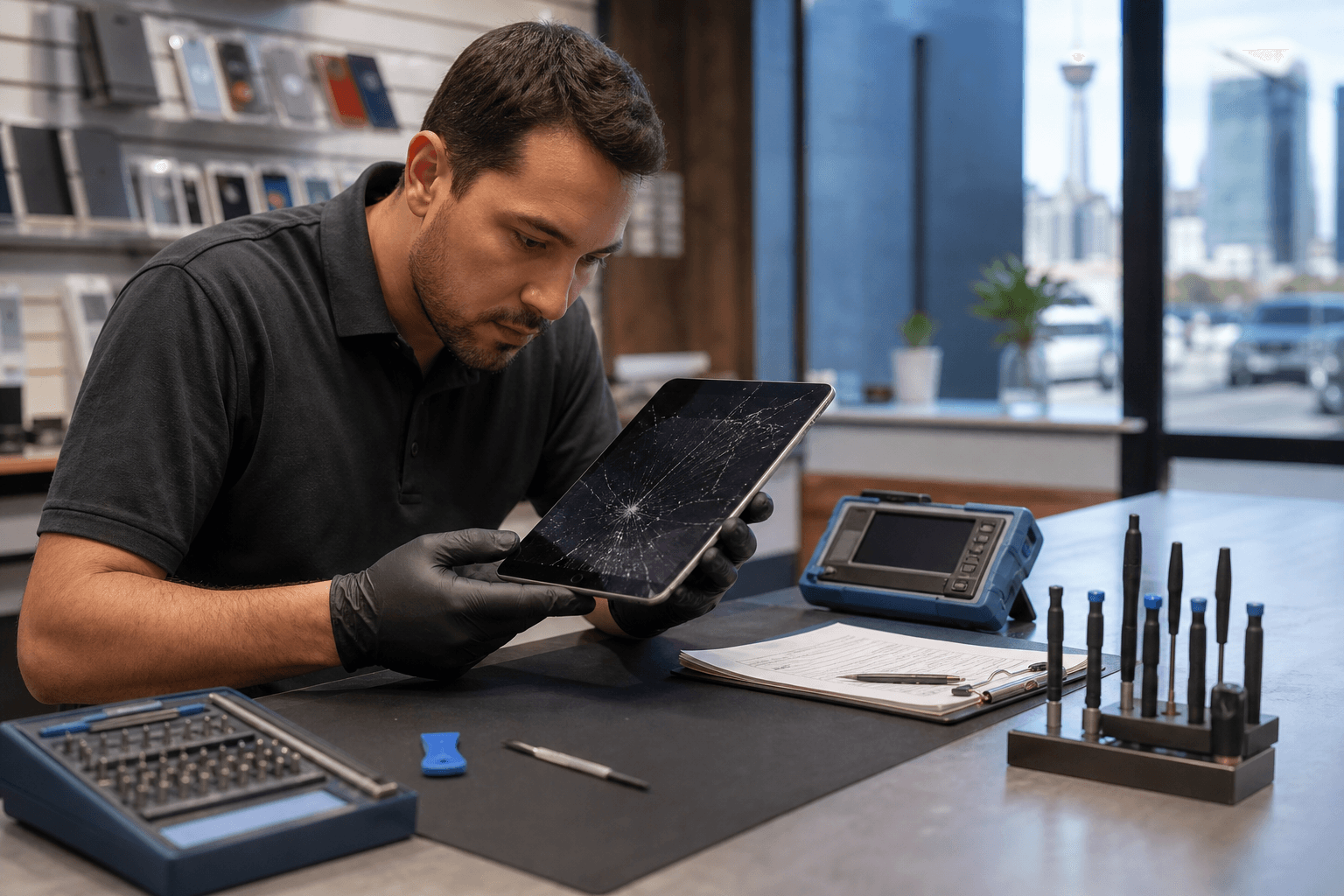
Published by TechBrotherz at TechBrotherz, the walk-in repair Store at 3317 17 Ave SE in Calgary. October 12, 2026, updated October 12, 2026.
No article on this site is paid for or sponsored. For a quote on your own device, call (403) 273-8324.
TechBrotherz provides walk-in iPad repair at 3317 17 Ave SE in Calgary. You can bring the device in for a free, model-specific quote before work begins, with the part and labour included.
Quick summary

- Do not rely on a generic online price. The iPad model and exact fault affect the repair.
- Older iPads may need only glass or digitizer replacement, while laminated displays may require a complete screen assembly.
- Compare the quote with the iPad’s age, battery condition, software support, and used replacement value.
- TechBrotherz accepts walk-ins, provides a quote before work starts, and covers repairs with a 60-day warranty on the fitted part and workmanship.
- Back up your data when possible and ask about testing, timing, parts, and warranty conditions before approving service.
Should You Repair or Replace Your iPad?
A repair assessment is usually the right first step when the iPad works normally apart from one isolated problem. A cracked front, worn battery, unreliable charging port, or damaged home button does not automatically mean the tablet has reached the end of its useful life.
Repair becomes more attractive when the tablet is otherwise fast enough for daily work, school, streaming, or browsing. On some older iPads, the glass and picture panel are separate, so a cracked front with a working image may be a smaller repair than a complete screen replacement.
Replacement deserves closer consideration when the iPad has several faults, a badly bent frame, poor battery life, limited software support, or a repair quote approaching the value of a comparable used tablet. Ask for an honest comparison rather than assuming repair is always better. Alberta’s Consumer Bill of Rights says businesses must provide honest advice about whether a repair, replacement, or part is needed.
For another perspective on questions to ask before approving service, this iPad repair decision checklist can help you compare the quote, warranty, device condition, and replacement option.
What Can an iPad Repair Shop Fix?

The visible symptom does not always identify the failed component. A black display, for example, may indicate screen damage, a connection issue, or a deeper fault. A proper assessment confirms what needs to be replaced before a final price is approved.
If you are comparing options for “iPad Repair near me,” the Apple iPad repairs page outlines supported models, common repair types, typical timing, and warranty details.
| Repair type | Common symptoms | What affects the assessment |
|---|---|---|
| Glass or digitizer | Cracked front, touch errors, or dead areas while the picture still works | Whether the model has separate glass and whether the frame is straight |
| Complete screen assembly | Lines, black areas, flickering, discolouration, or no image | The model’s display construction and panel damage |
| Battery replacement | Short battery life, unexpected shutdowns, or failure to hold a charge | Battery condition, model, and additional enclosure damage |
| Charging-port repair | Loose cable, intermittent charging, or no charging | Debris, port wear, connector damage, or board-level faults |
| Home-button repair | A button that does not click, respond, or perform normally | The model and condition of the button assembly |
What Determines the iPad Repair Quote?
There is no reliable single price for iPad screen repair because two similar-looking cracks can require different parts. The model determines the replacement component, while the fault determines whether the job involves glass, a full display assembly, a battery, a port, or another part.
The frame also matters. A bent or distorted aluminium body may not hold a replacement panel flat, even when the visible damage appears limited to the front. Existing damage, parts availability, paired components, and labour can affect the final quote.
TechBrotherz quotes iPad repairs by model, free of charge, before work starts. The quote includes the part and labour in one figure, so you can compare repair with replacement before authorizing anything.
What to Expect From a Walk-In iPad Repair Visit
You do not need an appointment to bring an iPad to TechBrotherz during posted business hours. Explain what happened, what still works, and whether the device suffered a drop, liquid exposure, charging problem, or gradual battery decline.
The usual workflow is intake, model and fault confirmation, diagnostics, quote approval, repair, quality checks, and handoff. This iPad repair process explains why each stage matters, including diagnostics, testing, and the warranty-backed handoff.
Work should begin only after you understand the proposed repair and approve the quote. At pickup, ask what was repaired and which functions were tested, including image quality, touch response, charging, and battery behaviour where relevant.
How Long Does iPad Repair Take, and What Warranty Applies?
Most iPad repairs at TechBrotherz are completed the same day, but not every job will be ready while you wait. Adhesive may need time to cure, and complex damage can require additional assessment.
Every repair carries a 60-day warranty covering the fitted part and workmanship. Before leaving the shop, ask what the warranty covers, whether conditions or exclusions apply, and what to do if the original issue returns.
How to Prepare Before Handing Over Your iPad
- Identify the model: Note the model name and number if available.
- Back up your data: Use iCloud or another suitable backup while the iPad still works.
- Record symptoms: Note issues affecting the display, touch, cameras, speakers, charging, buttons, or battery.
- Document existing damage: Photograph cracks, dents, or frame damage.
- Ask about access: Confirm what the technician needs to test the device and how personal information is handled.
- Confirm essentials: Ask for the total price, timing, part type, testing process, and warranty terms.
Do not assume a repair will erase your data, but do not treat a repair shop as a backup service either. A current backup is the safest preparation.
Finding iPad Repair Near You in Calgary
TechBrotherz is located at 3317 17 Ave SE in Calgary and provides walk-in service, free quotes before work begins, model-specific iPad repair, and a 60-day warranty. Customers from nearby communities should confirm current opening hours before visiting.
Frequently Asked Questions
How much does iPad repair cost in Calgary?
The price depends on the iPad model and fault. TechBrotherz provides a free quote with part and labour included before work begins.
Do I need an appointment for walk-in iPad repair near me?
No appointment is required for walk-in service at TechBrotherz. The device still needs assessment before timing and the repair plan are confirmed.
Can an iPad repair be completed the same day?
Most iPad repairs are completed the same day, but adhesive curing, parts availability, and complex damage can affect timing.
What does the 60-day iPad repair warranty cover?
The warranty covers the fitted part and workmanship for 60 days. Ask about conditions or exclusions for your specific repair.
Is it better to repair a cracked iPad screen or replace the iPad?
Repair is often worth assessing when the iPad otherwise works well and damage is isolated. Replacement may make more sense when the tablet is older, has several faults, poor battery life, or a costly display assembly.
Make the Decision With a Model-Specific Quote
Start with a diagnosis, determine whether the damage is limited to glass or involves the complete display, then compare the quote with the iPad’s age, battery, software support, and condition.
For Calgary customers seeking a walk-in assessment, free quote before work begins, same-day availability for many jobs, and a 60-day warranty, visit TechBrotherz at 3317 17 Ave SE.
Related pages
Rather just ask a person?
Call (403) 273-8324 and describe the problem, or walk in to 3317 17 Ave SE in Calgary. Every repair is quoted free before any work starts.