
Blog
What Is Computer Virus Cleanup, and When Should You Seek Help?
Understand computer virus cleanup, spot warning signs, protect your files, and decide when Calgary PC or laptop repair may be the right next step for your device.
Computer virus cleanup means investigating a computer or laptop for malicious software or other unwanted security threats, addressing the threat when identified, and checking that the device can return to safer, more normal operation. It is not the same as declaring that every slow or unstable computer has a virus.
Key facts
- Published: September 3, 2026
- Last updated: October 2, 2026
- Reading time: 7 min read
- Questions about your own device: Call (403) 273-8324
Last updated
What Is Computer Virus Cleanup, and When Should You Seek Help?
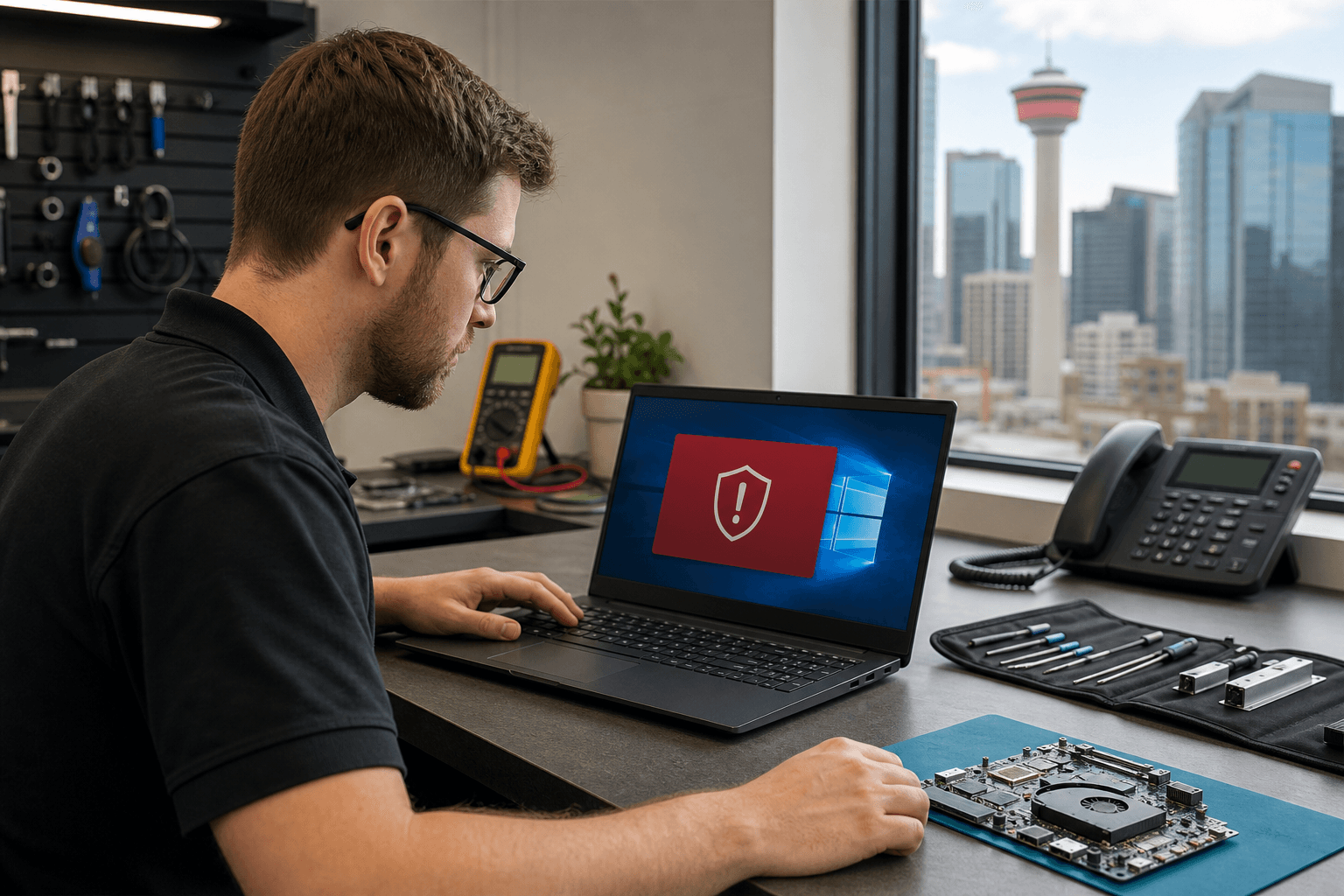
Published by TechBrotherz at TechBrotherz, the walk-in repair Store at 3317 17 Ave SE in Calgary. September 3, 2026, updated October 2, 2026.
No article on this site is paid for or sponsored. For a quote on your own device, call (403) 273-8324.
For people looking for computer repair in Calgary, the important first step is to separate suspicious behaviour from a confirmed diagnosis. Some symptoms justify an investigation, while others may point to a hardware fault, an operating-system problem, or an ordinary software conflict.
Quick summary

- Computer virus cleanup focuses on identifying and addressing malicious software or unwanted security threats.
- Pop-ups, browser changes, suspicious programs, crashes, and unexplained slowdowns are clues, not proof of infection.
- Back up important files when it is safe and practical, and avoid sensitive activity on a visibly compromised device.
- Choose virus-related help, general computer repair, or data recovery based on the problem you are actually experiencing.
What does computer virus cleanup mean?
The word “virus” is often used broadly to describe unwanted or harmful software. In practical terms, computer virus cleanup is the process of investigating whether a device has a malicious software problem and taking appropriate steps to address it. The concern may involve unwanted programs, security threats, or behaviour that suggests something is interfering with normal use.
The goal is not simply to make a computer feel faster for a short time. A sensible investigation also considers whether the unusual behaviour has another cause and whether the device is safe to use for activities such as signing in, shopping, or accessing important files.
Cleanup is therefore different from a quick guess based on one symptom. A computer can be slow for many reasons, and the right service depends on what the investigation finds.
Which computer problems may justify an investigation?

Certain changes are worth taking seriously, especially when they are persistent or appear without an obvious explanation. Examples include:
- Repeated pop-ups that continue when you are not using a particular website or application.
- Programs you do not recognize appearing on the computer.
- Unexpected browser changes, such as a different home page, search engine, or recurring redirects.
- Unexplained slowdowns that continue after ordinary restarts and basic updates.
- Frequent crashes, freezes, or unusual behaviour that began suddenly.
- Security warnings or account activity that you cannot explain.
These signs do not establish that malware is present. They indicate that the computer may need closer attention. Note what changed, when it started, and whether the issue affects one application or the whole device.
Why symptoms do not confirm a virus
A slow laptop may have limited available storage, aging hardware, insufficient memory, or too many ordinary programs running at once. Crashes can result from damaged components, operating-system issues, incompatible updates, or software conflicts. Browser problems may be caused by settings or an individual extension rather than a malicious program.
This is why self-diagnosing from a single symptom can lead to the wrong repair. Treat suspicious behaviour as a reason to investigate, not as automatic proof of infection. A qualified repair provider should be able to explain whether the issue appears related to malware, general software trouble, hardware, or another cause.
When should you seek professional help?
Professional help may be sensible when suspicious behaviour continues, normal use is disrupted, or you cannot confidently identify the cause. It is also reasonable to seek assistance if you are uncomfortable using the device for sensitive activities while the problem remains unresolved.
Help can be particularly useful when several symptoms appeared together, when attempted fixes have not solved the issue, or when you are unsure whether the problem involves software or hardware. A computer repair provider can assess the broader situation instead of assuming that one explanation fits every symptom.
TechBrotherz provides PC and laptop repair in Calgary. The service page is relevant for readers who need their computer assessed, but it should not be read as a diagnosis of a virus or a promise that every security-related issue can be resolved in the same way.
What should you do before bringing in the computer?
A little preparation can help a repair provider understand the problem while reducing avoidable risks:
- Protect sensitive activity: If the device appears visibly compromised, avoid entering new passwords, payment details, or other sensitive information on it until you have more confidence about its condition.
- Back up important files when safe: If the computer is stable enough and you can do so confidently, preserve essential documents and photos using a suitable backup method. Do not continue using a device in a way that seems unsafe just to complete a backup.
- Record the symptoms: Write down pop-ups, browser changes, error messages, crashes, and the approximate time each problem began.
- Gather device details: Note the computer or laptop model, operating system if known, and any recent installation, update, or physical event that may be relevant.
- Keep account information private: Bring information that helps identify the device, but do not share unnecessary passwords. Ask the provider how any sign-in or data access would be handled.
These steps are preparation, not a substitute for professional assessment. If the computer contains irreplaceable information, explain that before any work begins.
Virus cleanup, computer repair, or data recovery?
These terms describe different concerns. They can overlap, but choosing the closest category helps you describe your needs clearly.
| Concern | Typical clues | Service direction |
|---|---|---|
| Possible malware or unwanted software | Persistent pop-ups, unfamiliar programs, browser changes, or unusual behaviour | Virus or malware investigation and cleanup, if the assessment supports it |
| General computer or laptop fault | Slow performance, crashes, startup problems, display issues, or other faults without clear evidence of malware | PC or laptop repair and broader troubleshooting |
| Inaccessible or damaged data | Files cannot be opened or a drive or computer is no longer accessible | Data recovery assessment, rather than assuming the issue is a virus |
These categories are starting points, not guaranteed diagnoses. A computer may have both a software problem and a failing component, or a perceived virus issue may turn out to be a routine repair matter.
Local computer virus cleanup considerations in Calgary
TechBrotherz provides local PC and laptop repair from 3317 17 Ave SE in Calgary. The shop accepts walk-in service without an appointment during its posted business hours and serves customers in Calgary, Chestermere, and Airdrie. TechBrotherz states that repairs are backed by a 60-day warranty.
This information can help if you want to discuss suspicious computer behaviour in person. It does not mean that your computer has a virus, guarantee a particular cleanup result, or establish a fixed turnaround time.
What should you ask a local repair provider?
Before authorizing work, ask questions that clarify both the diagnosis and the boundaries of the service:
- What symptoms will you investigate, and what other causes could explain them?
- What service do you recommend if the issue is not malware?
- How will my files and personal information be handled?
- Will you explain the proposed work and price before proceeding?
- What does the warranty cover, and what conditions apply?
- What should I do if the same behaviour returns?
For broader advice on evaluating a local provider, read what to check before choosing device repair in Southview. The same questions about communication, data handling, pricing, and warranty can be useful for computer repair anywhere in Calgary.
Keep virus cleanup separate from password resets
Computer virus cleanup is not the same as resetting a forgotten password. A locked computer may require a different kind of account or device support, while a computer that displays suspicious behaviour may need a security and repair assessment.
TechBrotherz separately lists password reset services for supported phones, iPads, and tablets at $39.99. That service is separate from computer virus cleanup. If your concern is a forgotten device password, the explanation of password reset help in Calgary is the more relevant resource.
The right next step depends on the cause
Computer virus cleanup means investigating and addressing malicious software or unwanted security threats, but unusual behaviour alone is not enough to confirm an infection. Persistent pop-ups, browser changes, unfamiliar programs, crashes, or unexplained slowdowns should prompt a careful investigation, while alternative hardware and software causes remain possible.
Protect important files and accounts cautiously, describe the symptoms clearly, and choose the service that matches the actual problem. If the concern is malware, ask for an assessment; if it is a general performance or hardware fault, computer repair may be more appropriate; if files are inaccessible, ask about data recovery instead.
Calgary-area customers can visit TechBrotherz at 3317 17 Ave SE for walk-in PC or laptop repair during posted business hours. The shop serves Calgary, Chestermere, and Airdrie and states that repairs include a 60-day warranty.
Related pages
Rather just ask a person?
Call (403) 273-8324 and describe the problem, or walk in to 3317 17 Ave SE in Calgary. Every repair is quoted free before any work starts.