
Blog
Tablet Screen Repair in Calgary: Repair or Replace Your Device?
Learn how to identify tablet screen damage, compare repair with replacement, prepare your device, and request a clear Calgary repair quote before approval.
A cracked or unresponsive tablet screen does not automatically mean you need a new device. The right choice depends on the tablet model, the type of screen damage, the condition and age of the device, and the cost of the proposed repair.
Key facts
- Published: October 8, 2026
- Last updated: October 8, 2026
- Reading time: 9 min read
- Questions about your own device: Call (403) 273-8324
Last updated
Tablet Screen Repair in Calgary: Repair or Replace Your Device?
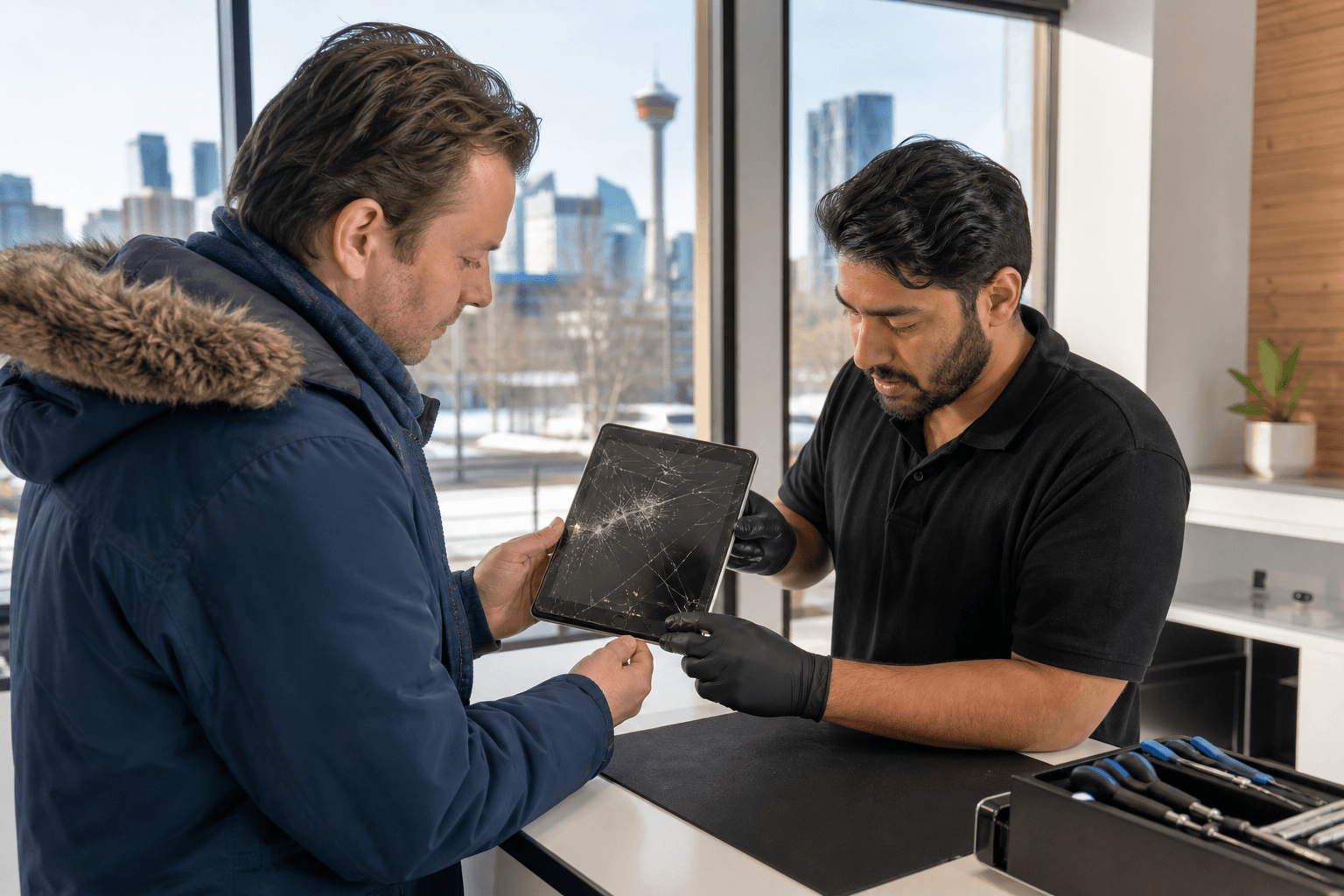
Published by TechBrotherz at TechBrotherz, the walk-in repair Store at 3317 17 Ave SE in Calgary. October 8, 2026.
No article on this site is paid for or sponsored. For a quote on your own device, call (403) 273-8324.
This guide explains how to distinguish cracked glass from touch or display failure, what affects a tablet screen repair quote in Calgary, and what to expect from a local walk-in repair service.
Quick summary

- A crack with a clear image and working touch may involve a narrower glass or digitizer repair, but not every tablet separates these components.
- Black patches, coloured lines, flickering, dead touch zones, ghost touches, or a blank display can indicate damage to the complete screen assembly.
- The exact tablet model is essential for a reliable quote because screen construction, parts, and repair methods vary.
- Back up important files before service, even when the repair is not intended to affect stored data.
- At TechBrotherz, tablet repairs are generally treated as same-day work rather than automatically completed while you wait. A quote is provided before work begins.
What type of tablet screen damage do you have?
Visible damage does not always reveal the full repair required. A technician needs to check the glass, touch layer, display panel, frame, and tablet model before confirming whether the repair is limited or more extensive.
Cracked outer glass
If the picture remains clear and touch works across the entire screen, the damage may be limited to the front glass. Some older iPads use separate glass and display layers, which can create a narrower repair path. However, many newer tablets use a bonded or laminated display assembly, so the glass and panel may need to be replaced together.
Touch or digitizer failure
Touch problems can appear as an unresponsive strip, dead area, delayed input, or taps that register somewhere else. Ghost touches, where the tablet appears to select items without your input, are another reason to stop relying on the device and arrange an inspection.
Display-panel damage
Black spots that spread like ink, coloured lines, unusual brightness, flickering, or a completely blank image point to a problem deeper than surface glass. The tablet may still make sounds or respond to buttons, but that does not mean the display itself is repairable without replacing the full assembly.
Before visiting a shop, use a tablet repair checklist to record touch problems, display faults, charging behaviour, and other symptoms. Your notes can help the technician reproduce the issue more efficiently, but they cannot replace a physical inspection.
Tablet screen repair options compared

The repair path depends on the tablet’s construction and the extent of the damage. These are the most common possibilities, not a diagnosis for every model.
| Possible option | Symptoms that may fit | What to keep in mind |
|---|---|---|
| Glass or digitizer repair | Cracked front with a clear image and reliable touch | Only applies when the model has a separately replaceable layer and the underlying panel is sound. |
| Full display assembly replacement | Black spots, lines, flickering, no image, or serious touch failure | The display, touch layer, and glass may be supplied as one bonded assembly. |
| Inspection before approval | Unclear symptoms, intermittent faults, bent frame, or previous damage | A diagnosis helps establish whether repair is practical and whether additional damage affects the quote. |
For Apple tablets, iPad screen repair may involve replacing only the glass or the entire display assembly, depending on the damage and model. Newer iPad Air and iPad Pro designs can use laminated screens, while older iPads may have a separate glass layer. This difference can materially change both the repair scope and the cost.
Should you repair or replace the tablet?
Repair is often worth considering when the tablet is otherwise working properly, suits your needs, and has only one damaged component. A screen repair can preserve your apps, settings, accessories, and familiar workflow without requiring you to set up a replacement device.
Replacement deserves closer consideration when the tablet is older, has a weak battery or other major faults, no longer provides the functions you need, or requires an expensive display assembly. A repair is not automatically the cheaper choice, particularly when the damage affects a newer laminated screen or the frame is also bent.
Ask for an itemized explanation of the recommended repair and compare it with the tablet’s current usefulness, not only its original purchase price. In Alberta, consumers have the right to honest advice about whether a part, replacement, or repair is needed. You can review the guidance on the Alberta Consumer Bill of Rights before approving work.
A practical decision test
- Repair is more compelling when the tablet performs well apart from the screen, your data and setup matter, and the quote is reasonable for the device’s remaining useful life.
- Replacement is more compelling when several components are failing, the frame is badly damaged, or the repair would be disproportionate to the tablet’s condition and value.
- Inspection is the best first step when you cannot tell whether the problem is glass, touch, display, software, or a combination of faults.
What affects the cost of tablet screen repair in Calgary?
A reliable tablet repair cost cannot be stated from the word “cracked” alone. The quote may be affected by the brand and exact model, whether the glass is separate from the display, parts availability, damage to the frame, and the amount of work needed to diagnose and complete the repair.
The same symptom can require different parts on different generations of tablet. An older iPad with separate touch glass may follow a different repair path from a newer iPad Air or iPad Pro with a laminated screen. Android and Windows tablets likewise vary by model.
TechBrotherz provides a free quote at the store before work begins. The approved figure includes the part and labour together, so you can make a repair-versus-replacement decision before authorizing the work. Ask what component is being replaced, whether the frame has been checked, and whether the quote changes if additional damage is found.
How to prepare before bringing in a tablet
A few minutes of preparation can protect your information and make the assessment clearer. Use this checklist before seeking tablet screen repair in Calgary:
- Identify the model. Note the model name or number if you can find it. Similar-looking tablets can require different parts.
- Back up important files. Save photos, documents, contacts, and other essential data to your usual backup location before handing over the device.
- Record the symptoms. Note when the problem began and whether the image, touch, charging, speakers, cameras, or buttons are affected.
- Photograph existing damage. A quick photo can document the tablet’s condition before service, especially if the frame or back is also damaged.
- Remove accessories. Take off the case, keyboard, stylus, and screen protector unless they are difficult to remove safely.
- Handle cracked glass carefully. Do not press on loose shards or attempt to separate a bonded screen at home. A temporary cover can help prevent further contact with the damaged surface.
- Clarify account access. Ask the repair shop what passcode or testing access is needed, and do not share account passwords unnecessarily.
What to expect from tablet screen repair at TechBrotherz
TechBrotherz offers walk-in tablet and iPad repair at 3317 17 Ave SE in Calgary. The process starts with intake, a review of the model and symptoms, and a diagnosis. You receive the repair quote before any work begins, and the repair proceeds only after you approve it.
Tablet and computer work is generally same-day rather than automatically completed while you wait. The actual timing depends on the model, the part required, the damage discovered, and whether the needed part is available. The shop can provide a realistic expectation after assessing the device.
After the repair, the device should be checked for the functions relevant to the job, including display clarity, touch response, charging, and other affected features. Every repair carries a 60-day warranty covering the fitted part and the work performed, subject to the stated warranty limitations.
Data protection and warranty questions to ask
Screen, glass, battery, and charging-port work is not intended to alter the files stored on your tablet. A backup is still the prudent safeguard because any device repair involves handling equipment that may already have hidden damage or a separate software problem.
Before approving service, ask whether your specific repair requires a passcode, how the tablet will be tested, and what happens if another fault appears during diagnosis. Also ask what the warranty covers. A warranty for the fitted part and workmanship does not normally cover a new crack caused by dropping or otherwise damaging the tablet after repair.
Frequently asked questions
Can a cracked tablet screen be repaired without replacing the entire display?
Sometimes. If the model has separate glass and display layers and the image and touch remain reliable, a glass or digitizer repair may be possible. A bonded or laminated screen, display-panel damage, or extensive touch failure may require the complete display assembly.
How long does tablet screen repair usually take in Calgary?
Tablet repairs are generally same-day at TechBrotherz, but they are not automatically while-you-wait services. Timing depends on the model, parts availability, damage, and repair scope. Most phone repairs may take about 30 minutes, but that expectation should not be applied to every tablet.
Will my tablet data be safe during a screen repair?
The stated screen, glass, battery, and port work does not intentionally alter stored files. Back up your tablet before service anyway, and ask what access is needed for testing. A backup protects you if an unexpected fault is found once the device is opened.
Can I get a tablet screen repair quote before approving the work?
Yes. TechBrotherz provides a free quote before work begins, with the part and labour combined in one figure. Bring the tablet or provide its exact model, since a general description such as “cracked iPad” is not enough to establish the repair scope.
What does a 60-day tablet repair warranty typically cover?
At TechBrotherz, the 60-day warranty covers the fitted part and the work performed, subject to the stated limitations. It is intended to address a part failure or workmanship issue, not a new crack or damage caused by a later impact.
Conclusion
Start with the damage, not the replacement decision. A clear image with a cracked surface may have a different repair path from black spots, lines, flickering, or failed touch. Your tablet’s model and screen construction then determine whether the job involves a separate layer or a complete display assembly.
Before visiting, back up your files, identify the model, document the symptoms, and request a quote that explains the part and labour. That information gives you a fair basis for comparing repair with replacement without committing before you understand the work required.
For a local assessment, bring your tablet to TechBrotherz at 3317 17 Ave SE in Calgary for walk-in service and a free quote before repair begins.
Related pages
Rather just ask a person?
Call (403) 273-8324 and describe the problem, or walk in to 3317 17 Ave SE in Calgary. Every repair is quoted free before any work starts.