
Blog
Samsung Port Repair in Calgary: Repair vs Replacement
Compare cleaning, Samsung charging port repair, and replacement in Calgary, with safe checks and questions to ask before visiting a repair shop.
A Samsung phone that will not charge may have a damaged port, but the issue could also come from the cable, wall adapter, outlet, or removable debris. Try a few safe checks first. If charging remains unreliable, works only at a particular angle, or the port appears damaged, professional assessment is the sensible next step.
Key facts
- Published: September 20, 2026
- Last updated: October 2, 2026
- Reading time: 6 min read
- Questions about your own device: Call (403) 273-8324
Last updated
Samsung Port Repair in Calgary: Repair vs Replacement
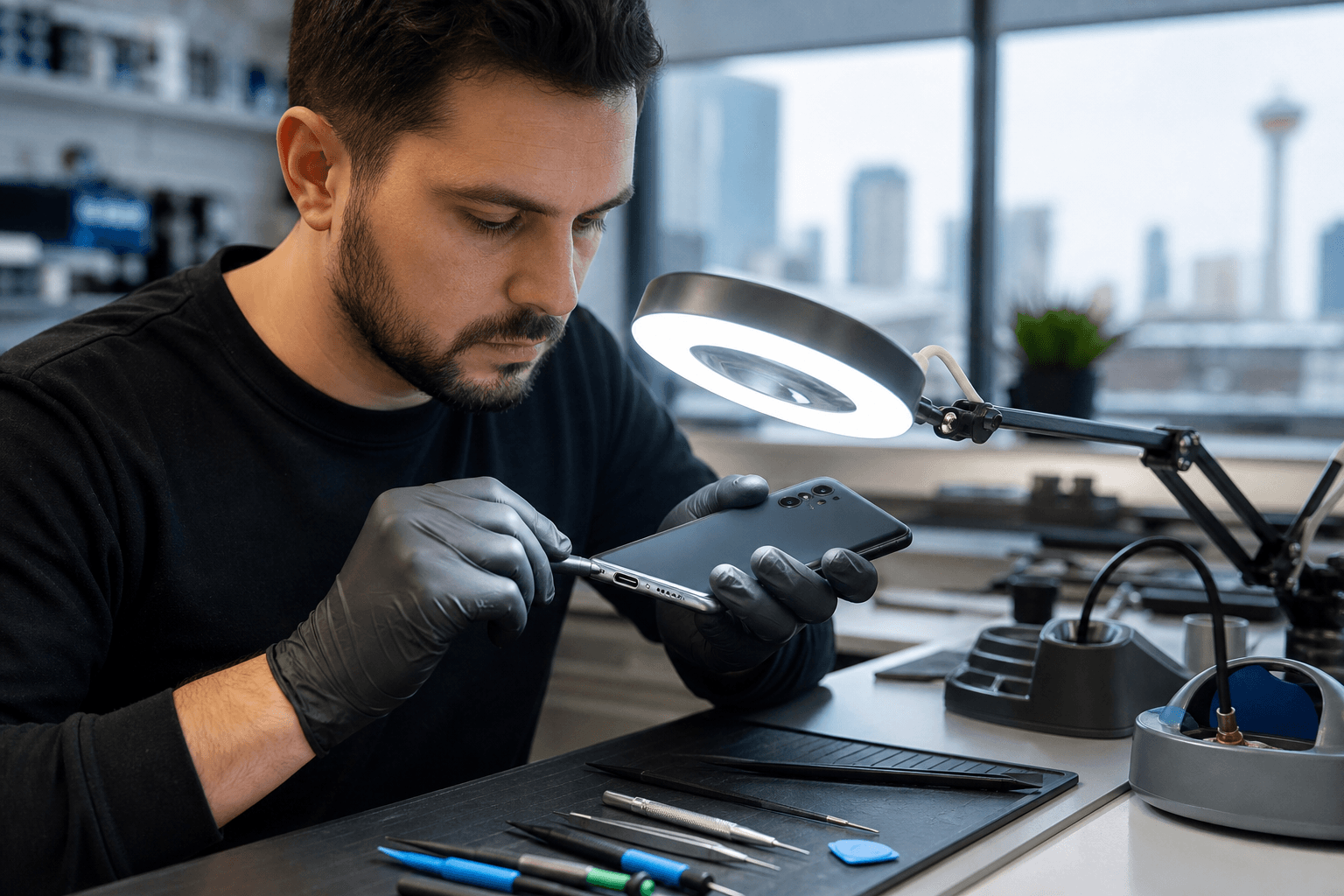
Published by TechBrotherz at TechBrotherz, the walk-in repair Store at 3317 17 Ave SE in Calgary. September 20, 2026, updated October 2, 2026.
No article on this site is paid for or sponsored. For a quote on your own device, call (403) 273-8324.
The right choice depends on the phone’s condition, the severity of the problem, the expected repair scope, and the practical value of keeping the device. This comparison explains when basic cleaning may be enough, when Samsung charging port repair makes sense, and when replacing the phone deserves consideration.
Quick summary

- Test a different compatible cable, wall adapter, and outlet before assuming the port needs repair.
- Do not force a connector into the phone or use improvised objects inside the port.
- Persistent, intermittent, angle-dependent, or visibly damaged charging warrants professional assessment.
- Compare repair with replacement after confirming the exact Samsung model and likely repair scope.
- TechBrotherz offers walk-in Samsung Galaxy repair in Calgary with a 60-day warranty on repairs.
First, determine whether the port is really the problem
Charging problems are not automatically charging-port problems. A worn cable, unsuitable adapter, damaged outlet, or debris near the connection can produce similar symptoms.
Try another compatible cable, adapter, and outlet. Note whether charging repeatedly stops, starts, or works only when the plug is held in a certain position. These observations help a repair shop assess the situation, but they are not a diagnosis.
Safe checks before booking Samsung charging port repair

- Test another compatible cable. A cable can fail internally or become unreliable at its connector.
- Test another adapter and outlet. This helps separate an accessory or power-source issue from a phone issue.
- Inspect the port under good lighting. Look for visible debris or damage without inserting an object.
- Record the charging behaviour. Note whether the phone charges intermittently or only at a particular angle.
Avoid forcing the cable, twisting the connector, or using pins, blades, paper clips, or other improvised tools inside the port. If the phone has been exposed to liquid, shows unusual heat, or has other visible damage, stop testing and arrange an assessment.
When professional assessment makes sense
Professional Samsung charging port repair is worth discussing when the same problem continues with more than one known-good cable and adapter. It is also reasonable to seek help when the connection feels loose, charging cuts out, the port has visible damage, or the phone charges only when positioned a certain way.
These signs indicate that the phone should be assessed. They do not prove that the port must be replaced or establish the price or likely outcome. The exact Samsung model and device condition matter.
Cleaning, repair, or replacement: how to compare
There are three practical paths: basic correction, professional repair, or phone replacement. The best choice depends on what assessment finds and how the device fits your needs.
Option 1: Cleaning or basic correction
Cleaning or correcting the setup may be appropriate when another cable or adapter solves the problem, or when the symptom points to removable debris. Avoid inserting objects into the port and stop if the issue does not improve.
For additional context on distinguishing cleaning from repair, see this charging-port repair versus cleaning comparison. Its decision principle is useful across devices: do not assume a replacement part is needed before assessment.
Option 2: Professional Samsung charging-port repair
Professional service is the more appropriate next step when basic checks fail or the phone shows inconsistent, angle-dependent, or visibly damaged charging. A shop should review the exact model and symptoms, explain the proposed scope, and provide information before work begins.
Use this Samsung repair checklist to prepare. Confirm what was observed, what service is proposed, the model-specific cost, and the applicable warranty.
Option 3: Replacing the phone
Replacement may deserve consideration when the phone has several unrelated problems, significant physical damage, limited remaining value, or a repair scope that does not fit your budget. It is not automatically cheaper or better, so compare it with a repair assessment.
Decision factors that matter most
- Overall condition: A phone in good condition apart from charging may be a stronger repair candidate.
- Symptom severity: Persistent or angle-dependent charging calls for assessment.
- Repair scope: Ask what your exact Samsung model requires.
- Reliability needs: Consider the disruption of continued intermittent charging.
- Warranty terms: Understand what the repair warranty covers.
- Replacement value: Compare the estimate with the cost and practical benefits of another phone.
Questions to ask before authorizing service
- What did you find, and does the symptom point to the charging port?
- Does the proposed service apply to my exact Samsung model?
- Is the quoted amount for assessment, cleaning, repair, or another service?
- What work is included, and could additional work require approval?
- What timing should I expect, and will you contact me if the scope changes?
- What warranty applies, and are there limitations after service?
Do not assume every charging issue has the same method, price, or result. A responsible estimate should reflect the phone’s model and condition.
What to confirm with a Calgary repair shop
TechBrotherz provides Samsung Galaxy repair at 3317 17 Ave SE in Calgary. The shop accepts walk-in repairs without an appointment during posted business hours and serves Calgary, Chestermere, and Airdrie.
TechBrotherz states that all repairs include a 60-day warranty. Confirm current hours, your exact model, observed symptoms, and applicable service details before visiting.
Prepare your Samsung phone before visiting
Bring the phone and, if available, the cable and adapter that produce the problem. Note the exact model, when the issue began, and whether the phone was dropped or exposed to liquid.
Consider your personal information before handing over the device. Follow the shop’s preparation instructions and ask how the repair will be handled if the phone must remain in the shop.
Samsung charging port repair FAQ
Can a bad cable look like a Samsung charging-port problem?
Yes. A faulty cable can cause intermittent or failed charging. Test another compatible cable and adapter first. If the symptom continues, arrange an assessment.
When should I stop troubleshooting?
Stop when accessory checks do not resolve the issue, the port looks damaged, the connection is loose, or charging works only at one angle. Do not force anything into the port.
Do I need an appointment in Calgary?
TechBrotherz accepts walk-in repairs without an appointment during posted business hours. Confirm current hours and model-specific details before visiting.
What warranty does TechBrotherz provide?
TechBrotherz states that all repairs include a 60-day warranty. Ask how it applies to your specific charging-port service and what limitations apply.
Make the next step based on the symptom
A Samsung phone that charges normally with another cable or adapter may not need port repair. Persistent failure, visible damage, loose connection, or angle-dependent charging is a stronger reason to seek assessment. Once the issue is clear, compare repair with replacement based on condition, value, and reliability needs.
For Samsung charging port repair in Calgary, visit TechBrotherz at 3317 17 Ave SE during posted business hours for walk-in Samsung repair service. Confirm current details with TechBrotherz before you go.
Related pages
Rather just ask a person?
Call (403) 273-8324 and describe the problem, or walk in to 3317 17 Ave SE in Calgary. Every repair is quoted free before any work starts.