
Blog
What Should You Check Before Samsung Repair in Calgary?
Before Samsung Galaxy repair in Calgary, learn what to confirm about diagnosis, estimates, parts, data access, warranty coverage, testing, and walk-ins.
Before approving Samsung Galaxy repair in Calgary, confirm the exact model and fault, ask what the estimate includes, clarify warranty terms, protect your data and account access, and find out how the repair will be tested. These checks help you compare repair options without assuming that every model, part, or outcome is the same.
Key facts
- Published: September 15, 2026
- Last updated: October 2, 2026
- Reading time: 7 min read
- Questions about your own device: Call (403) 273-8324
Last updated
What Should You Check Before Samsung Repair in Calgary?
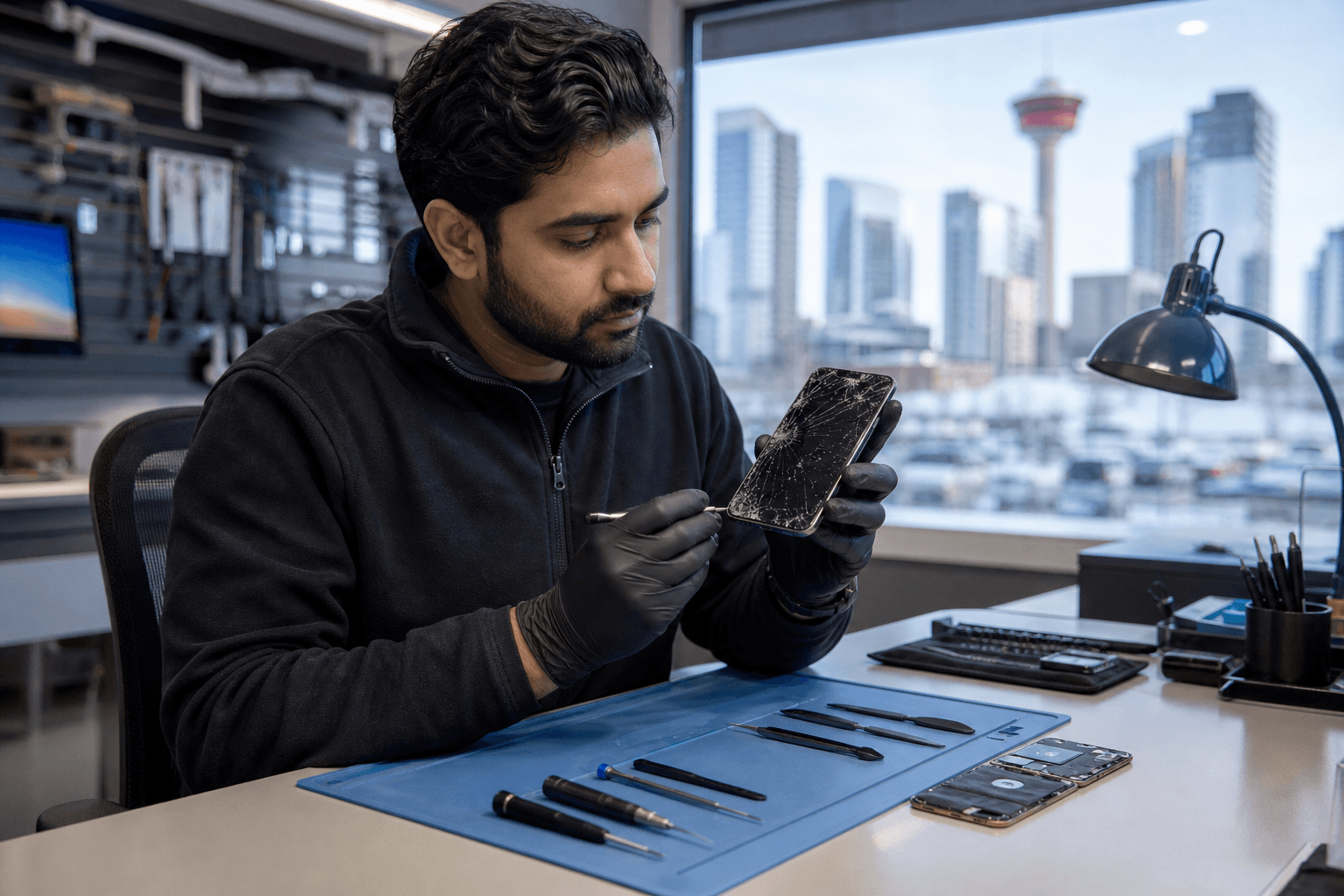
Published by TechBrotherz at TechBrotherz, the walk-in repair Store at 3317 17 Ave SE in Calgary. September 15, 2026, updated October 2, 2026.
No article on this site is paid for or sponsored. For a quote on your own device, call (403) 273-8324.
Visible symptoms such as screen damage, charging problems, battery concerns, or software faults may require an in-person inspection before the final repair scope is known.
Quick summary

- Record the Galaxy model, symptoms, damage, and when the problem began.
- Ask whether the fault is confirmed or requires diagnosis.
- Request an estimate covering the repair, parts, included work, and possible changes.
- Clarify what the stated 60-day warranty covers and keep your documentation.
- Ask what will be tested before pickup and inspect the phone yourself.
Start with the exact Galaxy model and fault
“Samsung Galaxy” covers many phones with different components and repair requirements. Note the model name or model number if possible. The settings screen, original packaging, receipt, or case may help identify it.
Write down what the phone is doing and what happened before the issue. Include whether the screen is cracked but responsive, the battery drains quickly, the charging port works intermittently, a software error appears, or the phone will not power on.
Describe symptoms rather than diagnosing the cause. A charging problem could involve the port, cable, adapter, battery, or another fault. TechBrotherz lists Samsung Galaxy repair among its services, but confirm model-specific coverage and pricing directly.
Ask what is confirmed and what needs diagnosis

Ask, “Can you identify the likely cause from this information, or does the phone need inspection first?” This separates an initial discussion from a confirmed diagnosis.
Also ask whether the device may have more than one issue and whether the shop will contact you before completing additional work. Impact or liquid damage can create problems that are not obvious until testing or inspection.
For a phone that will not turn on, mention recent drops, liquid exposure, charging attempts, heat, or warning messages. Do not assume a repair is possible until the device has been assessed.
Request a clear estimate before approving work
A useful estimate should identify the Galaxy model, proposed repair, and included work. Ask whether labour, replacement components, testing, and applicable fees are included. If inspection is required, ask when the final estimate will be available.
- What fault is the repair intended to address?
- Is the estimate for a screen, battery, charging port, software service, or another repair?
- Could the cost change if another fault is found?
- Will you contact me before completing extra work?
- What information is available about the replacement part?
- Is the repair suitable for this exact Galaxy model?
Do not rely on pricing for another Galaxy model or on a general online range. Confirm the model-specific price and parts availability with TechBrotherz before authorizing service.
Protect your data and clarify account access
Back up the phone if it still works. Remove unnecessary personal items, record its condition, and ask how the shop needs to access the device for testing. A screen-lock method may be needed for legitimate testing, but do not share more account information than necessary.
Ask whether you should remove a SIM card or memory card and what privacy steps apply during service. If you cannot back up the phone, mention that before work begins.
Repair access is different from carrier unlocking, and neither should be confused with bypassing ownership protections. For legitimate unlocking needs, review the phone unlocking service details and ask what documentation is required. A repair provider should not be expected to bypass Google account protection or ownership verification without authorization.
TechBrotherz also lists password resets for supported phones, iPads, and tablets at $39.99. Confirm that the service applies to your device and situation.
Understand the 60-day warranty
TechBrotherz states that repairs are backed by a 60-day warranty. Ask what the warranty applies to, when coverage starts, and whether it covers the same repaired component if a related problem returns.
Clarify exclusions. Do not automatically treat the warranty as coverage for accidental damage, liquid exposure, normal wear, a separate fault, or later work by another provider. Keep the receipt, repair description, and written warranty information.
If a related concern appears after pickup, contact the shop promptly and explain what changed. The original documentation will help establish what service was performed.
Confirm testing before pickup
Ask what will be tested after the repair and check the phone before leaving. Depending on the service, review:
- Screen brightness, touch response, and display quality.
- Charging, cable connection, and battery behaviour.
- Power, restart, buttons, speakers, microphone, and vibration.
- Cameras, biometric functions, and connectivity where relevant.
- Mobile network, Wi-Fi, Bluetooth, and functions related to the original fault.
Inspect the frame, screen, back, and ports for visible damage or debris. Confirm that your data and account access work as expected. If something is not working, raise it immediately and ask that it be recorded.
Separate pre-visit checks from in-shop checks
| Before visiting | Usually requires assessment |
|---|---|
| Whether Samsung Galaxy repair is offered | The exact cause of a charging, power, or display problem |
| Location, walk-in availability, and posted hours | Part suitability and availability for your model |
| Your model, symptoms, and repair history | The final repair scope and estimate |
| General warranty questions | Whether additional damage changes the recommendation |
This distinction prevents two common mistakes: travelling without confirming basic logistics and expecting a precise diagnosis or price from a symptom description alone.
Check Calgary SE walk-in details
TechBrotherz is located at 3317 17 Ave SE in Calgary and provides walk-in service, so an appointment is not required during posted business hours. The shop serves Calgary and nearby communities including Chestermere and Airdrie. Confirm current hours before travelling.
Bring the Galaxy device, its case if relevant, model and symptom notes, and repair or purchase information. If the phone still works, back it up before leaving home. You can also review what cellphone repair on 17 Ave SE includes.
Walk-in availability does not mean every repair will be completed immediately. Ask about assessment, estimate, parts, and collection arrangements before making plans.
Use this final checklist
- What is the exact Galaxy model and what symptoms does it have?
- Has the cause been confirmed?
- What does the estimate include?
- Could the scope or cost change?
- What information is available about the replacement part?
- What device access is needed?
- What does the 60-day warranty cover?
- Which functions will be tested?
- What documentation should you keep?
- Are the location and posted hours suitable?
If any answer is unclear, ask for clarification before authorizing work.
Frequently asked questions about Samsung Galaxy repair in Calgary
Can TechBrotherz repair every Samsung Galaxy model?
TechBrotherz offers Samsung Galaxy repair, but available services, parts, and repair approaches can vary by model and fault. Provide the exact model and ask the shop to confirm compatibility.
Can I get an estimate before visiting?
You can ask about likely repairs and available pricing information, but a precise estimate may require inspection. Ask whether any estimate is preliminary and whether additional work requires approval.
What should I ask about the 60-day warranty?
Ask which component and related issue the warranty covers, when coverage begins, what exclusions apply, and how to make a claim. Keep your receipt and repair documentation.
Can I bring my phone without an appointment?
Yes. TechBrotherz provides walk-in service during posted business hours at 3317 17 Ave SE in Calgary. Confirm current hours before travelling and bring the device and relevant repair information.
Make the repair decision with the details in hand
Identify the model and fault, distinguish symptoms from diagnosis, request a clear estimate, ask about parts and extra work, protect your data, understand the warranty, and confirm testing. These checks help you approve the right repair scope instead of relying on a general Samsung repair price or compatibility assumption.
For Samsung Galaxy repair in Calgary, bring your device and relevant details to TechBrotherz at 3317 17 Ave SE, Calgary. Confirm the diagnosis, scope, estimate, warranty coverage, and testing arrangements before authorizing service.
Related pages
Rather just ask a person?
Call (403) 273-8324 and describe the problem, or walk in to 3317 17 Ave SE in Calgary. Every repair is quoted free before any work starts.