
Blog
7 Phone Data Recovery Tips to Protect Your Data and Choose the Safest Next Step
Follow seven safe phone data recovery tips for Calgary: preserve your device, check backups, avoid risky resets, and know when to seek help.
When important photos, contacts, messages, or files disappear from a phone, the safest first step is usually not another recovery app or a factory reset. Stop changing the device, preserve its current condition, and check whether a trustworthy backup already contains the missing data.
Key facts
- Published: September 22, 2026
- Last updated: October 2, 2026
- Reading time: 7 min read
- Questions about your own device: Call (403) 273-8324
Last updated
7 Phone Data Recovery Tips to Protect Your Data and Choose the Safest Next Step
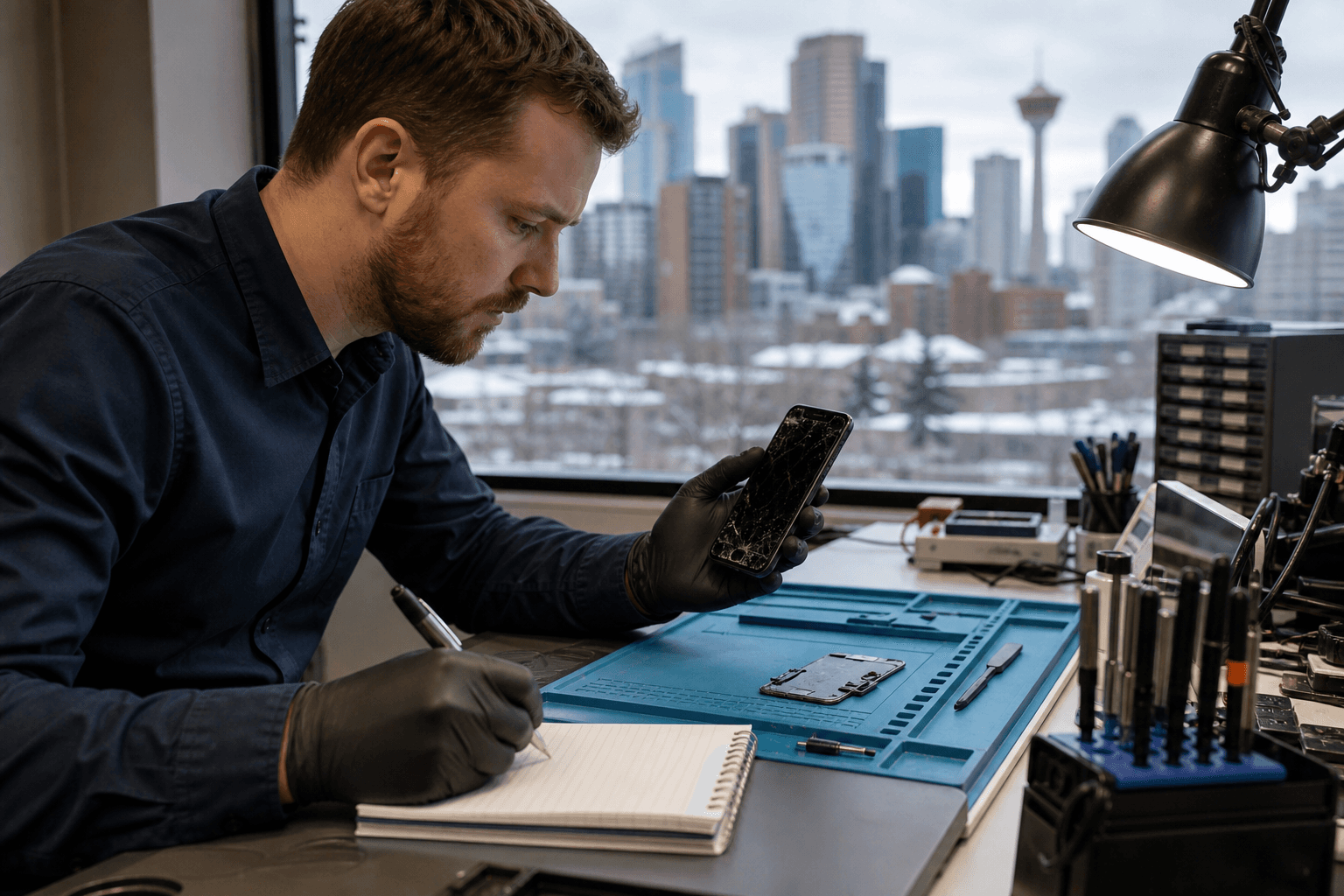
Published by TechBrotherz at TechBrotherz, the walk-in repair Store at 3317 17 Ave SE in Calgary. September 22, 2026, updated October 2, 2026.
No article on this site is paid for or sponsored. For a quote on your own device, call (403) 273-8324.
The right next step depends on what happened: deletion, a forgotten passcode, water exposure, physical damage, or a phone that will not start. Recovery is not guaranteed, but careful decisions can reduce the risk of making the situation worse.
Quick summary

- Stop using the phone if the missing data is important, especially after liquid or physical damage.
- Check cloud, computer, photo, and contact backups before restoring or erasing anything.
- Do not factory reset the phone, install unknown recovery software, or repeatedly power on a wet or unstable device.
- Secure your accounts if the phone is lost, stolen, or accessible to someone else.
- Record the phone’s symptoms and history before requesting an assessment.
1. Stop using the phone and preserve its current state
Continued use can change the device and complicate recovery. Avoid taking new photos, downloading apps, recording video, updating software, or repeatedly attempting actions that could overwrite or alter missing information.
If the phone was dropped, overheats, keeps restarting, or has liquid damage, do not keep testing it. Avoid charging or repeatedly powering on a wet or unstable phone. Set it aside and record what happened, when it happened, and what the device did afterwards.
Mobile-device recovery depends on preserving information before it is examined or altered. NIST describes sound mobile-device forensic work as involving preservation, acquisition, examination, analysis, and reporting. Learn more about mobile-device preservation and examination.
2. Check whether a backup can restore the missing data

An existing backup is often the least risky recovery route because it may let you retrieve a copy without working directly on damaged or unstable phone storage. Check the relevant cloud account, synced photo service, contacts account, computer backup, and any local copy made before the problem occurred.
Pay attention to the backup date. A backup from before the deletion or damage may contain what you need, while a newer backup may not. Before restoring, confirm what it includes and whether restoration will replace newer information. Do not erase the device until you understand the available options.
Backups may be stored onsite, offsite, or in the cloud. The Canadian Centre for Cyber Security identifies all three as options that can support recovery after data loss. Review Canadian backup storage guidance.
3. Match the next step to what happened
“Phone data recovery” covers several different situations. Use the circumstances below to choose a cautious starting point.
| Situation | Safer first response | Be careful about |
|---|---|---|
| Deleted photos or files | Check recently deleted folders, synced services, and dated backups. | Installing multiple recovery apps or saving new files. |
| Locked phone | Confirm which account and recovery options you control. | Repeated guesses, unofficial tools, or an immediate reset. |
| Lost or stolen phone | Use remote-device controls and secure important accounts. | Sharing verification codes or leaving accounts exposed. |
| Water damage | Stop powering it on and seek an assessment. | Charging it, applying heat, or checking it repeatedly. |
| Broken screen or charging failure | Note whether it vibrates, rings, or connects to a computer. | Opening it without suitable experience. |
| Phone will not turn on | Check for a backup and document symptoms. | Repeated charging cycles or software promising guaranteed recovery. |
These categories do not predict an outcome. They help you avoid treating a water-damaged phone like a deleted-photo problem or a locked phone like a failed battery.
4. Protect your accounts while you work on recovery
A phone can contain access to email, banking, social media, cloud storage, payment services, and personal conversations. If it is missing or may be accessible to another person, use available remote-device and account-security controls. Change important credentials from a trusted device and review active sessions.
A lock-screen password and available biometric security features can help protect information if a phone is lost. This is recommended by the Government of Canada’s Get Cyber Safe guidance. See Canadian phone security recommendations.
Do not give an unverified provider your email password, banking password, authentication code, or recovery code. Ask why access is needed and enter credentials yourself when possible.
5. Know which DIY attempts can make things worse
Some actions are difficult to undo. A factory reset can remove local information, restoring an outdated backup can replace newer content, and unknown recovery software can create privacy or security risks. Repeatedly powering on a liquid-damaged phone can worsen an unstable hardware problem.
When data is irreplaceable, preservation should come before experimentation. Do not open the phone or use a tool that promises a guaranteed result. Write down what you have already tried so a professional receives an accurate history.
If the phone still works and the data is visible, copy the most important items to a trusted location. If it is unstable, overheating, wet, or repeatedly shutting down, stop trying to copy data and seek advice.
6. Gather the right information before seeking help
A clear account of the incident helps a repair shop understand the problem without unnecessary testing. Gather this information, but do not write down or hand over account passwords or security codes:
- Phone make, model, and operating system, if known.
- What happened and the approximate date and time.
- Whether the phone turns on, charges, vibrates, rings, or appears on a computer.
- Whether the screen, buttons, charging port, or housing is damaged.
- Whether it was exposed to water, heat, impact, or an attempted repair.
- Which photos, contacts, messages, or files matter most.
- Which cloud or computer backups exist and their approximate dates.
- Every troubleshooting step already attempted.
Ask how the assessment works, what risks exist, what the quote includes, and how personal information will be handled. For a local overview, see what to prepare for at a cellphone repair shop on 17 Ave SE.
7. Seek professional help when the device is unstable or the data is important
Consider professional assessment when the phone has no power, liquid exposure, physical damage, repeated crashes, no access to a needed backup, or irreplaceable files. It is also sensible when further DIY attempts could overwrite data or make the device harder to assess.
Ask the shop to explain the proposed first step, likely risks, whether the work is diagnostic or restorative, and what happens if the data cannot be accessed. A repair quote is not a promise that every file can be recovered.
In Calgary, TechBrotherz is a walk-in cell phone and computer repair shop at 3317 17 Ave SE that lists data recovery among its services. The shop provides a free quote before work begins, does not require an appointment, and states that repairs carry a 60-day warranty on the part and workmanship. These details support an informed assessment, but do not guarantee a recovery result.
Phone data recovery checklist before you visit a repair shop
- Device condition: Is it working, wet, damaged, overheating, locked, or unable to charge?
- Data priority: Which specific files matter most?
- Backup status: Which services or computers may contain copies, and when were they updated?
- Incident timeline: What happened first, and what changed afterwards?
- Actions taken: Have you reset, updated, installed software, charged, or opened it?
- Privacy questions: Who will handle the device and what access is needed?
- Quote questions: What will be attempted first, what are the risks, and what is included?
Frequently asked questions
Can deleted photos be recovered from a phone that has no backup?
Possibly, but there is no reliable answer without assessing the device and deletion circumstances. Stop using the phone, avoid recovery software, and do not save new files. No shop should guarantee that deleted photos will be recovered.
Should I factory reset my phone if I cannot access my data?
Usually, not before confirming that you have a current backup and understanding what the reset will remove. A reset may resolve some access problems, but it can also remove local information.
What should I do if my water-damaged phone still turns on?
Stop using and charging it, avoid repeated power cycles, and seek an assessment. Continued operation does not mean the device is safe.
Does a repair shop need my phone account password?
Not necessarily. It depends on the device and proposed work. Ask what access is needed and why, and enter credentials yourself when possible. Never share banking passwords, authentication codes, or recovery codes.
Conclusion: Preserve first, then choose the least risky recovery route
The safest approach starts with restraint. Stop using a damaged or unstable device, check dated backups before restoring or erasing anything, secure accounts if the phone is missing, and document the incident clearly. When the data matters or the phone is behaving abnormally, repeated DIY attempts may create more risk than progress.
For a local assessment, Calgary residents can visit TechBrotherz at 3317 17 Ave SE for walk-in phone or computer repair and a free quote before work begins. TechBrotherz lists data recovery among its services and states that repairs include a 60-day warranty, while outcomes depend on the individual device and situation.
Related pages
Rather just ask a person?
Call (403) 273-8324 and describe the problem, or walk in to 3317 17 Ave SE in Calgary. Every repair is quoted free before any work starts.