
Blog
Buying or Unlocking a Phone in Calgary: What to Check First
Learn when to ask your carrier, how to buy or unlock a phone safely, and what Calgary shoppers should check before paying for a device or service.
If you are buying, selling, trading, or trying to unlock a phone in Calgary, start by identifying the type of lock and checking the original Canadian carrier. Eligible carrier unlocking should be free, so paying a shop before contacting the carrier could mean paying for a service you do not need.
Key facts
- Published: September 28, 2026
- Last updated: October 14, 2026
- Reading time: 8 min read
- Questions about your own device: Call (403) 273-8324
Last updated
Buying or Unlocking a Phone in Calgary: What to Check First
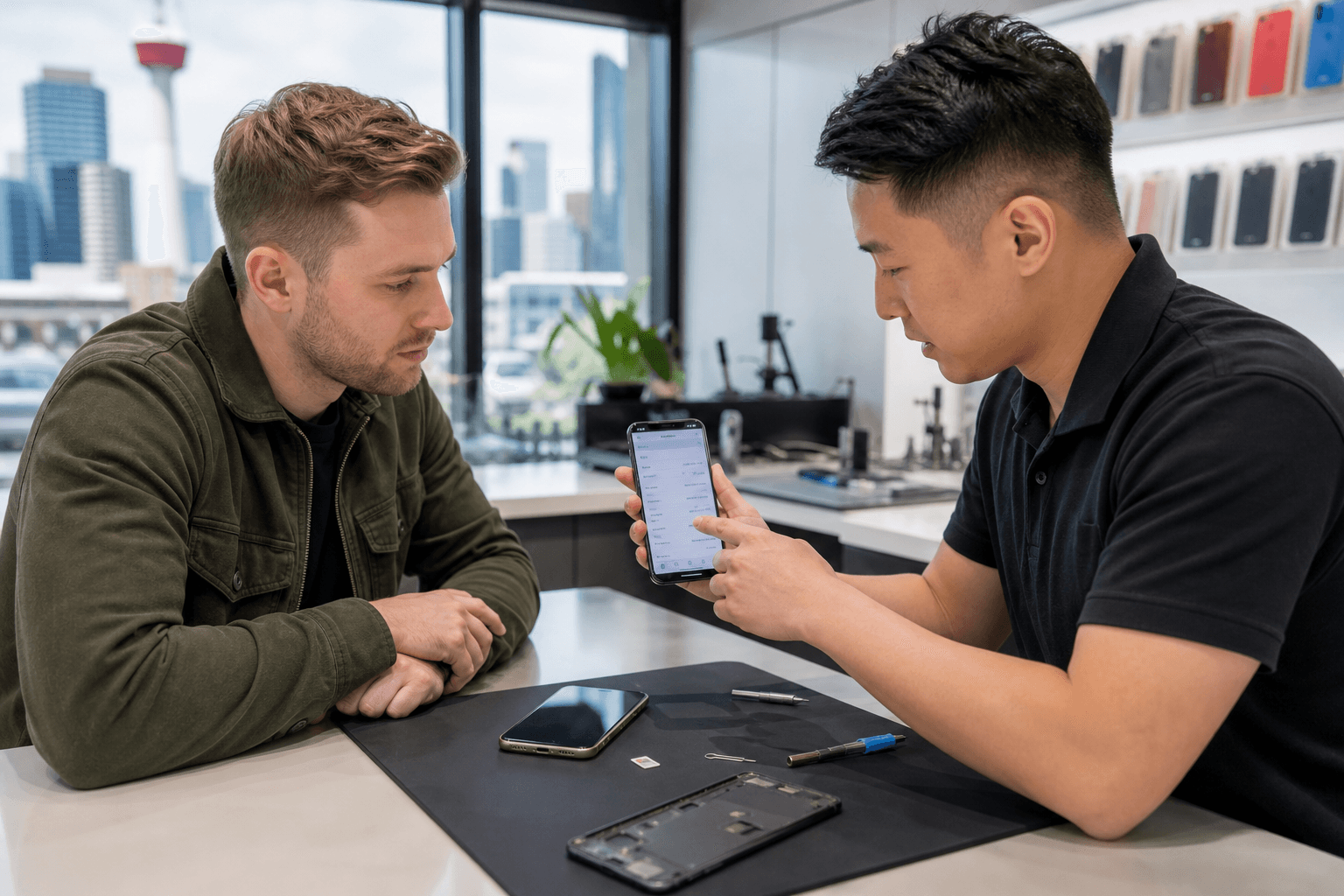
Published by TechBrotherz at TechBrotherz, the walk-in repair Store at 3317 17 Ave SE in Calgary. September 28, 2026, updated October 14, 2026.
No article on this site is paid for or sponsored. For a quote on your own device, call (403) 273-8324.
Quick summary

- Ask the original Canadian carrier to unlock an eligible device before paying for help. The CRTC requires provider-supplied devices to be unlocked and requires free unlocking on request.
- For a secondhand, imported, or unsupported device, confirm the IMEI, ownership, network compatibility, method, price, and timing before authorizing work.
- A carrier lock is different from Apple Activation Lock, Google FRP, a forgotten password, or blacklist status.
- TechBrotherz offers walk-in phone sales, purchases, trades, and unlocking at 3317 17 Ave SE in Calgary. Confirm device-specific stock, eligibility, pricing, and timing in store.
Choose the right phone option
There are five practical choices: ask the carrier to unlock your phone, buy an unlocked replacement, pay for an eligible secondhand or imported phone to be unlocked, sell or trade your current device, or replace it. The best option depends on the phone's condition, ownership status, network compatibility, and the type of lock involved.
If your current phone works well and is connected to your own Canadian account, contact the carrier first. If you are considering a used phone, buying one that is already unlocked may be simpler, but only after checking its IMEI, account status, condition, and compatibility with your network.
For a legitimate imported phone, a secondhand device from an unavailable seller, or a phone linked to a carrier you can no longer contact, paid phone unlocking in Calgary may be appropriate. A blacklisted phone or one still tied to somebody else's account is a different problem.
Buy, unlock, sell, trade, or replace

| Option | Best for | Check first | Main tradeoff |
|---|---|---|---|
| Ask the carrier to unlock | A phone supplied through your own Canadian carrier | Account status, eligibility, and carrier instructions | Usually the first step, but it may not help with an imported or inaccessible-account device |
| Buy an unlocked phone | Someone replacing a phone without a carrier restriction | IMEI, blacklist status, account removal, condition, and compatibility | Stock, condition, and price vary by device |
| Pay for an unlock | A legitimate secondhand, imported, or unsupported-carrier phone | Ownership, IMEI, carrier, model, method, price, and timing | Not every phone is eligible, and a carrier lock is not the only type of lock |
| Sell or trade | Someone changing devices or moving on from a phone | Backup, account removal, reset requirements, and transaction terms | Offers depend on the specific device and its condition |
| Replace the phone | A device with severe damage, an unresolved lock, or poor compatibility | Whether data can be backed up and whether the old device has value | Higher overall cost, but it may avoid an unsuitable repair or unlock |
When carrier unlocking should be free
Canadian consumers should ask their wireless provider first. The CRTC says provider-supplied devices must be unlocked, and a service provider must unlock a device locked to its network free of charge when requested. This requirement took effect no later than December 1, 2017. Check the current CRTC guidance on device unlocking.
This rule applies to a network restriction, not an Apple account, Google account, forgotten screen password, or blacklist. The CRTC is reviewing a current locked-device practice, so check the carrier and official guidance rather than relying on an old forum post or seller's claim.
If the phone is on your own Canadian account, contacting the carrier is normally the sensible first move. Paid service may be relevant when the phone was bought secondhand from an uncontactable owner, imported from another country, obtained from a carrier that no longer operates, or otherwise falls outside the carrier route.
When paid unlocking may make sense
Paid unlocking can be worth considering when the phone is legitimately yours but the original carrier cannot help. TechBrotherz states that it unlocks phones from Canadian carriers, usually the same day, while noting that some models and carriers may take longer. Eligibility should be confirmed before payment.
The effort can depend on the phone model, IMEI status, original carrier, account circumstances, and available method. A phone unlocking cost guide can help you understand typical prerequisites and questions to ask, but it cannot replace a device-specific quote.
Before agreeing to paid work, ask what type of unlock will be performed, whether your data should be backed up, whether the phone must be reset, what happens if it is ineligible, and how the result will be tested.
Identify the lock before choosing a service
Carrier lock
A carrier lock restricts a phone from accepting a SIM card from another network. Removing it does not guarantee that the phone supports every carrier's bands, features, or network technology.
Apple Activation Lock
Activation Lock is connected to an Apple Account and Find My. A phone displaying someone else's Apple Account during setup must be removed by the previous owner. Carrier unlocking will not bypass it.
Google FRP lock
Google Factory Reset Protection can appear after an Android phone is reset while associated with a Google account. It is an ownership safeguard, not a carrier restriction. Legitimate service requires proof of ownership.
Device password
A forgotten PIN, passcode, or password is a separate recovery problem. Resetting a device can erase its data, so understand the backup and recovery consequences first.
Blacklist status
A blacklisted phone may have been reported lost, stolen, or otherwise blocked. TechBrotherz states that blacklisted phones cannot be unlocked through its service. A seller promising to remove a blacklist is a reason to stop the transaction.
Buying an unlocked phone in Calgary
Do not treat “unlocked” or “works with any SIM” as sufficient proof. Ask to see the phone's model and IMEI, and check whether it remains linked to an Apple or Google account. The seller should explain where it came from and whether it has been reported lost or stolen.
Confirm compatibility with your intended Canadian carrier. An unlocked phone may still lack the bands, eSIM support, VoLTE capability, or other features you need. When possible, test another SIM, make a call, check mobile data, and confirm that Wi-Fi, cameras, charging, speakers, and the display work.
Inspect the frame, screen, charging port, battery condition, buttons, and moisture indicators. Ask what is included and what sale, return, or warranty terms apply. Inventory, pricing, condition, and compatibility must be confirmed for the specific device.
Selling or trading your current phone
Back up photos, contacts, messages, and authenticator information before handing over a device. Sign out of Apple or Google accounts, disable Find My where applicable, remove personal SIM and memory cards, and confirm the shop's reset instructions.
Do not erase the phone before understanding the transaction terms if the shop needs to inspect it first. Bring the model information and, if available, original accessories or purchase details. Acceptance and valuation depend on the device's condition, functionality, account status, and IMEI.
TechBrotherz confirms that it buys, sells, and trades phones in store. That does not mean every phone will be accepted or assigned a particular value, so request device-specific terms before completing the transaction.
What to expect at a Calgary walk-in shop
TechBrotherz is located at 3317 17 Ave SE in Calgary and accepts walk-in customers. For an unlocking assessment, bring the phone and its IMEI. You can find the IMEI by dialling *#06# on many phones or checking the device settings.
The shop states that it checks whether an unlock can be completed before payment. When a different SIM is available, testing it is the practical way to confirm that a carrier restriction has been removed. Most phone unlocks are usually completed the same day, but final timing depends on the model, carrier, and method.
TechBrotherz also provides free pre-work repair quotes, with parts and labour included in one figure. Repairs carry a 60-day warranty, but do not assume that repair warranty terms apply to every phone sale, trade, or unlocking outcome. Confirm the terms for your specific service.
Phone buying and unlocking checklist
- Identify the model: Record the exact model and storage size.
- Check the IMEI: Compare the IMEI in settings with the device or box where possible.
- Confirm ownership: Ensure Apple, Google, and other personal accounts have been removed.
- Check blacklist status: Do not buy a phone that may be reported lost, stolen, or blocked.
- Contact the carrier: Ask your Canadian carrier about free unlocking before paying anyone else.
- Confirm compatibility: Check network bands, SIM or eSIM support, and required carrier features.
- Protect your data: Back up information before repair, reset, sale, trade, or unlock work.
- Test before leaving: Check calls, data, charging, display, cameras, and speakers.
- Get terms in advance: Confirm price, timing, eligibility, warranty, return conditions, and what happens if service is refused.
Frequently asked questions
Do phones bought from Canadian carriers need to be unlocked?
Provider-supplied phones should be unlocked under the CRTC Wireless Code, and carriers must unlock a device locked to their network free of charge on request. Contact the carrier first, especially if the phone is on your account.
Can a secondhand or imported phone be unlocked in Calgary?
Sometimes. The model, IMEI, original carrier, ownership status, and account history must be checked. A blacklisted phone cannot be unlocked through the TechBrotherz service.
What should I bring for phone unlocking at TechBrotherz?
Bring the phone and its IMEI, plus the model and original carrier details. For an ownership-related lock, bring proof of ownership.
Does carrier unlocking remove Apple Activation Lock or Google FRP?
No. Carrier unlocking addresses only a network restriction. Apple Activation Lock and Google FRP are account and ownership protections, while a forgotten passcode is a separate recovery issue.
Can a blacklisted phone be unlocked?
No. A blacklist is not a normal carrier lock, and an unlocking service cannot turn a reported or blocked phone into a legitimate usable device.
Make the safer phone decision
The safest path is straightforward: identify the lock, check the IMEI, contact your Canadian carrier first, and then compare buying, unlocking, selling, trading, or replacing the device. Never assume that “unlocked” solves an account lock, blacklist, compatibility problem, or damaged hardware.
For a local assessment, TechBrotherz provides walk-in phone sales, purchases, trades, and unlocking at 3317 17 Ave SE in Calgary. Bring the device and IMEI, confirm eligibility and terms before payment, and test it with another compatible SIM when applicable. Visit TechBrotherz for current service details.
Related pages
Rather just ask a person?
Call (403) 273-8324 and describe the problem, or walk in to 3317 17 Ave SE in Calgary. Every repair is quoted free before any work starts.