
Blog
Phone Fingerprint Sensor Repair: Find the Real Fault
Fingerprint sensor not working? Learn safe checks, Samsung A32 and A34 guidance, repair causes, privacy steps, quotes, timing, and Calgary service.
A phone fingerprint sensor can stop working because of dirt, moisture, a screen protector, software trouble, impact, liquid damage, or a failed sensor, cable, display assembly, or board connection. Clean and dry the reader, restart the phone, remove a problematic protector, re-register your fingerprints, and install pending updates. If the fingerprint option has disappeared, enrolment repeatedly fails, or the problem began after damage or a screen replacement, request a model-specific diagnosis.
Key facts
- Published: November 13, 2026
- Last updated: November 13, 2026
- Reading time: 7 min read
- Questions about your own device: Call (403) 273-8324
Last updated
Phone Fingerprint Sensor Repair: Find the Real Fault
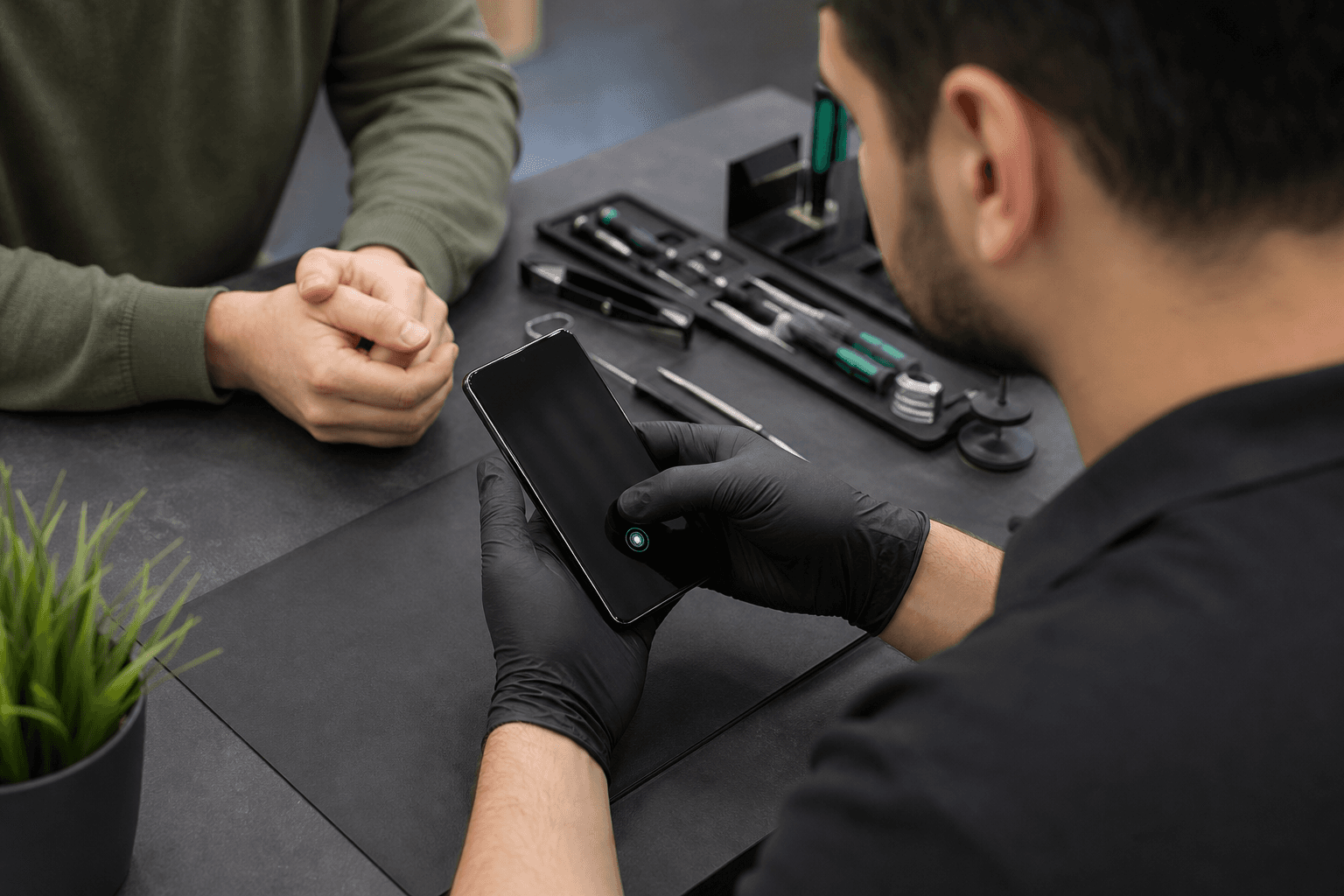
Published by TechBrotherz at TechBrotherz, the walk-in repair Store at 3317 17 Ave SE in Calgary. November 13, 2026.
No article on this site is paid for or sponsored. For a quote on your own device, call (403) 273-8324.
Start with the fingerprint symptom, not the replacement part
Fingerprint scanners read your fingerprint for device authentication and, on some phones, payments. The Government of Canada explains that scanners use electrical currents or ultrasound to read fingerprint patterns, so a failure can involve the reader or another component communicating with it.
| What you notice | What it may suggest | Best next step |
|---|---|---|
| Recognition works only sometimes | Moisture, dirt, protector interference, software trouble, or early hardware damage | Clean and dry the reader, restart, then test again |
| New fingerprints will not enrol | The reader, screen, protector, or software may be interfering | Check the protector, update the phone, and try one careful re-enrolment |
| The fingerprint option disappeared | A system fault, disconnected component, or board-level problem | Restart and update. If it remains missing, arrange a diagnosis |
| The reader is cracked, loose, or lifted | Physical damage to the sensor, button, display, housing, or connector | Use your passcode and stop pressing or repairing it |
| The problem followed a drop, spill, or screen replacement | Impact, liquid, alignment, connector, display, or compatibility damage | Record what happened and request a model-specific inspection |
The symptom narrows the possibilities, but it does not identify the failed component. A missing fingerprint setting is not proof that the sensor needs replacement, and an intermittent reader is not automatically a software problem.
Safe checks before phone fingerprint sensor repair
Work through these checks once, in order:
- Wash and dry your hands. Oil, water, lotion, dust, or a very dry fingertip can prevent a clean reading.
- Clean and dry the reader. Use a clean, dry, soft cloth. Do not pour liquid into a button or sensor opening, or scrape it with a sharp object.
- Restart the phone. This can clear a temporary biometric or operating-system fault.
- Inspect the screen protector. Look for bubbles, cracks, lifted edges, or poor alignment over an in-display reader. Test briefly without it only if removal is safe.
- Delete and re-register fingerprints. Add the same finger from several natural angles, but stop if the phone cannot capture any part of the print.
- Install pending updates. Updates can address compatibility issues, but cannot reconnect a damaged cable or restore a failed sensor.
For broader Android checks, follow this Android phone repair guide.
If the reader remains unavailable after these checks, record the result instead of repeatedly attempting enrolment. A persistent missing setting or failed registration needs diagnosis rather than more registration attempts.
When the screen or protector is part of the problem
In-display readers sit beneath the screen and depend on the display, protector, finger position, and sensor working together. A thick or poorly fitted protector can reduce reading accuracy, while a damaged display assembly may affect both touch and biometric access. Source: Biometrics (ITSAP.00.019).
Cracks near the reader, dead touch areas, ghost touches, coloured lines, black spots, or unlocking problems are Samsung Galaxy screen repair signs that justify a screen and biometric assessment.
After screen work, ask whether the original sensor was tested, whether the replacement display is compatible, whether a connector was disturbed, and whether the fault existed before the repair. Do not approve a complete replacement solely because fingerprint access stopped.
What changes after a drop, spill, or screen replacement
If a drop stopped the reader, switch to the passcode and record the timing. Note whether the display, frame, camera, charging, buttons, or touch function also changed. Avoid pressing a loose or cracked sensor.
Liquid exposure changes the priority. Keep the phone away from further moisture and arrange an inspection before attempting internal repair. Do not open it with household tools, because disassembly can create additional damage or complicate the diagnosis.
After recent screen work, record the repair date, exact model, fitted part if known, and whether fingerprint access worked immediately after pickup. Use the passcode while the cause is uncertain.
Sensor designs explain why repair can differ
| Sensor location | Possible fault areas | Assessment focus |
|---|---|---|
| Under-display | Protector, display, alignment, software, connector, or board | Display and touch function, protector fit, and whether screen work preceded the fault |
| Side-mounted | Button, frame, flex cable, moisture, or connector | Power-button operation, frame damage, and impact history |
| Rear-mounted | Sensor surface, housing, flex cable, adhesive, or impact damage | Loose housing, lifted back cover, and related rear functions |
| Home-button reader | Button assembly, cable, front assembly, software, or model-specific pairing | Whether clicking, navigation, and biometric recognition fail separately |
A technician should identify the likely fault before ordering a part. A sensor replacement may not solve a damaged display connection, and a screen replacement may not restore a reader affected by board damage. The exact model matters.
Samsung A32 and A34: registration is not calibration
For a Samsung A32 or A34, clean and dry the reader, check the protector, restart, install updates, and delete and re-register fingerprints. These steps test normal registration. They do not repair damaged hardware.
There is no safe universal calibration button that restores a physically damaged sensor. Unofficial apps, hidden menus, and repeated enrolment attempts cannot reconnect a broken flex cable or correct a damaged display. If registration fails, the menu is missing, or the issue followed impact or screen work, ask TechBrotherz whether your Samsung Galaxy model and fingerprint fault can be assessed.
Bring the exact model and explain where the reader is located. Ask TechBrotherz whether your Samsung Galaxy model and fingerprint fault can be assessed. The Samsung phone repair service is a model-family starting point.
What a Calgary fingerprint sensor assessment should establish
TechBrotherz is a walk-in repair store at 3317 17 Ave SE in Calgary. No appointment is needed. A phone repair is quoted free before work begins, with part and labour combined in one figure.
Most phone repairs take about 30 minutes, but fingerprint-specific timing depends on the model, suspected component, parts availability, and testing required. Bring the exact model, symptom pattern, damage history, recent repair details, and any related changes to touch, display, buttons, charging, cameras, or NFC.
Before approving the work, ask what warranty applies to the confirmed repair scope and whether it covers the fitted part, labour, or both.
Protect access and privacy before service
Keep your passcode available because a phone may require it after a restart, update, or repair test. Back up photos, contacts, messages, and authenticator information if the device still works reliably. Remove sensitive lock-screen previews where practical and ask what access the technician needs.
Ask how the repaired phone will be tested. Testing should match the original fault: fingerprint enrolment and recognition, touch around the sensor, display performance, and any feature affected by the damage. Biometric functionality cannot always be preserved after parts or board work, so ask about the specific risk before approving service.
Questions to ask before approving repair
- Which component or fault is suspected, and what testing supports that conclusion?
- Does the quote cover diagnosis, the part, labour, or all three?
- Could the work affect fingerprint access, display, touch, NFC, cameras, or buttons?
- What timing applies to this model and fault?
- What functionality will be tested before pickup?
- What warranty applies if the original symptom remains?
- What passcode, backup, or privacy preparation is required?
Fingerprint sensor repair questions Calgary owners ask
Can a phone fingerprint sensor be repaired after a screen replacement?
Sometimes the screen replacement is related, but the answer depends on the phone design and actual fault. The assessment may need to distinguish protector interference, an incompatible display, a disturbed cable, a connector problem, software, or sensor failure.
Does a Samsung A34 need calibration or re-registration?
Start with re-registration after cleaning, checking the protector, restarting, and updating. Calibration is not a general fix for damaged hardware. Persistent failure or a missing fingerprint setting requires model-specific diagnosis.
Should I use my passcode after liquid or impact damage?
Yes. Use the passcode while the cause is uncertain, and arrange an inspection if the phone has signs of physical or liquid damage.
Will repair erase my data?
Hardware assessment does not automatically erase data, but no repair should be treated as a guarantee that data or biometric access will be preserved. Back up first if possible and ask whether a reset is required.
How long does an assessment take at TechBrotherz?
Most phone repairs take about 30 minutes, but fingerprint-specific timing depends on the model, fault, parts, and testing. The store provides a free quote before work starts and accepts walk-ins.
Choose the next step for your phone
If safe checks do not restore the reader, describe the symptom and damage history instead of requesting an unspecified part. For a model-specific walk-in assessment and quote in Calgary, visit TechBrotherz's cell phone repair service with your passcode, model details, and repair history.
Related pages
Rather just ask a person?
Call (403) 273-8324 and describe the problem, or walk in to 3317 17 Ave SE in Calgary. Every repair is quoted free before any work starts.