
Blog
Phone Microphone Not Working? Know When to Seek Repair
Phone microphone not working? Test calls, recordings, videos and permissions safely, then learn when Calgary repair and a quote make sense before visiting.
If people cannot hear you, test a voice recording, a regular call, speakerphone, and a short video after removing any case that covers the openings. One failed test does not prove the microphone itself is broken, because obstruction, permissions, software, Bluetooth routing, and separate microphone paths can produce similar symptoms.
Key facts
- Published: November 11, 2026
- Last updated: November 11, 2026
- Reading time: 7 min read
- Questions about your own device: Call (403) 273-8324
Last updated
Phone Microphone Not Working? Know When to Seek Repair
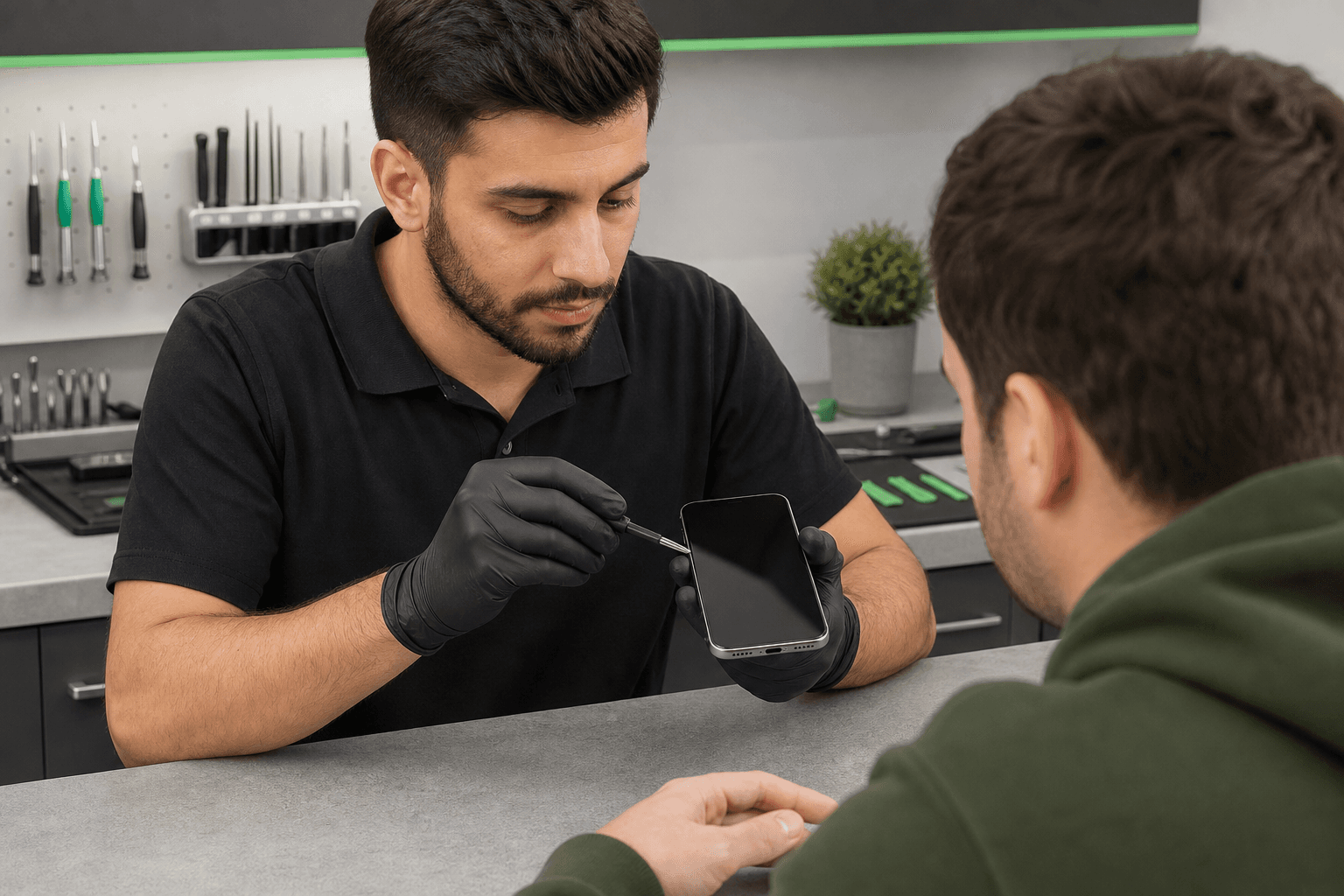
Published by TechBrotherz at TechBrotherz, the walk-in repair Store at 3317 17 Ave SE in Calgary. November 11, 2026.
No article on this site is paid for or sponsored. For a quote on your own device, call (403) 273-8324.
If the problem persists or began after liquid exposure, impact, heat, or severe distortion, stop home testing and request a model-specific repair assessment.
What a failed phone microphone can mean
Phones can have several microphones and audio paths. Calls, recordings, videos, speakerphone, noise reduction, and individual apps may produce different results.
| What fails | What still works | What it may suggest |
|---|---|---|
| Regular calls | Recordings and videos | A call-specific path, software, or routing issue |
| Voice recordings | Video audio | A recorder permission or microphone-path problem |
| Video audio | Calls and recordings | A camera-associated microphone or camera-app issue |
| One app only | Other recordings and calls | App permission or app software fault |
| Every test | Nothing changes after routing checks | A broader software, liquid, component, or board-level problem |
This pattern is a starting point, not a final diagnosis. Record the exact conditions instead of requesting a particular component based on one symptom.
Find the microphone openings safely
Microphone placement varies by brand and model. Many phones have an opening near the charging port, while others also use microphones near the cameras or top edge. The bottom opening is not necessarily the only one.
Find the exact model in Settings, on the original box, or on your purchase record. Remove the case and any accessory that could cover an opening, then inspect the edges in good light.
Never insert a pin, needle, liquid, cotton swab, or other object into a microphone opening. Do not scrape inside it or use compressed air. Pushing debris farther inside can create a second problem.
Safe checks before booking microphone repair
For an iPhone or Android phone that is otherwise safe to use, follow this order. Stop if the phone becomes hot, smells unusual, shows liquid damage, or has physical damage that makes handling unsafe.
1. Remove accessories and check routing
Remove the case, clip, film, or accessory around the edges. Disconnect Bluetooth headphones, a car system, or another wireless device, then check whether audio is still being routed elsewhere.
Check mute, microphone, and privacy controls without repeatedly entering a passcode. A muted call or blocked app permission can resemble hardware failure.
2. Make a short voice recording
Use Voice Memos on an iPhone or the built-in recorder on Android. Record 10 seconds of normal speech and note whether playback is clear, quiet, distorted, intermittent, or silent.
3. Test a regular call and speakerphone
Call someone you trust and ask whether they can hear you. Switch to speakerphone and repeat a short sentence. Note whether your voice is silent, faint, crackling, delayed, or cutting in and out.
4. Record front and rear video
Record a few seconds with the front camera, then repeat with the rear camera. Play both clips back and compare the audio. This separates a general recording failure from an issue affecting one camera mode.
5. Check app permissions
If calls and the built-in recorder work but one app cannot capture your voice, review that app’s microphone permission in privacy settings. Reopen the app and run one brief test.
6. Restart once if the phone is safe
A single normal restart can clear a temporary software or routing fault. If the phone has liquid exposure, unusual heat, or physical damage, skip repeated restarts and arrange an assessment.
Android users can also follow this Android phone repair guide for safe troubleshooting and data-protection steps.
Read the result: which path may be affected?
Use the pattern across several tests to create a useful repair brief. It does not identify a failed component with certainty.
- Recordings and regular-call audio are both poor: A shared or lower microphone path may be affected, although blockage, liquid, software, and board damage can produce the same pattern.
- Video audio fails while calls and recordings work: A camera-associated microphone or camera software may be involved. Compare front and rear results.
- Only one app fails: Check its permission and restart it once. If every other test passes, phone-wide hardware failure is less obvious.
- Bluetooth changes the result: Audio routing or the connected accessory may be involved. Test again with Bluetooth disconnected.
- Every call, recording, and video test fails: The phone needs broader diagnosis for software, liquid, impact, a failed component, or board-level damage.
A worked example
Imagine a clear voice memo and rear-camera video, but callers cannot hear you during a regular call. That pattern points toward the call audio path or call-related software, not necessarily every microphone.
By contrast, a silent voice memo, poor regular calls, and missing audio in both videos justify a repair assessment sooner, especially after a drop or liquid exposure.
When to stop testing and seek repair
Stop home testing after liquid exposure, a significant drop, bending, unusual heat, an electrical smell, severe distortion, a loose or lifting part, or worsening symptoms. Do not keep reproducing the fault if the phone is unsafe to hold or operate.
Keep a liquid-exposed phone away from moisture and pressure. Do not use a hair dryer, add liquid, press damaged areas, or repeatedly power it on to check recovery. Signs of phone damage that need prompt attention include worsening physical symptoms after impact.
Prepare for a microphone assessment
- Exact brand and model
- Functions that fail: calls, speakerphone, recordings, front video, rear video, or one app
- Whether your voice is silent, faint, distorted, or intermittent
- Whether Bluetooth, speakerphone, or removing the case changed the result
- Any recent drop, bend, liquid exposure, overheating, repair, or software update
- Whether important data is backed up
- The charger if the phone also has a power or charging symptom
Do not share unnecessary passwords or account details. Tell the technician about access limitations before work begins, and do not assume a microphone repair guarantees data preservation.
What to expect from a Calgary repair visit
If a phone will not turn on, bring it with its charger for assessment instead of trying repeated power cycles. A charger can help distinguish a power problem from an audio problem.
TechBrotherz provides walk-in cell phone repair at 3317 17 Ave SE in Calgary. No appointment is needed, and the repair is quoted free at the store before work starts, with part and labour included in one figure.
Most phone repairs take about 30 minutes, but that is not a promise for every microphone fault. Timing depends on the model, failed system or part, availability, and any additional damage found during diagnosis.
Every repair carries a 60-day warranty on both the fitted part and the work done. The Calgary location also serves customers coming from Chestermere and Airdrie.
Questions to ask before approving repair
- Which function failed during testing?
- Is the proposed work cleaning, software service, a replacement part, or deeper diagnosis?
- What does the quote include, and is labour included?
- Could liquid, impact, frame, or board damage change the scope?
- What timing is realistic for this model and fault?
- What does the 60-day warranty cover if the symptom returns?
- Which calls, recordings, videos, and accessories should be tested before pickup?
Phone microphone repair questions Calgary owners ask
Why has my phone microphone stopped working?
Possible causes include an obstructed opening, blocked permission, Bluetooth routing, a software fault, liquid exposure, impact damage, or a failed microphone path. Compare recordings, calls, speakerphone, and video before choosing repair.
Why can people hear me on speakerphone but not on a regular call?
These modes can use different microphone paths or processing. The pattern narrows the fault but does not prove one component has failed.
Can a microphone be repaired after liquid or drop damage?
It may be repairable, depending on the model, component, and hidden damage. Stop testing and request an assessment before approving work.
How much does phone microphone repair cost in Calgary?
A reliable price requires the exact model and diagnosis. TechBrotherz provides a free pre-work quote combining part and labour in one figure.
How long does phone microphone repair take?
Most phone repairs take about 30 minutes, but microphone service may take longer if diagnosis, parts, or additional damage are involved.
What should I bring?
Bring the phone, model information, the charger if power is also a problem, and notes about failed tests, apps, Bluetooth, drops, liquid, and updates. Back up important data if possible.
Choose the next step
If the problem disappears after removing an accessory or correcting an app permission, monitor the same function with one more short test. If several audio functions fail, the symptom returns, or the problem followed liquid or impact, arrange a professional assessment.
For a Calgary walk-in assessment, bring your phone and test notes to TechBrotherz and request a free quote before work begins. You can arrange cell phone repair in Calgary with the model-specific symptoms ready for review.
Related pages
Rather just ask a person?
Call (403) 273-8324 and describe the problem, or walk in to 3317 17 Ave SE in Calgary. Every repair is quoted free before any work starts.