
Blog
iPad Problems: Match Symptoms to the Right Repair
Identify your iPad fault, find the exact model, compare repair with replacement, and prepare for a Calgary assessment at TechBrotherz before service.
If your iPad has a cracked front, failed touch, charging trouble, rapid battery drain, or startup failure, identify the symptom and exact model before choosing a repair. Older models may need only glass or digitizer replacement when the picture still works, while very old software can make replacement more practical. TechBrotherz provides a free model-based quote at 3317 17 Ave SE in Calgary before work begins, with no appointment required and a 60-day repair warranty. Related reading: Ipad repair hamilton decision checklist .
Key facts
- Published: October 28, 2026
- Last updated: October 28, 2026
- Reading time: 11 min read
- Questions about your own device: Call (403) 273-8324
Last updated
iPad Problems: Match Symptoms to the Right Repair
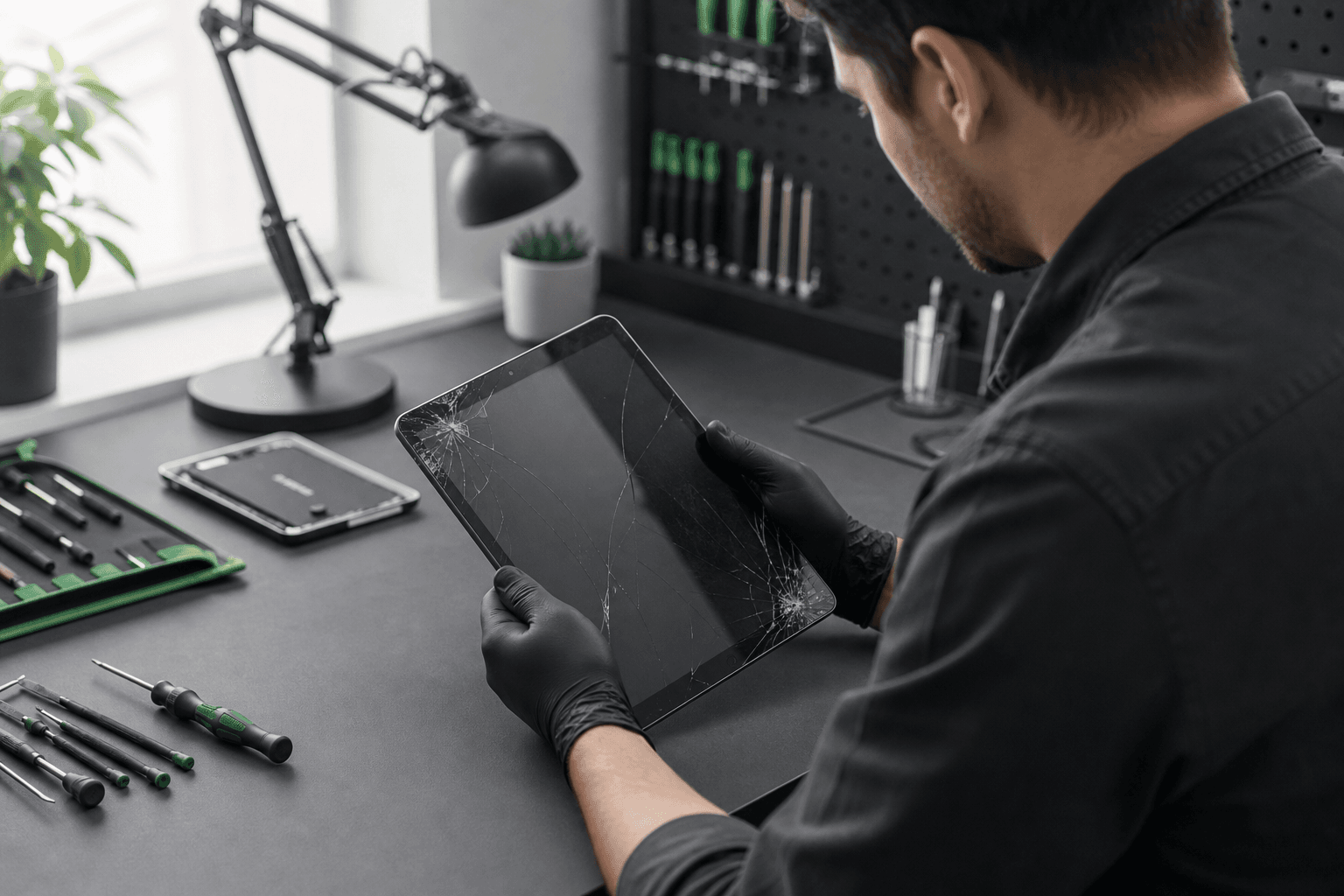
Published by TechBrotherz at TechBrotherz, the walk-in repair Store at 3317 17 Ave SE in Calgary. October 28, 2026.
No article on this site is paid for or sponsored. For a quote on your own device, call (403) 273-8324.
Start With the Symptom, Not the Repair Name
The symptom points toward the right assessment, but it does not confirm the failed part by itself. A cracked front with a clear picture is different from a black display, and an iPad that will not charge may have a cable, port, battery, or software problem.
| What you notice | Area to assess | Useful next step |
|---|---|---|
| Cracked front, but the picture and touch still work | Outer glass or digitizer | Ask whether the model supports glass-only repair. |
| Lines, black areas, bleeding, flicker, or no picture | Display or LCD assembly | Request a screen assessment instead of assuming glass replacement is enough. |
| Touch works only in patches or not at all | Digitizer, display assembly, software, or impact damage | Record which areas respond and arrange diagnosis if a restart does not resolve it. |
| Charging is intermittent or the cable will not stay in | Cable, adapter, charging port, or battery | Test known-good charging equipment and have the port assessed if the problem persists. |
| Battery drops quickly | Battery condition, software activity, settings, or charging fault | Check usage and charging behaviour before requesting battery service. |
| It will not start or remains on the Apple logo | Software, battery, charging system, or internal hardware | Use diagnosis instead of ordering a part based only on the symptom. |
TechBrotherz lists glass or digitizer replacement, screen or LCD replacement, battery replacement, charging-port replacement, and home-button replacement among its Apple iPad services. A structured assessment should move from intake and diagnosis to approval, repair, testing, and handoff. The iPad repair process explains those stages in more detail.
Visible physical damage is a reason to arrange an assessment instead of guessing which component needs replacement. Do not press cracked glass flat or attempt to open the tablet before the fault has been identified.
Identify the Exact iPad Before You Ask for a Quote
Repair pricing, parts, and timing depend on the exact model and fault. “An iPad” is not enough information for a reliable estimate because an iPad mini, standard iPad, iPad Air, and iPad Pro can use different screen construction and components.
If the iPad still starts
- Open Settings.
- Tap General, then About.
- Note the model name and model number shown there.
- Record whether the device is an iPad, iPad Air, iPad mini, or iPad Pro.
If the screen does not work
Look for the model number printed on the rear case. It usually begins with the letter “A” followed by four digits. Photograph the number or write it down before visiting, especially if the screen is too damaged to open Settings.
Storage capacity, approximate purchase year, and Wi-Fi or cellular connectivity can also help separate similar-looking versions. Bring the iPad itself if you are unsure. TechBrotherz quotes iPad work by model and fault before repair begins, and the confirmed model helps determine whether a cracked front may qualify for glass-only repair.
Cracked Glass, Failed Touch, or a Damaged Picture: Which Screen Repair Fits?

A cracked iPad front does not automatically mean the entire display must be replaced. On some older iPads, the touch-sensitive glass sits separately from the display panel, so a clear picture with working touch may allow a smaller glass or digitizer repair. The exact model still needs confirmation.
| Screen symptom | What it may indicate | What changes the decision |
|---|---|---|
| Cracks across the glass, clear picture, normal touch | Outer glass damage | Whether the model has separate glass and display layers. |
| Cracks plus dead touch zones | Glass, digitizer, or connected display damage | Which areas fail and whether the image remains normal. |
| Black patches, lines, colour distortion, or leaking-looking areas | Display panel damage | A full screen or LCD assembly may be needed. |
| Picture works but touch is completely unresponsive | Digitizer, connector, software, or impact-related fault | Testing is needed before selecting glass or screen service. |
| Flicker without visible impact damage | Software, connector, display, or board-related issue | Whether the problem appears during startup, certain apps, or all use. |
Some older iPads use separate touch glass and display panels, while iPad Air and iPad Pro models described in TechBrotherz’s Calgary repair information use laminated displays. With a laminated display, front damage may involve a larger screen assembly instead of an independent glass layer. Related reading: IPad Repair Prices in Calgary | TechBrotherz Calgary.
For broader service categories, including iPad repair in Calgary, compare the named component with your actual symptom. The quote should identify the proposed repair and the total part-and-labour cost before you approve the work.
Charging, Battery and Startup Problems Need Different Checks
When the iPad will not charge
Try a known-good cable, adapter, and wall outlet. If the iPad charges with one combination but not another, the accessory may be the problem. If charging remains unreliable, note whether the connection is loose, intermittent, or completely inactive.
A failed charging port and a worn battery can produce similar complaints, but they are not the same repair. Describe whether a charging symbol appears, whether the percentage rises, and whether the cable must be held at an angle.
When the battery drains quickly
Rapid drain can come from heavy screen use, background activity, poor signal, an ageing battery, or a charging problem. Check which apps or activities use power and compare the result with normal use. A battery assessment makes more sense when the problem continues during ordinary use or the iPad also shuts down unexpectedly.
When the iPad will not start
Write down what appears: a completely blank screen, an Apple logo that never clears, a low-battery symbol, repeated restarts, or sound without a picture. Those details help separate a power, display, software, or internal hardware problem.
If a basic charge attempt and a normal restart do not change the symptom, bring the model information and describe when the problem began. Older devices can also have worn connectors, batteries, or home buttons. TechBrotherz identifies those concerns on its iPad 2 and iPad 3 service information.
Repair or Replace: Use the Device’s Age and Your Actual Use
Repair is usually the more sensible first option when the iPad still meets your needs, the fault is limited to one component, the frame and other functions are sound, and the quoted repair is acceptable for the device’s remaining use. Replacement deserves more weight when the iPad is too old for the apps you need, has several unrelated faults, has major frame damage, or needs an expensive assembly.
Use this decision sequence
- Start with the task. Decide whether the iPad is for video, reading, schoolwork, work apps, drawing, gaming, or basic browsing. A device that is fine for one task may be unsuitable for another.
- Assess the fault. One cracked glass panel is a different decision from a damaged display, weak battery, bent frame, charging failure, and unreliable touch together.
- Consider age and software usefulness. A repair can restore hardware without making an old iPad suitable for newer applications.
- Check the rest of the device. Test cameras, speakers, buttons, Wi-Fi, charging, and storage needs. A good screen repair does not solve unrelated performance limits.
- Compare the actual quote. Use the model-specific part-and-labour total against the value of having a working device that meets your needs. Do not decide from a generic price range.
- Consider your data. If the iPad still works, back it up before service. If access is unreliable, tell the technician what information matters before authorizing work.
The iPad 2 and iPad 3 show why age matters. TechBrotherz’s model pages state that both stopped at iPadOS 9, making them better suited to limited basic use, such as a child’s video tablet, than current app-heavy work. Repairing a simple fault may be reasonable for that purpose, but replacement is more practical if you need modern applications.
For a newer iPad with one damaged component and otherwise acceptable performance, repair may preserve a familiar device and its existing setup. For an older iPad with several faults or software limitations, the estimate gives you a concrete comparison instead of assuming that repair is automatically worthwhile.
What a Calgary iPad Repair Visit Looks Like

At TechBrotherz, you can bring an iPad to 3317 17 Ave SE in Calgary without an appointment. The visit begins with intake and assessment, followed by a free quote based on the model and fault. The quote includes the part and labour before work starts, so you can approve the repair or decline it after seeing the actual scope.
After approval, the work moves through repair and post-repair checks. Most iPad work is described as usually same-day, but it is not automatically a while-you-wait service. The model, part, adhesive, fault, and testing required all affect the time you should expect.
Repairs carry a 60-day warranty on the repair, part, and labour as stated by TechBrotherz. Keep the written repair information and compare any later concern with the work that was approved.
Prepare Your iPad Before Bringing It In
A few details make the assessment clearer:
- Back up the iPad if it still works and you can do so normally.
- Record the model name, model number, and family, such as iPad, iPad Air, or iPad mini.
- Write down the symptom, when it started, and whether it followed a drop, liquid exposure, update, or charging event.
- Note whether the picture, touch, speakers, cameras, buttons, Wi-Fi, and charging still work.
- Bring the charger only if it helps reproduce the problem or you want the charging behaviour checked.
- Photograph existing cracks, dents, or other visible damage before leaving home.
Ask what repair is being proposed, which component it covers, what the total price includes, and how long the assessment or repair is expected to take. Alberta consumers have the right to be charged only for goods or services they requested and agreed to pay for, and to receive honest advice about whether repair or replacement is needed. See the Alberta Consumer Bill of Rights for those protections.
Check These Functions Before You Leave
Once the repair is complete, compare the result with the approved work. You do not need to perform a technical teardown. A practical handoff check is enough to identify an obvious unresolved issue while the repair details are available.
- Power the iPad on and unlock it.
- Swipe and tap across the entire screen, including the corners and the area near the original damage.
- Open a plain light or dark screen and look for obvious lines, patches, or display irregularities.
- Connect the charger and confirm that the iPad recognizes it.
- Test the speakers, cameras, volume controls, power button, home button if present, and Wi-Fi.
- Repeat the function related to the original fault, such as typing, drawing, charging, or playing audio.
- Keep the quote, repair details, and 60-day warranty information.
These checks do not guarantee future performance, but they give you a clear record of the device’s condition at handoff. If something does not match the approved repair, raise it before leaving so the result can be reviewed promptly.
Questions Calgary iPad Owners Still Ask
Can an iPad with cracked glass need only a glass replacement?
Yes, some older iPads have separate touch glass and display panels. If the picture remains clear and the touch layer works, a glass or digitizer repair may be possible. The exact model and condition must be confirmed first.
How do I find my iPad model number if the screen still works?
Open Settings, choose General, then About. Record the model name and model number. If the screen does not work, look for the model number beginning with “A” on the rear case.
Is an iPad 2 or iPad 3 worth repairing in 2026?
It depends on the task. Both models stopped at iPadOS 9, so a simple repair may make sense for limited use such as children’s videos, while replacement is more practical for current applications or demanding work.
Why does iPad repair pricing depend on the model?
Different models use different screen construction, batteries, connectors, buttons, and assemblies. TechBrotherz quotes by model and fault, with the part and labour included before approval.
What should I test after an iPad repair?
Test power, unlocking, touch across the screen, display quality, charging, speakers, cameras, buttons, Wi-Fi, and the function related to the original fault. Keep the quote and warranty information with your records.
Can I walk in for iPad repair in Calgary without an appointment?
Yes. TechBrotherz accepts walk-ins at 3317 17 Ave SE in Calgary, with a free quote before work starts. Most iPad work is usually same-day, but actual timing depends on the model, fault, part, and repair required.
Choose the Next Step for Your iPad
Try only the low-risk checks if the issue is minor and clearly related to a cable, outlet, or software condition. If the symptom continues, the model is old, or the device has physical damage, use the model and fault to compare a repair quote with the cost and usefulness of replacement.
For a local assessment, bring your iPad to TechBrotherz at 3317 17 Ave SE in Calgary during opening hours, without an appointment, and ask for Apple iPad repair pricing before approving the work.
Related pages
Rather just ask a person?
Call (403) 273-8324 and describe the problem, or walk in to 3317 17 Ave SE in Calgary. Every repair is quoted free before any work starts.