
Blog
Phone Buttons Not Working? Find the Right Repair
Phone buttons not working? Diagnose power, volume, mute and home faults, try safe workarounds, compare repair costs and prepare for Calgary service visits.
If a phone power, volume, mute or home button stops working, first remove the case, inspect the outside for an obstruction or damage, and test whether the problem affects the physical control or the touchscreen. Use built-in accessibility controls or the operating system’s supported restart route where available, but do not force the button, open the phone or keep testing a hot, bent or liquid-damaged device. A repair quote depends on the exact model, button, damage and part availability, so TechBrotherz provides a free in-store quote before work begins.
Key facts
- Published: November 19, 2026
- Last updated: November 19, 2026
- Reading time: 8 min read
- Questions about your own device: Call (403) 273-8324
Last updated
Phone Buttons Not Working? Find the Right Repair
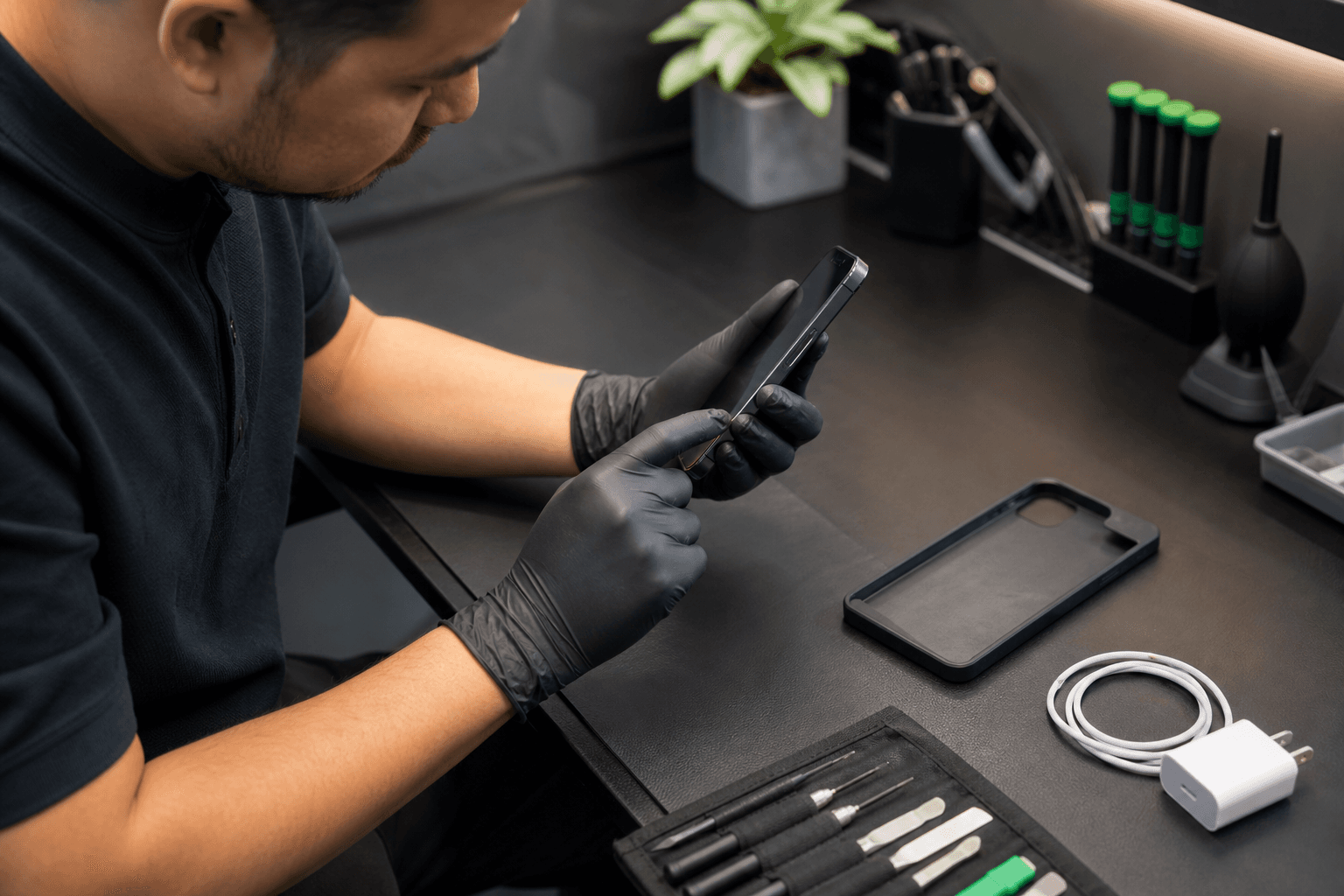
Published by TechBrotherz at TechBrotherz, the walk-in repair Store at 3317 17 Ave SE in Calgary. November 19, 2026.
No article on this site is paid for or sponsored. For a quote on your own device, call (403) 273-8324.
Start by identifying which control has failed
Before asking for power button replacement or volume button repair, identify the control and the exact behaviour. A button that feels loose, sinks, sticks or works only when pressed at one angle points to a different repair path than a button that feels normal but produces no response.
Physical button symptoms
- Power button: The phone does not lock, wake or respond to a normal press, although the display may still work through charging, notifications or an accessibility control.
- Volume buttons: The volume level does not change, the button works intermittently, or one direction works while the other does not.
- Mute or alert switch: The switch feels loose, stays in one position or fails to change the phone’s sound mode.
- Home button: The button does not click, navigate or respond consistently. On some iPhone models, navigation and Touch ID can be separate problems.
Problems that can look like button failure
Remove the case before diagnosing the phone. A tight case, misaligned edge or piece of pocket debris can prevent a button from travelling far enough to register, while a software freeze can make several controls appear dead at once.
Also test the display. A dead touch zone can make an on-screen volume control, navigation button or passcode area seem unavailable. Ghost touches can make the phone press controls by itself. These display symptoms are different from a failed physical button, as described in these Samsung Galaxy screen repair signs.
If the phone is an Android device, record whether the fault affects only one button or several functions before choosing a repair route. A broader Android phone repair guide can help you separate hardware symptoms from software behaviour.
Safe checks and workarounds before phone button repair
Start with simple external checks, then use software controls if the phone remains usable. Android and iPhone menus differ by model and operating system version, so use the accessibility or restart option your device actually provides instead of forcing an instruction designed for another phone.
- Remove the case and accessories. Press the button once without the case. Do not keep pressing if it feels jammed, gritty or physically displaced.
- Inspect the outside in good light. Look for a bent frame, impact mark, raised edge, liquid exposure or debris around the button. Clean only the exterior with a dry, soft cloth. Do not probe the button opening.
- Test related functions. Check whether the screen responds to touch, whether the phone charges, whether notifications arrive and whether another volume or mute control works.
- Record intermittent behaviour. Note whether the button works after several attempts, only at a certain angle, or only when the phone is connected to power.
- Use an accessibility control. iPhone and Android phones offer software controls that can replace some physical actions while the device is accessible. Search the phone’s Accessibility settings for an on-screen control or assistant menu.
- Use a supported software restart. If the phone is still unlocked and responsive, use its on-screen power menu or system restart option. If it will not turn on, do not guess at a long button combination. Model-specific recovery steps can trigger other actions or fail completely when a button is physically broken.
If the phone will not turn on, first connect a known-working charger and check for a charging symbol, vibration or other response without repeatedly pressing the failed control. A dead button may be only one problem, while a failed battery, charging port or display can create the same lack of response.
Stop handling the phone if it is hot, bent, liquid-damaged, showing swelling or shedding glass, and seek an assessment.
When a failed button needs a professional assessment
A professional assessment makes sense when the button stays dead after the case and exterior checks, works only at an angle, sticks after a drop, or prevents you from unlocking, locking or powering the phone normally. Arrange service sooner if the button problem appears with charging trouble, display damage, liquid exposure or a bent frame.
Do not open the phone or force a stuck control at home. The button may connect to a small internal flex, bracket or switch, and pressure can damage nearby components or turn an intermittent fault into a complete failure. A technician can determine whether the visible button, its internal connection or another damaged component is responsible.
Bring the phone for assessment even if an accessibility workaround is available when the failure is getting worse. A workaround restores limited control, but it does not correct a button that is physically deteriorating.
What changes the phone button repair quote
There is no reliable single price for a mobile power button repair without the phone’s exact brand and model. The quote can change according to the affected control, the phone’s internal design, visible impact or liquid damage, the required repair path, part availability and what testing finds after inspection.
- Exact model: Two phones from the same brand can use different button assemblies and require different disassembly procedures.
- Button type: Power, volume, mute and home controls do not necessarily use the same part or repair method.
- Additional damage: A drop may affect the frame, display, housing or internal connection as well as the button.
- Part availability: A commonly supported model may have a different timeline from an older or less common phone.
- Diagnostic uncertainty: An intermittent fault may need more testing than a button that is visibly broken.
- Labour and parts: The total reflects both the fitted part and the work required to install and test it.
TechBrotherz confirms that cell phone repairs start from $45, but that is a general starting point, not a promised price for every button fault. At the Calgary store, the repair is quoted free before work begins, with the part and labour combined in one figure. The amount you approve is based on your device and its diagnosed repair.
Repair, limited use or replacement: make the decision
Repair is usually the practical path when the phone remains valuable, the button is the only major fault, the device is safe to use and the confirmed quote is reasonable compared with replacing it. Limited use can make sense briefly when an accessibility control works and the phone has no heat, swelling, liquid or structural damage.
Consider replacement when several major functions have failed, the frame or board has severe damage, the phone cannot be used safely, or the repair quote approaches the cost of a suitable replacement. A repair assessment is still useful because it gives you a device-specific figure instead of guessing from a generic power-button price.
Hypothetical example: an intermittent power button after a drop
Imagine a phone whose power button stopped responding reliably after falling from a desk. The display, charging and calls still work, but the phone locks only when the button is pressed at one angle. Removing the case does not change the symptom, and there is no heat, swelling or liquid exposure.
That pattern supports a repair assessment rather than repeated home testing. Record the drop, the angle that sometimes works and whether the phone can be locked through an on-screen control. If the quote covers an isolated button fault and the phone otherwise meets your needs, repair is more practical than replacement. If the drop also bent the frame or damaged the display, compare the combined quote with the phone’s current value before approving work.
Prepare for a Calgary phone button assessment and test the repair
Before visiting, write down the exact model, the affected control and when the problem began. Include whether the fault is constant or intermittent, any recent drop or liquid exposure, whether charging still works, whether the phone unlocks and which functions you can still use.
Bring the phone and its case. Bring the charger if power or charging behaviour is part of the complaint. Tell the technician about privacy constraints before service begins, and do not share a passcode unless access is necessary for an agreed test and you are comfortable doing so.
TechBrotherz offers walk-in phone repair at 3317 17 Ave SE in Calgary, with no appointment required. Most phone repairs take about 30 minutes, although the actual timing depends on the model, repair and parts. For broader local preparation, see this guide to phone repair in Calgary SE.
Test these functions before accepting the repair
- Press the repaired button several times with normal, light pressure. Check for consistent travel, click and response.
- Power the phone off and on, or lock and wake it, if the repaired control is the power button.
- Raise and lower the volume, and test mute or alert behaviour if those controls were involved.
- Test the Home function and Touch ID separately where the phone has both features.
- Check the display, touch response, charging connection and basic call audio.
- Confirm that the original symptom is gone and that no new function stopped working during repair.
Every TechBrotherz repair carries 60-day coverage on the fitted part and the work done. Keep the repair record and return promptly if the original repair-related problem reappears.
If your phone button remains unreliable after these checks, bring the device and its model details to TechBrotherz phone repair service in Calgary for a free quote before any work begins.
Related pages
Rather just ask a person?
Call (403) 273-8324 and describe the problem, or walk in to 3317 17 Ave SE in Calgary. Every repair is quoted free before any work starts.