
Blog
Cell Phone Repair Calgary: Choose the Right Fix
Need cell phone repair in Calgary? Match symptoms to the right fix, understand quotes and timing, and prepare for a walk-in visit at TechBrotherz.
For cell phone repair in Calgary, start by matching the symptom to the likely problem instead of approving a part immediately. TechBrotherz offers walk-in service at 3317 17 Ave SE, provides a free quote before work begins with part and labour combined, and says most phone repairs take about 30 minutes. Timing still depends on the model, repair, and part availability.
Key facts
- Published: August 24, 2026
- Last updated: October 24, 2026
- Reading time: 11 min read
- Questions about your own device: Call (403) 273-8324
Last updated
Cell Phone Repair Calgary: Choose the Right Fix
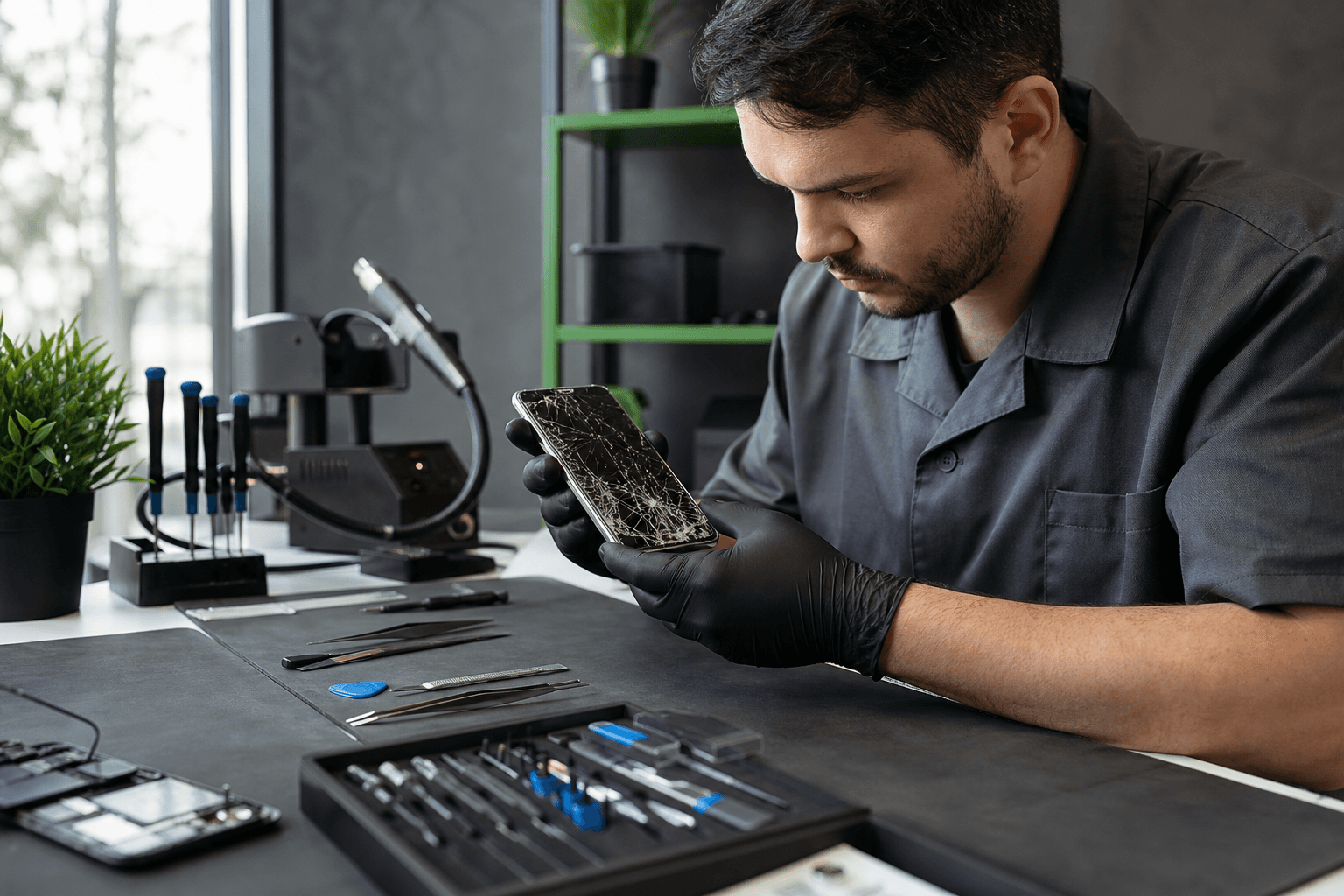
Published by TechBrotherz at TechBrotherz, the walk-in repair Store at 3317 17 Ave SE in Calgary. August 24, 2026, updated October 24, 2026.
No article on this site is paid for or sponsored. For a quote on your own device, call (403) 273-8324.
This guide helps you identify the likely next step for a damaged or unreliable phone, compare repair with replacement, prepare for a visit, and test the device before you leave.
Identify the phone problem before choosing a repair
The same symptom can come from different faults. A phone that will not charge may have a worn cable, blocked port, weak battery, software fault, or internal damage, so a quick check is useful before you request a specific repair.
| What you notice | What it may indicate | Best next step |
|---|---|---|
| Cracked glass, black display, lines, or touch failure | Screen or display assembly damage | Back up the phone if possible and arrange a screen assessment. |
| Rapid drain, unexpected shutdowns, or a phone that only works on a charger | Worn battery, charging fault, or software issue | Test a known-good charger and request a battery or charging diagnosis if the problem remains. |
| Charging works only at an angle or not at all | Cable, adapter, port debris, port damage, or board-level fault | Try another compatible cable and adapter. Do not force objects into the port. |
| Blurry camera, black preview, failed focus, or no sound | Camera, microphone, speaker, software, or impact damage | Test the affected function in more than one app, then describe the result at intake. |
| Freezing, boot loops, pop-ups, or sudden slowness | Software, storage, update, battery, or hardware trouble | Back up accessible data and try basic software checks before seeking diagnosis. |
| Liquid exposure, heat, or unusual battery swelling | Internal liquid or battery damage | Stop charging and arrange an assessment. Do not continue testing a visibly swollen or liquid-exposed phone. |
Cracked or unresponsive screen
Phone screen repair in Calgary usually means assessing the visible glass, display, and touch response together. A small crack with a working display is a different situation from a black screen, bright lines, dead touch zones, or a frame bent by an impact. Related reading: 7 phone screen repair tips compared: DIY vs professional.
If the phone still works, back up important photos and confirm that you can access your accounts before handing it over. If broken glass is lifting, sharp, or exposing the inside of the phone, avoid pressing on the damaged area and arrange an assessment.
Fast battery drain or unexpected shutdowns
Battery wear is more likely when the phone loses charge quickly, turns off under moderate use, or shows a large change in behaviour after years of daily use. A charging port, cable, software process, or internal fault can produce similar symptoms, so a battery replacement is not always the right first assumption.
Record when the problem occurs, such as during video calls, cold-weather use, or while the phone shows a high charge level. That detail helps separate a battery complaint from a charging or software problem.
Charging failure
Start with a different compatible cable, adapter, and outlet. Look at the port under good light, but do not scrape it with a pin or force a connector into place because that can damage delicate contacts.
If the phone charges only when the cable is held at an angle, disconnects repeatedly, or stopped charging after a drop or liquid exposure, the port needs closer assessment. A persistent charging problem can also come from the battery or internal circuitry.
Camera, microphone, and speaker problems
Test the camera in the default camera app and another app if available. For sound problems, make a short recording, play it back, test a call, and check whether the issue affects the earpiece, loudspeaker, or microphone.
One failed function after an impact may point to a damaged module or connection. Several unrelated failures at once suggest that the phone needs a broader diagnosis instead of a single-part replacement.
Software symptoms and Android checks
Freezing, repeated restarts, storage warnings, and app failures can be software-related, but they can also appear when a battery or other component is failing. Restart the phone, install pending system updates when the device is stable, and remove an obviously problematic recent app if your data is backed up.
For safe checks involving Android screens, batteries, charging ports, cameras, speakers, and system software, use this Android phone repair guide. Stop troubleshooting if the phone becomes unusually hot, swells, smells burnt, or repeatedly shuts down during charging.
Liquid exposure
Turn the phone off if it is safe to do so, disconnect the charger, remove the case, and keep it away from heat. Do not charge it to see whether it still works, and do not rely on rice to remove liquid from internal components.
Tell the repair shop what happened, when it happened, and whether the phone was powered on or charging. Liquid damage can continue to affect internal connections after the outside appears dry, so a prompt assessment is more useful than repeated power-on tests.
What phone repairs can a Calgary shop assess?
Common phone repair requests include screen, battery, charging-port, camera, speaker, software, and liquid-damage assessments. The appropriate repair depends on the exact model, the symptoms, and the condition found during inspection.
The exact model matters because parts, construction, repair method, and availability vary between phones that look similar. Bring the device itself or identify its model accurately before asking for a firm quote.
Some phone problems are not physical repairs
A phone can be perfectly functional but still unusable on a different network because of a carrier lock. That is separate from a cracked screen, weak battery, failed charging port, or software fault.
Ask your Canadian carrier first whether it can unlock the eligible phone at no charge. If the issue is network access and carrier help is not the practical solution, TechBrotherz offers phone unlocking in Calgary for phones from Canadian carriers, usually on the same day. Unlocking does not repair physical damage or bypass every account-security lock.
How quotes, costs, and timing work in Calgary
Cell phone repair costs in Calgary vary by model, part, repair type, and the condition of the device. A generic screen or battery price is not reliable until the exact phone and fault are known, so TechBrotherz provides a free quote at the store before work begins.
The quote combines the part and labour in one figure. You can then decide whether the repair makes sense before authorizing the work, instead of discovering a separate labour charge after the repair is underway.
Most phone repairs take about 30 minutes, particularly straightforward screen or battery work when the required part is available. A less common model, additional damage, liquid exposure, or a part that needs to be sourced can change the timeline. Ask for the expected completion time before leaving the phone.
Phone timing does not predict how long every type of device service will take. Tablet and computer work can involve different diagnostics, parts, and testing, so ask for a specific timeline before leaving another device.
Repair or replace the phone? Use four practical tests
Repair is often worth considering when the phone otherwise meets your needs, the fault appears isolated, your data matters, and the quoted work restores useful service at a reasonable cost. Replacement deserves more attention when several major systems are failing, the phone is unreliable, or the repair would leave you close to the cost of a suitable replacement.
1. Is the damage isolated?
A phone with one broken screen but reliable charging, cameras, buttons, and battery behaviour presents a clearer repair decision than a phone with screen damage, rapid drain, and an intermittent port. List every symptom before you request the quote so the assessment covers the whole device.
2. How old is the phone, and does it still meet your needs?
Age alone does not decide the outcome. An older phone that still handles your calls, apps, storage, camera, and security needs may be a sensible repair candidate, while a newer phone with severe internal damage may deserve a replacement comparison.
3. What is the value of the data?
Photos, messages, authenticator access, work files, and contacts can make repair worthwhile even when buying another phone seems possible. Back up accessible data before service, but do not erase a damaged phone if preserving its contents is part of your decision.
4. Does the quote leave room for uncertainty?
A clear quote helps you compare the repair with a replacement you would genuinely buy, not just the lowest advertised phone price. Ask whether the quoted work addresses the main symptom, what testing follows the repair, and what warranty applies.
Hypothetical example: An otherwise reliable Galaxy with one cracked display and a working battery may be a straightforward repair comparison. An older phone with a broken screen, rapid battery drain, and unreliable charging needs a broader quote because repairing one part may not resolve the other problems.
What to prepare before a walk-in repair visit

A few details can make intake faster and reduce avoidable data risk. Before leaving home:
- Find the exact model and storage version if you know it.
- Back up photos, contacts, messages, and authentication information while the phone is accessible.
- Write down when the problem began and whether it followed a drop, pressure, heat, or liquid exposure.
- Bring the cable or accessory involved in the problem if it helps demonstrate the fault.
- Remove a case or screen protector only if it obscures the damage or makes testing difficult.
- Ask how the phone will be tested and whether a passcode is needed for that testing.
Do not hand over account passwords unnecessarily. If a passcode is required for functional testing, provide only what is needed and ask how your personal information will be handled.
TechBrotherz is located at 3317 17 Ave SE in Calgary and accepts walk-ins without an appointment. Customers coming from Chestermere can visit the same Calgary location for walk-in phone repair, a free quote, and the same 60-day warranty.
For a more detailed look at local visit logistics, see the practical guide to cellphone repair on 17 Ave SE.
What to check before you leave the repair shop
Test the original problem while you are still at the counter or before you travel home. A short check is especially useful when the repair involved a screen, charging system, camera, or audio component.
- Screen: Check brightness, colour, touch response at the edges, and typing.
- Charging: Connect the cable, confirm that charging begins, and check that the connection does not drop with normal movement.
- Battery: Confirm that the phone starts normally and does not show the original shutdown or rapid-drain symptom immediately.
- Camera: Test front and rear cameras, focus, flash, and saved images.
- Audio: Test the microphone, earpiece, loudspeaker, and a short recording.
- Connectivity: Check Wi-Fi, mobile service, Bluetooth, and the features you use most.
- Security: Test your passcode, fingerprint, or facial recognition where applicable.
Keep the quote and receipt. Every TechBrotherz repair carries a 60-day warranty covering the part fitted and the work done, which gives you a clear reference if the repaired component or workmanship needs attention during that period.
Choosing a Calgary repair option that fits your situation
The right option depends on urgency, data importance, physical risk, and how much uncertainty you can accept. Basic troubleshooting is reasonable for a stable phone with a suspected cable, settings, or app issue. A walk-in assessment is more practical when the device has physical damage, persistent failure, important data, or symptoms that are getting worse.
DIY part replacement can reduce labour cost, but it also introduces risks such as damaged connectors, lost screws, broken seals, and data loss. Replacement may be simpler when the phone has multiple major faults or no longer meets your needs, but an exact repair quote lets you compare that choice with a real alternative.
There is no objective single “best” phone repair shop for every Calgary customer. For someone near T2A 0R2 who wants an in-person, no-appointment assessment, TechBrotherz is a local walk-in option at 3317 17 Ave SE. Its stated process includes a free pre-work quote, combined part-and-labour pricing, approximately 30-minute timing for most phone repairs, and a 60-day warranty.
If you are comparing local providers, focus on whether the shop identifies the exact fault, explains the quote before work starts, gives a realistic timeline, protects your data, and documents warranty coverage. The device repair checklist for Southview provides additional criteria for evaluating a local repair visit.
Frequently asked questions about cell phone repair in Calgary
How much does cell phone repair cost in Calgary?
The cost depends on the phone model, repair type, part, and condition, so there is no reliable single price for every device. TechBrotherz provides a free in-store quote before work begins, with the part and labour combined in one figure.
Can I get a phone repair quote before work starts?
Yes. TechBrotherz diagnoses the phone and provides a free quote at the store before any repair begins, allowing you to approve or decline the work with the combined price in front of you.
How long does phone repair take in Calgary?
Most TechBrotherz phone repairs take about 30 minutes, especially straightforward work when the needed part is available. The model, repair complexity, additional damage, and parts availability can extend the timeline, so ask for the expected completion time before leaving the phone.
Is it worth repairing an older phone?
It can be worthwhile if the phone otherwise meets your needs, the fault is isolated, your data is valuable, and the quote compares favourably with a replacement you would actually choose. Multiple major faults, ongoing unreliability, or a repair cost close to replacement value make replacement more reasonable to consider.
Does phone unlocking require a repair?
No. Carrier unlocking is a network-access issue, not a physical repair. Ask your Canadian carrier first about eligible free unlocking; seek a separate unlocking service only when carrier help does not resolve the situation.
What should I do before bringing my phone to a repair shop?
Back up accessible data, identify the exact model, record the symptoms, and disclose any drop, pressure, heat, or liquid exposure. Bring relevant accessories, ask whether a passcode is needed for testing, and keep the quote and receipt after approval.
A clear next step for Calgary phone repair
If your phone has a cracked screen, weak battery, charging problem, camera fault, or another persistent issue, bring it to TechBrotherz for a free quote before authorizing work. Visit TechBrotherz’s cell phone repair service at 3317 17 Ave SE in Calgary for a walk-in assessment and a practical next step.
Related pages
Rather just ask a person?
Call (403) 273-8324 and describe the problem, or walk in to 3317 17 Ave SE in Calgary. Every repair is quoted free before any work starts.