
Blog
What Makes a Neighborhood Repair Shop Worth It in 2026?
Why choose a neighborhood repair shop? Learn how local, walk-in service in Southview delivers speed, accountability, and warranty-backed results for your devices.
Choosing a neighborhood repair shop means getting fast, face-to-face service, accountable warranties, and local expertise you can reach the same day. In Southview, that translates to walk-in diagnostics, practical advice you can act on immediately, and repairs for phones, tablets, and computers handled by technicians who know your devices and your neighborhood.
Key facts
- Published: July 6, 2026
- Last updated: October 2, 2026
- Reading time: 18 min read
- Questions about your own device: Call (403) 273-8324
Last updated
What Makes a Neighborhood Repair Shop Worth It in 2026?
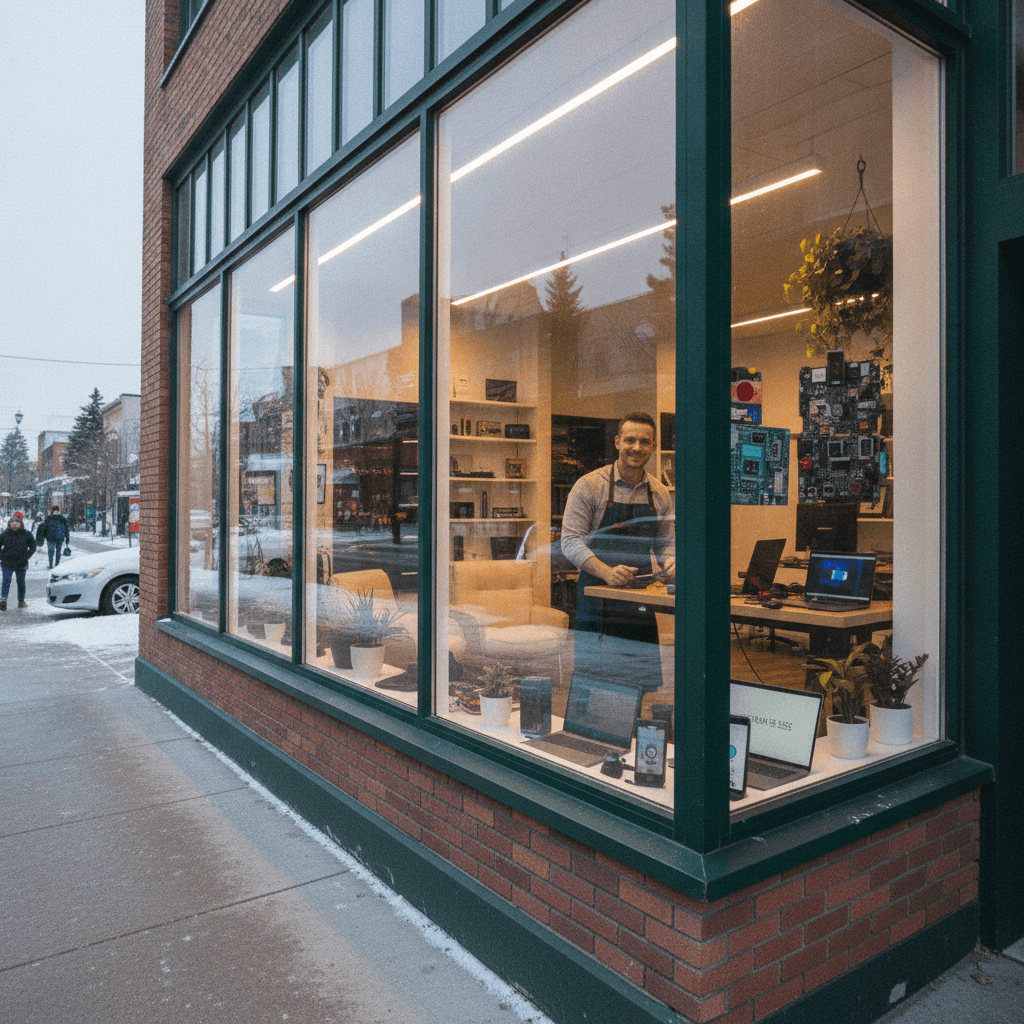
Published by TechBrotherz at TechBrotherz, the walk-in repair Store at 3317 17 Ave SE in Calgary. July 6, 2026, updated October 2, 2026.
No article on this site is paid for or sponsored. For a quote on your own device, call (403) 273-8324.
By TechBrotherz • Last updated: 2026-07-06
Quick Summary
Neighborhood repair shops deliver same-day convenience, real accountability, and practical warranties. For Southview residents, that means walk-in service, transparent communication, and technicians skilled in smartphones, tablets, and computers—without shipping delays. This guide explains what local shops do, how they work, when to choose them, and the best ways to get great results.
Here’s what you’ll learn in this complete, locally grounded guide designed for Southview residents and nearby communities:
- What a neighborhood repair shop is and why it matters for device uptime
- How a local workflow moves from check-in to warranty-backed handoff
- When to pick local vs. mail-in vs. big-box chain service
- Best practices to protect data and speed up your fix
- Key value drivers that often matter more than “lowest price”
- Real Southview-style scenarios across iPhone, Samsung, iPad, tablet, laptop, and PC repairs
Above-Fold: Hook and Table of Contents
This is your practical roadmap to local device repair—built for quick decisions. Scan the sections below for how local repairs work, side-by-side comparisons, and step-by-step checklists. Each part is written for fast reading and immediate action, so you can get back to what matters.
Jump to a section:
- What is a neighborhood repair shop?
- Why choosing local matters
- How neighborhood repair works (step-by-step)
- Types and approaches
- Best practices for customers
- Tools and resources
- Pricing and value factors
- Neighborhood vs. other options (comparison)
- Case studies and examples
- FAQ
- Key takeaways
- Conclusion
What Is a Neighborhood Repair Shop?
A neighborhood repair shop is a local, walk-in service center that fixes smartphones, tablets, and computers with face-to-face support and warranty-backed work. Instead of shipping devices away, you get in-person diagnostics, faster turnaround, and direct accountability from technicians who serve your community.
In plain terms, it’s the shop you can visit today, explain your issue, and get a real plan—often in minutes. For Southview residents, a neighborhood repair shop means:
- Walk-in access: No appointment needed for check-in or diagnostics.
- Same-day focus: Many screen swaps, batteries, and charge ports complete the day you arrive.
- Multi-device expertise: iPhone, Samsung Galaxy, iPad, tablets, laptops, and PCs.
- Warranty-backed confidence: Work is documented and supported after you leave.
At TechBrotherz, our bench logs show that most straightforward smartphone repairs are completed the same day, and a large share of diagnostics are done within the first visit. That kind of speed is hard to match with mail-in options.
For deeper repairs—board-level issues or complex software locks—local teams still provide value through hands-on testing, secure resets, and practical workarounds you can review in person.
Why Choosing a Neighborhood Repair Shop Matters
Choosing local ensures speed, clarity, and accountability. You can describe symptoms face-to-face, approve a plan on the spot, and return the same day for pickup. Local technicians know common failures by model, which shortens diagnosis and reduces repeat visits.
Here’s why that matters for Southview device owners who rely on their tech every day:
- Time saved: Walk-in triage reduces downtime and shipping delays.
- Clear communication: Show the issue, share context, and get live answers.
- Local knowledge: Teams recognize recurring problems by device generation.
- Warranty follow-through: If anything needs attention post-repair, you’re minutes away.
In our experience supporting Southview and nearby neighborhoods, most customers prefer in-person decisions for sensitive repairs like screen assemblies, charging ports, and data-related resets. When you can see the condition of parts and ask questions directly, you make better, faster choices.
If you’re evaluating options, ask yourself: Do I want to wait days for shipping and status emails, or do I want a technician I can speak with today who can show me the next step? That question alone often points to a neighborhood shop.
How a Neighborhood Repair Works (Step-by-Step)
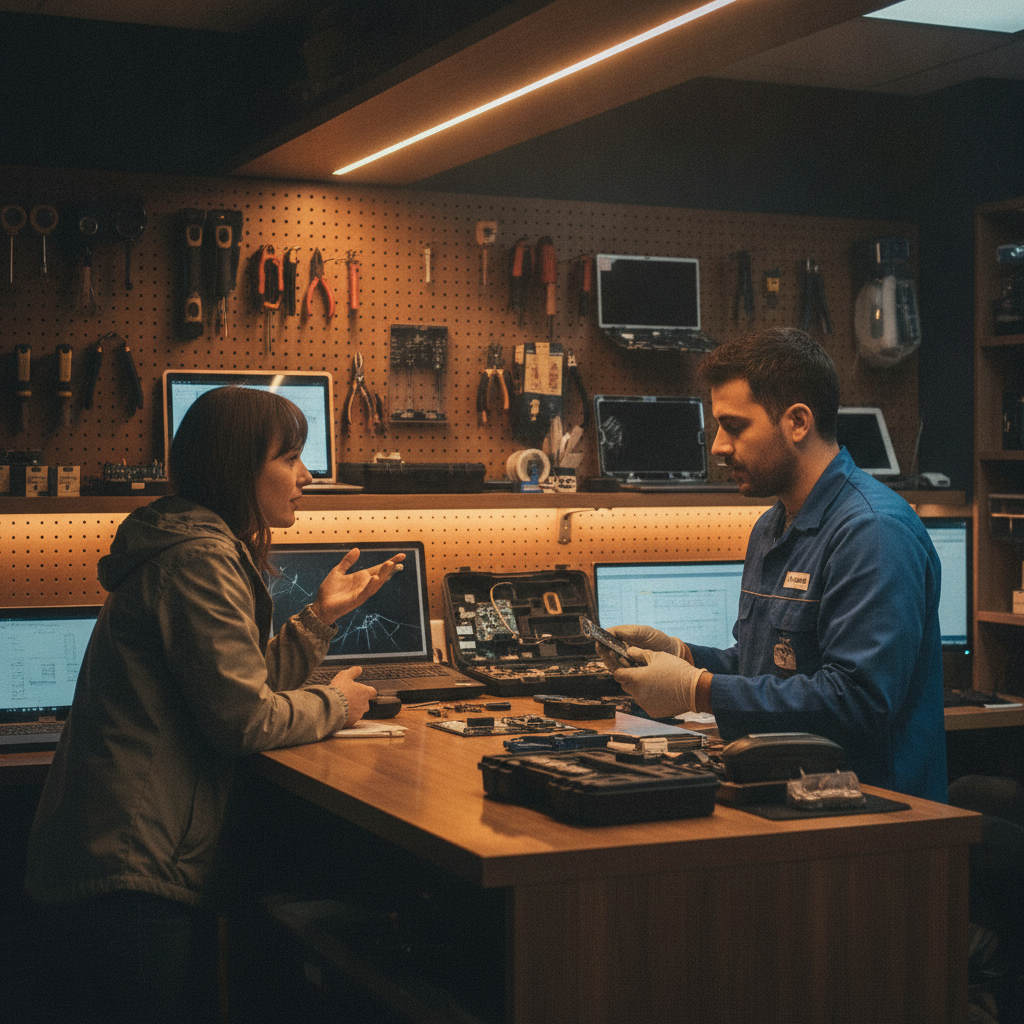
Local repair follows a simple path: walk in, describe the problem, get a quick diagnostic, approve the plan, and pick up with a warranty-backed handoff. Most common fixes finish same day, with clear updates if parts or deeper testing are needed.
- Walk-in check-in: Explain symptoms, device model, and recent events (drops, liquid, updates).
- Quick diagnostic: Visual inspection, functional tests, and data-safety assessment.
- Plan approval: You confirm the repair scope and timeline before work starts.
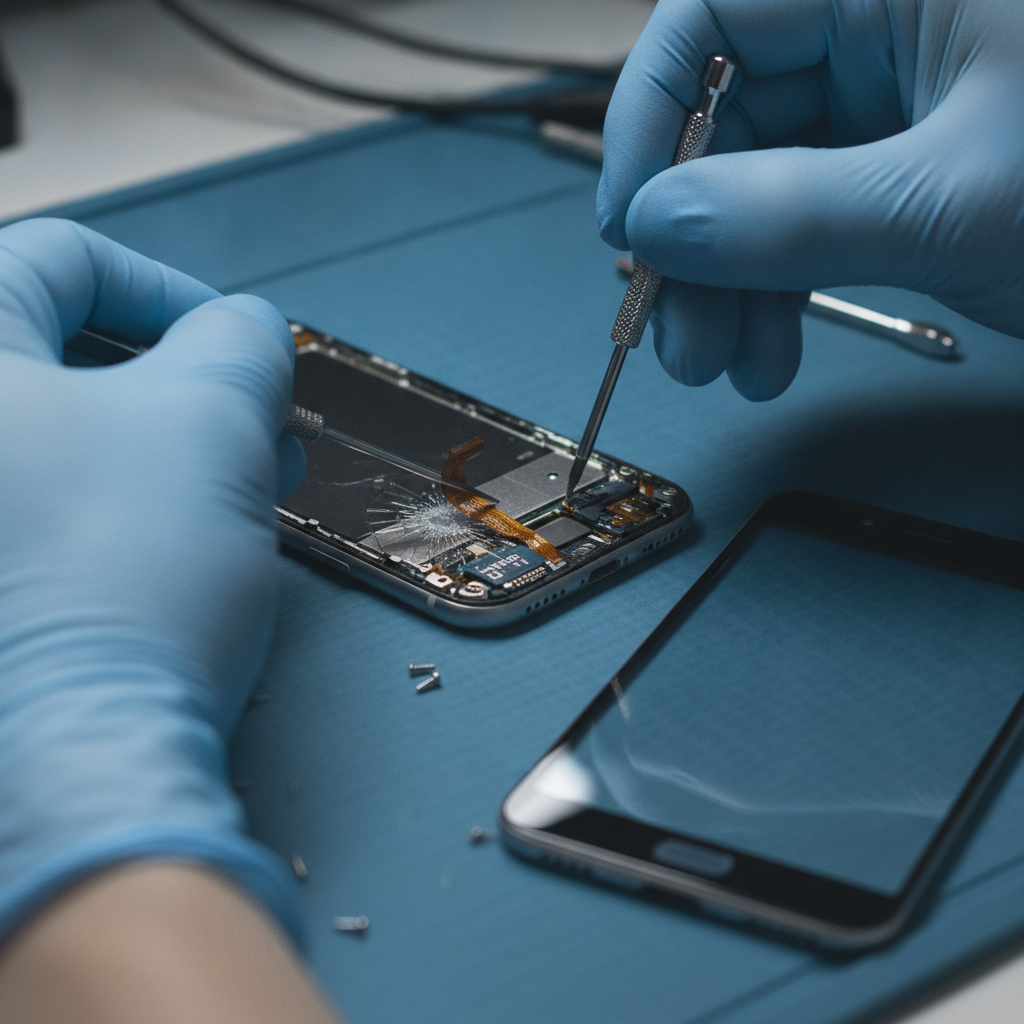
- Bench repair: Skilled technicians replace, reflow, or re-seat parts; or perform software fixes.
- Quality control: Post-repair tests (touch, battery health, sensors, ports, wireless, cameras).
- Handoff + warranty: You get repair notes, care tips, and warranty details.
In our bench experience throughout 2025–2026, a strong majority of cracked smartphone screens, swollen batteries, and charging port issues finish the same day. Board-level work, liquid damage recovery, and parts sourcing can extend timelines; your tech should explain those variables upfront.
For phones and tablets that are locked or inaccessible, a reset or unlocking workflow may be considered once ownership and security protocols are verified. If you need help with network locks or forgotten passwords, see our phone unlocking services and in-store password resets.
Types and Approaches You Can Choose
You typically choose between a local walk-in shop, a mail-in depot, or a big-box chain. Neighborhood shops win on speed and direct accountability; mail-in wins when shipping is acceptable; big-box stores offer brand familiarity but less personalization.
Local walk-in (neighborhood shop)
- Best for: Same-day fixes, face-to-face diagnosis, multi-brand support.
- Strengths: Fast turnaround, local accountability, practical communication.
- Consider: Complex, rare parts may require ordering and an extra visit.
Mail-in depot
- Best for: Niche repairs when local options are limited.
- Strengths: Access to specialized jigs and rare parts.
- Consider: Longer wait due to shipping; communication is less direct.
Big-box chain
- Best for: Brand association and retail convenience.
- Strengths: Broad retail hours and standardized processes.
- Consider: Less personalized troubleshooting; variable wait times.
We routinely see Southview residents combine approaches: start with a local diagnostic to confirm the issue, then proceed with the in-store repair when parts are on hand. If specialty components are needed, your neighborhood shop can often arrange the order and confirm timing in person.
Best Practices to Get the Most from Your Local Shop
Prepare your device, share context, and ask for post-repair tips. Back up if possible, bring relevant accessories, and describe the exact failure. Clear information speeds diagnosis, protects your data, and helps technicians deliver the fastest, most reliable fix.
Before you go
- Back up your data to iCloud, Google Drive, or a computer when possible.
- Note the symptoms: when they started, what triggers them, anything that changed (OS updates, drops, water).
- Bring accessories that relate to the issue (charger, stylus, keyboard, case).
- Know your passcode or Apple/Google ID details if diagnostics require access.
While you’re in the shop
- Show, don’t just tell: demonstrate the issue if the device powers on.
- Ask about tests: touch, battery health, sensors, ports, radios, cameras.
- Confirm warranty: what’s covered, how to reach support, what to expect if symptoms return.
After pickup
- Re-test at home in your normal routine (Wi‑Fi, Bluetooth, car pairing, favorite apps).
- Watch battery behavior across a full day after replacement.
- Follow care tips (cases, tempered glass, dry-out protocols if water exposure occurs).
In our day-to-day work, the customers who prepare with backups and accurate symptom notes get in and out faster—and rarely need a second visit. That’s the power of teamwork between you and your neighborhood techs.
Mid-article tip: If you’re unsure whether your issue is hardware or software, bring the device in for a quick look. Our team can triage on the spot and point you to the right next step—often within minutes.
Explore our services to plan your visit: cell phone repair, iPhone repair, Samsung Galaxy repair, tablet repair, iPad repair, computer repair, and phone unlocking.
Tools and Resources We Use (and How That Helps You)
A good local shop combines professional tools with repeatable checklists. Precision drivers, anti-static workstations, thermal tools, microscopes, and diagnostics software enable consistent, safe repairs that protect your device and data.
- Anti-static benches and mats to protect delicate boards and connectors.
- Microscopes and thermal tools for board-level inspection and controlled heat application.
- Battery and sensor diagnostics for accurate health checks before and after repairs.
- Secure reset workflows for unlocking and password resets, with ownership verification.
- Model-specific test scripts so no function is missed (touch, radios, cameras, mics).
Why this matters: consistent tools and checklists reduce the chance of missed issues and help ensure that what left the bench working stays working. In our logs, thorough post-repair testing correlates with very low return rates within the warranty window.
Pricing and Value Factors (Without Talking Dollars)
Value in device repair comes from speed, accuracy, part quality, and warranty support. The lowest sticker price can cost more later if diagnostics are weak or parts are inconsistent. Neighborhood shops win by pairing fast turnarounds with practical warranties you can actually use.
When comparing options, focus on these value drivers:
- Turnaround time: Same-day or next-day for common parts minimizes downtime.
- Parts sourcing: Quality assemblies, batteries, and connectors reduce repeat failures.
- Warranty clarity: Coverage that’s easy to use—ideally with local support.
- Diagnostic rigor: Thorough testing prevents “fix one thing, break another.”
- Communication: Clear explanations, expectations, and follow-through.
Thinking about tablets specifically? We cover tablet repair cost factors in depth in our Calgary guides, from screen assemblies and batteries to charge ports and software resets. For practical planning, start with a local diagnostic to confirm what really needs attention.
Neighborhood vs. Other Options: A Practical Comparison
For most everyday failures—cracked screens, weak batteries, charge ports—neighborhood shops provide the best balance of speed, accountability, and data safety. Mail-in and big-box options fit edge cases but often add time and reduce direct communication.
| Option | When It Shines | Strengths | Trade-offs |
|---|---|---|---|
| Neighborhood shop | Common repairs; urgent uptime; multi-brand households | Same-day focus; human accountability; warranty you can use locally | Rare parts may require ordering; limited by in-house inventory |
| Mail-in depot | Niche components; low urgency | Specialized jigs; wide parts catalog | Shipping delays; less direct updates; fragile transit risk |
| Big-box chain | Retail familiarity; routine accessories | Standardized intake; extended retail hours | Less personalized troubleshooting; variable queues |
Decision tip: if your device holds critical data or work apps, prioritize options that shorten time-to-diagnosis and keep you in direct control of your device. That almost always favors local, walk-in support.
Case Studies and Southview Examples
Real neighborhood wins include same-day screen swaps, battery replacements that restore all-day use, and quick unlocks or resets that get families reconnected. These examples show how local, in-person workflows reduce downtime and improve outcomes.
iPhone with shattered glass before a work trip
- Symptom: Cracked display, touch erratic.
- Local path: Walk-in diagnostic, assembly confirmed, same-day screen replacement.
- Result: Device working before end of day, travel plans intact. For details on models, see our iPhone repair page.
Samsung Galaxy battery that drains by lunch
- Symptom: Battery health low; rapid discharge.
- Local path: Bench battery test, replacement, post-repair calibration.
- Result: Full-day runtime restored. Learn more on our Samsung repair page.
iPad with a dead charge port
- Symptom: Won’t charge unless cable is angled.
- Local path: Port inspection, replacement, and stress testing.
- Result: Reliable charging and data sync. Explore iPad repair.
Student laptop with keyboard ghost-typing
- Symptom: Keys self-activate, making schoolwork impossible.
- Local path: Keyboard module replacement and full input test.
- Result: Stable typing; deadlines met. See our computer repair support.
Phone locked after account changes
- Symptom: Can’t access due to credentials and lock.
- Local path: Ownership-verified reset or unlocking flow with secure protocols.
- Result: Device access restored with clear next steps. Review unlocking services.
Local considerations for Southview
- If you’re out near Valleyview Park Viewpoint and notice a cracked screen or sudden battery drop in the cold, stop by on your way home—walk-in diagnostics help confirm whether it’s a quick swap or a deeper issue.
- Cold snaps can exaggerate battery weakness. If your phone shuts off near Habesha Mall, a battery health check plus calibration can separate a true battery failure from a software quirk.
- Weekend errands around Southview? Bring devices for same-day triage—our team prioritizes practical fixes that get you reconnected fast, especially for school or work deadlines.
Frequently Asked Questions
These short answers resolve the most common questions Southview customers ask about local device repair, from data safety to when walk-in service beats mail-in options. Each answer is direct so you can make a decision quickly.
How fast can a neighborhood shop fix my phone?
For common issues like screens, batteries, and charge ports, many repairs finish the same day after a quick diagnostic. If parts need ordering or deeper testing is required, your technician will explain the timing before work begins.
Is my data safe during a local repair?
A careful shop performs data-safe diagnostics and advises backups when possible. For resets or unlocks, ownership verification and clear consent steps protect your information. Ask your technician how they preserve data and what tests they run post-repair.
When should I choose mail-in instead?
Mail-in can make sense for niche parts you’re not in a rush for. If shipping time and device downtime aren’t dealbreakers, depots sometimes offer specialty jigs or rare components. Start with a local diagnostic to confirm whether mail-in is necessary.
What devices can neighborhood shops service?
Most local shops handle iPhone and Samsung phones, iPads and other tablets, plus laptops and PCs. For Southview, that includes screen and battery work, charge ports, cameras, and software resets. See our tablet repair and cell phone repair pages.
Do neighborhood shops offer warranties?
Yes. A practical warranty is one you can use locally. If anything needs attention after pickup, you return to the same counter and speak with the same team—often the fastest path to resolution.
Key Takeaways
Neighborhood repair is about speed, trust, and practical warranties. If uptime matters and you want direct answers from a real technician, your local shop is hard to beat—especially for common smartphone, tablet, and computer issues.
- Walk-in diagnostics shorten downtime and improve decisions.
- Face-to-face explanations reduce confusion and repeat visits.
- Warranty support is easiest when it’s local and personal.
- Prepare with backups and symptom notes to save time.
- Start local; escalate to mail-in only if truly necessary.
Conclusion: Why a Neighborhood Repair Shop Is Worth It
If you value uptime, clarity, and support you can revisit, a neighborhood shop is worth it. You’ll get quick triage, transparent plans, and a warranty backed by the same people who fixed your device—right here in your community.
Here’s the bottom line for Southview: a local shop keeps your tech (and your day) moving. Whether you need cell phone repair, iPad repair, tablet help, computer service, or unlocking support, start local and stay in control of your timeline.
Related pages
Rather just ask a person?
Call (403) 273-8324 and describe the problem, or walk in to 3317 17 Ave SE in Calgary. Every repair is quoted free before any work starts.