
Blog
Refurbished Smartphone Buying Tips in Calgary: What to Check Before You Pay
Use this Calgary buyer’s checklist to inspect a refurbished smartphone, verify battery and IMEI status, and compare replacement costs with repair.
Buying a refurbished smartphone in Calgary can cost less than buying new, but “refurbished” is not a universal condition grade. Before paying, compare the phone with repairing your current device and verify its condition, battery, account status, network compatibility, IMEI, warranty, and return terms.
Key facts
- Published: October 7, 2026
- Last updated: October 7, 2026
- Reading time: 7 min read
- Questions about your own device: Call (403) 273-8324
Last updated
Refurbished Smartphone Buying Tips in Calgary: What to Check Before You Pay
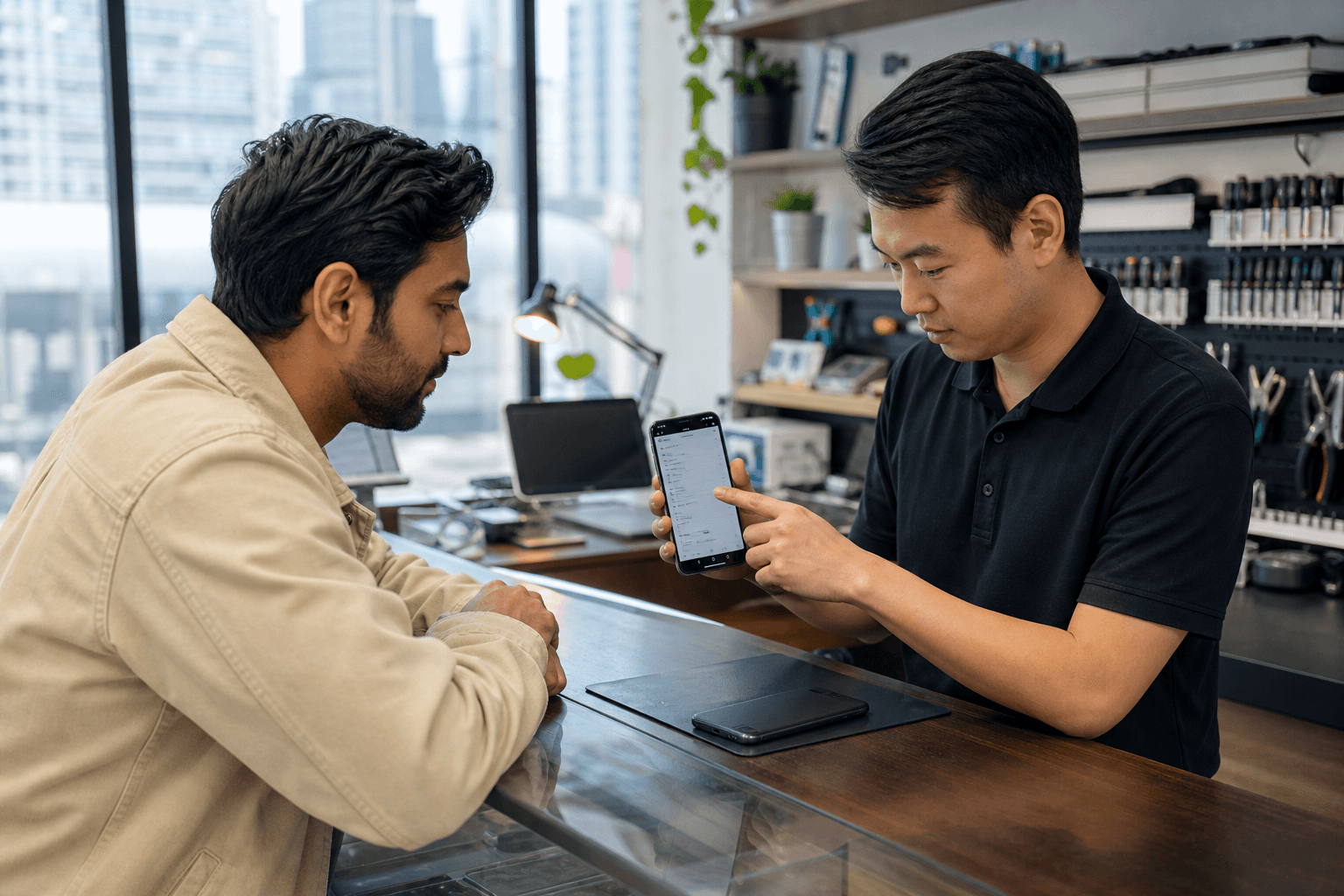
Published by TechBrotherz at TechBrotherz, the walk-in repair Store at 3317 17 Ave SE in Calgary. October 7, 2026.
No article on this site is paid for or sponsored. For a quote on your own device, call (403) 273-8324.
TechBrotherz supports both options at 3317 17 Ave SE in Calgary. The shop buys, sells, and trades devices while also providing walk-in repairs, allowing you to compare a replacement phone with the cost of restoring your current one.
Quick summary

- Ask what “refurbished” means for the specific phone and what was tested or replaced.
- Test the screen, cameras, speakers, microphones, charging, battery, storage, connectivity, and biometric features.
- Confirm that previous accounts and activation locks are removed, then check the individual phone’s IMEI.
- Verify carrier compatibility, the final price, warranty, return terms, accessories, and receipt.
- Compare the complete purchase cost with a repair estimate if your current phone still meets your needs.
What refurbished means when buying a phone in Calgary
A used, pre-owned, secondhand, or refurbished phone may have belonged to someone else, but these terms do not describe identical processes. “Used” may simply mean previously owned. “Refurbished” often suggests that a seller tested, cleaned, reset, repaired, or replaced parts, but it does not guarantee a particular battery, cosmetic grade, inspection standard, or warranty.
Ask what was done to the individual device. Request clear answers about testing, replacement parts, battery condition, account status, network compatibility, warranty, and returns. Alberta guidance prohibits false or misleading representations and requires important information about products or services to be disclosed. Alberta’s unfair business practices guidance provides useful consumer context.
Refurbished phone versus repair versus new

The right choice depends on your current phone’s condition, the features you need, and the complete cost of each option.
| Option | May suit you when | Check first |
|---|---|---|
| Repair your current phone | It meets your needs and has one main fault, such as a damaged screen, weak battery, or charging problem. | Repair price, parts, turnaround, expected result, and warranty. |
| Buy refurbished | You need a different model, more storage, or a replacement quickly. | Battery, screen, account locks, IMEI, carrier compatibility, returns, and sales warranty. |
| Buy new | You want the latest model, manufacturer support, or less uncertainty about previous use. | Total price, plan obligations, accessories, and whether the extra cost provides useful features. |
TechBrotherz’s repair versus replace comparison recommends weighing battery, storage, camera needs, and major failures before deciding.
Refurbished smartphone checklist
1. Inspect the screen, frame, cameras, and biometrics
- Display white, dark, and coloured screens to look for dead pixels, lines, discolouration, or burn-in.
- Swipe across the entire display and type a message to find missed touches.
- Check the frame, back glass, camera lenses, buttons, SIM tray, and charging port for cracks, bending, heavy wear, or liquid exposure.
- Test front and rear cameras, focus, flash, video, microphones, speakers, vibration, and volume controls.
- Test the fingerprint reader or Face ID where applicable.
A clean exterior does not prove internal reliability. Intermittent microphones, weak batteries, and connection faults may not be visible.
2. Check battery condition and charging
Ask whether the battery is original or replaced, how it was assessed, and whether the seller provides a battery-health reading or written description. Connect a suitable cable and look for interrupted charging, a loose port, unusual heat, rapid percentage drops, or unexpected shutdowns. Test wireless charging where applicable. This charging port repair checklist can help identify possible port problems.
3. Test storage, network connectivity, and everyday functions
Confirm the exact model and storage capacity in the phone’s settings, not only on the box or listing. Check available space, Wi-Fi, Bluetooth, mobile data, calls, texts, GPS, hotspot capability, notifications, and app installation where practical.
A model that works on one Canadian network may not work with every carrier, plan, frequency band, SIM, or eSIM arrangement. Confirm compatibility with your intended carrier before paying.
4. Verify account status and IMEI
The previous owner should sign out of their Apple Account or Google Account and remove any activation or device-protection lock. Ask the seller to reset the phone and let you reach the initial setup screen. Do not accept a phone that requests someone else’s credentials after reset.
Record the IMEI from the settings and compare it with the device or packaging where available. Ask how the seller checks whether the phone has been reported lost or stolen or remains subject to financing concerns. Verify the individual device through an appropriate Canadian carrier or device-checking process. A general assurance is not a substitute for checking that phone.
Questions to ask before buying
- What does refurbished mean for this specific phone?
- Which functions were tested, and were any parts replaced?
- What is the battery condition, and was the battery replaced?
- What are the exact model, storage capacity, and included accessories?
- Have all previous accounts and activation locks been removed?
- What is the IMEI, and how can I verify it?
- Will it work with my Canadian carrier, SIM, or eSIM?
- What sales warranty applies, and what does it exclude?
- Is there a return or exchange period, and are there conditions or fees?
- What is the final price after taxes and required accessories?
Canadian consumer goods may also have implied warranties under provincial and territorial sales laws, although application depends on the circumstances. The federal Office of Consumer Affairs explains this background in its information about consumer product warranties. Keep the receipt, listing, messages, and inspection notes.
Compare the total cost
Do not compare only sticker prices. Add taxes, a case, screen protection, charger, activation or plan costs, travel, immediate battery or screen work, and the cost of returning the phone if a fault appears.
- Refurbished total: purchase price, accessories, activation, likely repairs, and costs excluded by the seller’s terms.
- Repair total: repair quote and related work, while retaining your existing number, accessories, storage, and data.
- New-phone total: purchase or financing cost, plan obligations, accessories, and the value of manufacturer support.
If your current phone has one repairable issue and still handles your daily tasks, repair may avoid setup time, data transfer, and compatibility uncertainty. If several major components are failing, storage is inadequate, or both the battery and screen need work, a suitable refurbished replacement may be more practical.
For context, a refurbished device listing such as this refurbished device example still needs to be assessed for its exact condition, included items, and terms. The same principle applies to smartphones.
Buying locally in Calgary
In-person shopping lets you inspect the phone, ask questions, and compare it with your current device. Inventory changes as devices arrive, so call ahead or visit rather than assuming a particular model, colour, storage capacity, or carrier version is available.
TechBrotherz buys, sells, and trades phones, computers, and laptops at 3317 17 Ave SE in Calgary. Its valuation is completed with the device present. Use the visit to ask about the available phone and compare it with a repair quote for your existing device. Walk-in service is available during posted hours.
Five-minute checklist before leaving
- Confirm model, storage, colour, and final price.
- Test display, touch, cameras, speakers, microphones, buttons, vibration, and biometrics.
- Check battery information, charging, cable fit, and heat.
- Test Wi-Fi, Bluetooth, mobile data, calls, texts, GPS, and your SIM or eSIM.
- Confirm reset status and removal of previous accounts.
- Record and verify the individual IMEI.
- Ask about compatibility, replacement parts, warranty, returns, and accessories.
- Keep the receipt and written condition description.
FAQ about refurbished smartphones in Calgary
What is the difference between a used and refurbished phone?
A used phone is previously owned. A refurbished phone may have been tested, cleaned, reset, repaired, or had parts replaced, but the label does not establish a universal standard. Ask what happened to the exact phone.
How can I check Canadian carrier compatibility?
Confirm the model number and supported network bands, then verify the phone with your intended carrier and SIM or eSIM before paying.
Should I repair my current phone or buy refurbished?
Repair is worth comparing when your phone meets your needs and has one main fault. Replacement may be more practical when several major components fail, storage is inadequate, or you need a different model.
What should I ask about the battery?
Ask for its condition, whether it was replaced, how it was tested, and whether battery performance is covered. Test charging and watch for heat, rapid drops, or shutdowns.
Can I verify an IMEI before buying?
Ask for the IMEI, compare it with the phone’s settings, and use an appropriate carrier or device-checking service to investigate lost, stolen, account, or financing concerns.
Does a repair warranty cover a refurbished purchase?
No. A repair warranty does not automatically apply to a separate device purchase. Ask for the sales warranty, exclusions, process, and battery coverage in writing.
Conclusion: Make the decision with evidence
A refurbished smartphone can be a sensible Calgary purchase when it passes functional checks, has clear account and IMEI status, works with your carrier, and comes with understandable warranty and return terms. Repair may be better when your current phone already has the storage, camera, battery life, and features you need.
To check current device availability and compare a phone with a repair estimate, call or visit TechBrotherz at 3317 17 Ave SE in Calgary. No appointment is required for walk-in service.
Related pages
Rather just ask a person?
Call (403) 273-8324 and describe the problem, or walk in to 3317 17 Ave SE in Calgary. Every repair is quoted free before any work starts.