
Blog
Is Tablet Battery Replacement Worth It?
Learn when tablet battery replacement is worthwhile, how to separate battery failure from charging faults, what affects cost, and how to prepare.
Yes, many tablet batteries can be replaced, but the right decision depends on the model, symptoms, parts availability, repair quote, and the tablet’s remaining value. Fast drain, shutdowns under load, and poor charge retention can indicate battery wear, but a faulty cable, charger, charging port, software issue, or board problem can look similar, so diagnosis should come before approval. Related reading: Cell Phone Repair Calgary: Choose the Right Fix .
Key facts
- Published: August 22, 2026
- Last updated: October 24, 2026
- Reading time: 6 min read
- Questions about your own device: Call (403) 273-8324
Last updated
Is Tablet Battery Replacement Worth It?
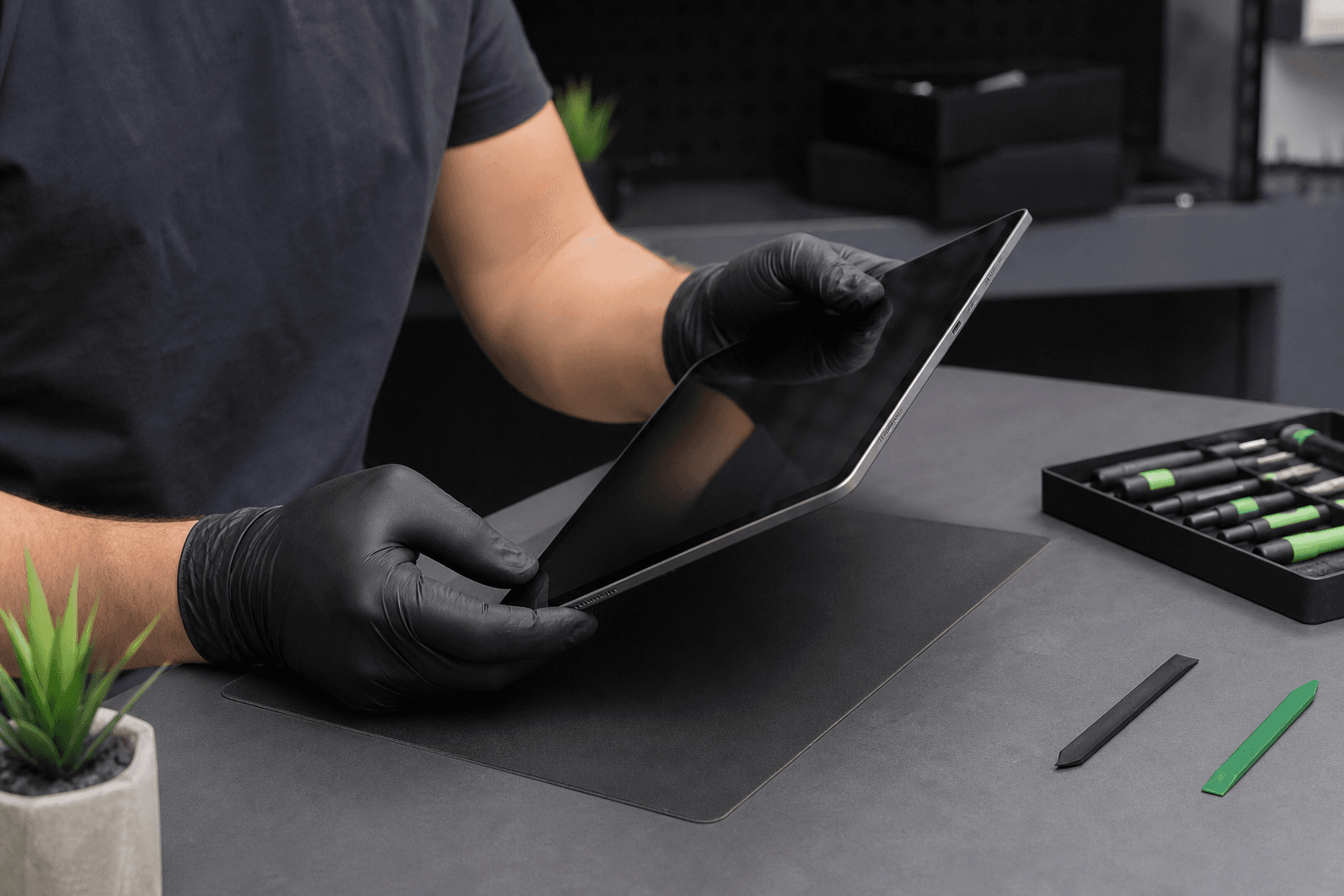
Published by TechBrotherz at TechBrotherz, the walk-in repair Store at 3317 17 Ave SE in Calgary. August 22, 2026, updated October 24, 2026.
No article on this site is paid for or sponsored. For a quote on your own device, call (403) 273-8324.
Start With the Symptom, Not the Battery Part
A tablet that loses charge quickly does not automatically need a new battery. First identify the pattern: does it drain while idle, shut down during demanding tasks, charge only when the cable is held at an angle, or become unusually warm?
| What you notice | What it may point to | Best next step |
|---|---|---|
| Charge falls quickly during normal use | Battery wear, background activity, or software | Record the drain pattern and arrange diagnosis if it persists |
| The tablet shuts down while showing charge | Worn battery, power-management fault, or board problem | Request a broader assessment before approving a battery |
| It charges only at a certain cable angle | Damaged port, cable, or connector | Test another compatible cable and avoid forcing the plug |
| It charges slowly or stops charging | Charger, cable, port, battery, or charging circuit | Bring the charger and cable if possible |
| The case is lifting or the screen is pushed outward | Possible swollen battery | Stop using the tablet and arrange safe handling |
Document the symptom, try a known-good compatible charger, and note whether the problem occurs at a particular charge level or during a demanding app. For broader battery and power checks, use this tablet repair checklist.
Battery replacement is the right direction when the tablet consistently loses runtime, shuts down during ordinary use, or no longer holds a charge after the charger and port have been reasonably ruled out.
Can a Battery Be Replaced in Any Tablet?
Tablet batteries can often be replaced, but no repair shop can promise the same solution for every model. TechBrotherz assesses iPads, Android tablets, and Windows tablets, then checks the exact device, part availability, condition, and repair requirements before quoting.
| Tablet type | What affects feasibility | What to bring or find |
|---|---|---|
| iPad | Generation, construction, battery part, and condition | Model number from the back or Settings under About |
| Android tablet | Manufacturer, model year, battery design, and parts availability | Exact model number, not only the brand |
| Windows tablet | Model-specific parts, internal layout, age, and diagnostic complexity | Model information from Settings or the casing |
Two tablets with the same screen size can require completely different parts and labour. Android and Windows tablet pricing therefore requires the device or exact model in front of the technician.
What Changes the Quote and Timing?
There is no responsible universal price for tablet battery replacement. The quote depends on the tablet model and age, battery part, availability, device damage, diagnostic complexity, and labour required to open and reassemble it.
A worn battery in an intact tablet is a different job from a battery problem combined with a bent casing, liquid damage, or damaged charging port. Parts availability can also change the value of repairing an older or uncommon tablet.
For any repair, ask whether the quoted amount covers the replacement part and labour, what timing applies to your exact model, and whether work starts only after you approve the quote. A time estimate for one iPad model does not automatically apply to every Android or Windows tablet.
What Happens During Tablet Battery Replacement?

A proper replacement starts by identifying the tablet and checking whether the battery is actually causing the symptom.
- Identify the device: Confirm the model so the correct battery and repair method can be considered.
- Assess the symptoms: Review drain, shutdowns, charging behaviour, heat, physical damage, and other possible faults.
- Approve the quote: Receive the expected price and timing before work starts.
- Open the tablet carefully: Remove the old battery while checking for related internal problems.
- Fit and reassemble: Install the replacement and put the device back together.
- Test the tablet: Check charging and relevant functions before return.
For ordinary battery work, the repair process is intended to leave your storage untouched, but back up first because the device is opened.
Repair the Battery or Replace the Tablet?

Battery replacement is usually worth considering when the tablet otherwise performs well, the screen and frame are sound, the correct part is available, and the quote fits the value you place on keeping it.
Repair is more likely to make sense if:
- The tablet meets your needs for speed, storage, apps, and screen quality.
- The battery is the main fault and charging works reliably.
- The casing and display are intact.
- A replacement part is available at a sensible cost.
- You already have accessories and files set up.
Replacement may be better if:
- The tablet has battery, screen, port, and performance problems together.
- The exact battery is difficult to source.
- The device no longer supports the apps or tasks you need.
- The quote is high compared with a suitable replacement.
- Another major repair is likely soon.
Hypothetical example: An otherwise reliable iPad with a good screen and responsive software is a strong candidate for a battery quote if it no longer lasts through an evening. An older tablet with a weak battery, cracked display, loose port, and slow performance deserves a full repair-versus-replace comparison first.
There is no universal age or percentage that decides this. The practical question is whether the replacement restores a device you still want to use at a cost that makes sense beside its condition and alternatives.
Prepare the Tablet Before You Bring It In
- Record the model number and describe when the battery drains, shuts down, or stops charging.
- Back up photos, documents, messages, and other important files.
- Bring the charger and cable if charging is part of the complaint.
- Note unusual warmth, shutdowns under load, or separation around the screen or case.
- Know the passcode needed for post-repair testing.
If the battery appears swollen or the tablet is damaged around the battery area, stop using it. Do not press the casing flat or place the device in ordinary household waste. Arrange safe handling instead. For general battery handling and recycling information, see this battery safety and recycling information.
What to Expect From a Calgary Tablet Battery Assessment
TechBrotherz provides walk-in tablet repair at 3317 17 Ave SE in Calgary. The shop assesses iPads, Android tablets, and Windows tablets, with the exact repair plan depending on the device, diagnosis, and parts required.
Bring the tablet and its model information so the device can be inspected and a quote prepared for your situation. Timing depends on the tablet, diagnosis, and parts required.
Tablet Battery Replacement Questions Worth Asking
Is it worth replacing a tablet battery?
It can be worthwhile when the battery is the main problem and the tablet still meets your needs. Compare the quote with the device’s condition, performance, parts availability, and the cost of a suitable replacement.
Can a battery be replaced in a tablet?
Many iPads, Android tablets, and Windows tablets can be assessed for replacement, but compatibility varies by model. The exact model number is needed for a reliable answer.
How much does it cost to replace the battery in a tablet?
There is no universal price. The model, age, battery part, availability, damage, diagnostics, and labour all affect the quote.
How do I know if my tablet needs a new battery?
Rapid drain, unexpected shutdowns, poor charge retention, and reduced runtime are common signs, but chargers, cables, ports, software, and boards can produce similar symptoms. Have the cause confirmed before approving replacement.
If your tablet still fits your needs but no longer holds a charge, bring the model information and charging accessories for a quote at TechBrotherz tablet battery repair before deciding whether to proceed.
Related pages
Rather just ask a person?
Call (403) 273-8324 and describe the problem, or walk in to 3317 17 Ave SE in Calgary. Every repair is quoted free before any work starts.