
Blog
Screen Repair vs Battery Replacement in Southview: 7 Picks
Screen repair vs battery replacement? Match symptoms to the right fix, then walk in to TechBrotherz Southview for a same-visit decision and many same-day repairs.
Prioritize a screen repair for cracked glass, dead touch zones, or display artifacts; choose a battery replacement for early shutdowns, swelling, overheating, or poor health readings. If symptoms overlap, we handle both in one teardown. Walk in to TechBrotherz Southview for a same-visit decision.
Key facts
- Published: July 11, 2026
- Last updated: October 2, 2026
- Reading time: 9 min read
- Questions about your own device: Call (403) 273-8324
Last updated
Screen Repair vs Battery Replacement in Southview: 7 Picks
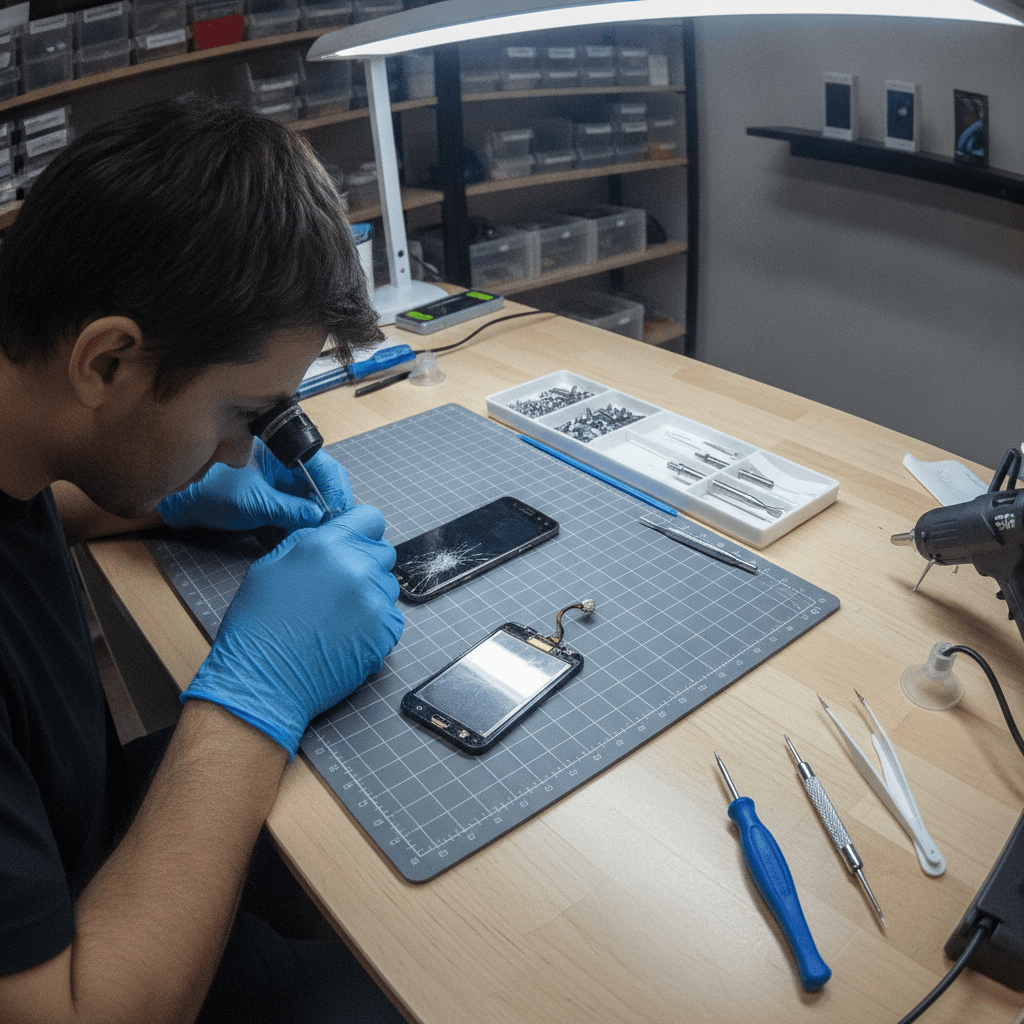
Published by Imran Mohammed at TechBrotherz, the walk-in repair Store at 3317 17 Ave SE in Calgary. July 11, 2026, updated October 2, 2026.
No article on this site is paid for or sponsored. For a quote on your own device, call (403) 273-8324.
Screen repair vs battery replacement is a diagnosis-driven choice. Cracks, ghost touch, lines, or dark spots signal a screen issue. Fast drain, shutdowns, heat, or swelling point to the battery. TechBrotherz in Southview, Calgary tests both while you wait so you choose the right fix and get back to your day.
By TechBrotherz • Last updated: 2026-07-11
| Neighborhood | Southview, Calgary |
|---|---|
| Service area | Calgary, Chestermere, Airdrie |
| Hours | Mon–Sat 10:00–19:00, Sun 11:00–17:00 |
| Walk-in | Yes — no appointment required |
| Same-visit decision | On-the-spot diagnostics for screen and battery |
| Same-day potential | Common iPhone/Samsung models |
| Warranty | 60-day warranty on all repairs |
| Core services | Cell phone, iPad/tablet, computer/laptop repair; unlocking; password reset |
- Which repair do you need?
- Summary
- Quick comparison table
- Our top pick
- Picks #2–#7
- How to choose
- Buying guide (optional)
- Local vs national chains
- How TechBrotherz repairs
- FAQ
- Methodology
- Conclusion
Southview walk-in tip
Mid-afternoon tends to be the smoothest for diagnostics. Parking near Habesha Mall is convenient, and a short stroll to Valleyview Park Viewpoint makes the wait easy. Drop in from Calgary SE without an appointment.
Quick Answer: Which Repair Does Your Phone Actually Need?
Choose screen repair if you see cracks, color streaks, dead touch zones, or black spots. Choose battery replacement if the phone shuts down early, runs hot, or shows swelling. If both faults are present, doing screen and battery in one teardown reduces downtime and avoids a second open-up.
We match symptoms to hardware and confirm with bench tests. If you’re using an iPhone, our iPhone repair bench checks touch layers, True Tone, and battery performance quickly. For Galaxy devices, our Samsung repair workflow evaluates OLED health, charging draw, and thermal behavior before we recommend the fix.
Summary
Screen repair vs battery replacement comes down to dominant symptoms and a quick bench test. Visual artifacts and touch failures point to the screen; runtime and heat issues point to the battery. TechBrotherz provides a same-visit decision in Southview and completes many repairs the same day.
- Screen-first: cracks, lines, ghost touch, dim or blotchy areas.
- Battery-first: rapid drain, thermal spikes, swelling, unexpected shutdowns.
- Both together: older phones with cracked glass and tired cells benefit from a one-time teardown.
- Walk-in advantage: on-the-spot diagnostics for iPhone, Samsung Galaxy, and tablets.
Quick Comparison Table
Match your symptom to the likely repair. If the display is physically damaged or shows artifacts, pick the screen. If power, runtime, swelling, or overheating is the complaint, pick the battery. If you’re unsure, we test both in minutes and give you a clear verdict.
| Symptom | Best first repair | Why |
|---|---|---|
| Cracked glass, lines, blotches | Screen repair | Impact damages panel or digitizer |
| Dies early, charges oddly | Battery replacement | Aged cells can’t maintain voltage under load |
| Overheating on light use | Battery replacement | Rising internal resistance produces heat |
| Ghost touches, dead zones | Screen repair | Digitizer damage causes erratic input |
| Swollen back or lifted screen | Battery replacement (urgent) | Gas buildup pushes on frame and display |
Our Top Pick
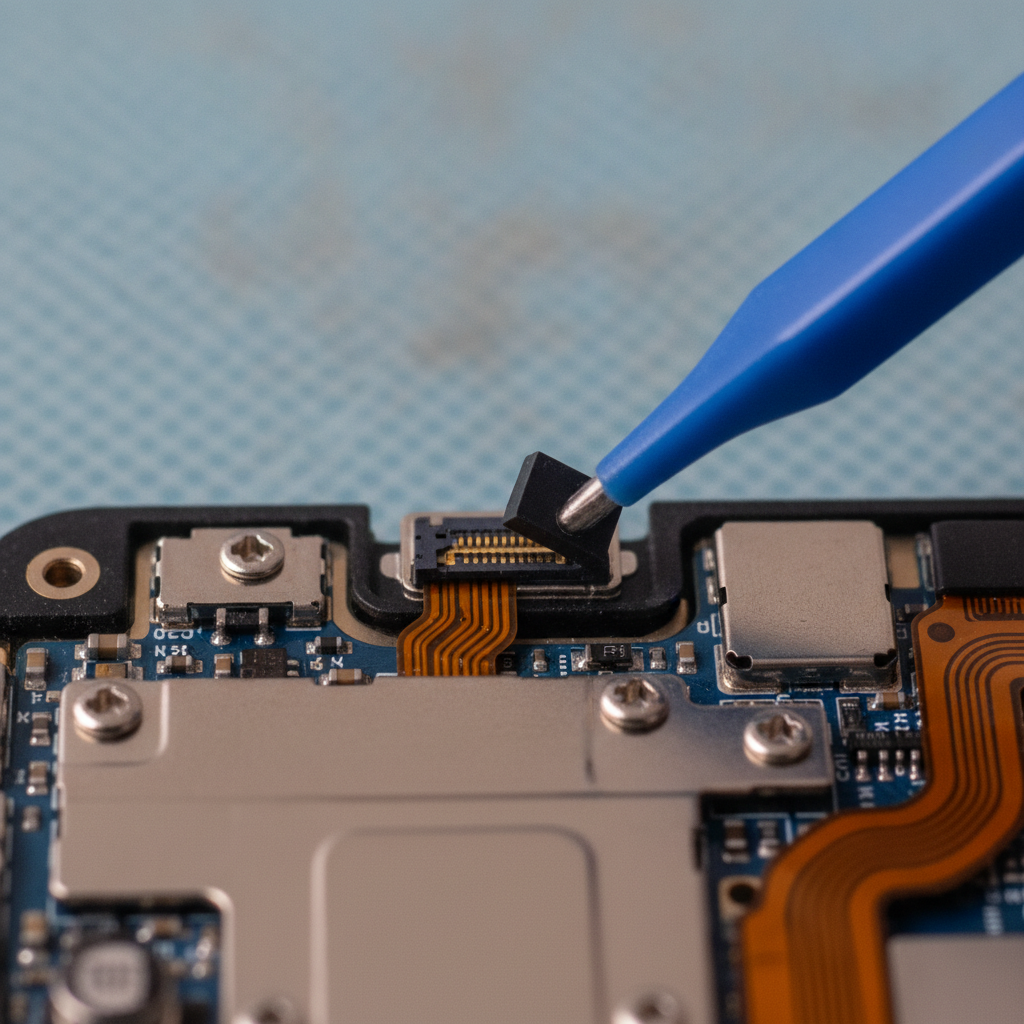
If the display is cracked or touch is unreliable, choose a screen repair first. Restoring a readable, responsive display makes the device usable and lets us evaluate secondary issues accurately. If battery wear is confirmed, we combine the services during the same teardown.
In our shop, ghost touch feels like the phone “typing by itself” — apps opening, screens swiping, calls dialing. A new display assembly fixes that behavior and prevents accidental touches from deleting photos or sending half-written messages. After the screen is replaced, power tests are more reliable.
For iPads with shattered digitizers, our iPad repair team handles bonded glass and adhesive safely, preserving camera and sensor alignment.
Picks #2–#7: Clear Scenarios and Verdicts
Use these seven real-world scenarios to decide fast. Each one pairs a symptom pattern with a clear verdict so you aren’t guessing. If your situation spans categories, we’ll test both parts and recommend screen, battery, or a combined service.
#2 — Sudden shutdowns under light load
- Model example: iPhone that powers off during a video call at double-digit charge.
- What we see: Health reads acceptable, but peak current trips protection and the phone reboots.
- Verdict: Battery replacement.
- Action: Stop by our iPhone repair counter for a quick load test and replacement.
#3 — Vertical line or color streak after a drop
- Model example: Samsung Galaxy with a bright line from top to bottom.
- What we see: OLED matrix damage despite a case; touch near the line is flaky.
- Verdict: Screen repair.
- Action: Head to Samsung repair; we replace the assembly and re-seat seals.
#4 — Phone warms up scrolling social media
- Model example: Mid-cycle iPhone or Android heating during light browsing.
- What we see: Elevated internal resistance wastes power as heat; runtime drops quickly.
- Verdict: Battery replacement.
- Action: Our cell phone repair bench confirms with charge/discharge traces.
#5 — Cracked front plus short battery life
- Model example: 3–4-year-old phone with worn cells and shattered glass.
- What we see: Usability issues from the screen and reliability issues from the battery.
- Verdict: Do screen and battery together.
- Action: One teardown, two fixes — less downtime, better longevity.
#6 — Liquid exposure, touch erratic, drains fast
- Model example: Device worked after rain, then touch glitched and the battery tanked.
- What we see: Residue impacts connectors and sensors; screen and battery both suspect.
- Verdict: Diagnostics first, then targeted repair.
- Action: Power down, don’t charge, bring it in for inspection on our tablet/phone benches.
#7 — Frame bent, screen lifted at a corner
- Model example: Pocket-bent phone with glass lifting and a faint creak when pressed.
- What we see: Chassis stress makes new parts sit poorly; risk to cables and seal.
- Verdict: Data-first plan and structural assessment; repair sequence guided by diagnostics.
- Action: We’ll safeguard data, then outline repair options. If needed, our phone unlocking team assists with access.
How to Choose (Step-by-Step)
Identify your leading symptom, do a 60‑second self-check, then get a bench test. Prioritize the screen for visual/touch faults and the battery for runtime/thermal faults. If swelling is present, power down and head straight in for safe handling.
- Spot the pattern: Display artifacts vs power/heat behavior.
- Quick self-check: Reboot, remove case/protector, test bare screen and stable power.
- Look for lift: A slight wedge or gap along the edge suggests swelling.
- Bench test: Visit Southview for touch tests, charge curves, and thermal checks.
- Decide once: If both parts are weak, combine them to avoid a second teardown.
For prevention, a good protector reduces breakage risk. See this practical screen protector breakdown. If you’re weighing tablet fixes, get perspective from this tablet issues overview, then check our in-house tablet repair page.
Need a fast verdict? Walk in to our Southview counter today. We’ll test screen and battery while you wait and help you choose the right repair the first time.
Explore phone repair options
Buying Guide (Optional): Parts, Seals, and Warranty
Choose quality parts, protect water resistance with fresh adhesives, and confirm written warranty coverage. Ask for data-safe handling and post-repair checks (True Tone, Face ID/biometrics, charge draw) so the device leaves better than it arrived.
- Parts quality: Ask about display color accuracy and touch responsiveness; for batteries, ask about cycle testing.
- Seals and adhesives: Replacing the screen or opening the phone requires new perimeter seals to help maintain resistance to dust and moisture.
- Diagnostics before/after: Documented checks for display, cameras, speakers, mics, and charge current.
- Warranty: Our repairs include a 60-day warranty; keep your receipt for easy support.
Curious about service expectations? This short read on what to expect at a repair shop outlines typical intake and testing steps similar to our process.
What to Expect at a Local Repair Shop vs National Chains
Local shops like TechBrotherz deliver walk-in diagnostics, same‑visit decisions, and multi‑device expertise near home. National chains offer standardized processes and broad networks but may lean on appointments or mail‑in. If you’re in Southview, local service trims time from problem to fix.
- Mobile Klinik: Well‑known across Calgary with mall‑based locations; standardized intake. For Southview residents, our neighborhood access shortens the trip.
- uBreakiFix by Asurion: Large network integrated with insurance workflows; convenient for covered devices.
- CPR Cell Phone Repair: Franchise footprint and familiar processes; availability varies by store.
- Dr. Phone Fix: Local brand with multiple outlets in the city; check each store’s walk‑in setup.
TechBrotherz difference: Southview location, no appointment requirement, one counter for iPhone, Samsung Galaxy, and iPad, plus a 60‑day repair warranty. You leave with a clear verdict, not a ticket number.
How TechBrotherz Handles Screen and Battery Repairs in Southview
We verify symptoms, test screen and battery on the bench, recommend the right repair, and complete many services the same day. Walk in, get a decision, and leave with a warranty‑backed fix for iPhone, Samsung Galaxy, or tablet.

- Multi‑device bench: Cell phones, iPads, tablets.
- One‑visit clarity: We tell you “screen,” “battery,” or “both” before you commit.
- Data‑aware handling: We preserve your data during teardown and reconnect checks.
- Warranty included: 60‑day coverage on completed repairs.
Local considerations for Southview
- Arriving from Habesha Mall? Mid‑afternoon walk‑ins move faster than the commute rush.
- Cold snaps near Valleyview Park Viewpoint reduce battery output; warm the device to room temperature before testing.
- Short on time? Call from Calgary SE so we prep the bench for your device family.
FAQ
These answers address the most common walk‑in questions in Southview: telling screen vs battery, handling swelling safely, and whether you can keep using the device before repair.
How do I tell screen failure from a battery problem?
Visible cracks, color lines, dark spots, or dead touch zones indicate the screen. Early shutdowns, heat, or swelling indicate the battery. If both appear, we test each on the bench and either prioritize one or complete both in a single teardown.
Is it safe to use a phone with a swollen battery?
No. Power it down and avoid charging. Swelling can press against the display and frame. Bring it in for safe removal and replacement so the device seats correctly and the screen isn’t stressed.
Can a screen protector cause ghost touch?
A poorly fitting protector can create the feeling of ghost input, but true ghost touch comes from digitizer damage. Remove the protector and retest. If input is still erratic, a display assembly fixes it; we’ll confirm with a touch grid test.
Should I replace both screen and battery on an older device?
If the display is cracked and battery health is weak, combining both in one visit reduces downtime and duplicate labor. We’ll verify with diagnostics, then complete the pair so you leave with a reliable, safer device.
Methodology
Advice here reflects hands‑on diagnostics for walk‑ins in Southview — iPhone, Samsung Galaxy, iPad, and other devices. We recommend the fix that restores safety and usability first, confirmed on the bench, not guesswork.
- Symptom‑led triage: Map your complaint to the likely part, then verify.
- Bench validation: Touch/display tests, charge/discharge traces, and thermal checks.
- Local patterns: Cold‑weather battery behavior and commuter drops inform our guidance.
- Related reading: See our tablet repair hub for longevity context and device‑specific factors.
Conclusion
Decide screen repair vs battery replacement by matching symptoms to the part and confirming with a bench test. TechBrotherz gives Southview walk‑ins a same‑visit decision and many same‑day fixes for iPhone, Samsung Galaxy, and iPad.
Key takeaways
- Cracks/ghost touch/lines → screen. Shutdowns/heat/swelling → battery. Overlap → both.
- Walk‑in diagnostics prevent guesswork and repeat teardowns.
- Quality parts, fresh seals, and a written warranty protect your result.
Next step: Stop by our Southview counter or start on our cell phone repair page today.
Related pages
Rather just ask a person?
Call (403) 273-8324 and describe the problem, or walk in to 3317 17 Ave SE in Calgary. Every repair is quoted free before any work starts.