
Blog
Computer Hardware Repair Basics: 7 Signs You Need Help Now
A Southview Calgary guide to computer hardware repair basics—7 signs you need help, quick diagnostics, and what pro repairs cover. Walk-in friendly.
Computer hardware repair basics start with safe power tests, accessory isolation, RAM reseats, storage health checks, and thermal cleaning—before any part swap. At TechBrotherz Southview, we run this sequence on desktops, laptops, iPads, and Samsung tablets to diagnose fast while protecting your data.
Key facts
- Published: July 13, 2026
- Last updated: October 2, 2026
- Reading time: 7 min read
- Questions about your own device: Call (403) 273-8324
Last updated
Computer Hardware Repair Basics: 7 Signs You Need Help Now
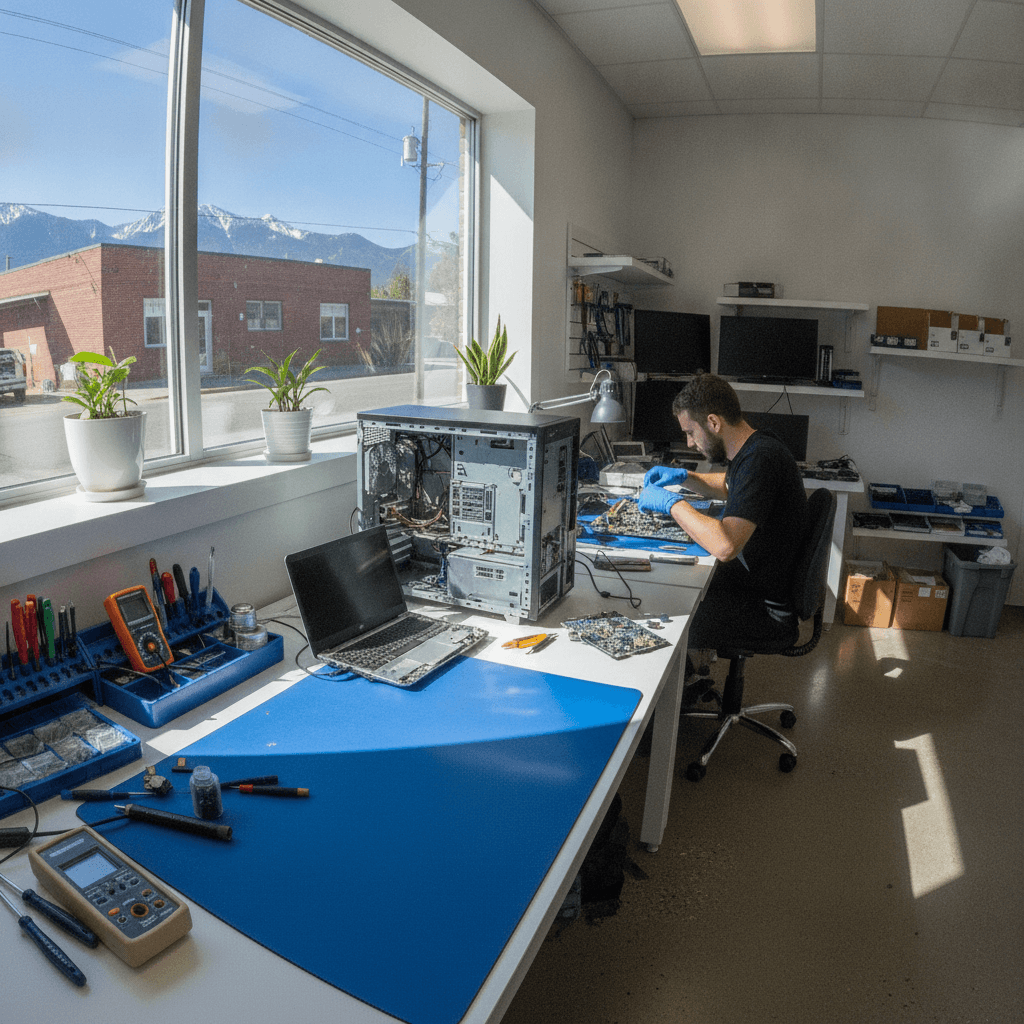
Published by Imran Mohammed at TechBrotherz, the walk-in repair Store at 3317 17 Ave SE in Calgary. July 13, 2026, updated October 2, 2026.
No article on this site is paid for or sponsored. For a quote on your own device, call (403) 273-8324.
Computer hardware repair basics are the step-by-step checks that quickly pinpoint faults in PCs, laptops, and tablets so you don’t lose time—or data. In Southview, Calgary, TechBrotherz applies these basics every day on real machines, offering walk-in help that gets you back up and working fast.
By Imran Mohammed — TechBrotherz
Last updated: 2026-07-13
- Overview
- What it is
- Common failures
- Quick diagnostics
- DIY vs. pro repair
- What pro repairs cover
- Our in-store process
- FAQ
Southview timing tip for faster service
Traffic builds on 17 Ave SE late afternoons. For the quickest walk-in, come before lunch. Parking is easiest near Habesha Mall. Many customers drop off, grab a coffee, and stretch their legs toward Valleyview Park Viewpoint while we run first-pass diagnostics.
Overview
Computer hardware repair basics are practical shop checks—power, peripherals, memory, storage, and cooling—run in a strict order to avoid data loss and guesswork. This sequence turns random symptoms into a clear plan and often restores stability without major part swaps.
Your experience matters. You walk in worried about a deadline and a dead laptop. We greet you, listen for 60 seconds, and start triage immediately: wall power, adapter output, fan spin, POST behavior. Within minutes, you know whether it’s a simple reseat or deeper work.
- Start simple: Bad chargers and loose cables mimic “big” failures.
- Stability first: RAM faults and overheating look like software crashes.
- Data-aware: We don’t run risky writes on questionable drives.
- Clear next steps: We explain findings in plain English and confirm action.
If you need quick help in Calgary SE, our computer repair service supports walk-ins and same-day assessments when possible.
What Is Computer Hardware Repair? (The Shop-Floor Reality)
Computer hardware repair is fast, data-safe diagnosis plus targeted part replacement. In practice, that means testing chargers and PSUs, reseating RAM, verifying SSD/HDD health, cleaning cooling systems, and repairing ports—then validating under load before you leave.
On the bench, we don’t theorize—we measure. Power rails get checked, RAM is reseated and tested, drives are read-only scanned, and fans are cleaned or replaced when they’re dragging. Tablets and iPads add charge ports and display connectors to that list.
- Laptops: DC-jack integrity, battery condition, fan/heatsink efficiency, hinge strain.
- Desktops: PSU output, motherboard POST, GPU/CPU thermals, SATA/NVMe seating.
- Tablets/iPads: Charge port debris, flex cable seating, display backlight/connectors.
Because TechBrotherz also services phones and tablets, mixed-household issues get solved in one visit—see cell phone repair, iPad repair, and tablet repair.
The Most Common Hardware Failures TechBrotherz Sees Every Day
We most often fix power faults, failing RAM or drives, overheating from dusty cooling, damaged ports, liquid exposure, and battery swelling. Each has distinct tells—no POST beeps, clicking drives, instant thermal throttling—that let us move fast without guesswork.
Real walk-in patterns we see in Southview:
- No power or flicker: Bad adapter/DC-jack/PSU. Symptom: brief LED flash, then off.
- Random freezes/restarts: RAM errors or heat. Symptom: crashes under light load.
- Slow boots + clicking: Aging HDD. Symptom: grinding or repeated retries.
- USB/HDMI intermittent: Port damage or loose connectors after yanked cables.
- Liquid exposure: Sticky keys, ghost inputs, or corrosion under connectors.
- Battery swelling: Trackpad lifting, case separation—stop using immediately.
Example you can picture: a Samsung tablet last week looked like a dead screen. It was a loose display connector. We reseated it during the same visit the owner dropped off their desktop—one trip, two fixes—handled by our Samsung repair specialists.
Basic Diagnostic Steps Before Any Repair
Follow a safe order: verify power, unplug accessories, reseat and test RAM, check drive health, confirm fan spin and temps, and scan for visible damage. This flow isolates the fault quickly and protects your files.
- Power sanity: Test a second outlet and adapter. For towers, check the PSU switch and 24‑pin seating.
- Accessory isolation: Unplug hubs, external drives, printers, and extra displays.
- POST/BIOS check: Reaching BIOS narrows issues to hardware basics or OS.
- RAM reseat/test: Try one stick at a time. Run MemTest86 or Windows Memory Diagnostic for errors.
- Storage health: Use CrystalDiskInfo or HD Sentinel; any “Caution” state or rising reallocated sectors means act now.
- Thermals: Clean vents; confirm fan spin. HWiNFO logging over 90°C under light load points to dried paste or dust.
- Visuals: Look for liquid residue, char, or damaged ports. Don’t power a wet board.
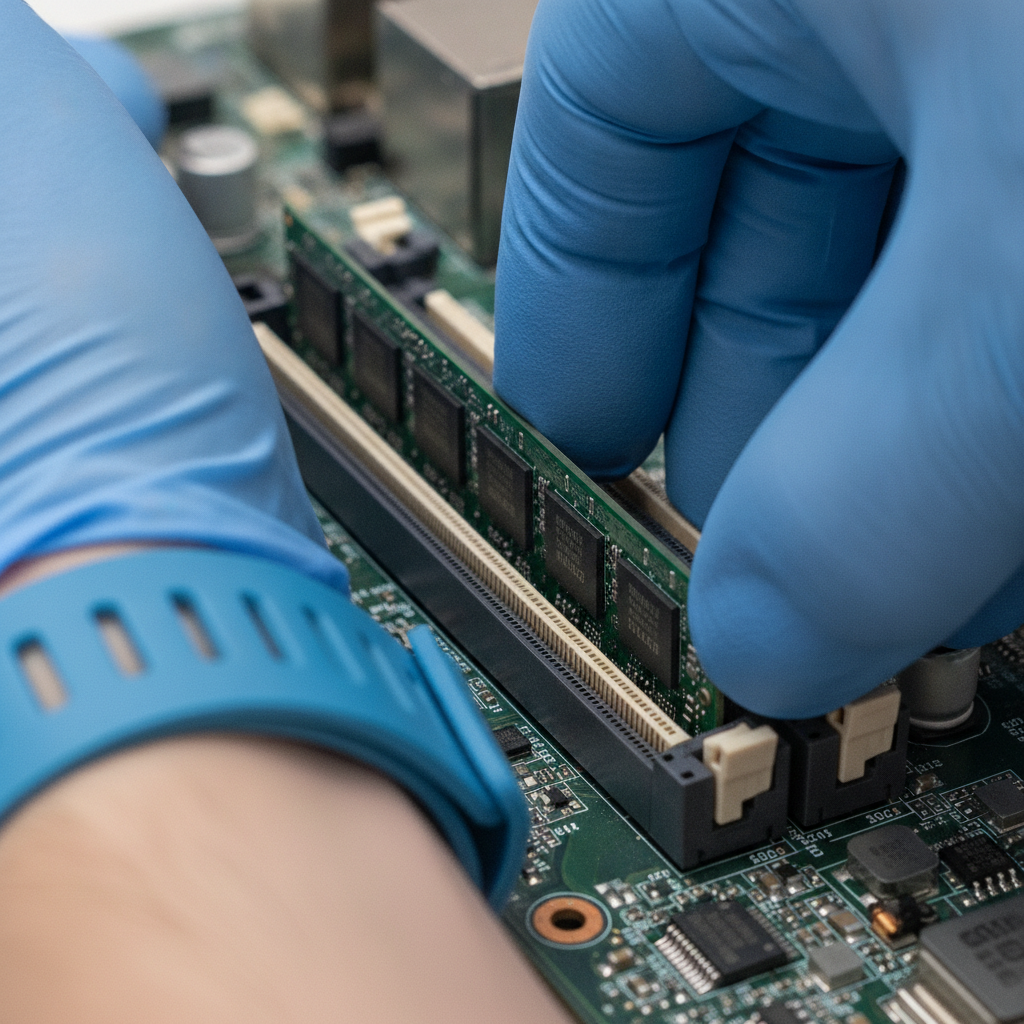
Tools we actually use daily
- Diagnostics: CrystalDiskInfo/HD Sentinel (drives), HWiNFO (temps), OCCT/Cinebench (stress), MemTest86 (memory).
- Safety/repair: ESD strap and mat, iFixit Pro Tech Toolkit, 99% isopropyl, Arctic MX‑4 or Noctua NT‑H1 thermal paste.
- Power checks: PSU tester or multimeter; USB‑C current meter for tablets/phones.
For a simple maintenance primer, see this clear computer upkeep overview. If your checklist points to a tablet connector or screen, our iPad team handles delicate flex cables without risking further damage.
DIY vs. Professional Repair — When to Stop and Call a Tech
Do DIY for cable checks, RAM reseats, and light dusting. Stop immediately for battery swelling, liquid spills, burning smells, or board work. If you opened it once and the issue returned, you’re past DIY—each attempt risks data and raises repair complexity.
Here’s our firm stance after hundreds of bench hours:
- Safe at home: Power/adapters, cable isolation, RAM reseat, gentle vent cleaning.
- Shop-only: Swollen batteries, DC‑jack repairs, liquid cleanup, micro‑soldering, data recovery.
- Time-sensitive: After spills, corrosion starts fast; every hour reduces success odds.
Comparing providers in Calgary? National chains like Mobile Klinik, uBreakiFix by Asurion, and CPR Cell Phone Repair are options. TechBrotherz focuses on walk‑in convenience, multi‑device fixes in one trip, and a 60‑day warranty backed by a single neighborhood location.
What a Professional Hardware Repair Actually Covers
A professional repair delivers precise diagnosis, targeted parts, preventative cleaning, and validation testing—plus clear notes and a written warranty. You should leave with a stable machine and a simple explanation of what changed and why.
| Symptom | Likely Hardware Cause | Safe DIY Check | Pro-Only Service |
|---|---|---|---|
| No power | PSU/DC‑jack, adapter, board power rail | Known‑good outlet/adapter | PSU testing, DC‑jack repair, board diagnosis |
| Random restarts | Overheating, bad RAM, SSD faults | Clean vents, reseat RAM | Thermal overhaul, RAM/SSD replacement |
| Clicking/grinding | Failing HDD or fan bearings | Back up if possible | Data‑safe drive swap, fan replacement |
| Port not working | Damaged USB/HDMI, loose connector | Try another cable/device | Port repair or board work |
| Liquid spill | Corrosion under connectors | Power off; don’t charge | Board cleaning, ultrasonic, connector rework |
Shops should also advise on prevention: dust control, safe charging, cable strain relief. Our work is backed by a 60‑day warranty on repairs for confidence after you leave.
If your household includes consoles, specialized services exist in Calgary; here’s a quick console repair overview for context.
How TechBrotherz Handles Computer and Device Hardware Repairs
Walk in, describe the symptom, and we start triage. We isolate the first failing component, explain the fix, perform the targeted repair and cleaning, then validate with stress and port tests. You leave with a stable device and a 60‑day warranty.
- Intake that calms: You explain the failure and your deadline. We translate it into a test plan on the spot.
- Rapid isolation: Power, RAM, storage, and thermals checked in order. No blind part cannons.
- Clear approval: Findings, fix, and turnaround explained in plain English.
- Targeted repair: Only necessary parts. We reclean fans and reapply Arctic MX‑4 or Noctua NT‑H1 if needed.
- Validation: HWiNFO temps, OCCT/Cinebench stress, and port/function checks.
- Warranty + pickup: You get the device, simple notes, and coverage that actually means something.

Multi-device households save time here. It’s common to fix a desktop and a phone in the same visit—our iPhone repair, Samsung repair, and tablet repair teams coordinate so you leave with everything working. We also support phone unlocking when hardware is fine but access is blocked.
Local considerations for Southview
- Plan drop-offs before rush hour on 17 Ave SE for the fastest intake.
- Use Habesha Mall parking for a short walk and easy pickup.
- On clear days, Valleyview Park Viewpoint is a good spot while we run diagnostics.
Need a quick diagnostic? Walk in during business hours—no appointment required. We’ll run the safe basics and outline next steps in minutes.
Start with computer repair or explore phone & tablet service.
FAQ
These answers reflect what we fix daily in Southview—short, specific, and safe to try before professional service. If you see or smell anything alarming, stop and bring it in.
What are the safest first steps if my PC won’t turn on?
Try a second outlet and known-good cable, remove all USB accessories, and watch for any fan spin or LEDs. If you smell burning, see liquid traces, or the battery is swollen, stop. Those conditions need shop tools and safety procedures.
How can I tell if it’s a RAM issue or a drive issue?
Frequent freezes or reboots under light load point to RAM or heat. Slow boots with clicking sounds suggest the drive. Reseat memory and check temps with HWiNFO. If CrystalDiskInfo shows “Caution” or the drive vanishes from BIOS, back up and see a technician.
Is DIY cleaning enough to fix overheating laptops?
Light dusting helps, but if temps hit 90°C or the chassis runs hot at idle, it needs a full thermal service: fan cleaning, heatsink reseat, and fresh paste. We validate with HWiNFO logs and a short OCCT or Cinebench stress test.
Can you help if I forgot my tablet password?
Yes. We provide secure password resets for supported phones and tablets. If hardware checks clean but you’re locked out, we guide you through resets or unlocking and confirm the device is usable again.
Key takeaways
- Work a safe sequence: power, peripherals, RAM, storage, thermals.
- Stop DIY for swelling batteries, liquid spills, and burning smells.
- Expect diagnosis, targeted parts, validation testing, and a real warranty.
- TechBrotherz handles computers and mobile devices in one Southview visit.
About the author: Imran Mohammed — Repair Technician at TechBrotherz. Imran focuses on practical, data-safe fixes for iPhone, Samsung, PCs, and laptops. He’s mentioned by name in public reviews for same-day computer work and clear, friendly explanations.
Ready to get your device back up and working? Visit TechBrotherz in Southview for fast, walk‑in computer hardware repair and multi‑device support.
Related pages
Rather just ask a person?
Call (403) 273-8324 and describe the problem, or walk in to 3317 17 Ave SE in Calgary. Every repair is quoted free before any work starts.