
Blog
PC Repair vs Laptop Repair: 7 Cost Clues for Calgary
Compare PC repair vs laptop repair in Calgary (Southview). Learn 7 cost clues, a side-by-side, how to choose, and local options. Walk-in diagnostics + warranty.
Desktop PCs repair faster thanks to standardized parts and easy access. Laptops take longer because of tight assemblies, adhesives, and model-specific components. In Southview, TechBrotherz offers walk-in diagnostics so you get a same-day verdict on repair vs replace without booking.
Key facts
- Published: July 10, 2026
- Last updated: October 2, 2026
- Reading time: 9 min read
- Questions about your own device: Call (403) 273-8324
Last updated
PC Repair vs Laptop Repair: 7 Cost Clues for Calgary
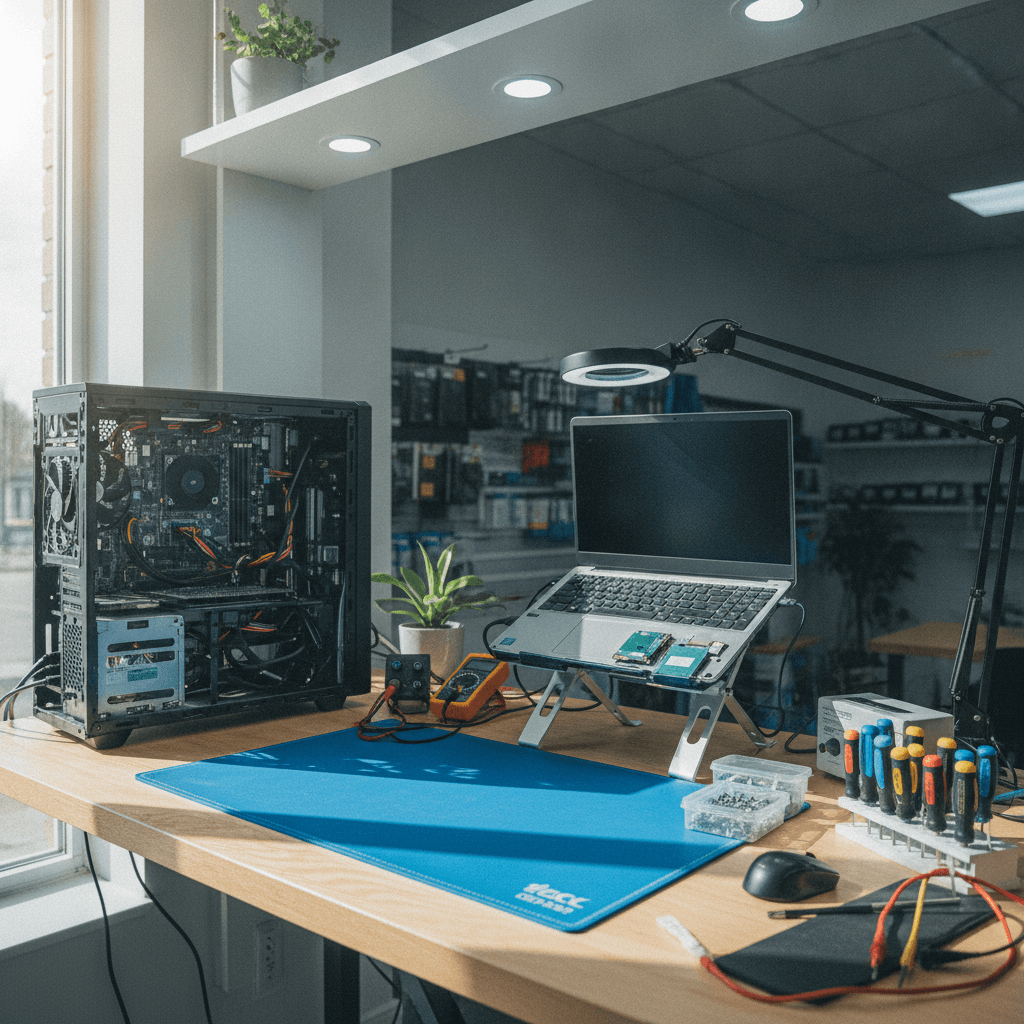
Published by Imran Mohammed at TechBrotherz, the walk-in repair Store at 3317 17 Ave SE in Calgary. July 10, 2026, updated October 2, 2026.
No article on this site is paid for or sponsored. For a quote on your own device, call (403) 273-8324.
PC repair vs laptop repair is the difference in how technicians diagnose, source parts, and service desktop towers compared with portable notebooks. Desktops are modular and faster to work on; laptops are compact and model-specific. For Southview customers, the best path balances downtime, data safety, and reliability with walk-in diagnostics.
By TechBrotherz • Last updated: 2026-07-10
Overview: What this guide covers
You’ll learn the real differences between desktop and laptop repairs, seven cost clues techs use to estimate bench time, a side-by-side comparison, how to choose the right path, and which local options handle PCs and notebooks well. We also outline what TechBrotherz fixes in-house for same-day clarity.
Start with a quick snapshot of our shop so you can plan your visit.
| Fact | Details |
|---|---|
| Service model | Walk-in diagnostics and repairs; no appointment required |
| Warranty | 60-day warranty on all repairs |
| Device coverage | Desktops, laptops, iPhone, Samsung Galaxy, iPad, and other tablets |
| Neighborhood | Southview, Calgary (near 17 Ave SE) |
| Service area | Calgary, Chestermere, Airdrie |
| Hours | Mon–Sat 10am–7pm; Sun 11am–5pm |
Southview timing tip for walk-ins
Parking near Habesha Mall is usually easier before lunch on weekdays. If you’re heading to Valleyview Park Viewpoint later, drop your PC or laptop first—we’ll run diagnostics while you’re out. That timing often turns a stressful outage into a same-day pick-up.
Local considerations for Southview
- Combine errands along 17 Ave SE to cut downtime; we handle multi-device triage at one counter.
- Cold snaps hit batteries hard. If your notebook or phone shuts down after outdoor use, ask for a battery health check during diagnostics.
- Weekday mid-mornings are quickest for walk-ins; evenings see more phone traffic, which you can plan around.
PC Repair vs Laptop Repair: The core difference
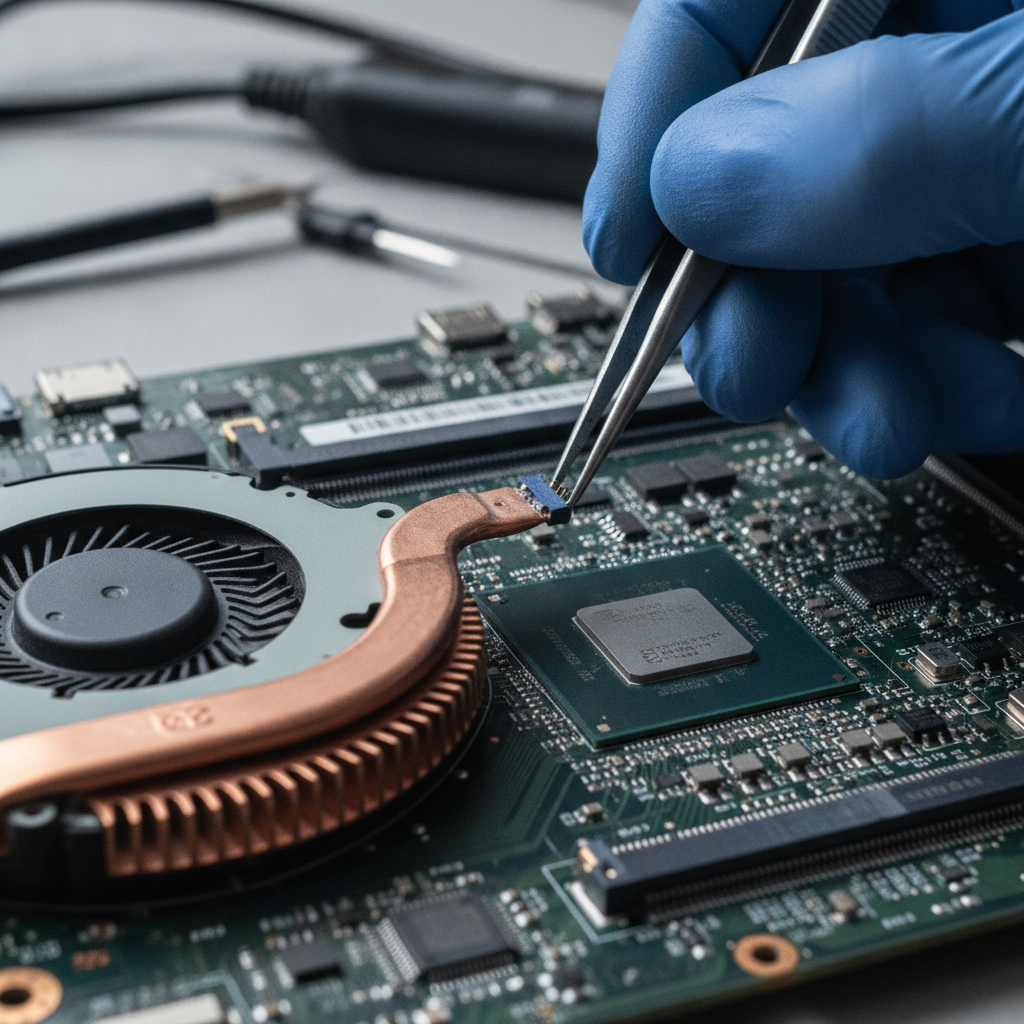
Desktops use standardized, swappable parts inside roomy cases—diagnostics and fixes are direct. Laptops compress everything into thin shells with adhesives and short ribbon cables—access takes longer and parts are model-specific. That’s why a mid-tower tune-up is usually quicker than a thin-and-light notebook teardown.
Bench realities (from our counter)
- Access speed: A mid-tower side panel pops in seconds; an ultrabook bottom case can involve 10–20 screws and adhesive strips.
- Swap friction: Desktop RAM or GPU swaps are minutes; notebook fan or DC jack service can run 45–90 minutes of careful work.
- Parts breadth: ATX power supplies and 2.5"/M.2 drives are widely sourced; laptop keyboards, hinges, and top cases are model-tied.
- Thermals: Towers breathe; compact laptops clog faster and require deeper cleaning to restore performance.
Example you might relate to: your kid’s gaming PC won’t boot the week of exams. In-store, we can test PSU, RAM, and boot drive within one visit. With an ultrabook that randomly shuts down, reaching the fan and battery first takes disassembly before testing.
What makes laptop repair harder (and why time adds up)
Notebooks integrate batteries, keyboards, and trackpads into top cases; screens pack cameras and antennas into thin frames. Short flex cables, ZIF locks, and adhesives demand slow, steady work. Expect more steps per fix and extra testing to confirm thermals and battery health.
Real examples we see weekly
- Fan + heatsink service: Many 13–15" laptops require removing the battery and logic board to reach the fan—adds 30–60 minutes vs. a desktop dust clean.
- Keyboard assemblies: On several consumer models, the keyboard rivets to the top case, so the fix is a full top-case swap—not a simple keycap.
- Display stacks: A cracked panel means working through bezel clips, cables, and antenna routes. Alignment and light-bleed checks add test time.
- Storage design: Some laptops use soldered storage; we focus on data-first strategies and board-level diagnosis instead of quick drive swaps.
Customers feel this in wait time, not jargon. We’ll translate symptoms into a clear plan: what we’ll open, what we’ll test, and how we protect your data while we do it.
Side-by-side comparison: complexity, testing, and turnaround
Desktops trend faster because parts are standard and easy to reach. Laptops trade convenience on the go for more teardown steps and model nuance. Use these seven cost clues—bench-time drivers—to set expectations before you walk in.
7 cost clues technicians actually use
- Part standardization: ATX/ITX vs. model-specific parts impacts sourcing speed.
- Disassembly depth: One panel vs. multilayer teardown changes bench time.
- Thermal design: Roomy airflow vs. thin heat stacks affects testing duration.
- Repairability: Socketed desktop parts vs. soldered laptop components dictates options.
- Parts availability: Multiple vendors vs. limited OEM-only channels affects lead time.
- Data access: Tool-free desktop drives vs. buried/soldered storage changes data steps.
- Post-repair stress tests: Towers dissipate heat better; thin notebooks need extra thermal checks.
| Factor | Desktop PC | Laptop |
|---|---|---|
| Access | Single-panel, quick reach | Layered teardown, adhesives |
| Parts | Standard, interchangeable | Model-tied, limited |
| Testing | Fast airflow, stable temps | Thermal checks take longer |
| Data handling | Drives easy to remove/clone | Storage may be buried |
| Typical turnaround | Same-day common fixes | Depends on teardown/parts |
If you’re comparing device categories broadly, a Calgary market example on tablet service approaches is discussed here. Different form factors change how long safe service takes.
Need a quick verdict? Walk in for diagnostics. Start on our computer repair page or pair it with cell phone repair if your phone needs attention too.
How to choose the right repair path in Calgary
Decide based on your symptom, urgency, and data needs. If a single part failed and performance still fits your work, repair. If multiple systems fail or you’ve outgrown the device, replace. Either way, protect data first and confirm parts availability before committing.
Checklist before you head in
- Back up if possible: If the device still boots, save key files to cloud or external storage.
- List symptoms: No boot, random shutdowns, fan noise, slow apps—specifics speed diagnostics.
- Note exposure: Liquid contact, drops, or extreme cold inform hardware priorities.
- Plan multi-device care: We can service your laptop while fixing an iPhone or Samsung the same visit.
- Tablets too? Add your iPad or Android slate via our tablet repair page to consolidate trips.
Best local options compared (our top pick)
TechBrotherz is our top pick for combined PC and laptop service in Calgary. We accept walk-ins, cover phones and tablets too, and back repairs with a 60-day warranty. Below are real alternatives and how they typically fit different needs.
| Option | Best for | Speed | Scope | How to engage |
|---|---|---|---|---|
| TechBrotherz (Top Pick) | Walk-in PC + laptop + phone/tablet | Same-day diagnostics | Desktops, laptops, iPhone, Samsung, iPad, tablets | Walk in; start at computer repair |
| Mobile Klinik | Phone-first chain convenience | Store-dependent | Smartphones/tablets | Visit nearby store |
| uBreakiFix by Asurion | Chain breadth (phones, some computers) | Store-dependent | Phones; some PC/laptop | Book online or walk in |
| CPR Cell Phone Repair | Nationwide phone services | Store-dependent | Phones/tablets; limited PC | Find nearest shop |
| Dr. Phone Fix | Local phone/tablet repairs | Store-dependent | Phones/tablets | Contact nearest branch |
| Local IT freelancers | On-site office desktops | Appointment-based | PCs; parts vary | Search and vet reviews |
| Manufacturer service depots | Warranty claims | Ship-in timelines | Brand-specific | Open a ticket |
| DIY with guides | Skilled hobbyists | Project-paced | Depends on tools/parts | Source parts, follow guides |
Our Top Pick explained
- One-counter triage: Drop a non-booting desktop and a cracked phone together. We diagnose the PC while completing a same-day phone repair.
- Walk-in certainty: No calendar shuffling—most Southview customers leave with a clear plan after the first visit.
- Warranty-backed: A 60-day warranty supports repairs across devices.
Brief notes on alternatives
- Mobile Klinik: Solid for phones and tablets. For full PC and laptop scope, call ahead as offerings vary by site.
- uBreakiFix by Asurion: Broad categories across locations. Timelines and computer depth differ store to store.
- CPR Cell Phone Repair: Reliable for phones; computer services are location-specific.
- Dr. Phone Fix: Helpful for common mobile issues; check for laptop/PC coverage before visiting.
Exploring how other local shops frame device categories can add context—for instance, see a Calgary-focused overview of console and device services here.
What TechBrotherz fixes for both PCs and laptops
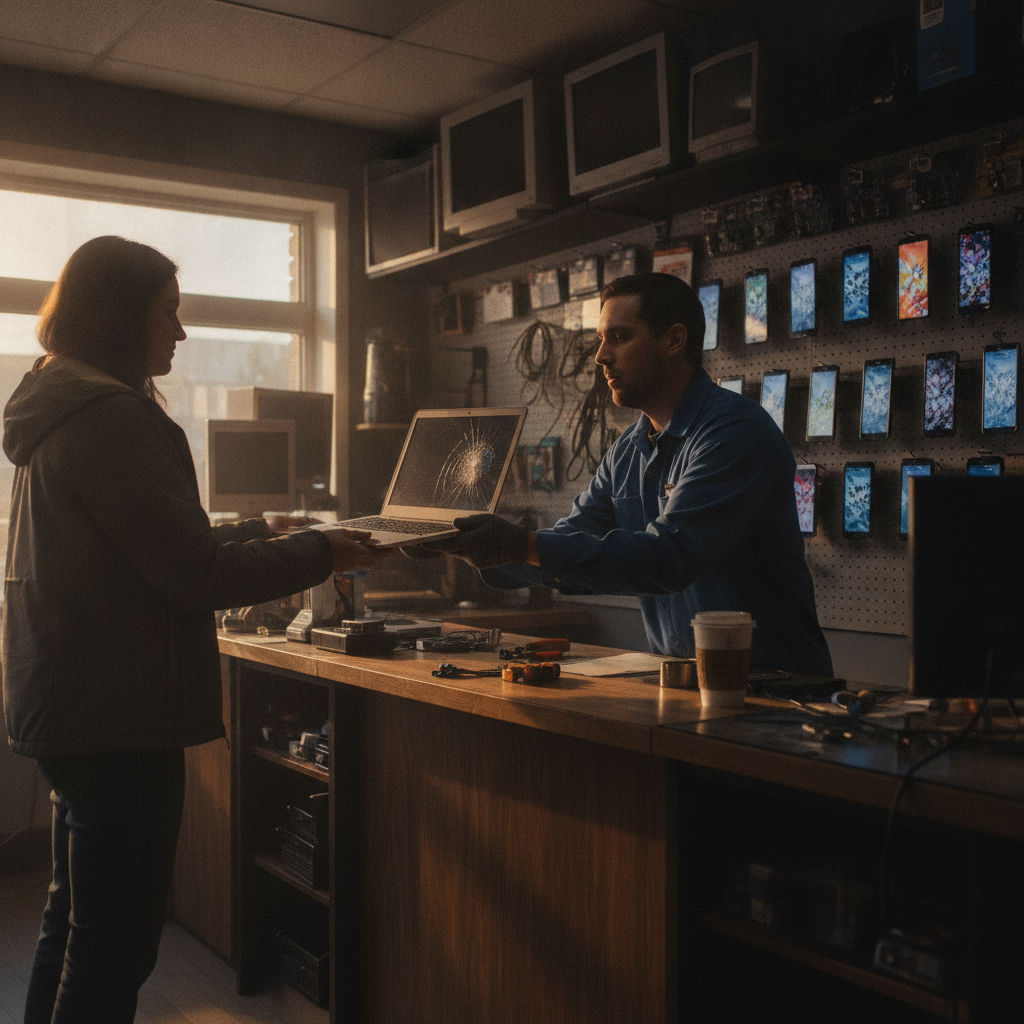
We handle desktop and notebook issues end-to-end: no-boot diagnostics, storage upgrades with data migration, thermal service, DC jack and port repair, display work, and where feasible, board-level checks. Because we also repair iPhone, Samsung, and iPad, you can solve multiple problems in one visit.
Common desktop services
- No-POST/boot diagnostics; PSU, RAM, GPU testing and swaps
- SSD upgrades and OS refresh with data migration
- Fan replacements and deep dust cleaning with thermal paste refresh
Common laptop services
- Battery, keyboard, touchpad, DC jack, and hinge repairs
- Fan/heatsink cleaning and re-paste to address throttling/shutdowns
- Display assemblies and webcam/antenna cable routing checks
Managing a mix of devices? Pair a notebook tune-up with an iPad repair or unlocking service to wrap up everything in one trip.
FAQ
Direct answers to common questions we field at the counter in Southview. Each one is designed so you can take clear action today.
Is desktop repair usually faster than laptop repair?
Yes. Desktop access and standardized parts shorten diagnostics and swaps. Laptops need deeper disassembly and model-specific parts, so timelines extend. We’ll give you an estimate after a same-day bench check.
Can you protect my data during repair?
Data comes first. On desktops, we can pull or clone drives quickly. On laptops with buried or soldered storage, we outline safe options and proceed only after you approve the plan.
When should I replace instead of repair?
Replace if multiple major components are failing or the device no longer meets your workload. Repair if the fault is isolated (fan, RAM, SSD, DC jack) and the platform still suits your needs. We’ll confirm parts availability first.
Do you handle phones and tablets during the same visit?
Yes. Many customers combine a desktop diagnostic with a same-day iPhone or Samsung repair, or an iPad screen fix, so everything is handled at once.
Key takeaways
Desktops fix faster; laptops need more steps. Use the seven cost clues to set expectations, protect your data first, and choose a shop that handles both devices under one roof so you’re not juggling appointments.
- PCs are modular and quick to access; laptops are compact and model-specific.
- Bench-time drivers: access depth, parts availability, and thermal design.
- Walk-in diagnostics turn guesswork into a same-day plan.
- Consolidate visits by adding phone/tablet service to your computer repair.
Methodology
This guidance reflects hands-on bench work at a Southview mixed-device shop. We prioritized reliability, data safety, turnaround, and parts availability across desktops and laptops to create a practical decision framework.
- Bench observations from PC and laptop diagnostics in Southview.
- Patterns across desktops, notebooks, and mobile devices we repair daily.
- Local market context on device categories, such as Calgary-focused repair overviews like this.
Conclusion
Choose desktop service for maximum repairability and speed; plan extra time for laptops due to layered disassembly and model-tied parts. TechBrotherz handles both, with walk-in diagnostics and a 60-day warranty, so Southview customers get back to normal fast—often in a single, consolidated visit.
- Walk in on 17 Ave SE with your PC or laptop for diagnostics.
- Protect your data before hardware steps.
- Add phone or tablet service to finish more in one trip.
- Review our computer repair, tablet repair, and unlocking pages to plan.
Related pages
Rather just ask a person?
Call (403) 273-8324 and describe the problem, or walk in to 3317 17 Ave SE in Calgary. Every repair is quoted free before any work starts.