
Blog
Samsung Google Unlocking: What It Means in Calgary
Learn what Samsung Google unlocking means, how Google Device Protection differs from other locks, and when Calgary owners should seek safe, legitimate help.
Samsung Google unlocking usually means recovering access to a Samsung Galaxy phone that requests the Google account previously associated with it. This commonly relates to Google Device Protection after a reset or another security event. It is different from removing a screen lock or unlocking a phone for use with another carrier. The legitimate approach is to verify ownership and recover the correct account, not bypass the device’s security.
Key facts
- Published: September 8, 2026
- Last updated: October 2, 2026
- Reading time: 6 min read
- Questions about your own device: Call (403) 273-8324
Last updated
Samsung Google Unlocking: What It Means in Calgary
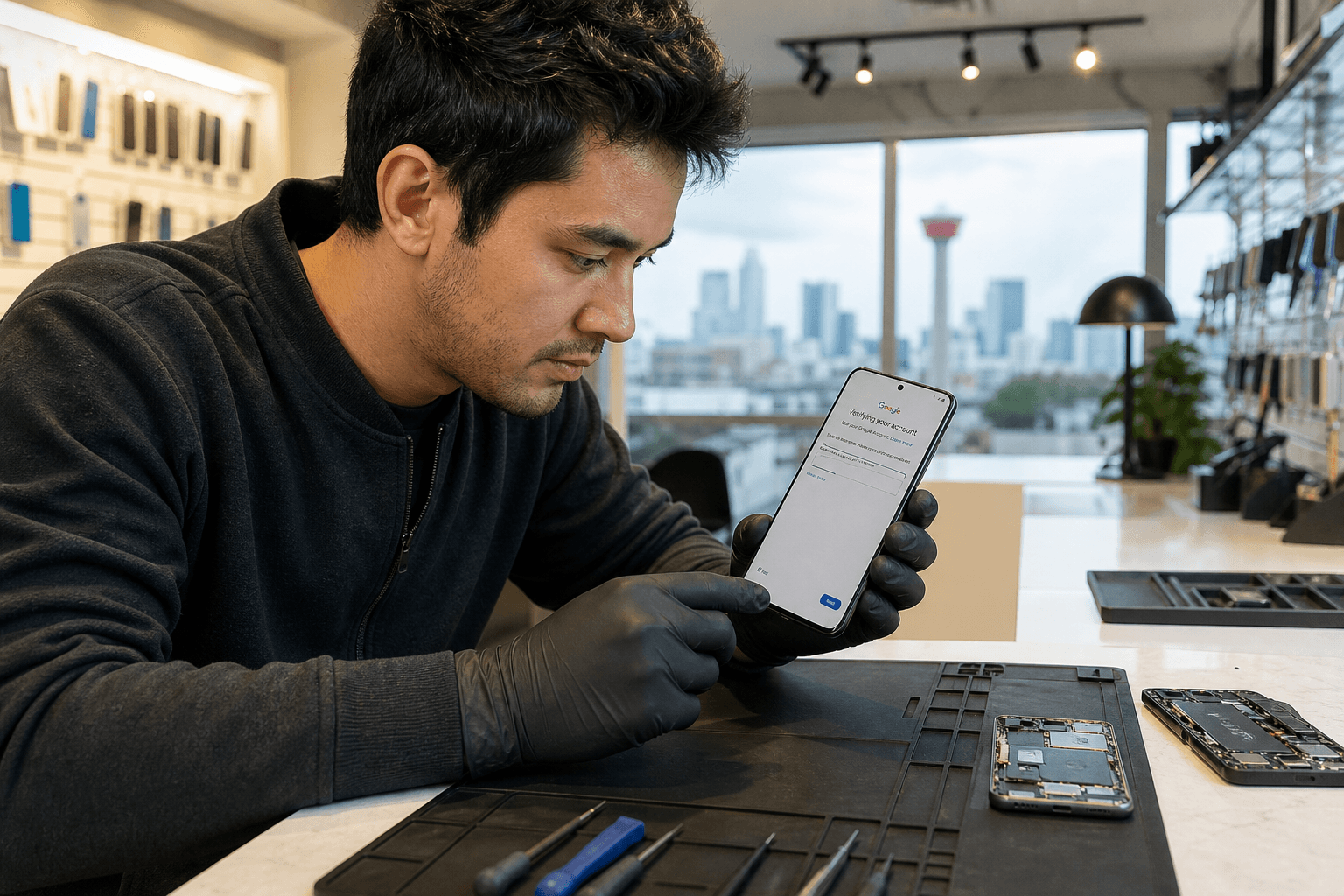
Published by TechBrotherz at TechBrotherz, the walk-in repair Store at 3317 17 Ave SE in Calgary. September 8, 2026, updated October 2, 2026.
No article on this site is paid for or sponsored. For a quote on your own device, call (403) 273-8324.
Quick summary

- Read the exact message on the Samsung screen before choosing a solution.
- If the phone requests the previous Google account, begin with the owner’s official account-recovery options.
- Screen-lock recovery, carrier unlocking, and Google account verification are separate issues.
- Seek an in-person assessment if official recovery does not resolve the problem or the lock type is unclear.
What is Samsung Google unlocking?
Samsung Google unlocking is a practical term for regaining legitimate access to a Samsung device protected by Google account verification. Samsung describes Google Device Protection as a security feature that can require the Google account previously used on the device, particularly after a reset. Its purpose is to help prevent someone else from setting up a lost or stolen phone as their own.
As a result, a factory reset may not lead to an unrestricted setup screen. The phone may ask for the earlier Google account before setup can continue. The exact screen and recovery path can vary, so check the wording carefully rather than assuming every lock is the same. Read Samsung’s Canadian explanation of Google Device Protection for manufacturer guidance.
Three different types of Samsung unlocking

“Unlocking” can describe several unrelated problems. Identifying the lock first helps prevent wasted time and inappropriate software or services.
| Lock or problem | What it affects | Relevant next step |
|---|---|---|
| Screen lock | Access to the home screen, such as a PIN, password, pattern, or biometric sign-in. | Use the appropriate Samsung or account-recovery support route. |
| Carrier or network lock | Whether the phone can be used with another mobile network. | Check the carrier’s network-unlocking requirements. |
| Google account verification | Whether the device can be set up after requesting the previously linked Google account. | Recover and verify the correct account, or seek a legitimate assessment. |
Samsung’s support information for users who cannot unlock a Galaxy device can help you compare the message on your phone with the relevant route. TechBrotherz also lists phone unlocking separately from general device repair on its unlocking service page.
Legitimate recovery options for the device owner
- Read the exact message. Note whether the phone asks for a PIN, Google account, network unlock, or another verification. Record the model and where in setup the message appears.
- Try the previously associated Google account. Use the account active on the Samsung device before the reset. Check the email address and saved account information instead of repeatedly guessing.
- Use Google’s official account-recovery process. Recover forgotten credentials through the official process associated with the account. Do not enter them into websites promising an instant bypass.
- Check Samsung’s device-specific guidance. Samsung support can help clarify whether the issue is a screen lock, Google Device Protection, or another access problem. Its guidance is available through Samsung support.
- Stop before trying unsupported workarounds. If official recovery fails, a professional assessment is safer than installing unknown software or weakening the device’s security.
These steps are for the owner or an authorised user. They are intended to recover access through verification, not defeat Google Device Protection.
When professional help may make sense
In-person help may be useful when you cannot identify the lock, official account recovery has not worked, or the Samsung phone has additional damage or repair needs. A technician can assess whether the concern is account-related, hardware-related, or a different unlocking problem.
Professional assistance is not a guarantee that every Google lock can be removed. A responsible repair shop should explain what it can assess, avoid promising universal results, and handle account or ownership information carefully. The appropriate outcome may still be continued official account recovery rather than a technical bypass.
Why questionable bypass services deserve caution
Be cautious with websites or individuals promising to remove any Samsung Google lock instantly, requesting your Google password, or offering remote tools without establishing the problem. Services that ask you to weaken security without a clear explanation create privacy and ownership risks.
Other warning signs include unclear pricing, no explanation of possible data loss, pressure to proceed before identifying the model, or claims that a factory reset always removes Google verification. For broader advice on evaluating a repair provider, see this device repair checklist.
What to bring for a local assessment
If you visit a repair professional, bring information that can help distinguish the problem:
- The Samsung model, if known.
- A written description or photo of the exact message displayed.
- The Google account email address or other account details you can legitimately provide.
- Purchase or ownership information, where available.
- Details about what happened before the phone became inaccessible, including whether it was reset, purchased used, or damaged.
Do not share a password unnecessarily. You can explain the problem without giving a repair provider unrestricted access to your accounts.
Samsung Google unlocking help in Calgary
TechBrotherz is a local electronics repair shop at 3317 17 Ave SE in Calgary. It lists Samsung Galaxy repair, phone unlocking, and password-reset services, serving Calgary and nearby Chestermere and Airdrie. Walk-in service is available without an appointment during posted business hours.
TechBrotherz states that repairs are backed by a 60-day warranty. It also lists password resets for supported phones, iPads, and tablets at $39.99. That price applies to the supported password-reset service and is not a general price or guarantee for Samsung Google unlocking. Review the shop’s unlocking service information before visiting.
Choose the next step based on the lock you see
If the phone asks for the previously associated Google account, begin with official account recovery and Samsung’s device-protection guidance. If it asks for a screen PIN or password, follow the relevant screen-lock recovery route. If the issue concerns use with another network, investigate carrier unlocking.
When the message is unclear, the account cannot be recovered, or the phone also needs repair, an in-person assessment can help identify the correct route. Match the service to the specific lock while protecting your data and respecting device ownership.
Frequently asked questions
Is Samsung Google unlocking the same as unlocking a phone from a carrier?
No. Carrier unlocking relates to mobile-network compatibility. Samsung Google unlocking usually refers to Google account verification during setup.
Can a factory reset remove Google Device Protection from a Samsung phone?
A factory reset does not guarantee that Google Device Protection will disappear. The phone may still request verification of the previously associated Google account. Follow official recovery guidance rather than assuming another reset will solve the issue.
What should I do if I cannot remember the Google account linked to my Samsung device?
Start with Google’s official account-recovery process and check the account information you legitimately control. If you remain unsure, contact Samsung support or seek an in-person assessment. Do not give credentials to an unverified bypass service.
Can a Calgary repair shop guarantee that every Samsung Google lock can be removed?
No responsible provider should promise that every Google lock can be removed. The result depends on the device, security state, account access, and ownership circumstances.
Conclusion: Start with verified ownership and official recovery
Samsung Google unlocking is generally an account-verification issue connected with Google Device Protection, not a synonym for screen-lock recovery or carrier unlocking. Check the exact message, try official Google account recovery, and avoid tools or services that promise to bypass security without clear ownership checks.
If you are in Calgary, Chestermere, or Airdrie and remain unsure what your Samsung phone needs, visit TechBrotherz at 3317 17 Ave SE during posted business hours for a walk-in assessment of Samsung repair, unlocking, or supported password-reset concerns. Learn more at TechBrotherz.
Related pages
Rather just ask a person?
Call (403) 273-8324 and describe the problem, or walk in to 3317 17 Ave SE in Calgary. Every repair is quoted free before any work starts.