
Blog
What Should You Ask Before MacBook Screen Repair in Calgary?
Planning MacBook screen repair in Calgary? Learn what to check, ask about price, parts, testing, warranty, timing, and data before approving service.
Before approving MacBook screen repair, identify the exact model and symptoms, then confirm the repair scope, total price, parts, expected timing, testing process, warranty terms, and data-handling expectations. A cracked display may be straightforward, but hinge damage, casing damage, liquid exposure, or startup problems can change what the repair involves.
Key facts
- Published: September 16, 2026
- Last updated: October 2, 2026
- Reading time: 9 min read
- Questions about your own device: Call (403) 273-8324
Last updated
What Should You Ask Before MacBook Screen Repair in Calgary?
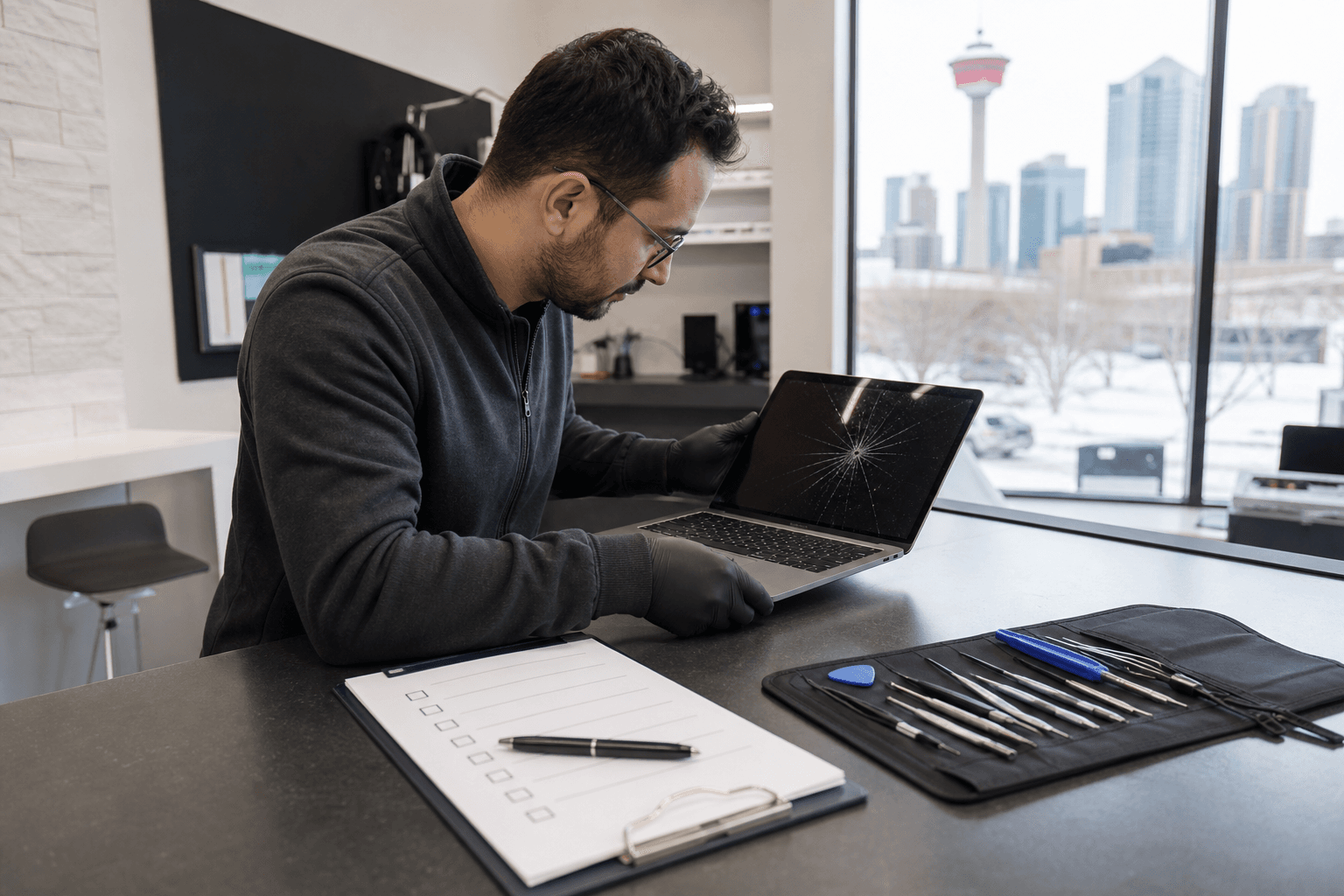
Published by TechBrotherz at TechBrotherz, the walk-in repair Store at 3317 17 Ave SE in Calgary. September 16, 2026, updated October 2, 2026.
No article on this site is paid for or sponsored. For a quote on your own device, call (403) 273-8324.
These questions can help you compare your options without relying on a generic screen-repair price or an unqualified turnaround promise. They are also useful when contacting a local computer repair shop in Calgary, including TechBrotherz, which provides computer and laptop repair services.
Quick summary

- Record the MacBook model, approximate year, screen size, serial number if accessible, and visible symptoms.
- Ask whether the issue is limited to the display or may involve hinges, casing, liquid exposure, or another internal fault.
- Request a model-specific total price and clarify what happens if additional damage is found.
- Confirm the replacement part, expected timing, post-repair testing, and exact warranty terms.
- Back up important files when possible and ask how your data and password will be handled.
Check whether the problem is limited to the screen
A cracked panel is not the only reason a MacBook display may stop working. Lines, flickering, a black screen, uneven brightness, or an image that appears only at certain angles can point to different repair requirements. Damage around the bezel, hinge, lid, or casing may also need attention before a replacement screen can be fitted properly.
Before visiting a shop, note whether the MacBook starts, makes startup sounds, responds to the keyboard or trackpad, and shows an image at any point. If you have a compatible external display available, you can also note whether the computer produces an image there. These observations do not diagnose the fault, but they give the technician useful context.
Tell the technician about any recent drop, pressure, liquid exposure, or sudden failure. Do not assume that a screen replacement alone will resolve a problem that includes physical or internal damage.
Gather the MacBook details before requesting an estimate

A repair shop may need the exact MacBook model before confirming compatible parts, price, or repair scope. MacBook Pro and MacBook Air models can differ in screen construction and repair requirements, so “MacBook screen repair” is not a complete specification.
Write down the model family, approximate year, screen size, and serial number if you can access it safely. Also record whether the screen is cracked, blank, flickering, discoloured, or showing lines, and whether the computer still starts normally.
If the MacBook can still be used, back up important files before service. If it cannot display an image, tell the shop whether your files are backed up and whether you need help accessing the computer. This helps set realistic expectations without assuming that data will never be affected during repair.
Questions about model compatibility and repair scope
Start with questions that establish exactly what the shop is proposing:
- Do you support this exact MacBook model and screen configuration?
- Is the proposed repair for the display assembly, glass, bezel, hinges, casing, or another component?
- Does the estimate include inspection for related damage?
- What is included in the quoted repair, and what is excluded?
- What would happen if additional damage is found after the device is opened?
A clear answer should connect the proposed work to your MacBook’s model and symptoms. If the technician cannot yet identify the cause, ask what must be checked before the estimate becomes firm.
Confirm the total price before approving the work
A generic screen-repair figure may not apply to your MacBook. Ask for a model-specific total and clarify whether it includes labour, the replacement part, taxes, and any inspection or diagnostic charge. If the shop does not know the final cost before inspection, ask which conditions could change it.
Also ask whether you will be contacted before any additional work is started. This prevents an unclear add-on from becoming part of the final bill without your approval. If you are comparing repair with replacement, use the confirmed repair scope and total price rather than assuming one option is always less expensive.
Ask what replacement parts are being used
Ask whether the repair uses a complete display assembly or another configuration, and whether the part is new, refurbished, or a different grade. You can also ask what testing is performed to check brightness, colour, viewing angles, camera function, fit, and hinge operation after installation.
It is reasonable to ask whether the replacement has any known limitations. For example, the technician should explain if the proposed part could affect display appearance, fit, camera performance, or another nearby function.
Do not assume that a shop uses genuine Apple parts, is Apple-authorized, or can make a particular manufacturer-warranty claim unless the shop confirms those points directly. The supplied information for TechBrotherz confirms computer and laptop repair, but does not verify a particular MacBook part grade or Apple-authorized status.
Clarify the expected timing without relying on a promise
Ask when the assessment can begin, whether the required part is in stock, and whether it may need to be ordered. You can also ask when the estimate becomes firm and how the shop will contact you if the repair takes longer than expected.
Customer feedback supplied for TechBrotherz includes positive comments about fast service and computer repairs, but that does not establish a guaranteed MacBook repair time. Treat any timing as an estimate unless the shop gives you a specific commitment for your device and repair.
Ask how the repaired MacBook will be tested
Before pickup, ask how the technician will verify the original problem and nearby functions. A useful check should go beyond confirming that the screen lights up.
Depending on the repair, ask whether the shop will test display brightness, colour, viewing angles, camera, speakers, keyboard, trackpad, charging, sleep and wake behaviour, hinges, ports, and the visible fit of the screen. Not every test will apply to every fault, but the shop should be able to explain what was checked.
At pickup, inspect the display in more than one position and confirm that the original symptoms are gone. If you notice a concern, raise it before leaving so the repair record and warranty process are clear.
Understand exactly what the warranty covers
Ask four separate questions: How long does the warranty last? Which repair defects are covered? What exclusions apply? What should you do if a problem returns?
TechBrotherz states that it backs all repairs with a 60-day warranty. That is a confirmed business policy, but you should still ask how it applies to your specific MacBook screen repair, including accidental damage, new physical damage, unrelated faults, and any exclusions.
A written description of the warranty is more useful than a general statement that the repair is guaranteed. Keep your receipt or repair record and ask which details the shop needs if you need to return with a concern.
Discuss data handling and back up important files
Back up important files before service whenever possible. If the MacBook is still usable, confirm that your backup has completed rather than assuming it has. If the screen prevents access, tell the technician whether you need data-preservation advice before work begins.
Ask whether the technician needs your password, whether testing can be completed without signing in, and how personal files are handled during the repair. Do not provide more access than is necessary, and clarify how the device will be secured while it is at the shop.
No repair provider should be expected to promise that data can never be affected. A backup and a clear conversation about access are practical ways to reduce avoidable uncertainty.
Warning signs that the repair decision is not clear enough
One unanswered question does not automatically indicate poor service. It does mean you should seek clarification before authorizing the repair. Pay particular attention when:
- The quote does not identify your MacBook model or the proposed repair scope.
- Additional charges are mentioned without explaining when they could apply.
- The warranty is described vaguely, with no information about exclusions or the return process.
- The technician cannot explain how the repaired display will be tested.
- You are pressured to approve work immediately without time to understand the estimate.
- The shop guarantees a timing, part type, or outcome without first assessing the device.
These concerns are prompts for better information, not proof that a repair shop cannot do the work. A transparent explanation lets you decide with fewer surprises.
A local MacBook screen repair option in Calgary
TechBrotherz offers computer and laptop repair at 3317 17 Ave SE in Calgary. The shop provides walk-in service during its posted business hours, so an appointment is not required, and it serves customers in Calgary as well as nearby Chestermere and Airdrie.
Before authorizing MacBook screen repair, confirm the points that depend on your particular device: model coverage, the exact repair scope, total price, replacement-part details, expected timing, testing, and warranty exclusions. TechBrotherz’s confirmed general policy is a 60-day warranty on repairs, but the practical application should be discussed for your repair.
MacBook screen repair questions
Do I need an appointment for MacBook screen repair at TechBrotherz?
No appointment is required for TechBrotherz’s walk-in repair service during posted business hours. You can bring the MacBook to the shop at 3317 17 Ave SE in Calgary, but it is still sensible to confirm model coverage, assessment timing, and parts availability before approving work.
Can a repair shop give a MacBook screen repair price without the exact model?
A shop may be able to provide general information, but a reliable total usually requires the exact model and an understanding of the damage. Provide the model family, approximate year, screen size, visible symptoms, and any history of impact or liquid exposure so the estimate can be specific.
What should I ask about the MacBook repair warranty?
Ask how long the warranty lasts, what defects are covered, what exclusions apply, and how to return if the repaired problem comes back. TechBrotherz states that repairs are backed by a 60-day warranty, but you should confirm the terms that apply to your particular MacBook repair.
Should I back up my MacBook before bringing it in for screen repair?
Yes, back up important files whenever the MacBook is usable. Also ask whether a password is needed and how testing will be performed. A backup cannot prevent hardware damage, but it gives you a safer starting point if access or data-handling questions arise during service.
Make the repair decision with the right questions
The best starting point is not a generic MacBook screen-repair price. Gather the model and symptoms, establish whether the damage extends beyond the display, and ask for a clear scope of work. Then confirm the total price, part details, estimated timing, testing process, warranty terms, and data-handling expectations.
If you are in Calgary, Chestermere, or Airdrie, TechBrotherz offers walk-in computer and laptop repair at 3317 17 Ave SE in Calgary, with a stated 60-day warranty on repairs. Bring your MacBook details and ask the shop to confirm the model-specific repair information before you approve the work. Visit TechBrotherz during posted business hours for a walk-in assessment.
Related pages
Rather just ask a person?
Call (403) 273-8324 and describe the problem, or walk in to 3317 17 Ave SE in Calgary. Every repair is quoted free before any work starts.