
Blog
Password Reset for $39.99: What to Check Before You Visit
Learn what a $39.99 password reset service may cover, when self-recovery is safer, what proof to bring, and how to protect your data in Calgary.
If you are locked out of a phone, iPad, tablet, or computer, a $39.99 password reset service may be a practical option, but it is not a promise that every device or security lock can be bypassed. The important first step is to identify the type of lock, confirm that the device is supported, and understand what will happen to your data before authorizing any work.
Key facts
- Published: September 26, 2026
- Last updated: October 2, 2026
- Reading time: 8 min read
- Questions about your own device: Call (403) 273-8324
Last updated
Password Reset for $39.99: What to Check Before You Visit
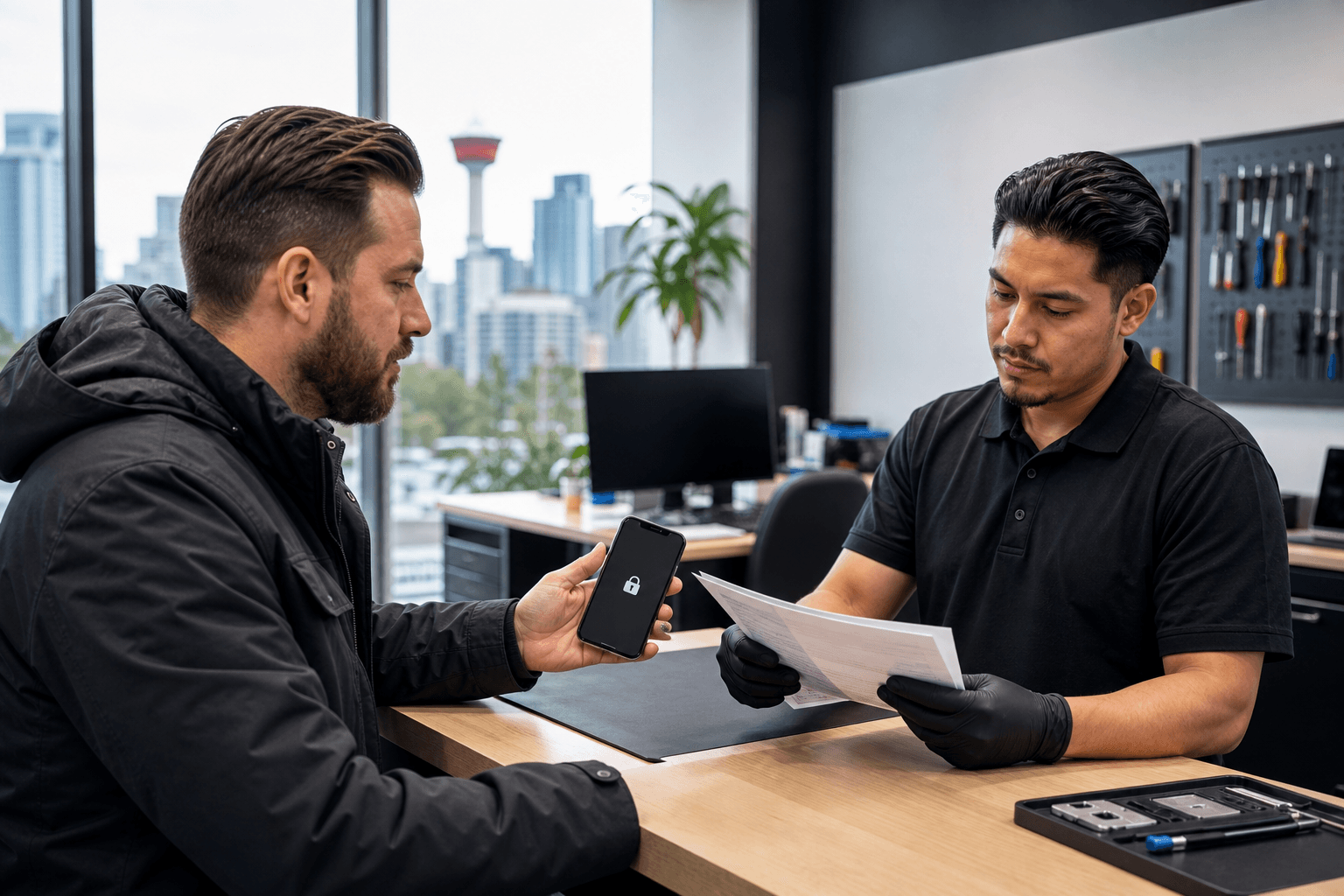
Published by TechBrotherz at TechBrotherz, the walk-in repair Store at 3317 17 Ave SE in Calgary. September 26, 2026, updated October 2, 2026.
No article on this site is paid for or sponsored. For a quote on your own device, call (403) 273-8324.
TechBrotherz lists password-reset help for supported phones, iPads, and tablets at $39.99. Its service information also says that proof of ownership is required in relevant factory-reset situations. Those checks help distinguish legitimate account recovery from an unsafe attempt to defeat anti-theft protection.
Quick summary

- Try the device maker's official recovery process first if you still have access to the recovery email address or phone number.
- Confirm that your exact device and lock type are covered before assuming the $39.99 price applies.
- Bring proof of ownership, but never give a repair provider your password, PIN, recovery code, or financial information.
- Ask whether your files and photos will remain available, and back up anything you can access before service.
- TechBrotherz offers walk-in service at 3317 17 Ave SE in Calgary, with no appointment required during posted hours.
What the $39.99 password reset service may cover
The stated $39.99 price is relevant to supported password-reset situations on phones, iPads, and tablets. It should be treated as a starting point for a specific service, not as a universal price for every locked device. The exact device model, operating system, account type, and lock condition can affect whether the service is appropriate.
A password reset is also different from several other technical problems. A forgotten screen passcode, an account recovery issue, a carrier lock, a damaged charging port, deleted files, malware, Apple Activation Lock, and Google Factory Reset Protection are not automatically the same service. A provider should explain which issue it is addressing before work begins.
For a broader look at legitimate recovery options, see these phone password reset options. The key question is whether you are recovering access to an account or trying to defeat a security feature designed to protect a lost or stolen device. A reputable shop should not offer to bypass ownership protections.
Should you try self-recovery or professional help first?

Official self-recovery is usually the safest first choice when it is still available. It may let you reset an account through the manufacturer's website or app without handing over the device, and it keeps your recovery information under your control. However, self-recovery may not be practical if you no longer have the recovery phone, cannot access the email account, or are unsure which account is linked to the device.
| Situation | Most sensible next step |
|---|---|
| You can access the recovery email or phone number | Try the official recovery process first and follow the provider's security prompts. |
| You are unsure which account or lock is involved | Ask for an assessment before paying for a reset. |
| You own the device but are locked out after a factory reset | Prepare proof of ownership and ask whether the device is supported. |
| You have important data that is not backed up | Ask specifically about data preservation before authorizing any reset. |
| You suspect theft, fraud, or an unknown account | Do not try to bypass the lock. Contact the relevant account provider or authorities. |
Professional help makes more sense when official recovery has failed, the lock type is unclear, or you need someone to assess the device before you risk losing access to data. The decision should be based on the device and your ownership status, not simply on the advertised price. You can also compare the two paths in this explanation of self-recovery versus professional password-reset help.
Ownership verification is a safety check, not an obstacle
Proof of ownership protects both the customer and the provider. A legitimate service should be careful about devices locked after a factory reset because the lock may be an anti-theft measure. TechBrotherz states that proof of ownership is required for owners locked out after a factory reset.
Suitable evidence may depend on the device and situation. Bring documentation that reasonably connects you with the device, such as a purchase record or account information that you can verify yourself. Do not bring unnecessary confidential documents or send copies of sensitive information through an unverified email or text message.
Ownership checks also clarify what the service can and cannot do. A password reset for your own device is different from removing an activation or factory-reset protection belonging to another person. If a provider promises to defeat anti-theft controls without verification, treat that as a serious warning sign.
Never hand over your password, PIN, or recovery code
A repair provider may need to see the device, identify its model, and confirm ownership. That does not mean you should disclose your existing password, screen PIN, authentication code, banking details, or recovery answers. Canada's Office of Consumer Affairs advises people never to give their PIN or password to anyone and never to send confidential or financial information by email or text. Canadian identity-theft guidance reinforces the same precaution.
Be especially cautious if someone asks you to send a password or code in response to an unexpected message. An Alberta government password-reset resource also advises users to keep passwords secure and never reveal them in response to an email requesting password information.
Before service, ask how the reset will be completed without exposing your credentials. If you must enter a password yourself, do so privately and change it afterwards if you believe anyone else may have seen it. A trustworthy provider should be comfortable explaining this process.
Ask what happens to your files and device data
Data preservation is one of the most important questions to ask before a reset. Some recovery methods preserve local files, while others can erase settings, accounts, applications, or stored content. Never assume that photos, messages, documents, or app data will remain available simply because the device turns on again.
TechBrotherz describes a locked Windows account reset that leaves files on the computer in place. That is useful information for someone locked out of a Windows machine, but it should not be extended automatically to every phone, tablet, operating system, or reset method. Ask what outcome applies to your exact device.
If you can still access the device or its files, back up important data before visiting. For a locked tablet, these safe password-reset checks can help you prepare questions about access, ownership, and data. A backup cannot solve every lockout, but it reduces the consequences of an unexpected reset.
Questions to ask before authorizing the reset
- Is my exact device model and operating system supported?
- Is my problem an account password issue, a screen lock, or anti-theft protection?
- Does the $39.99 price apply to this device and specific reset?
- What proof of ownership should I bring?
- Will my files, photos, messages, and applications remain available?
- Could the process erase the device or require a factory reset?
- What happens if the reset cannot be completed?
- Does any warranty apply to this service, and what exactly does it cover?
Pre-visit checklist for Calgary customers
- Identify the lock. Note whether you forgot an account password, screen passcode, email password, Windows login, or recovery credential.
- Record the device details. Write down the make, model, operating system, and any error message shown.
- Try official recovery if possible. Use the manufacturer's process if you control the recovery email or phone number.
- Back up accessible data. Save important files and photos before any reset or account change.
- Prepare ownership evidence. Bring reasonable proof that the device belongs to you.
- Protect your credentials. Do not send your password, PIN, recovery code, or banking information.
- Confirm the scope and price. Ask whether the $39.99 rate applies to your situation.
Getting password-reset help in Calgary
TechBrotherz is located at 3317 17 Ave SE in Calgary and offers walk-in service without a booking system during its posted business hours. Its supplied service information lists password resets for supported phones, iPads, and tablets at $39.99, while its Windows information describes a locked-account reset intended to leave files in place.
Confirm the scope when you arrive, bring proof of ownership, and ask about data preservation before authorizing work. TechBrotherz also states that repairs carry a 60-day warranty covering the fitted part and work performed. That warranty should not be assumed to cover every account-recovery result or data-loss situation.
Frequently asked questions
Does the $39.99 password reset price apply to every phone, iPad, or tablet?
No. The price is stated for supported password-reset situations. Device model, operating system, lock type, and ownership status can affect whether it applies.
Why do I need proof of ownership?
Ownership verification helps prevent access to devices that may be lost or stolen. TechBrotherz states that proof is required for owners locked out after a factory reset.
Will my files remain on a Windows computer?
TechBrotherz describes a locked Windows account reset that leaves files on the computer. Back up accessible data and confirm the expected result for your specific device.
Should I try official recovery first?
Yes, when you still have access to the recovery email address or phone number. Professional help can be useful when official recovery has failed or the lock type is unclear.
Do I need to give the repair shop my password or PIN?
You should not disclose your existing password, PIN, recovery code, or financial information. Ask how the provider will keep those credentials private.
Conclusion: verify scope before you pay
A $39.99 password reset service can be appropriate when you own the device, it is supported, and official recovery is unavailable or unsuccessful. It is not a universal solution for anti-theft protections, deleted data, hardware faults, or every account lock.
The safest approach is to identify the lock, try official recovery when practical, bring proof of ownership, protect your credentials, and ask clear questions about price and data preservation. For a Calgary walk-in assessment, visit TechBrotherz at 3317 17 Ave SE during posted business hours and confirm that the service matches your device before authorizing the reset.
Related pages
Rather just ask a person?
Call (403) 273-8324 and describe the problem, or walk in to 3317 17 Ave SE in Calgary. Every repair is quoted free before any work starts.