
Blog
Before Booking MacBook Pro Screen Repair, What Should You Check?
Planning MacBook Pro screen repair in Calgary? Use this checklist to confirm the model, diagnosis, parts, estimate, timing, testing, privacy, and warranty first.
If your MacBook Pro has a cracked, black, flickering, or otherwise unusable display, do not authorize screen repair until the shop confirms the exact model, diagnoses the fault, explains the replacement part, and provides a clear estimate. You should also ask about timing, data access, testing, and warranty coverage.
Key facts
- Published: September 6, 2026
- Last updated: October 2, 2026
- Reading time: 6 min read
- Questions about your own device: Call (403) 273-8324
Last updated
Before Booking MacBook Pro Screen Repair, What Should You Check?
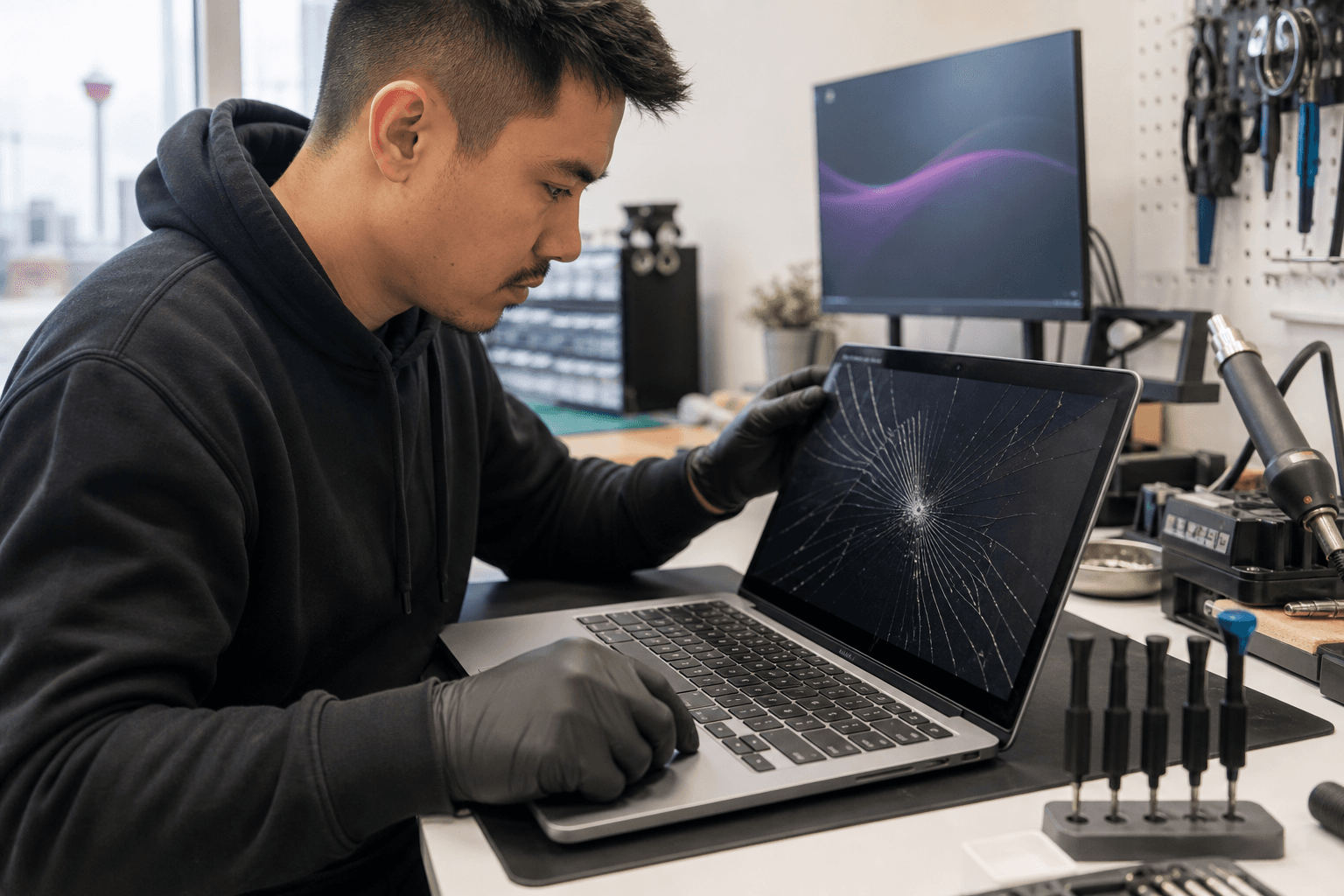
Published by TechBrotherz at TechBrotherz, the walk-in repair Store at 3317 17 Ave SE in Calgary. September 6, 2026, updated October 2, 2026.
No article on this site is paid for or sponsored. For a quote on your own device, call (403) 273-8324.
These checks can help you compare MacBook Pro screen repair options in Calgary, Calgary SE, Chestermere, and Airdrie without relying on vague promises.
Quick summary

- Bring the MacBook Pro or provide its exact model information and describe the symptoms clearly.
- Ask whether the issue has been diagnosed as a display problem or requires further inspection.
- Confirm the replacement part, complete estimate, possible extra charges, and likely turnaround.
- Discuss backup, login access, privacy, post-repair testing, and the applicable warranty terms.
Confirm the exact MacBook Pro model
“MacBook Pro screen repair” does not describe one universal part or identical repair. Bring the computer for assessment if possible, and note its screen size, approximate purchase year, whether it starts, and whether the display is cracked, black, lined, flickering, or intermittent. Also explain whether the damage followed a drop, pressure, liquid exposure, or another event.
If you are unsure of the model, ask the technician to confirm it before finalizing the estimate. A model mismatch can lead to an inaccurate price, unsuitable component, or delay.
Make sure the problem has been diagnosed

A cracked display may appear straightforward, but a black screen, lines, flickering, or intermittent image does not automatically prove that the screen is the only issue. Ask what the assessment found and whether the proposed work is limited to the display.
- Is the display the confirmed source of the problem?
- Does the computer start normally during testing?
- Could the symptoms require additional inspection?
- Will I be contacted before work beyond the approved repair is completed?
A clear estimate should distinguish between what was tested, what is visible, and what remains uncertain.
Ask what replacement part will be used
Ask the shop to describe the proposed replacement clearly, including whether it is new, refurbished, or another compatible component, when that information is available. Confirm that it is intended for your exact model and ask about any known limitations.
Do not assume a repair uses a genuine Apple part, original display, or particular third-party component unless the shop confirms it. Clear parts information helps you compare estimates fairly because a lower quote may not include the same component, service scope, or warranty.
Clarify the complete repair estimate
Request the total expected cost before authorizing work. Confirm whether the estimate includes the part and labour, whether diagnosis is charged separately, and whether taxes or other fees are additional. Ask what happens if hidden damage is discovered and whether you will be contacted before extra work begins.
Compare the full scope of work, proposed part, expected timing, and warranty alongside the price rather than choosing only the lowest initial figure.
Treat turnaround time as an estimate
Ask when the MacBook Pro might be ready, but treat that answer as an estimate unless the shop explicitly confirms otherwise. Parts availability, the computer’s condition, additional diagnosis, and workload can affect timing.
TechBrotherz customer feedback includes positive comments about fast service on some phone repairs, but that does not establish a fixed turnaround for MacBook Pro screen repair. Ask for a device-specific expectation and clarify how you will be updated if timing changes.
Ask how your files and privacy will be handled
Back up important files if the MacBook Pro is accessible. Before visiting, ask whether a login is required, what access is needed for testing, whether testing can be completed without viewing personal files, and how login information will be handled.
Provide no more access than necessary. If you share a password for testing, consider changing it afterwards, especially if it is reused elsewhere.
Confirm what will be tested before pickup
Ask what checks will be completed before collection. Testing should address the symptoms reported at intake and confirm that the repaired display works as expected.
- Display startup and normal image output
- Brightness and consistent viewing across the screen
- Lines, flickering, dark areas, or other reported symptoms
- Screen movement, hinge operation, and closure
- External connections or other functions relevant to the complaint
Raise any concern before leaving and keep the estimate and receipt for reference.
Read the warranty terms
Ask whether the warranty applies to workmanship, the replacement part, or both. Also ask about exclusions, damage after pickup, and the process for reporting a problem.
TechBrotherz states that repairs are backed by a 60-day warranty. That period alone does not explain every condition or exclusion, so request the applicable terms for your MacBook Pro repair before approving the work.
Use local convenience as one decision factor
Walk-in access can be useful when you want to discuss symptoms in person, bring the computer for assessment, and return to the same shop with follow-up questions. Compare whether the provider handles laptops and Apple products, explains estimates clearly, offers relevant testing, and contacts you before work beyond the approved scope.
TechBrotherz is a local electronics repair shop at 3317 17 Ave SE in Calgary. It offers walk-in computer and laptop repair without an appointment and serves Calgary, Chestermere, and Airdrie. These facts make it a local option to consider, but you should still ask the model-specific questions above before authorizing MacBook Pro screen repair. Learn more about TechBrotherz computer and laptop repair.
Questions to take with you
- Can you confirm my exact MacBook Pro model?
- What did your assessment identify as the cause?
- What replacement part or display assembly will you use?
- What is the complete estimate, including labour, taxes, and possible additional charges?
- When might it be ready, and what could change that timing?
- Will you need my login, and how will my data be handled?
- What will you test before pickup?
- What does the warranty cover, and how do I request help?
Choose MacBook Pro screen repair with clear answers
The safest choice is not necessarily the fastest promise or lowest initial quote. Look for a provider that can identify your MacBook Pro accurately, explain the diagnosis and component, provide a complete estimate, set a realistic timing expectation, respect your data, test the computer, and explain the warranty.
For a local assessment, visit TechBrotherz’s computer and laptop repair service at 3317 17 Ave SE in Calgary during posted business hours. Walk-in service is available, so you can discuss your MacBook Pro screen repair needs before authorizing work.
Frequently asked questions
Can I bring a MacBook Pro to TechBrotherz without an appointment?
Yes. TechBrotherz states that it provides walk-in service without an appointment. Bring the computer to 3317 17 Ave SE during posted business hours and request an assessment.
Should I back up my MacBook Pro before screen repair?
Yes. Back up important files when the computer is accessible, and ask what access is needed for testing and how personal information will be handled.
Does TechBrotherz offer a warranty on repairs?
TechBrotherz states that repairs are backed by a 60-day warranty. Ask for the terms applying to your specific repair, including coverage and the process for reporting a concern.
Related pages
Rather just ask a person?
Call (403) 273-8324 and describe the problem, or walk in to 3317 17 Ave SE in Calgary. Every repair is quoted free before any work starts.