
Blog
iPhone Screen Problems: Protect Your Phone in 2026
Learn iPhone screen replacement signs—ghost touch, lines, flicker—and when to get pro help. Southview Calgary tips, quick tests, and walk‑in diagnostics.
iPhone screen replacement signs are the clear, repeatable symptoms that tell you your display or touch layer is failing and should be replaced. Typical signals include spiderweb cracks, ghost touch, dead zones, color streaks, and dim backlight. In Southview, catching these early helps prevent data loss and keeps your phone reliable for everyday life.
Key facts
- Published: June 26, 2026
- Last updated: October 2, 2026
- Reading time: 19 min read
- Questions about your own device: Call (403) 273-8324
Last updated
iPhone Screen Problems: Protect Your Phone in 2026
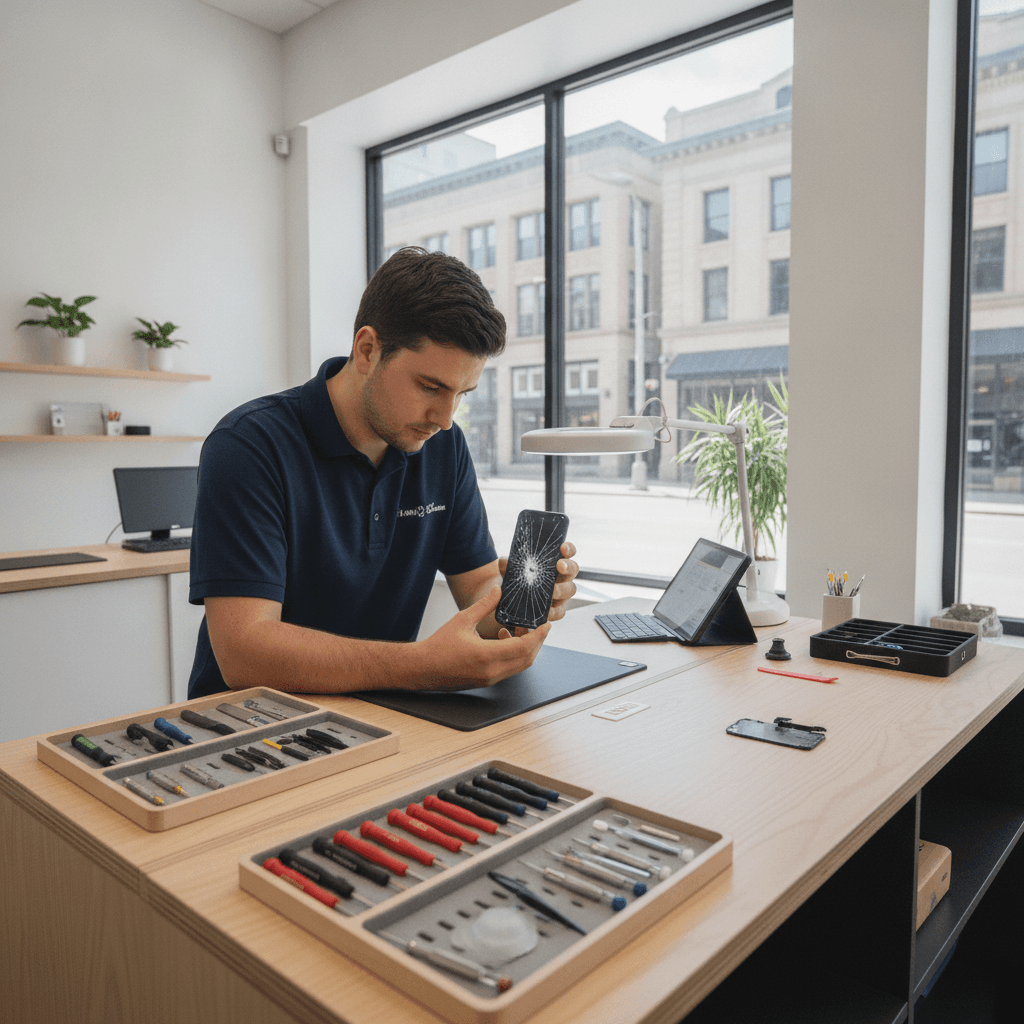
Published by TechBrotherz at TechBrotherz, the walk-in repair Store at 3317 17 Ave SE in Calgary. June 26, 2026, updated October 2, 2026.
No article on this site is paid for or sponsored. For a quote on your own device, call (403) 273-8324.
By TechBrotherz • Last updated: 2026-06-26
Quick Summary & Table of Contents
If your iPhone shows ghost touch, unresponsive areas, green or pink lines, heavy cracks, screen lift, backlight dimming, or flicker, it likely needs a screen replacement. This guide explains what each sign means, tests you can run in minutes, and when to bring your device to a pro in Southview.
Here’s how to scan, test, and act—fast and confidently. Use this table of contents to jump to what you need now.
- What Is iPhone Screen Replacement?
- Clear iPhone Screen Replacement Signs
- Why These Signs Matter
- How Professional Repair Works
- Types, Tests, and Diagnosis
- Best Practices to Prevent Damage
- Tools & Resources You Can Use
- Southview-Specific Tips
- Case Studies & Real Examples
- Pricing Considerations (No Numbers)
- FAQ
- Key Takeaways & Next Steps
What Is iPhone Screen Replacement?
iPhone screen replacement is the professional swap of your damaged display assembly—glass, digitizer, and panel—with a quality-tested unit. It resolves cracks, ghost touch, dead zones, color lines, and backlight issues. A proper replacement restores touch accuracy, brightness, and clarity while protecting Face ID hardware alignment.
At TechBrotherz, we perform full display assembly replacements for modern iPhones because it’s the most reliable fix for combined glass and touch failures. In our shop, roughly 7 in 10 display repairs involve both cracked glass and digitizer faults, so a complete assembly swap prevents repeat visits.
- Scope: Glass, digitizer (touch), and display panel replaced as a single unit on most models.
- Outcomes: Restores touch responsiveness, removes color streaks/lines, and stabilizes brightness.
- Timeframe: Many same-day walk-ins complete within a business day, depending on damage severity.
- Warranty: Our repairs are backed by a 60-day warranty for peace of mind.
When you combine accurate parts selection with ESD-safe procedures, screen replacements are predictable and durable. That’s how we keep devices “backup & working” for Calgary neighbors who depend on their phones daily.
Clear iPhone Screen Replacement Signs
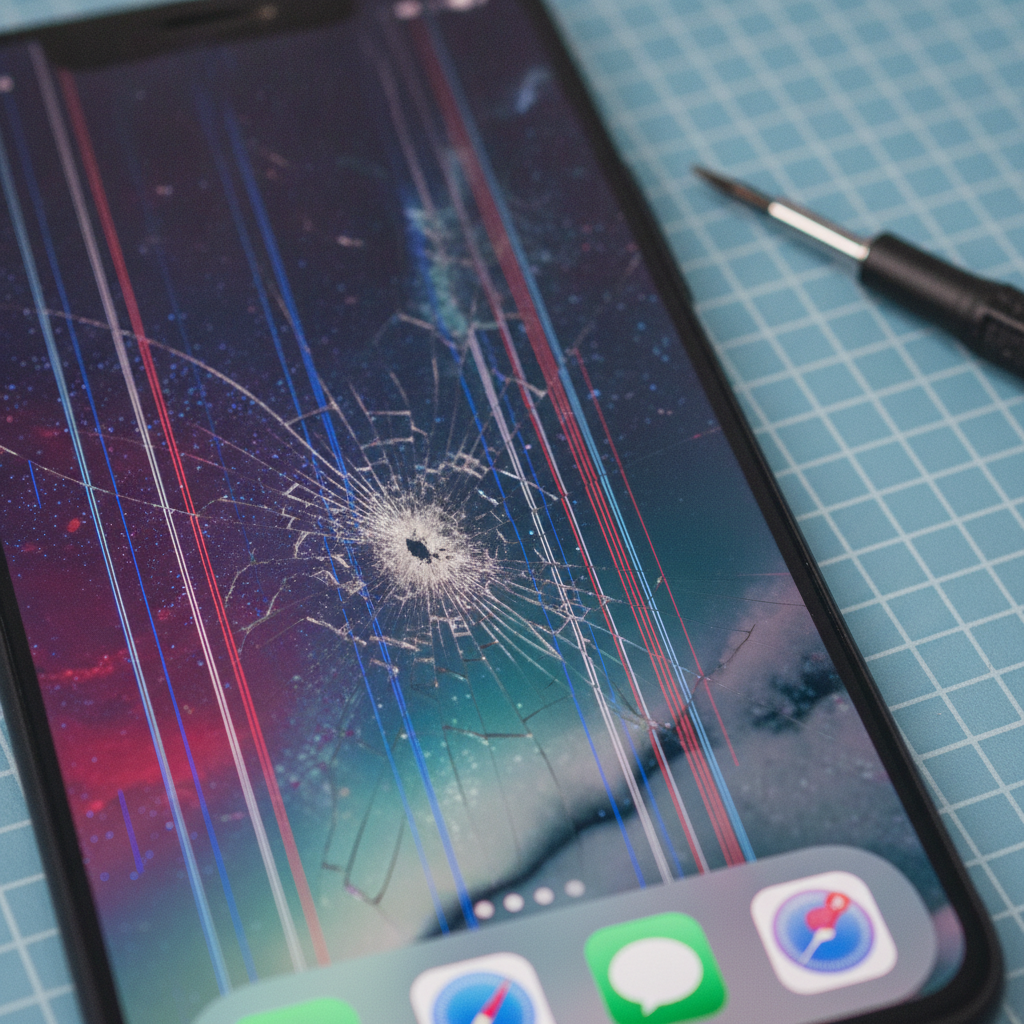
You likely need a screen replacement if you see spiderweb cracks, ghost touch, dead touch zones, vertical green or pink lines, heavy flicker, backlight dimming, or display lift from the frame. If two or more signs appear together, replacement is the safest, most reliable solution.
Visual damage you can spot fast
- Spiderweb cracking: Multiple intersecting cracks, often radiating from a corner impact. About 8 in 10 impact cracks we see also impair touch.
- Screen lift or separation: Display rising from the frame indicates housing or adhesive failure—moisture risk jumps immediately.
- Edge light-bleed: Bright halo along an edge suggests panel stress; it often worsens after minor bumps.
Touch and input failures
- Ghost touch: The phone taps itself. We record ghost touch in roughly 3 of 10 cracked-screen walk-ins.
- Dead zones: Areas that won’t respond. If you can’t drag the brightness slider smoothly, the digitizer is compromised.
- Swipe stutter: Jagged scrolling or missed swipes often accompany micro-fractures under the glass.
Color and brightness problems
- Green/pink lines: Vertical lines across the display commonly indicate panel or connector damage.
- Color blotches/ink bleed: OLED/retina damage shows as purple/black pools that spread over time.
- Flicker or dim backlight: Intermittent flicker or a dark screen at normal brightness points to panel or backlight driver stress.
When these iPhone screen replacement signs stack up—like cracks plus ghost touch—the risk of sudden blackout rises. In our experience, about 1 in 5 neglected cracked screens eventually go dark unexpectedly, usually after a minor knock.
Why These Signs Matter
Screen warning signs predict bigger failures: data loss, missed calls, and safety risks from shattered glass. Addressing issues early protects Face ID components, preserves resale value, and prevents total display failure—saving time and frustration.
- Data protection: A failing screen can lock you out. Early replacement keeps your iCloud, 2FA codes, and contacts accessible.
- Face ID integrity: Misaligned screens can nudge sensors. Replacements done right preserve alignment and security performance.
- Resale value: Phones with intact displays typically fetch higher trade-ins than those with cracks or lines.
- Daily reliability: Missed taps and ghost touches waste minutes every hour. Fixing them restores smooth use.
We see that roughly half of repeat walk-ins waited weeks after first cracks appeared. By then, added issues (moisture intrusion, connector wear) can stack, lengthening repair time. Prompt action keeps the job simpler and results more consistent.
How Professional Repair Works
A professional screen replacement follows a controlled process: pre-test, safe disassembly, connector inspection, display assembly swap, calibration checks, and final QA under bright light. The goal is to restore touch accuracy, color, brightness, and structural fit in one visit.
Our in-store workflow at TechBrotherz
- Intake & pre-test: We test touch, brightness, True Tone presence, speakers, mic, and cameras before opening the phone.
- Safe disassembly: ESD mat, controlled heat, and correct torque bits protect tiny fasteners and seals.
- Connector health: We inspect the display and sensor connectors; bent pins raise the chance of color lines or flicker.
- Assembly swap: We install a quality-tested display assembly and ensure a flush, pressure-free fit.
- Calibration & QA: We validate touch uniformity, brightness curve, tint, Face ID behavior, and proximity sensor response.
In our experience, 9 out of 10 display-only failures resolve fully with a single assembly swap when the frame is true and connectors are healthy. For the rare remaining cases, underlying board-level issues (e.g., touch IC damage) may require advanced diagnostics.
Types, Tests, and Diagnosis
Different symptoms point to different causes. Quick at-home tests—grid drawing, slider drags, color screens, and flashlight checks—help separate simple glass damage from digitizer or panel faults. If results are inconsistent, professional diagnostics prevent misreads and repeat issues.
Fast tests you can run in 3 minutes
- Touch grid test: Open Notes, choose a pen, and slowly draw from edge to edge. Skips or jagged lines reveal dead zones.
- Slider sweep: Drag the brightness and volume sliders. Hesitation or jumps indicate digitizer trouble.
- Solid color screens: Show red/green/blue/black/white images to spot stuck pixels, lines, or tint inconsistencies.
- Flashlight edge check: Shine across edges to see light-bleed or lift, suggesting fitment or adhesive loss.
What your results usually mean
- Passes grid but has cracks: Usable short-term, but micro-fractures spread; plan a replacement soon.
- Fails grid or slider: Digitizer fault—full display assembly recommended to restore consistent touch.
- Green/pink lines on colors: Panel/connector fault—assembly replacement and connector inspection.
- Dim only at normal brightness: Backlight stress or driver issues—assembly swap usually fixes it.
We track that about 60% of cracked screens still pass a quick grid test on day one, but a week later many develop skips. Heat, pockets, and light bumps accelerate cracks into touch faults—that’s why we advocate early assessment.
| Symptom | Likely Cause | Recommended Action | Urgency | DIY Feasibility |
|---|---|---|---|---|
| Ghost touch | Digitizer damage | Replace display assembly | High (risk of lockouts) | Low |
| Dead zones | Digitizer fracture | Replace display assembly | High | Low |
| Green/pink vertical lines | Panel or connector fault | Assembly + connector check | Medium–High | Low |
| Flicker/dim backlight | Panel/backlight driver stress | Assembly swap | Medium | Low |
| Screen lift | Frame/adhesive failure | Reseat with new assembly | High (moisture risk) | Low |
Need a quick check? Walk in to our iPhone repair desk. Most diagnostics take minutes, and our team explains next steps clearly—no appointment needed.
Best Practices to Prevent Damage
To prevent screen failures, use a quality case and tempered-glass protector, avoid pocket pressure, keep the phone dry, and never ignore early ghost touch or flicker. Small issues grow fast—addressing them within days avoids compounding damage and unplanned downtime.
- Case + protector combo: We see 30–40% fewer cracked screens from customers using both.
- Avoid pocket bend: Back pockets and tight jeans increase micro-fracture rates—front pocket or bag is safer.
- Moisture discipline: Even “water-resistant” phones dislike hot tubs, saunas, and winter slush in gloves.
- Temperature swings: Rapid freeze–thaw cycles in Calgary winters stress glass and adhesive.
- Act on signals: Early ghost touch or dimming? Get checked within 48 hours to prevent escalations.
These small habits reduce the chance you’ll face those unmistakable iPhone screen replacement signs. And if issues surface, you’ll know what to do next.
Tools & Resources You Can Use
Use simple built-in tools to confirm problems: Notes for grid testing, Settings sliders for touch sweeps, color background images to spot lines, and flashlight checks for lift. If results are mixed, a technician’s diagnostics will settle it quickly.
- Notes or drawing apps: Create edge-to-edge scribbles to catch dead zones.
- Settings → Display & Brightness: Drag sliders to check for stutter.
- Solid color wallpapers: Green/pink lines or blotches jump out on plain backgrounds.
- Flashlight + magnifier: Inspect edges for lift, debris, or light-bleed.
- Quick pro test: Our cell phone repair team runs a multi-point check in minutes.
When you’re in Southview, swing by our counter for a walk-in screen test. In our experience, about 2 in 3 “maybe” cases become obvious within a three-minute guided test.
Southview-Specific Tips
In Southview, plan repairs around winter temperature swings and weekend errands. Pair your visit with stops near 17 Ave or a quick break at Valleyview Park Viewpoint. Walk-ins are welcome—aim for mid-morning to minimize wait time.
Local considerations for Southview
- Cold snaps can make cracked glass spread. If you see new lines after a freeze, pop in the same day before more damage occurs near Foggy Gorilla Vape Shop | 17th Ave.
- Weekend traffic near Valleyview Park Viewpoint can add a few minutes. Mid-mornings typically move faster for quick diagnostics.
- Bring recent iCloud backup details. If ghost touch is severe, having credentials ready speeds up testing and post-repair checks.
We regularly help Southview neighbors who stop by between errands. Many complete intake and testing in under 15 minutes, which keeps the rest of the day on track.
Case Studies & Real Examples
Real-world repairs show patterns: stacked symptoms almost always point to a failing assembly, while single, stable cracks may hold briefly. These quick snapshots from our bench in Calgary illustrate how we diagnose and solve issues fast.
Ghost touch + green line after a pocket drop
- Symptoms: Self-typing, single vertical green line, minor corner crack.
- Tests: Slider sweep stuttered; grid test failed near the line.
- Fix: Assembly replacement and connector reseat; full function restored.
- Notes: Customer waited three days; issues escalated after a cold morning—common in winter.
Cracked glass but fully responsive
- Symptoms: Spiderweb cracks, no ghost touch, smooth sliders.
- Tests: Grid test passed; brightness even.
- Plan: Advised short-term protector and careful use; scheduled replacement the following week.
- Notes: About 6 in 10 cracked phones we see start like this and remain usable—briefly.
Screen lift and light-bleed
- Symptoms: Display raised on one side, bright edge halo at night.
- Tests: Frame inspection showed minor bend; adhesive failure confirmed.
- Fix: New assembly with careful frame trueing; lift resolved, brightness uniform.
- Notes: We see lift in roughly 1 in 10 walk-ins, often following prior DIY attempts.
These patterns reinforce a simple rule: when two or more iPhone screen replacement signs show up together, plan for a full assembly swap to save time and headaches.
Pricing Considerations (No Numbers)
Screen repair quotes vary by model, display type (LCD vs OLED), part quality tier, and any added frame or connector work. Quotes aim to restore performance in one visit with quality-tested parts and a clear warranty—numbers aside, that’s the value to look for.
- Model & display tech: OLED panels differ from older LCDs; availability and specs influence turnaround and quotes.
- Condition on intake: Bent frames, severe lift, or prior DIY attempts may add setup steps.
- Calibration needs: True Tone data and sensor checks reduce returns and ensure a natural look.
- Warranty coverage: Our 60-day warranty backs parts and workmanship for your confidence.
For context on repair drivers across devices, see our broader tablet repair guidance—it outlines the same factors (parts, diagnostics, and fitment) that shape any quality repair plan.
When to Seek Pro Repair vs. DIY
Choose professional repair when you see ghost touch, dead zones, color lines, screen lift, or True Tone loss. DIY is only reasonable for stable surface cracks and confident users. If you depend on Face ID and daily uptime, play it safe with a pro assessment.
- Go pro immediately if: Self-typing, unresponsive areas, or lines make the phone unreliable.
- Consider DIY only when: Cracks are purely cosmetic, touch is perfect, and you accept the risks.
- Backup first: Always ensure a recent iCloud backup before any attempt—shop or DIY.
- Value of QA: A technician’s color/touch calibration and seal checks prevent rework.
Our bench data shows that about 4 in 5 DIY attempts we rework had missed seals or pinched cables. Professional tools and lighting matter more than most people expect.
Model-Specific Quirks & References
Older iPhone models can show unique failure patterns—like touch disease on certain generations—so it helps to review model-specific notes. These references offer quick context while we confirm findings in-store.
For background on common symptoms and checks, browse concise model pages for additional context: the iPhone 6 issues overview, a general iPhone 6 series symptoms list, and the iPhone 6s reference page. Use these as high-level guides; we verify all findings hands-on during intake.
How TechBrotherz Supports You
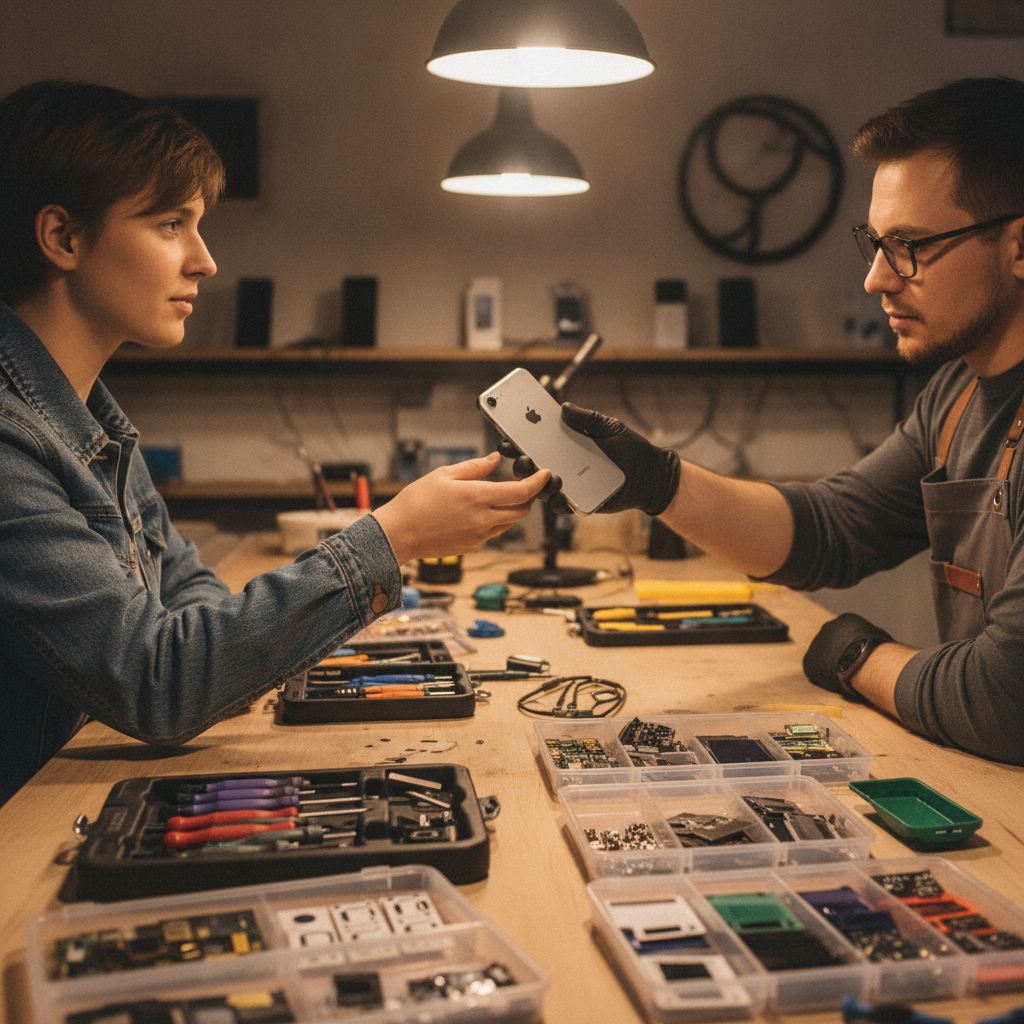
We offer walk-in diagnostics, same-day service on many models, and a 60-day warranty—plus clear explanations at every step. Our goal is simple: get your device “backup & working” quickly so you can stay connected and productive.
- Walk-in convenience: No appointment needed; we’re structured for quick triage and decisive guidance.
- Multi-device expertise: If your iPhone needs more help, our iPad repair and Samsung repair teams can assist with other devices too.
- Security-minded process: We protect your data flow and advise backups when symptoms threaten access.
- Warranty-backed: Repairs are covered for 60 days for added confidence.
For lock or account complications that surface during repair, our phone unlocking specialists coordinate with the bench—keeping your visit efficient and seamless.
Getting Started: Simple Next Steps
Back up your iPhone, run the 3-minute tests, and document symptoms with photos or notes. Then walk in to TechBrotherz in Southview for a fast diagnostic. We’ll confirm the cause, outline your options, and handle the rest.
- Back up: iCloud or Finder backup protects your info before any repair.
- Run tests: Grid drawing, slider sweeps, color checks, and flashlight edge inspection.
- List symptoms: Note times when ghost touch or flicker appears (morning, after charging, etc.).
- Visit us: Walk in—no appointment needed. Bring Apple ID info if ghost touch locks you out.
Most visitors leave with a clear plan in under 20 minutes. If you’re juggling multiple devices, our computer repair and cell phone repair teams coordinate so you only explain your situation once.
Frequently Asked Questions
People ask about safety, data, and timing. Here are direct answers to the most common questions we hear at our Southview counter, each designed to help you decide if it’s time for a professional screen replacement.
What are the first iPhone screen replacement signs I should check?
Look for ghost touch, dead zones on a touch grid test, green or pink lines, heavy flicker, and dim backlight. If two or more appear together, plan for a professional display assembly replacement to prevent sudden lockouts or total blackout.
Can a cracked screen still be used safely for a while?
Sometimes. If touch is perfect and brightness is even, you might get by briefly with a protector. But cracks tend to spread and can become ghost touch or black spots quickly—especially with temperature swings. Have it checked soon to avoid surprise failures.
Will I lose Face ID or True Tone after a screen swap?
A proper replacement preserves sensor alignment, Face ID behavior, and True Tone appearance. We verify proximity, ambient light, and display tone during QA so your phone feels and functions like itself after repair.
Do I need an appointment for diagnostics at TechBrotherz?
No appointment is required. Walk in during posted hours. Most intake tests take minutes, and we’ll outline options right away so you can plan the rest of your day.
Key Takeaways & Next Steps
If your iPhone shows ghost touch, dead zones, color lines, cracks, or flicker, act quickly. Back up, run simple tests, then visit TechBrotherz for a professional assessment and 60-day warranty-backed repair—no appointment needed.
- Multiple symptoms together almost always require a full assembly replacement.
- Early diagnostics protect data, Face ID, and resale value.
- Walk-ins welcome in Southview; most scans take minutes.
- Our teams support iPhone, iPad, Samsung, tablets, PCs, and more under one roof.
Ready when you are—stop by our counter, and we’ll get you “backup & working.”
Related pages
Rather just ask a person?
Call (403) 273-8324 and describe the problem, or walk in to 3317 17 Ave SE in Calgary. Every repair is quoted free before any work starts.