
Blog
Device Repair Near 17 Ave SE: Quotes and Timing
Looking for device repair near 17 Ave SE? Compare local services, timing, quotes, preparation, warranty coverage, and repair versus replacement in Calgary.
TechBrotherz provides in-store, walk-in device repair at 3317 17 Ave SE in Calgary, with no appointment required. Most phone screen and battery repairs take about 30 minutes, while parts availability and deeper diagnosis can make other jobs longer. Call (403) 273-8324 with your device model if timing or stock matters before you travel.
Key facts
- Published: August 12, 2026
- Last updated: October 30, 2026
- Reading time: 8 min read
- Questions about your own device: Call (403) 273-8324
Last updated
Device Repair Near 17 Ave SE: Quotes and Timing
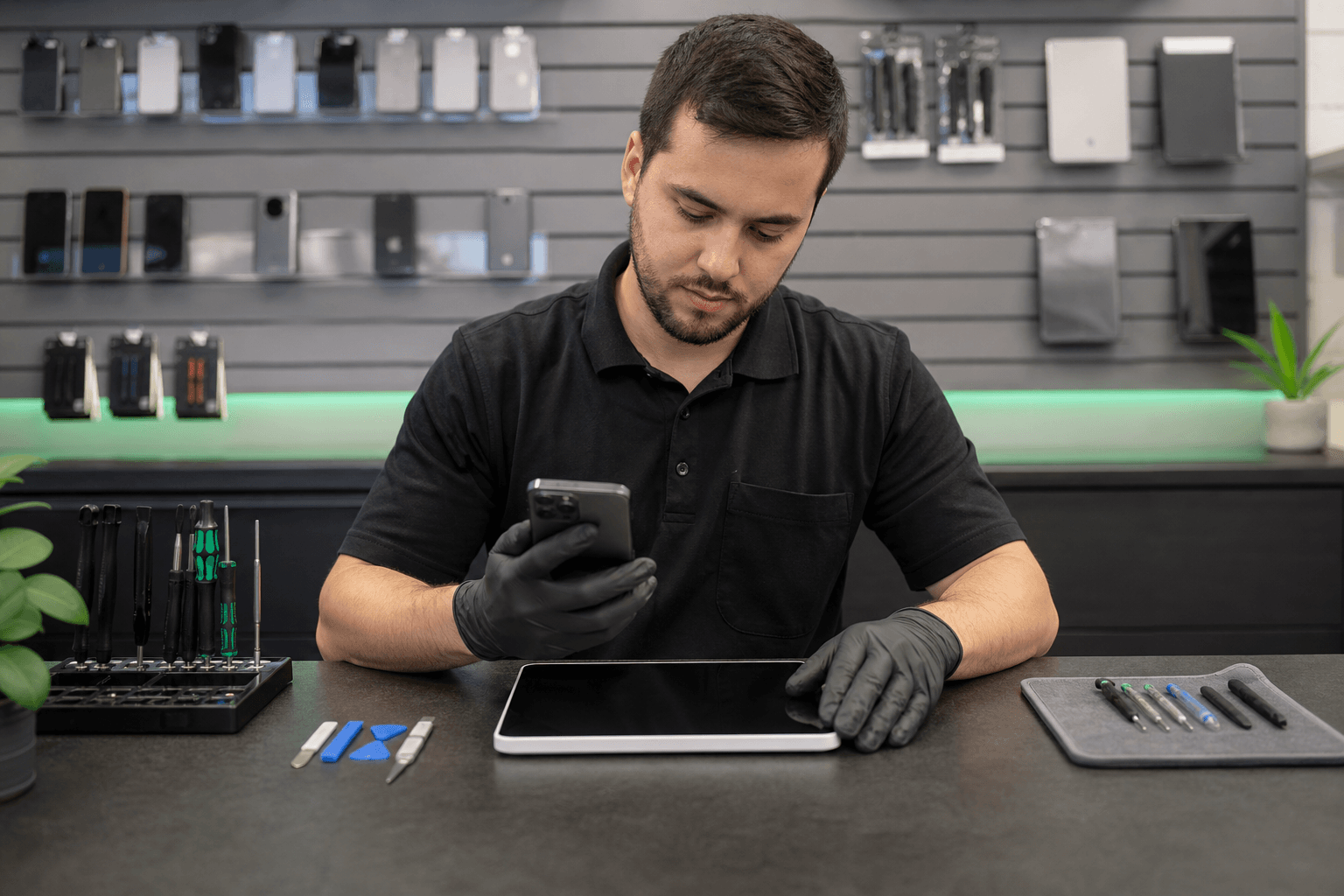
Published by TechBrotherz at TechBrotherz, the walk-in repair Store at 3317 17 Ave SE in Calgary. August 12, 2026, updated October 30, 2026.
No article on this site is paid for or sponsored. For a quote on your own device, call (403) 273-8324.
Is 17 Ave SE a Practical Location for Your Repair?
For customers searching for device repair near 17 Ave SE, TechBrotherz is located directly on 17 Ave SE in southeast Calgary. The service is provided in-store, so the main decision is whether the location, repair type, and likely turnaround fit your day. Related reading: Mobile flat tire repair.
Listed hours are Monday through Saturday from 10:00 AM to 7:00 PM and Sunday from 11:00 AM to 5:00 PM. Walk-ins are welcome during those hours. If your repair needs a particular screen, battery, or other model-specific part, call before setting out.
Chestermere customers can follow Chestermere Boulevard into 17 Avenue SE. The location is also practical for customers in nearby southeast Calgary communities who need help with more than one device during the same visit.
Match the Problem to the Right Next Step

Cracked, black, or malfunctioning screen
A cracked display, black screen, coloured lines, dead touch areas, or ghost touches usually calls for an assessment instead of a software reset. Back up the device if it still works, avoid pressing on damaged glass, and bring it in for a model-specific quote.
A small cosmetic crack with fully working touch may not require immediate replacement. Spreading cracks, exposed glass, inaccurate touch, or a screen that is becoming harder to read are stronger reasons to arrange service. The repair depends on whether the problem is limited to the outer glass or involves the complete display assembly.
For a focused decision process before visiting, see this phone screen repair decision guide.
Weak, rapidly draining, or swollen battery
A battery assessment makes sense when the phone shuts down unexpectedly, loses charge quickly, becomes unusually hot, or no longer lasts through your normal day. Battery replacement is more likely to be a focused repair when the screen, charging system, and other major functions still meet your needs.
Stop using and charging a device if the battery is visibly swollen, the display or back cover is lifting, or the device becomes abnormally hot. A damaged lithium-ion battery can create a fire risk, so do not press the casing back into place or puncture it.
Charging failure
A phone that will not charge may have a damaged port, compacted debris, a failing cable or adapter, a battery fault, or a deeper board problem. Try a known-working cable and adapter first, then stop forcing the connector if it feels loose or the port is visibly damaged.
Port debris can prevent the cable from seating fully, but probing inside with metal tools can damage contacts. If the simple checks do not solve the problem, bring the phone in for diagnosis. You can also review these iPhone charging-port checks before deciding whether service is needed.
Water or liquid exposure
After liquid reaches a phone, tablet, laptop, or computer, power it off, disconnect the charger, remove easily removable accessories, and keep using it to a minimum. Do not charge it to see if it still works, use a hair dryer, or bury it in rice. Power and moisture together can worsen corrosion or create additional faults.
Bring the device for assessment as soon as practical and explain what liquid reached it, when the exposure happened, and whether it was powered on afterwards. The useful next step is diagnosis, not guessing from the outside.
Speaker, microphone, or camera fault
For distorted audio, a microphone that is not picking up sound, a blurry camera, or a camera that will not focus, first note whether the fault affects one app or every app. Remove a case or protector that may cover an opening, restart the device if it remains stable, and record any error message.
Persistent problems may involve a damaged module, connector, lens, software issue, or contamination. Describe the symptom clearly so the estimate addresses the actual fault instead of assuming a part replacement.
Software, account, or startup problem
Repeated crashes, update failures, forgotten passwords, activation issues, and devices stuck during startup need a different path from a cracked-screen repair. Back up accessible files first, identify the account involved, and avoid repeated reset attempts if the data matters.
For Android owners, this Android phone repair guide covers safe checks for screens, batteries, charging ports, and software. If the device is locked by an account, describe the exact lock and bring the information needed to establish ownership.
Laptop or desktop trouble
Bring a laptop or desktop for assessment when it will not start, runs unusually slowly, overheats, shows a damaged screen, has software problems, or produces repeated errors. Record the symptoms, recent changes, error messages, and any files you especially need protected.
Computer repair may involve diagnostics, parts, labour, data protection, or testing related to the repair. This computer repair cost guide explains the factors that can change an estimate without assuming every slow or failing computer needs the same fix.
Which Devices Can You Bring?
TechBrotherz supports repairs for iPhone, Samsung Galaxy, Google Pixel, iPad, Android and Windows tablets, laptops, and desktop computers. The exact service depends on the device model and the problem it presents.
This multi-device coverage is useful for a household with several unrelated issues, such as a cracked phone screen, an iPad that will not charge, and a laptop with a software fault. Each device still needs its own assessment because the model, parts, and repair method can differ.
How the Quote and Timing Work
TechBrotherz provides a free quote before work starts. The quoted figure combines the part and labour, giving you one amount to consider for the proposed repair.
The amount depends on the device model, required part, part availability, damage severity, and whether diagnosis finds another fault. A repair that appears to be a screen replacement may need a broader assessment if the frame, touch function, camera, battery, or internal connections were also affected.
Most phone screen and battery repairs take about 30 minutes, but that timing does not apply to every device. A part that needs to be ordered, a less common model, liquid exposure, computer work, or deeper diagnosis can take longer. Call (403) 273-8324 with the exact model when stock or timing will determine whether the trip is worthwhile.
Prepare Your Device Before Visiting

Preparation is especially useful when you are bringing several device types to the same location:
- Back up photos, contacts, messages, documents, and other important files while the device is accessible.
- Write down the exact symptoms, error messages, recent drops or spills, and when the problem began.
- Know the passcode if access is needed to assess the device. Share only the information required for the repair.
- Address Find My, activation, Google, Microsoft, or other account locks where relevant.
- Remove a SIM card or memory card if you do not want it left with the device.
- Bring the charger and relevant cable for a charging, battery, or startup problem.
- Remove cases, wallets, and accessories that could hide damage.
- Label chargers if you are bringing more than one device, and describe each fault separately.
For iPhone owners, a focused iPhone screen repair preparation guide can help organise access, backups, and pre-repair checks.
Repair or Replace: Use the Quote to Decide

Repair is usually the more practical direction when the device otherwise meets your needs, the fault appears isolated, and the repair restores useful life. It can also make sense when replacing the device would require transferring accounts, buying accessories, or spending substantially more than fixing the actual fault.
Replacement deserves closer consideration when the device has several major faults, repeated repairs, severe frame or liquid damage, unavailable parts, or performance that no longer suits your daily work. An older phone with a new battery may still meet your needs, while an older laptop with problems affecting its screen, storage, and charging system may not.
Use the quote as a decision point. Ask what the repair is expected to restore, whether another fault was found, how long the device is likely to meet your needs, and what happens if you do not proceed.
What Does the 60-Day Warranty Cover?
TechBrotherz states that every repair carries a 60-day warranty on the fitted part and the work performed. Keep the repair paperwork and describe the original repair if you need to ask the shop about a problem afterwards.
Questions Calgary Customers Still Ask
Can I walk in for device repair near 17 Ave SE without an appointment?
Yes. TechBrotherz accepts walk-ins at 3317 17 Ave SE. Call first if your device uses a less common part or completing the repair during one visit matters to you.
How do I know whether my device needs a repair quote or a replacement?
Request a quote when the device otherwise meets your needs and the fault appears focused. Consider replacement when damage is extensive, faults keep returning, parts are unavailable, or the repair would not restore enough useful life.
What should I do if my phone gets wet before bringing it to a repair shop?
Power it off, disconnect it from power, avoid charging it, and bring it for assessment. Do not use heat, rice, or repeated power-on tests.
Can TechBrotherz check whether a part for my exact device model is available?
Call (403) 273-8324 with the exact model so the shop can check whether the required part is in stock before you travel.
What does the 60-day repair warranty cover?
It covers the fitted part and the work performed for 60 days. Ask the shop about coverage if a particular problem appears after the repair.
Can I bring more than one device to the same repair visit?
Yes. The same store supports phones, iPads, Android and Windows tablets, laptops, and desktop computers. Bring relevant chargers and describe each symptom separately.
Choose Your Next Step Near 17 Ave SE
Write down the device model and symptom, back up what you can, and call first if parts availability affects your decision. Otherwise, walk in during the listed hours at 3317 17 Ave SE and receive a free quote before work starts.
For in-store phone assessment and repair in Calgary SE, visit TechBrotherz cell phone repair service with your device and relevant charger or accessories.
Related pages
Rather just ask a person?
Call (403) 273-8324 and describe the problem, or walk in to 3317 17 Ave SE in Calgary. Every repair is quoted free before any work starts.