
Blog
Why Is Your iPhone Not Charging? Understand the Port Issues Before Repair
Is your iPhone not charging or connecting reliably? Learn safe checks, warning signs, and what to expect from Calgary charging-port repair before booking.
If your iPhone will not charge, charges slowly, or only connects intermittently, the charging port may be involved, but the symptom does not prove that the port is damaged. A cable, power adapter, outlet, obstruction, battery, software issue, or internal hardware fault can create similar behaviour.
Key facts
- Published: July 24, 2026
- Last updated: October 2, 2026
- Reading time: 7 min read
- Questions about your own device: Call (403) 273-8324
Last updated
Why Is Your iPhone Not Charging? Understand the Port Issues Before Repair
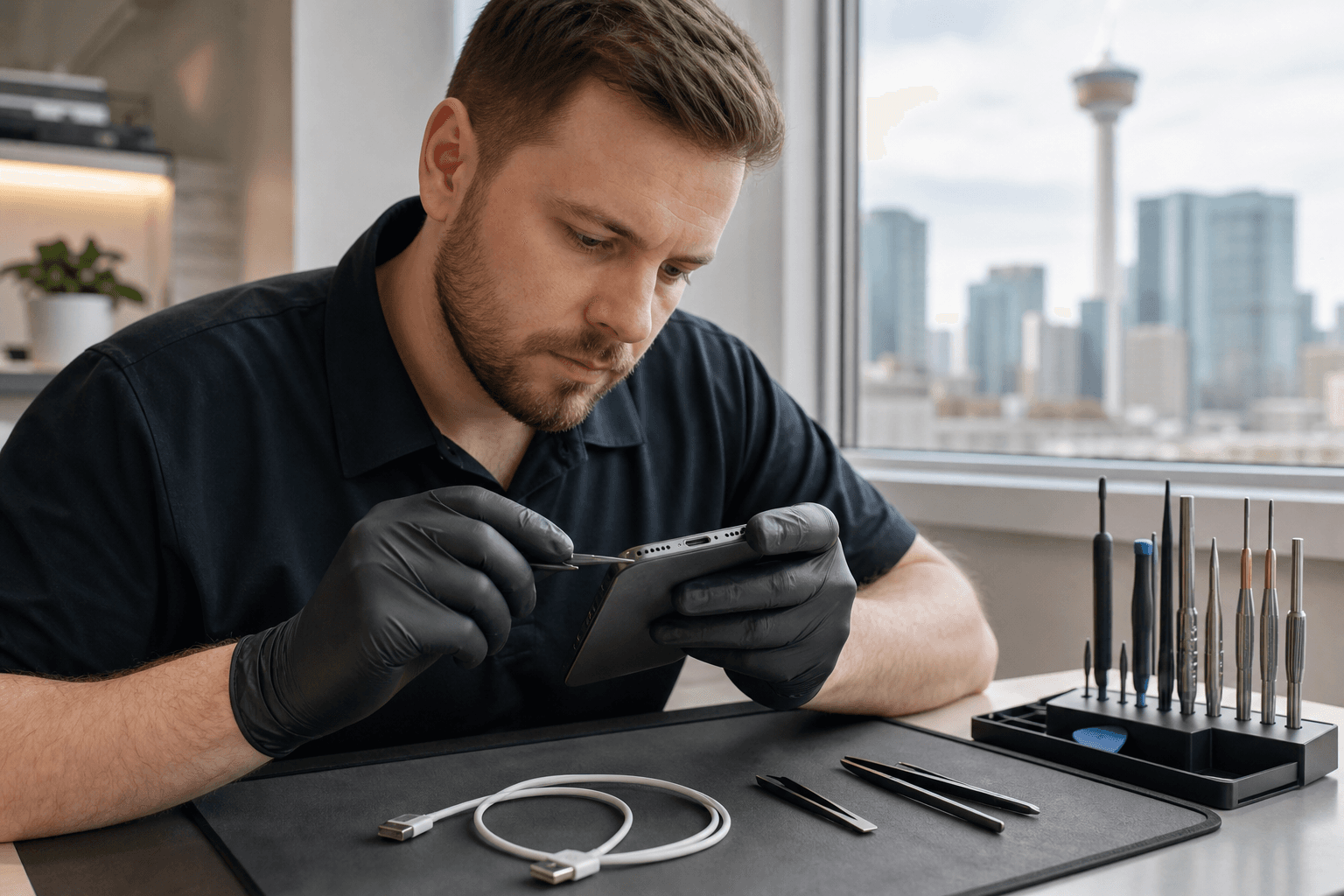
Published by TechBrotherz at TechBrotherz, the walk-in repair Store at 3317 17 Ave SE in Calgary. July 24, 2026, updated October 2, 2026.
No article on this site is paid for or sponsored. For a quote on your own device, call (403) 273-8324.
The sensible approach is to start with low-risk checks, then arrange a professional diagnosis if charging remains unreliable. This can help you avoid replacing a port when the accessory is the real problem, while also avoiding unsafe cleaning attempts that could make the issue worse.
Quick summary

- Test a known-good compatible cable, power adapter, and outlet before assuming the iPhone needs repair.
- Do not force the cable or insert sharp, metallic, or improvised objects into the charging port.
- Intermittent charging, a loose connection, or charging that works only at one angle is a reason to seek diagnosis.
- TechBrotherz offers walk-in charging-port service at 3317 17 Ave SE in Calgary, with a free quote before work begins and a 60-day warranty on repairs.
What iPhone charging-port issues can look like
“iPhone charging port issues” describes a range of charging symptoms rather than one confirmed fault. You may notice that the phone does not respond when connected, begins charging and then stops, charges unusually slowly, or disconnects when the cable moves slightly.
These signs can point to the cable or power source as easily as to the iPhone. A visible obstruction or damaged port may also be involved, but identifying the exact cause generally requires inspection and testing.
Symptom-to-next-step checklist

| What you notice | What to check first | When to stop troubleshooting |
|---|---|---|
| The iPhone does not charge at all | Try a different compatible cable, adapter, and wall outlet. | Seek diagnosis if the phone still shows no reliable charging response. |
| Charging starts and stops | Check whether the same cable behaves normally with another compatible device, if available. | Arrange an inspection if the connection repeatedly drops with more than one accessory. |
| The iPhone charges slowly | Test another suitable power source and check whether the issue changes. | Ask for diagnosis if slow charging continues or has noticeably changed. |
| The cable feels loose | Look at the port and cable for visible damage or obstruction without scraping inside. | Do not keep wiggling or forcing the cable. Request professional inspection. |
| Charging works only at a particular angle | Try a known-good cable once, without applying pressure to the connector. | Stop relying on that position and arrange repair diagnosis. |
This table is a decision aid, not a diagnosis. The same symptom can have more than one cause, so the most useful result of testing is learning whether the issue follows the accessory or stays with the iPhone.
Low-risk checks to try before booking repair
Test the charging setup
Try a different compatible charging cable, power adapter, and outlet. Check the cable for obvious wear, bent connectors, or signs that it no longer fits properly. If another setup works consistently, the accessory or power source may be the cause.
If every tested setup produces the same unreliable result, the iPhone deserves closer attention. Avoid repeatedly connecting and disconnecting the cable just to make charging begin, especially if the connection feels loose.
Restart the iPhone and observe the pattern
A restart is a reasonable troubleshooting step when the phone is responsive but charging behaviour has changed unexpectedly. After restarting, note whether the problem affects every charging attempt or only one cable, adapter, or outlet.
Before visiting a shop, note whether the issue began after a drop, whether the phone was exposed to liquid, and whether charging stops when the device is moved.
Inspect without probing the port
Look at the charging opening under good lighting. If you see an obstruction, do not scrape it with a pin, paper clip, knife, or other metal object. Do not force the connector into the port.
When the port looks damaged, the cable will not seat normally, or the phone only charges when held in position, professional inspection is the safer next step.
Cleaning, accessory trouble, or port repair?
Cleaning is not automatically the answer to every charging problem. If a different cable and power source make no difference, the phone may need inspection rather than repeated attempts to clean the port. A cable that works at an angle can indicate a connection problem, but it does not identify the failed component by itself.
TechBrotherz’s comparison of iPhone charging-port repair and cleaning can help you think through that choice. The practical principle is simple: use low-risk checks at home, then let a technician determine whether cleaning, an accessory change, or charging-port service is appropriate.
When an iPhone charging problem needs professional diagnosis
Arrange an assessment when the iPhone remains unreliable after testing another compatible charging setup, when the cable feels loose, or when charging repeatedly stops. A port that appears physically damaged also warrants inspection rather than continued pressure or improvised cleaning.
Liquid exposure, a recent drop, or a sudden change in charging behaviour are useful details to tell the technician. They do not prove the cause, but they can help explain the timeline and guide the inspection.
Charging-port work is device-specific, so the correct service depends on the device, observed fault, and condition of surrounding components. Device-specific charging-port service, such as these charging-port repair details, also shows why a technician needs to assess the actual device before work is approved.
What to expect from a Calgary charging-port repair visit
TechBrotherz provides phone repair at 3317 17 Ave SE in Calgary and accepts walk-in customers, so an appointment is not required for an initial visit. Bring the iPhone, the cable or adapter causing trouble, and relevant details about when the issue started.
The published process is designed to identify the problem before work begins. The device is diagnosed, a free quote is provided, and you approve the figure before repair proceeds. TechBrotherz lists charging-port service for iPhone and other supported phones.
TechBrotherz states that most phone screen and battery repairs take about 30 minutes, but that timing should not be applied automatically to charging-port work. Ask about expected timing for your specific device after diagnosis.
Repairs are covered by a 60-day warranty on the fitted part and the work done, according to the shop’s published service information. Confirm how the warranty applies to the proposed repair before approving it.
What to bring and ask before approving work
- Bring the iPhone and the cable or adapter involved in the problem.
- Explain whether charging is unavailable, slow, intermittent, or dependent on cable position.
- Mention any drop, liquid exposure, previous repair, or recent change in behaviour.
- Ask what the diagnosis found and whether the issue appears to be the accessory, an obstruction, or a device fault.
- Confirm the total approved price before work starts.
- Ask what the 60-day warranty covers for the proposed repair.
Back up important information before any repair whenever possible, and keep your device passcode private unless access is genuinely needed for testing.
Frequently asked questions
Can a dirty iPhone charging port cause intermittent charging?
An obstruction may contribute to an inconsistent connection, but intermittent charging does not prove that the port is dirty. Test a different compatible cable and power source, avoid probing the opening, and arrange an inspection if the problem continues.
Should I keep using an iPhone if the charging cable only works at an angle?
No. Stop relying on pressure or a particular cable position to maintain charging. Test one known-good cable without forcing it, then seek diagnosis if the connection remains unreliable.
How can I tell whether the cable or the iPhone port is causing the problem?
Test the iPhone with another compatible cable, adapter, and outlet. If the problem follows the original accessory, that accessory may be involved. If multiple setups fail in the same way, the iPhone should be assessed, although only diagnosis can identify the exact fault.
Does TechBrotherz require an appointment?
No appointment is required for TechBrotherz’s walk-in service. Visit 3317 17 Ave SE in Calgary during posted business hours and ask for a diagnosis and quote before approving charging-port work.
Conclusion: diagnose the cause before replacing the port
An iPhone that will not charge, charges slowly, or disconnects unexpectedly may have a charging-port problem, but those symptoms can also come from a cable, adapter, outlet, obstruction, battery, or another device fault. Begin with simple accessory checks, avoid forcing or scraping the port, and seek professional diagnosis when charging remains unreliable.
For local iPhone charging-port repair in Calgary, TechBrotherz offers walk-in service at 3317 17 Ave SE, a free quote before work begins, and a 60-day warranty on repairs.
Related pages
Rather just ask a person?
Call (403) 273-8324 and describe the problem, or walk in to 3317 17 Ave SE in Calgary. Every repair is quoted free before any work starts.