
Blog
Calgary Smartphone Sales & Repairs: Which Phone Fits You in 2026?
Your complete guide to Calgary smartphone sales and repairs in Southview—repair vs replace, unlocking, password resets, and curated device choices at TechBrotherz.
Calgary smartphone sales and repairs refers to finding, fixing, and upgrading mobile devices locally so you can stay connected. In Southview, TechBrotherz offers walk-in repairs, data-friendly diagnostics, and warranty-backed service alongside curated smartphone sales. This guide shows how to choose, when to repair vs replace, and where to get fast help.
Key facts
- Published: July 2, 2026
- Last updated: October 2, 2026
- Reading time: 18 min read
- Questions about your own device: Call (403) 273-8324
Last updated
Calgary Smartphone Sales & Repairs: Which Phone Fits You in 2026?
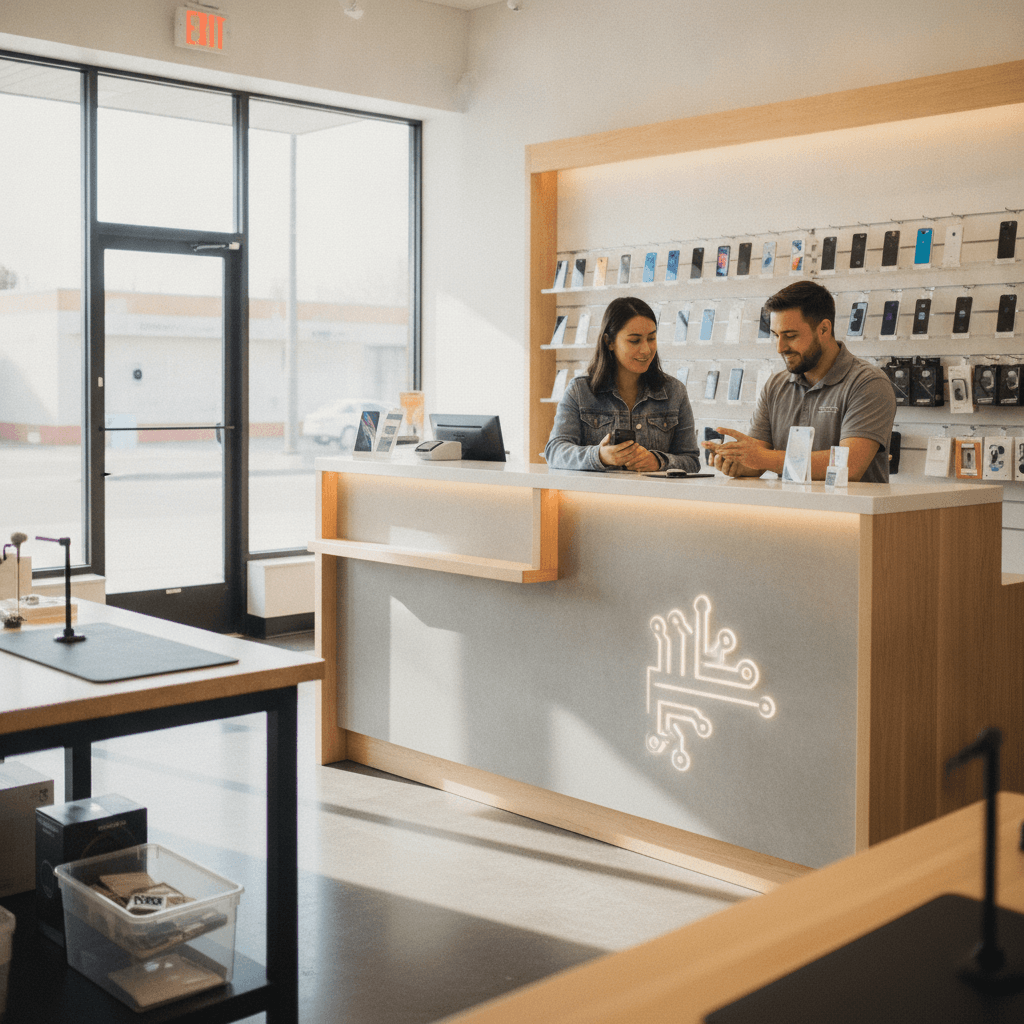
Published by Imran Mohammed at TechBrotherz, the walk-in repair Store at 3317 17 Ave SE in Calgary. July 2, 2026, updated October 2, 2026.
No article on this site is paid for or sponsored. For a quote on your own device, call (403) 273-8324.
By Imran Mohammed — TechBrotherz
Last updated: July 2, 2026
Start here: fix your phone fast and pick the right upgrade
Start by confirming your issue, backing up your data, and choosing a trusted Southview provider for same-day diagnostics. Then compare repair viability against a replacement using battery health, screen integrity, storage, and carrier needs. Finally, test in-hand before you buy. TechBrotherz supports this entire flow, walk-in.
Here’s how this complete guide helps you move from problem to solution without guesswork.
- Understand what Calgary smartphone sales and repairs actually include
- Decide repair vs replace with a quick, practical table
- Follow proven repair workflows used daily at TechBrotherz
- Shop refurbished and replacement phones with confidence
- Know when to use unlocking and password reset services
- Get local, Southview-specific tips to save time
Quick Summary
If your smartphone still meets your battery, storage, and camera needs, a targeted repair is usually the shortest path back to normal. When multiple core parts fail or you need major carrier/band changes, an in-hand replacement makes more sense. TechBrotherz guides both choices with warranty-backed workmanship.
- Who this is for: Calgary users who want fast walk-in fixes and smart upgrade choices.
- What you’ll get: A step-by-step process, decision tables, and local best practices.
- Where to go: TechBrotherz in Southview for repairs, unlocking, and curated smartphone sales.
Use the table of contents below to jump where you need:
- What is this topic?
- Why it matters locally
- How repairs work
- Types and approaches
- Best practices
- Tools and resources
- Case studies
- Repair vs replace table
- FAQ
- Conclusion
What is Calgary smartphone sales and repairs?
Calgary smartphone sales and repairs is the combined service of diagnosing, fixing, and replacing phones in a single local experience. In Southview, TechBrotherz handles walk-in diagnostics, iPhone and Samsung Galaxy repairs, unlocking, password resets, and curated sales—so you can repair today or leave with the right device.
In practical terms, you’re getting a one-stop outcome: fast triage, an honest recommendation, and either a same-day fix or an in-hand upgrade that fits your carrier, storage, and camera goals.
- Repairs: Screens, batteries, charge ports, cameras, speakers, and water-damage recovery.
- Sales: In-store guidance to compare devices, test ergonomics, and verify carrier needs.
- Device access: Phone unlocking for carrier flexibility; password resets for locked devices.
- Coverage: iPhone, Samsung Galaxy, iPad/tablets, Windows PCs, and laptops.
- Assurance: Warranty-backed workmanship and a walk-in experience—no appointment needed.
Because everything happens under one roof, you avoid the “repair here, buy there” shuffle and reduce risk of incompatible devices or missed data steps.
Why it matters in Southview
Local service keeps your downtime low. Southview residents can walk into TechBrotherz for diagnostics, data-safe fixes, and immediate device options. That means fewer days offline, less back-and-forth between shops, and support that understands Calgary carriers, routes, and daily routines.
Convenience is the point. When your phone breaks before work or a school pickup, you need same-day answers, not a next-week slot.
- Walk-in wins: No scheduling friction. Get triage started while you wait.
- Local context: Advice tailored to Calgary weather, commute patterns, and carrier coverage.
- Breadth of help: Phones, tablets, laptops—one stop for mixed-device households.
- Warranty-backed: Confidence to repair when replacement isn’t necessary.
Local considerations for Southview
- When planning a quick drop-off, aim for off-peak times before visiting Valleyview Park Viewpoint to keep errands tight and turnaround predictable.
- Cold snaps can stress batteries. If you’re commuting past Foggy Gorilla Vape Shop | 17th Ave, store your phone in an inner pocket to preserve battery health until you arrive.
- For family devices, bring notes on carrier needs and screen-time settings. It speeds up unlocking, password resets, and new-device setup.
How smartphone repairs work (step-by-step)
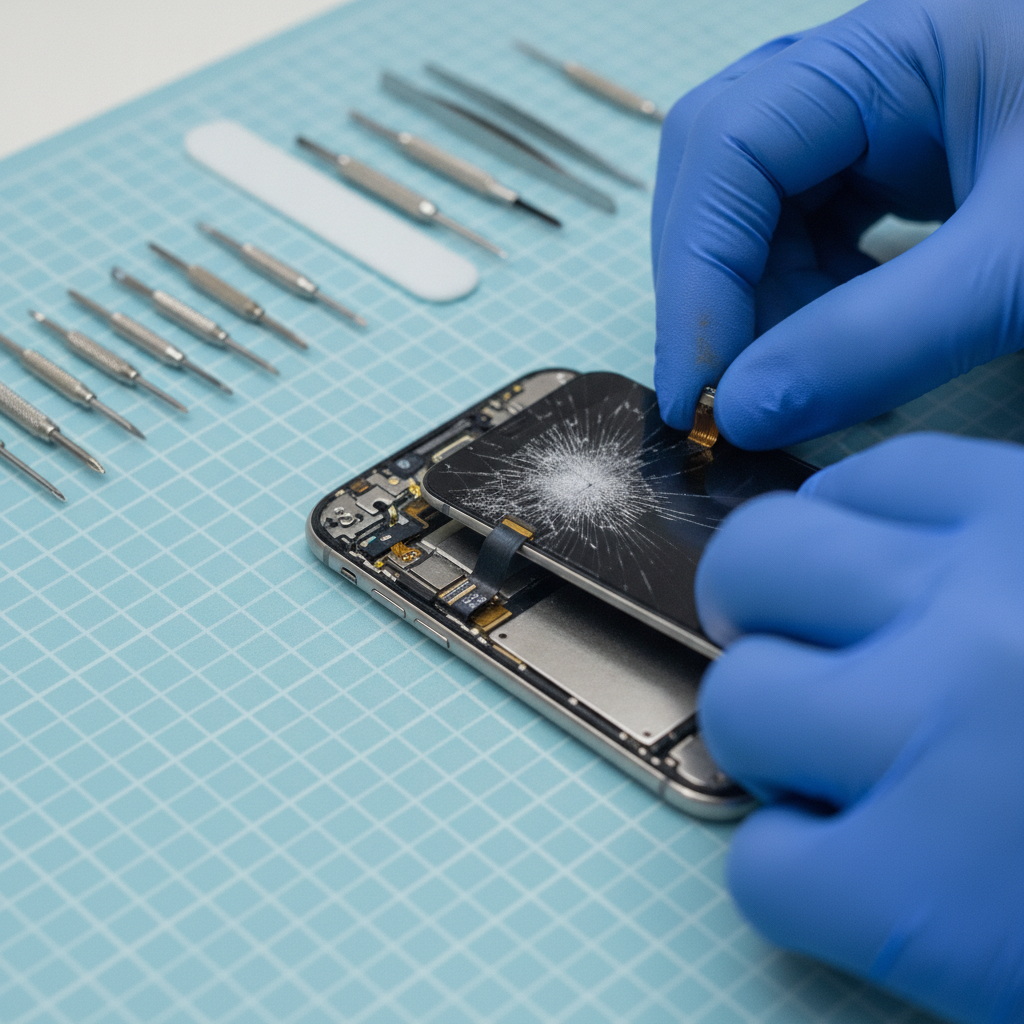
Successful repairs follow a tight workflow: diagnose the root cause, protect data, replace only what’s necessary, then verify with multi-point tests. At TechBrotherz, you can walk in, get clear findings, and approve work that gets your device back up and working fast.
Here’s the repair path our team uses every day—designed to keep your data safe and your device reliable.
- Intake & symptoms: Describe the issue (drops, water, no charge, boot loops, etc.).
- Data-first check: Confirm backups or create one when possible; protect what matters.
- Diagnostics: Test battery health, display, charge port, radios (Wi‑Fi, LTE), sensors, and cameras.
- Quote & decision: You choose repair or replacement; we align parts and timelines.
- Precision repair: Component-level work (screens, batteries, ports, speakers, mics, cameras).
- Quality control: Multi-point tests, thermal checks, and peripheral function validation.
- Handover: Final verification, care tips, and warranty coverage explained.
Pro tip: Bring passcodes when you can. It speeds diagnostics and post-repair testing for Face ID/Touch ID, Bluetooth pairing, and app notifications.
| Stage | What we check | What you approve |
|---|---|---|
| Diagnostics | Battery, screen, charge port, radios, sensors | Proceed with targeted repair or consider replace |
| Repair | Part quality, fit, calibration, thermal profile | Work authorization and turnaround expectations |
| QC & Handover | Multi-point tests, data retention guidance | Final verification and care instructions |
Types, methods, and approaches we use
The right method depends on your symptom. Screens, batteries, and ports are direct component swaps. Water damage and board-level faults need deeper diagnostics. For sales, ergonomic testing and carrier verification ensure the replacement phone actually fits your life in Calgary.
Core smartphone repairs (iPhone, Samsung Galaxy, and more)
- Screen repair: Glass/digitizer and display assemblies replaced and calibrated for touch and color accuracy. See our iPhone repair overview and Samsung Galaxy repair.
- Battery replacement: Address rapid drain, shutdowns under load, or swelling; verify cycle count and health after install.
- Charge port & power: Restore stable charging and data transfer; clean debris, then replace if pins are worn.
- Camera & audio: Fix focus, stabilization, mic, and speaker issues; test in calls and video apps.
- Water exposure: Board cleaning and targeted parts replacement; the sooner you come in, the better the outlook.
Sales and upgrades (try before you buy)
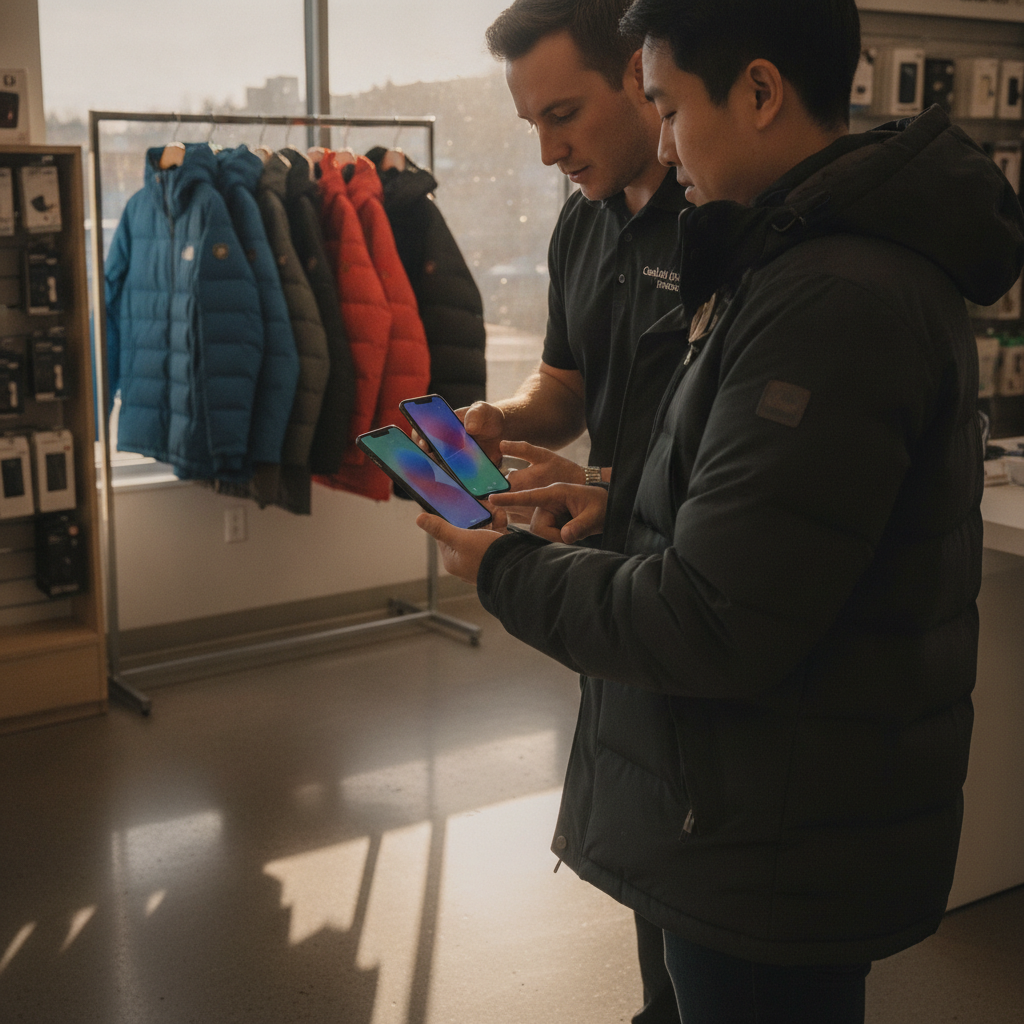
- Ergonomics test: Check one-hand reach, pocket fit, and daylight screen legibility in-store.
- Carrier fit: Confirm bands, eSIM/physical SIM support, and unlock status. Our unlocking service helps future flexibility.
- Feature audit: Camera needs (stabilization, telephoto), battery longevity, and storage headroom for your next 24 months.
Tablets, iPads, and computers
- iPad & tablet service: Screens, batteries, ports; see iPad repair and tablet repair.
- PC & laptop support: Boot issues, storage upgrades, thermal cleaning; visit computer repair.
- Password resets: Regain access to supported phones and tablets so you can back up and move on.
Best practices to protect your data and budget
Protect your data first, then decide on repair vs replacement with clear criteria. Back up, note your must-have features, and validate any fix with hands-on testing before leaving the shop. This approach avoids surprises and stretches the life of your tech investment.
- Back up before work: Use cloud or a trusted computer for a full backup when possible.
- List your non-negotiables: Battery life, camera quality, storage, and carrier flexibility.
- Check parts quality: Ask about calibration, display color accuracy, and post-repair testing.
- Test everything: Calls, Bluetooth, Wi‑Fi, cameras, speakers, vibration, and Face/Touch ID.
- Mind the case: A good case and tempered glass cut future screen breaks dramatically.
- Stay local for speed: Walk-in service reduces downtime and travel costs.
- Plan for families: Align parental controls, screen-time rules, and accessory compatibility.
In our experience serving Southview, the customers who leave happiest follow a simple rule: fix what’s broken today, and plan upgrades only when they’re truly needed.
Tools and resources you can trust
Start with TechBrotherz service pages for device-specific guidance, then use reputable model references when you want deeper technical context. Keep links handy during in-store visits so you can point to exact models, carriers, and features you care about.
Explore these TechBrotherz pages before your visit:
- Cell phone repair for triage basics and common fixes
- iPhone repair for Apple-specific guidance
- Samsung Galaxy repair for Android-specific insights
- Tablet repair and iPad repair for larger screens
- Phone unlocking to prepare for carrier changes
- Computer & laptop repair for cross-device support
For model-specific overviews and iPhone heritage references, see these local resources:
- Model snapshots on Calgary iPhone repairs
- Generation updates via iPhone 14 repairs overview
- Legacy device notes: iPhone 7 repair overview
Bring links or screenshots of devices you’re considering. It helps us confirm carrier bands, storage tiers, and accessory fit on the spot.
Case studies and real-world examples
Small issues fixed fast beat premature upgrades. When multiple core parts fail or you need carrier flexibility right away, a well-tested replacement saves time. These quick stories from Southview show how TechBrotherz helps neighbors decide and move on the same day.
Cracked screen before a job interview
- Problem: Deep crack and touch dead-zones on an iPhone.
- Action: Same-day screen assembly replacement and touch calibration.
- Result: Full function restored; candidate completed video interview that afternoon.
Battery collapse during winter commute
- Problem: Rapid shutdowns outdoors despite 30–40% indicated charge.
- Action: Battery health diagnostics, replacement, and thermal performance check.
- Result: Stable all-day use; no more surprise shutdowns in cold weather.
Carrier switch for a traveling student
- Problem: Locked device incompatible with a new plan.
- Action: Phone unlocking and SIM/eSIM validation in-store.
- Result: Student left connected on the preferred carrier the same day.
Family tablet with a broken port
- Problem: Tablet charging only at a certain angle.
- Action: Port cleaning, then component replacement when wear was confirmed.
- Result: Reliable charging restored; device stays in the family rotation.
Repair vs replace: a quick decision table
Repair when your device still meets your battery, storage, and camera needs and issues are limited to 1–2 parts. Replace when core components fail together, carrier needs change, or you want major feature jumps. Use this table to decide fast, then walk into TechBrotherz.
| Scenario | Repair leans better when… | Replace leans better when… |
|---|---|---|
| Screen damage | Single cracked/dim display; touch mostly intact | Repeated breaks; display + frame + sensors affected |
| Battery drain | Health decline but rest of phone is solid | Battery + board + port issues occur together |
| Charging problems | Port pins worn or debris; cable works elsewhere | Power issues plus frequent thermal shutdowns |
| Camera quality | Single-lens fault; you’re happy with overall camera | You want night mode, telephoto, or pro video features |
| Carrier needs | Unlock + same carrier/bands still suit you | You need band changes, eSIM-only, or 5G upgrades |
| Water exposure | Immediate cleanup and limited corrosion | Long exposure, multiple subsystem failures |
Need a second opinion? Stop by TechBrotherz for a quick walk-in diagnostic. We’ll confirm the fastest path—repair now or match you to a better-fit phone—and back the work with our warranty.
Frequently Asked Questions
Most questions boil down to time, data, and confidence. Walk-ins at TechBrotherz get fast diagnostics, data-safe workflows, and warranty-backed work. These quick answers cover what Calgary users ask most often.
How do I know if I should repair or replace my phone?
If only one or two parts are failing and your battery, storage, and camera needs are still met, repair is usually the fastest fix. Replace when several core components fail together or when you need new carrier features and bands. We’ll help you decide in-store.
Can you recover my data during a repair?
We prioritize data safety during diagnostics and repair. Bring your passcode if possible so we can test Face/Touch ID, radios, and apps. If the phone is accessible, we’ll guide a backup before work. If not, we’ll explain options based on the issue.
Do you handle unlocking and password resets on-site?
Yes. We provide phone unlocking to prepare for carrier changes and password resets for supported phones and tablets. These services help you regain access, switch carriers, and set up a new or repaired device the same day.
What devices do you service besides phones?
Along with iPhone and Samsung Galaxy phones, we repair iPads and other tablets, PCs, and laptops. That means one stop for mixed-device households and students who need both a phone and a computer ready for class or work.
Key takeaways
Back up, diagnose, and decide with confidence. Repair when issues are contained; replace when multiple core systems fail or new features are essential. Southview’s TechBrotherz gives you both options, backed by walk-in convenience and a warranty you can count on.
- Data first: back up and bring passcodes when possible
- Use the decision table to avoid premature upgrades
- Test in-hand before you buy; confirm carrier bands
- Leverage unlocking and password reset when switching
- Walk in at TechBrotherz for same-day guidance
Conclusion
The best path is simple: protect your data, diagnose the issue, and choose repair or replacement based on your real needs. TechBrotherz in Southview supports every step—from component-level fixes to smart, in-hand upgrades—so you leave with a working device and peace of mind.
You don’t need to juggle multiple stores or delay your day. Bring your device to TechBrotherz, review options side by side, and decide in minutes.
Ready to get started? Visit our cell phone repair page or stop by for a walk-in diagnostic today.
Related TechBrotherz guides (for deeper dives)
Explore device-specific pages before you visit. Reviewing them helps you arrive with the right model notes, storage targets, and carrier questions—speeding up your appointment-free service in Southview.
Planning a tablet fix? Read our perspective on tablet repair cost factors in-store and browse tablet repair services. For Apple users, skim iPad repair basics, then compare options with iPhone repair. Android owners can preview common issues on Samsung Galaxy repair before they walk in.
Related pages
Rather just ask a person?
Call (403) 273-8324 and describe the problem, or walk in to 3317 17 Ave SE in Calgary. Every repair is quoted free before any work starts.