
Blog
Tablet Repair Airdrie Compared: How Calgary Shops Stack Up
Compare tablet repair options serving Airdrie: local shops, Calgary walk‑ins, depot and mail services, plus exact questions to ask before you choose.
If your tablet needs a screen, battery, charging port, or software fix and you live in Airdrie, you have a few realistic routes: use a local Airdrie repair shop, bring your device to a Calgary walk‑in provider, use a depot or mobile technician that covers Airdrie, or send the device to a mail‑in service. This article compares those options against the decision criteria that matter most, and gives a concise checklist of what to bring and what to ask so you can choose confidently.
Key facts
- Published: August 30, 2026
- Last updated: October 2, 2026
- Reading time: 9 min read
- Questions about your own device: Call (403) 273-8324
Last updated
Tablet repair Airdrie compared: how Calgary shops stack up
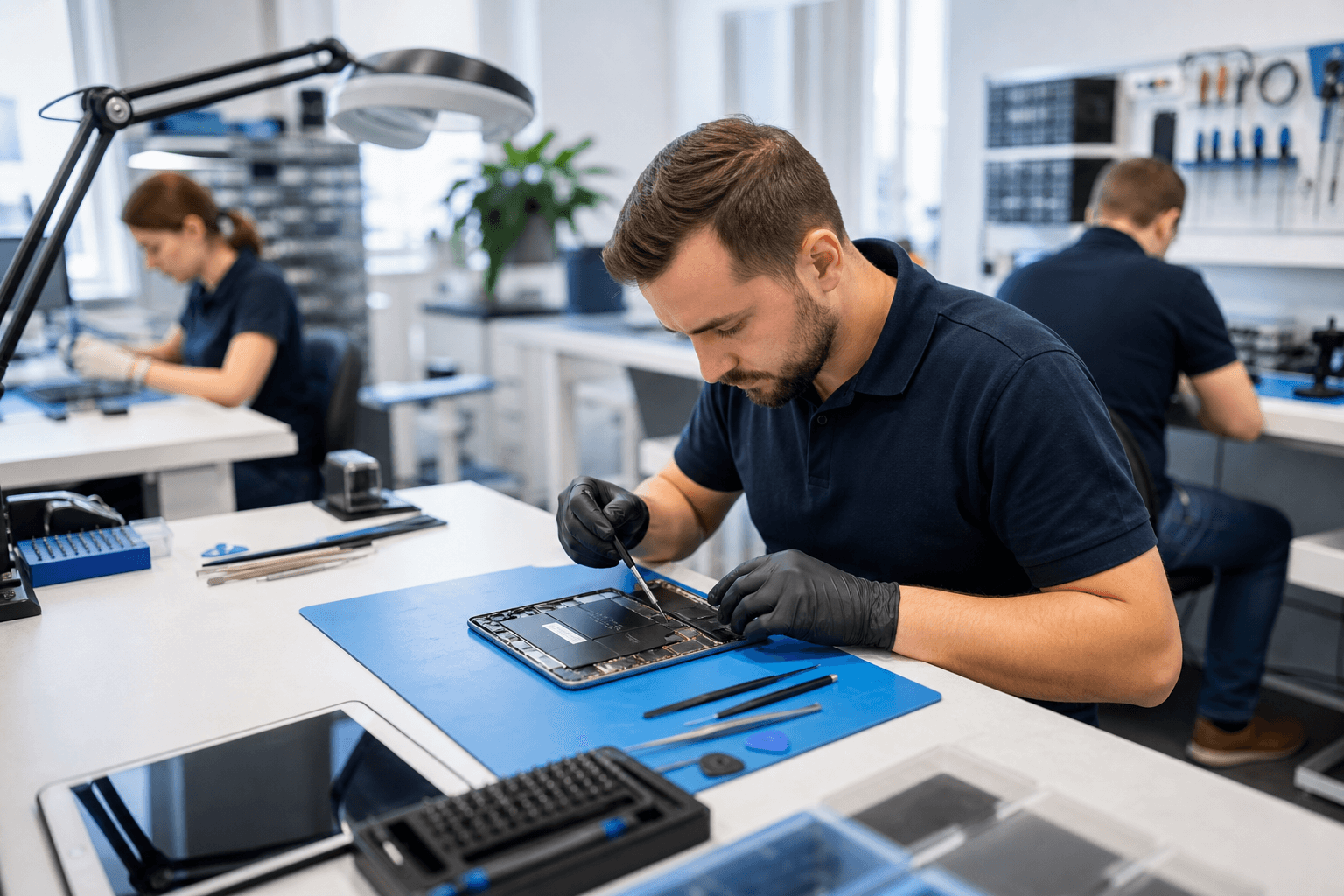
Published by Imran Mohammed at TechBrotherz, the walk-in repair Store at 3317 17 Ave SE in Calgary. August 30, 2026, updated October 2, 2026.
No article on this site is paid for or sponsored. For a quote on your own device, call (403) 273-8324.
Quick comparison: repair routes that serve Airdrie
Local Airdrie shops
Airdrie has independent repair shops that handle phones, tablets, and computers. Local shops are convenient for short trips, fast drop‑offs, and face‑to‑face estimates. For a summary of local options and depot drop‑off resources that cover Airdrie, see the Airdrie repair guide.
Calgary walk‑in and drop‑off shops
Many Calgary shops accept walk‑in repairs and welcome customers from Airdrie. A Calgary store can offer a wider parts inventory or specialized technicians for specific tablet models. For example, TechBrotherz in Calgary lists walk‑in service, a 60‑day warranty on repairs, and a fixed fee for supported password resets, facts you can confirm on the shop website before you travel.
Mobile, depot and drop‑off networks
Some repair networks and courier depots accept drop‑offs in Airdrie and forward devices to a nearby service centre. This blends convenience with wider service coverage and can be faster than postal mail. Local repair directories note these depot and mobile options as common choices for Airdrie residents.
Mail‑in repair services
Mail‑in repair companies are useful when local options do not support the model you own. They require secure packaging and add transit time. Expect a predictable workflow, but plan for several days to a couple of weeks depending on diagnostics, parts availability, and return shipping.
Decision criteria to compare every shop
When you evaluate any provider for Tablet repair Airdrie, compare the same six factors so you can make a fair choice.
Turnaround time and realistic expectations
Ask what the shop expects for diagnostics and repair completion. Turnaround varies by model and part availability. Avoid absolute guarantees unless they are written; instead request a typical range and whether they notify you by phone or text when the device is ready.
Parts source and quality
Confirm whether the shop uses original manufacturer parts, high‑quality aftermarket parts, or refurbished components. Each choice affects fit, durability, and cost. If a shop cannot say which parts they plan to install, consider a second estimate.
Warranty coverage and scope
Ask what the warranty covers and how long it lasts for parts and labour. Some shops offer separate terms for screens, batteries, and other components. If the shop advertises a warranty, make sure you receive the written terms on your receipt.
Technician experience and device compatibility
Confirm that technicians have experience with your tablet make and model. Ask how many similar repairs they perform weekly, whether they have a parts match guarantee, and whether they can show completed repairs or customer feedback for the same model.
Data safety and backup procedures
Before you hand over a tablet, ask how the shop handles personal data during diagnostics and repair. Shops should ask you to back up your data and to remove passwords where possible. If the device has a complex lock, ask how they test without full access and whether they will erase data only with your approval.
Software locks, unlocking and legal limits
If the tablet is carrier‑locked or tied to an account, ask whether unlocking or account removal is supported, and whether there are fees. Confirm that any unlocking complies with carrier and manufacturer policies. For a short checklist of selection factors, consult a repair shop comparison resource.
Parts source and repair quality: OEM, aftermarket and refurbished

How to ask where parts come from
Directly ask the shop: are replacement screens and batteries original manufacturer (OEM), third‑party aftermarket, or refurbished? Request a short explanation of why they chose a specific part for your tablet and whether the part is new on your device. If they cannot say, consider getting a second estimate.
Signs of quality parts on pickup
- Fit and finish: no gaps, even bezels, and secure mounting.
- Function checks: touchscreen responsiveness, brightness uniformity, cameras and sensors.
- Battery behaviour: reasonable charge times and steady percentage readings.
Ask the technician to demonstrate these checks before you leave the store.
When a shop should refuse a risky repair
Reputable shops will refuse repairs if parts are unavailable or risky to install. A clear refusal and explanation are preferable to a rushed, low‑quality repair that can cause further damage or data loss.
Data safety, backups and locked devices
Backup checklist
- Back up to the cloud or to a local computer before you go.
- Remove or note account passwords where possible, or prepare to provide them for testing.
- Disable remote‑wipe only if you understand the security implications and agree to the shop's handling procedures.
Locked device scenarios and what to expect
If your tablet is locked, shops will often perform limited diagnostics. Full fixes that require account access may need your login or proof of ownership. Discuss whether the shop performs any data wipes and ask to authorize wipes in writing only if necessary.
Password reset and unlocking: what to confirm
Some providers list a flat fee for supported password resets. Confirm the final price, what devices are supported, and any exclusions before you hand over the tablet. If a shop offers an advertised fee, request the terms in writing. For example, TechBrotherz advertises a fixed price for supported password resets and describes walk‑in service with a 60‑day warranty on repairs; check the shop site for current details.
Turnaround, availability and logistical tips for Airdrie residents

When to choose a Calgary walk‑in
Choose a Calgary walk‑in provider when the shop keeps a large inventory of parts or specialises in your tablet model. If you can reach Calgary easily and the shop publishes a warranty or clear testing procedure, the tradeoff is often better parts availability and technician experience.
Using depot or courier services from Airdrie
Depot networks that accept local drop‑offs can save travel time while still routing your tablet to a specialist. Local repair directories note that Airdrie residents often use depot or courier options for same‑day or next‑day coverage when available.
Sample logistics checklist
- Call ahead to confirm they accept your model and whether parts are in stock.
- Ask about pickup windows and whether they will call or text when ready.
- Bring proof of ownership if the device is locked or if unlocking will be requested.
Repair versus replacement: practical thresholds
When repair usually wins
Repair is often the better choice for recent tablets with a high replacement cost compared with repair, for isolated failures such as cracked screens, broken charging ports, or single component replacements where parts are available.
When replacement is more sensible
Consider replacement if the tablet is several years old, has multiple failing components, or if the estimated repair cost approaches a significant portion of the device value. If parts are rare or expensive, replacement may be the more economical route.
How to estimate total cost of ownership
Factor the repair price, remaining expected life of the tablet, and any convenience costs such as travel or downtime. If you expect to use the device for several more years after repair, a quality repair will typically be a cost‑effective choice.
Checklist: what to bring, exact questions to ask, and how to decide
Must bring items
- Your tablet and charger.
- Proof of ownership if the device is locked or you plan unlocking services.
- Account information or credentials only if you are comfortable providing them for testing; otherwise plan to supply them in person at pickup.
- A backup or confirmation that you backed up data before you arrive.
Five questions to ask now
- Do you have parts for my exact tablet model and what types are they: OEM, aftermarket, or refurbished?
- What is the expected turnaround range and how will you notify me when it is ready?
- What does your warranty cover and how long does it last for parts and labour?
- How do you protect my personal data during repair and do you perform a backup test before any wipe?
- Are unlocking or password reset services available for my device and what is the fee and policy?
Quick decision flow
- If the shop answers yes to parts availability, gives a reasonable turnaround, and provides written warranty terms, it is a strong candidate.
- If parts are unavailable or no warranty is provided, get a second opinion or consider a mail‑in specialist.
- If repair cost is more than half the replacement value and the device is older than three years, compare replacement options.
Frequently asked questions
How long does a typical tablet screen repair take for Airdrie residents who drop off at a Calgary shop?
Turnaround varies by model and parts availability. Calgary walk‑in shops commonly give a time range during initial diagnosis. Ask the shop for a realistic range and whether they will call or text when the device is ready.
Will the repair shop keep or access my personal data and what should I do to protect it before repair?
Shops should not access unnecessary personal data. Back up your tablet before you go, remove passwords if you can, and ask what the shop will need to access during testing. Authorize any data erasure only in writing.
Can a Calgary shop legally unlock my tablet for use with other carriers and what should I confirm first?
Unlocking policies vary by carrier and manufacturer. Ask the shop whether they perform legal unlocking for your model and request documentation of the process and any fees. Confirm proof of ownership if the carrier requires it.
How do I know whether to repair my tablet or buy a replacement?
Compare the repair estimate to the current replacement value and consider the device age and expected remaining life. If repair restores full functionality at a fraction of replacement cost and the tablet is still supported, repair usually makes sense.
What should I bring when I take my tablet to a Calgary shop that serves Airdrie?
Bring the tablet, charger, proof of ownership for locked or carrier‑tied devices, and confirmation that you backed up personal data. Ask the shop for receipt‑level warranty terms and written confirmation of any price quoted.
For a quick local option that serves Airdrie residents, confirm details with TechBrotherz, a Calgary shop on 17 Ave SE that lists walk‑in service, a 60‑day warranty on repairs, and password reset services. Check the TechBrotherz site or call the shop before you travel to confirm hours and service scope.
For more information on Airdrie repair options and depot services, see the Airdrie repair guide, and for a checklist on how to choose a repair shop consult this comparison of selection factors: How to choose a repair shop.
If you want to confirm current services, hours, and warranty details before bringing your tablet in for repair, visit TechBrotherz or call the shop.
Related pages
Rather just ask a person?
Call (403) 273-8324 and describe the problem, or walk in to 3317 17 Ave SE in Calgary. Every repair is quoted free before any work starts.