
Blog
Computer Repair Chestermere Explained for Local Customers
Computer repair Chestermere: step-by-step checklist to prepare your device, what to ask repair shops, repair vs replace guidance, and local next steps.
If you live in Chestermere and need computer repair, this article gives a short, ordered plan you can follow before you leave a device with a shop. You will get a pre-repair checklist, the exact questions to ask when comparing estimates, a simple decision flow for repair versus replacement, and clear local next steps if you choose to arrange service nearby.
Key facts
- Published: August 29, 2026
- Last updated: October 2, 2026
- Reading time: 8 min read
- Questions about your own device: Call (403) 273-8324
Last updated
Computer repair Chestermere explained for local customers
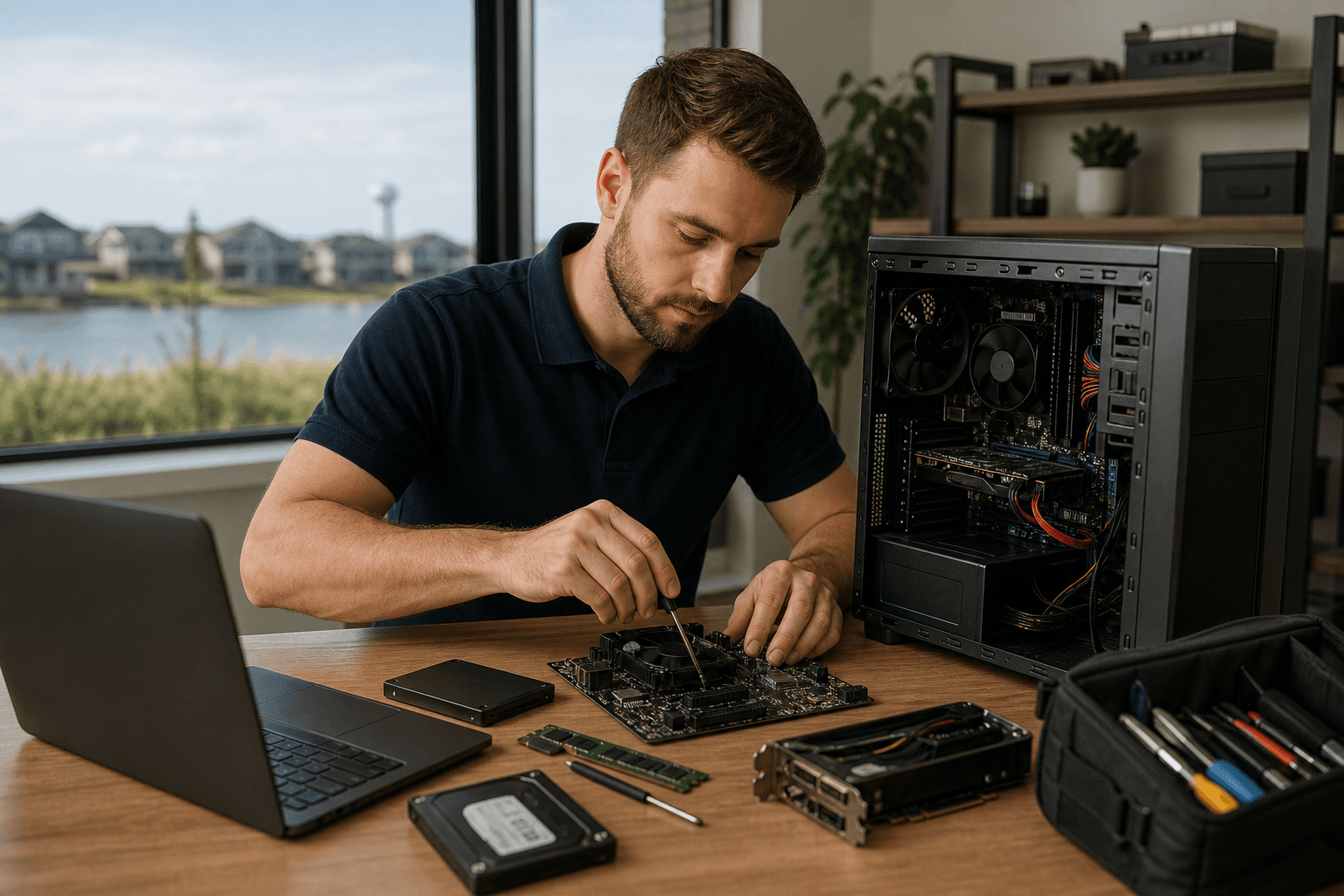
Published by Imran Mohammed at TechBrotherz, the walk-in repair Store at 3317 17 Ave SE in Calgary. August 29, 2026, updated October 2, 2026.
No article on this site is paid for or sponsored. For a quote on your own device, call (403) 273-8324.
What to do first: a short pre-repair checklist
Before you travel to a shop or drop off a device, complete these items in order. They reduce the risk of data loss, speed diagnosis, and give you a cleaner handoff to the technician.
- Back up important files now, even if the computer seems fine.
- Sign out of online accounts when possible and write down passwords or recovery steps.
- Remove or label external storage, dongles, and proprietary adapters.
- Note the device model, serial number, and any recent symptoms or error messages.
- Take a clear photo of the screen or ports showing the problem and bring proof of purchase if you have it.
Why backing up first matters and how to do it quickly
Backing up before a repair is a practical step to reduce the chance of permanent data loss if a repair involves hardware replacement or a full system restore. An independent resource explains simple backup options and why it is better to set up backups before a device fails. See this backup overview for straightforward cloud and local options for home users.
Three practical backup choices you can complete in 20 to 60 minutes depending on size:
- Cloud sync: Use OneDrive, iCloud, or Google Drive to copy documents and photos to the cloud.
- External drive: Copy your Documents, Desktop, Downloads and Photos folders to a USB drive.
- File sync tool: Use a free sync app to mirror important folders to a second drive.
When the shop performs diagnostics, it may need temporary access to an account so mention this upfront and remove two-factor devices if you prefer not to share them.
Exactly what to ask a repair shop when comparing estimates
When you call or visit, use this ordered list of must-ask questions. A transparent shop will answer each clearly and in writing.
- Can you provide a written estimate and a simple, itemized invoice?
- Where do you source replacement parts and are they new or refurbished?
- What does your warranty cover and how long does it last?
- Do you charge a diagnostics fee and is that fee applied to the repair cost?
- How do you protect customer data and will you require account passwords?
- What is the expected turnaround and when will you contact me with an update?
What satisfactory answers sound like
- Written estimate: "We will give you a printed estimate before any repair work begins and we will call or text if the estimate changes."
- Parts origin: "We use high-quality aftermarket parts for most repairs and we will note OEM options if they are available and more costly."
- Warranty: "We include a warranty that covers the repaired component for a stated period and describes exclusions in writing."
- Data handling: "We recommend you back up. If you need help we can assist with a backup for a fee and we will not access personal accounts without your permission."
If a shop refuses to provide a written estimate or will not answer where parts come from, consider that a warning sign and get a second opinion.
Decision flow: repair, replace or get a second opinion

Use this decision flow as a quick litmus test when you receive an estimate. The goal is to weigh costs, device age and how important your data or specific features are.
- Is the repair cost less than 30 to 40 percent of a reasonable replacement price? If yes, repairing is usually sensible.
- Is the device older than five years or does it use obsolete parts or software? If yes, replacement may deliver longer value.
- Is the issue isolated and inexpensive to fix, such as a screen or battery swap? If yes, repair is a practical choice.
- If the repair involves the motherboard or uncertain data recovery, consider a second opinion before authorizing work.
Prioritise data safety for work machines. If the device contains critical business files, preserving or exporting those files before any risky procedure should lead your decision even if the repair cost is low.
Key criteria to weigh
- Repair cost as a percentage of replacement value.
- Device age and support for current software.
- Long-term reliability versus short-term savings.
- Importance of data and confidence in recovery success.
What to expect from a local shop: walk-in, hours and service area
Confirm these operational facts when you call. For Chestermere residents, a nearby example that accepts customers from Chestermere and offers walk-in service is TechBrotherz, a Calgary shop located at 3317 17 Ave SE that lists services for phones, tablets and computers on its website. See TechBrotherz for verified business details and hours.
Many local shops post business hours, payment methods and customer reviews on their public listing. Review comments often highlight turnaround times and repair quality, but you should not treat every mention of "same-day" as a guaranteed promise because those reports describe individual visits rather than a universal guarantee. Use reviews for context when planning your visit.
Common repairs, realistic expectations and verified prices to watch for

Frequent repair types include screen replacement, battery replacement, charging port repairs, virus cleanup and data recovery attempts. The typical flow for a repair is diagnosis, estimate, customer approval, parts procurement if needed, repair, testing and pickup. While turnaround can be quick for common parts-in-stock repairs, shops will reserve the right to provide a final timeline depending on parts availability and the problem found during diagnosis.
There is one published price point you can compare when you call. TechBrotherz advertises password resets for supported phones, iPads and tablets at a fixed price of $39.99 and states that repairs are backed by a 60 day warranty. Both facts are published on the shop website.
Warning signs and what to do if you are unsure
Walk away or get a second opinion if you encounter any of the following:
- No written estimate or a refusal to itemize parts and labour.
- Pressure to leave the device without identification or a receipt.
- Refusal to explain warranty terms or to provide a repair timeline.
- Requests to provide unlimited account passwords rather than temporary, supervised access.
If you suspect mishandling of your device or data, ask for the shop manager and request a copy of the intake form. If the shop will not cooperate, document what happened and consider contacting consumer protection in your province for next steps.
Final checklist and how to arrange Computer repair Chestermere service nearby
Leave home with this short checklist and a clear plan.
- Back up files and disconnect cloud sync if you prefer not to share ongoing access.
- Bring the device, charger and any labelled external drives or adapters you want tested.
- Bring a photo ID and payment method that the shop accepts.
- Have the serial number or model name ready and a short list of symptoms for the technician.
To arrange local service, call or visit a nearby Calgary shop that serves Chestermere customers and accepts walk-ins. For a verified local example, see TechBrotherz at their website. The shop lists walk-in service for phones, tablets and computers, a $39.99 password reset service and a 60 day repair warranty on their site.
Frequently asked questions
Do you accept customers from Chestermere or do I need to travel to Calgary
Most Calgary shops serve nearby communities including Chestermere. TechBrotherz specifically notes that it serves customers across Calgary and nearby areas including Chestermere and Airdrie on its website, so you can contact them directly if you want to confirm pickup and drop-off options.
What should I back up before bringing my laptop to a repair shop
Back up your documents, photos and any work folders. Use cloud storage for quick uploads or copy folders to an external drive. If you are unsure how, see the backup guide linked earlier for straightforward cloud and local backup options for home users.
How long will a repair take and do you guarantee same day service
Turnaround depends on the repair type and parts availability. Shops should give you an estimated timeline at intake. Customer reviews sometimes report same-day results for common repairs, but you should not assume a universal guarantee without a written promise from the shop.
What does a 60 day warranty typically cover and how is warranty work handled
Warranty terms vary by shop. A typical 60 day warranty covers the repaired component against failure due to workmanship or the installed part. Confirm exclusions such as accidental damage and ask how the shop handles warranty claims, whether they provide replacements or refunds, and if warranty work requires the original receipt. TechBrotherz lists a 60 day warranty on repairs on its website.
How much do password resets cost and which devices are supported
Some shops publish a fixed price for password resets. For example, TechBrotherz advertises password resets for supported phones, iPads and tablets at $39.99 on their website. If your device is supported, confirm whether the price includes account reconfiguration, data transfer or additional troubleshooting.
Key takeaway: prepare a backup, get a written estimate and ask where parts come from before authorizing work. If you need nearby service, TechBrotherz provides walk-in repairs for phones, tablets and computers and lists its services and warranty information on their website.
Ready to arrange service or ask a question? Visit TechBrotherz online to learn more or to contact the shop directly.
Related pages
Rather just ask a person?
Call (403) 273-8324 and describe the problem, or walk in to 3317 17 Ave SE in Calgary. Every repair is quoted free before any work starts.