
Blog
Phone Unlocking Service in Calgary: What to Check First
Need phone unlocking service in Calgary? Learn which lock you have, when your carrier unlocks free, what to bring, and how to verify the result.
If your phone is locked to a Canadian carrier, ask that carrier first because the CRTC Wireless Code requires the provider to unlock it, or provide the means to unlock it, at no charge upon request. If the issue is a forgotten passcode, Apple Activation Lock, Google FRP, a blacklist, or an ownership problem, you need a different next step. TechBrotherz in Calgary unlocks phones from Canadian carriers, usually the same day.
Key facts
- Published: August 19, 2026
- Last updated: October 26, 2026
- Reading time: 8 min read
- Questions about your own device: Call (403) 273-8324
Last updated
Phone Unlocking Service in Calgary: What to Check First
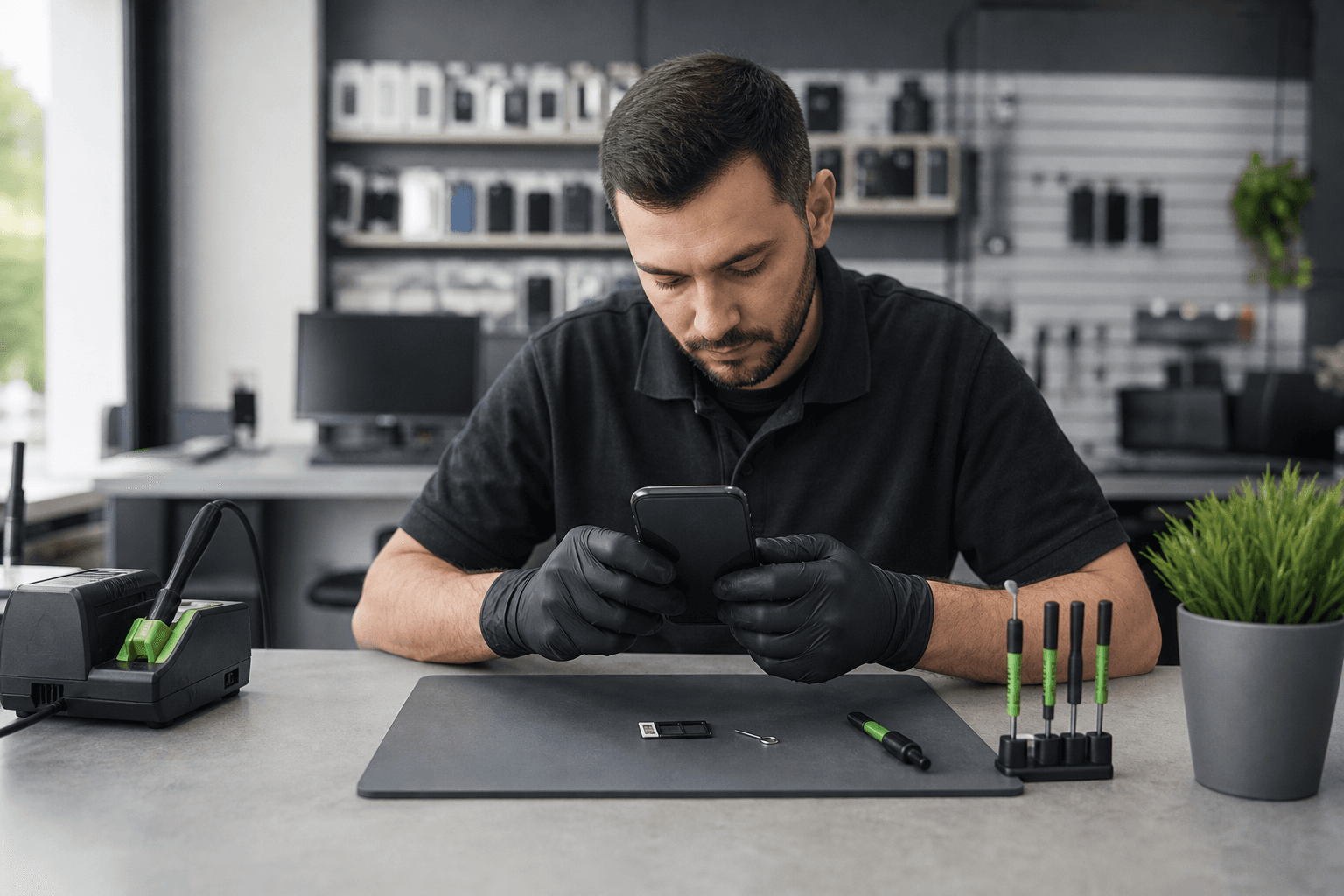
Published by TechBrotherz at TechBrotherz, the walk-in repair Store at 3317 17 Ave SE in Calgary. August 19, 2026, updated October 26, 2026.
No article on this site is paid for or sponsored. For a quote on your own device, call (403) 273-8324.
Start With the Lock, Not the Service
Phone unlocking removes a network restriction so the device can accept a compatible SIM from another carrier. It does not remove a screen passcode, Apple or Google account, financing obligation, blacklist status, or device-management restriction. Related reading: Touch screen repair.
| What you see | What it usually means | Right next step |
|---|---|---|
| The phone rejects another carrier's SIM or shows a network-lock message | Carrier or SIM lock | Ask the original carrier to unlock it, or seek a phone unlocking service for an eligible device. |
| You cannot remember the screen PIN, password, or pattern | Passcode lock | Use the manufacturer's or account provider's recovery process. A carrier unlock will not remove it. |
| The iPhone asks for the previous owner's Apple Account after a reset | Activation Lock | The previous owner must remove the device from their account. |
| An Android phone requests the Google account previously used after a factory reset | Google Factory Reset Protection, or FRP | The legitimate owner must complete account recovery or provide ownership evidence for an authorised assessment. |
| The phone is reported lost or stolen or has a blocked IMEI | Blacklist or ownership restriction | Contact the original carrier or owner. Unlocking cannot make a blacklisted device usable. |
| The phone has signal, charging, display, or antenna symptoms | Hardware or network fault | Arrange diagnosis. A network unlock will not repair damaged hardware. |
A password reset service can help with some access problems, but it is not a substitute for carrier unlocking. TechBrotherz treats Google account and FRP removal as a separate service, and proof of ownership is required for FRP-related work.
When Should You Ask the Carrier First?
Ask the Canadian carrier first if the phone was supplied for wireless service on your account. The CRTC Wireless Code says a provider must supply the device unlocked, or unlock it or provide the means to unlock it, at no charge upon request. CRTC Telecom Decision 2019-169 also states that providers must unlock devices for existing wireless customers regardless of contract type.
This makes the carrier your best first stop for a phone on your own Canadian account. It can save you from paying for a service the provider must provide free of charge. Device-unlocking rules are under current CRTC review, so check the current carrier response for your specific device and account.
Professional assistance may be relevant when the phone is second-hand and the original account holder is unreachable, came from another country, or belonged to a carrier that no longer operates. Those situations need confirmation before service because an unlock cannot remove an Apple or Google account lock, clear a blacklist, cancel a balance, or solve incompatible network hardware.
Do not expect one fixed Calgary price for every unlock. A carrier may provide its own service at no charge, while a professional quote can vary with the carrier, model, origin, account situation, and available method. Use this phone unlocking cost guide to compare prerequisites and the factors that affect the total effort.
What Phones and Situations Need Extra Checking?
The correct next step depends on the lock, the device's history, and the network you want to use. TechBrotherz states that it unlocks phones from Canadian carriers, while imported devices and unusual account situations require confirmation before service.
Second-hand phones
A used phone can be carrier-locked even if the seller described it as unlocked. Ask the seller which carrier supplied it, check the IMEI before paying, and confirm that no Apple or Google account remains attached. If the seller cannot remove their account, the carrier unlock route will not solve the ownership problem.
Financed or unpaid phones
Financing and carrier locking are separate issues. The original carrier must resolve an unpaid balance, account restriction, or contract dispute. A phone unlocking service does not cancel a debt or transfer an account obligation, so contact the carrier before arranging paid assistance.
Lost, stolen, or blacklisted phones
A phone reported lost or stolen may be blocked by its IMEI. The original owner or carrier must resolve the report. An unlocking service should not be used to bypass a blacklist, and a blacklisted device should not be treated as a normal carrier-unlocking job.
Imported phones and older models
An imported phone may use different bands, firmware, carrier systems, or eSIM restrictions from those used by Canadian networks. An older model may also lack the network compatibility needed by the replacement carrier. Unlocking removes a network permission, not every technical limitation, so confirm compatibility with the intended carrier.
What to Bring to a Calgary Unlocking Assessment
Bring the phone and the details that identify its network history. Having this information ready helps distinguish a carrier lock from an account, compatibility, or hardware problem.
- Make and exact model: Include the specific iPhone, Samsung Galaxy, Google phone, or other handset version.
- IMEI: Dial
*#06#if possible, or find it in Settings, on the original packaging, or in the device documentation. - Current or original carrier: Include the country where the phone was supplied if it was not purchased in Canada.
- Intended replacement carrier: Bring the new physical SIM or eSIM plan details, where supported.
- Account context: Explain whether you bought the phone new, received it from a carrier, bought it second-hand, or inherited it.
- Ownership evidence where relevant: FRP-related service requires proof of ownership. Do not share another person's account password.
Calgary-area customers can visit the walk-in shop at 3317 17 Ave SE without an appointment. Customers from nearby Chestermere can bring more than one device for assessment at the same location.
What Happens at TechBrotherz?

TechBrotherz states that it unlocks phones from Canadian carriers, usually the same day. Bring the make, exact model, and IMEI so the device and its network history can be discussed accurately before proceeding.
The service page distinguishes carrier unlocking from Google account and FRP removal. That distinction matters: a carrier unlock addresses a network restriction, while FRP-related work concerns an account protection and requires proof of ownership.
Before proceeding with any paid service, confirm the lock type, the expected outcome, the timing, and whether the intended Canadian carrier supports the device. After service, test the phone with another compatible SIM or eSIM plan.
That is the purpose of carrier unlocking: resolving a network restriction without confusing it with an account lock, passcode problem, blacklist, or hardware fault.
How to Confirm the Unlock Worked
The clearest proof is a different carrier's SIM connecting to the network. Test the phone after service if possible, because a failed connection can have several causes besides an unsuccessful unlock.
- Power off the phone, insert a physical SIM from another carrier, and restart it. For eSIM, follow the intended carrier's activation process.
- Wait for network registration and the expected carrier name or signal indicator.
- Place a call and send a text message.
- Turn off Wi-Fi and test mobile data.
- Confirm that the SIM or eSIM plan is active, compatible, and provisioned by the new carrier.
If calls or data fail, check activation, account status, coverage, APN requirements, SIM condition, and device compatibility. A damaged antenna, SIM tray, modem, or other hardware fault can look like an unlocking problem.
Unlock or Replace Your Phone?
Make this decision only after separating the carrier lock from the phone's overall condition and network compatibility. An unlock is relevant when the device works reliably and the network restriction is the main obstacle.
| Unlock the current phone when... | Stop and resolve another issue when... |
|---|---|
| The screen, battery, cameras, charging system, and cellular connection work reliably. | The phone has repeated hardware faults or is unreliable. |
| The intended carrier supports the model, bands, and SIM or eSIM arrangement. | The intended carrier does not support the device's network features. |
| The device is not blacklisted and ownership is clear. | The IMEI is blacklisted or an account lock remains attached. |
| The carrier lock is the only barrier to service. | A balance, account restriction, passcode, or activation lock is the actual barrier. |
Do not choose a replacement solely because a phone shows a carrier-lock message. First establish whether the original carrier will unlock it for free, then check compatibility, account status, blacklist status, and physical condition. Related reading: Is Tablet Battery Replacement Worth It?.
Questions Calgary Phone Owners Still Ask
Can a financed phone be unlocked in Canada?
A financed phone may require separate account or balance checks. Ask the original carrier to confirm the account position first. An unlock does not remove financing, unpaid charges, or other contract obligations.
What should I do if another SIM still does not work?
Check SIM or eSIM activation, compatibility, coverage, account status, and mobile-data settings. If the plan is active and compatible but the phone cannot register, have it assessed for a network or hardware fault.
Can TechBrotherz unlock an imported phone or a phone from a carrier that no longer operates?
TechBrotherz states that it unlocks phones from Canadian carriers. Imported or discontinued-carrier devices require confirmation before service because compatibility, carrier history, and the available unlocking method can differ. Bring the make, model, IMEI, carrier history, and intended Canadian network.
Do I need an appointment for phone unlocking in Calgary?
No appointment is required for TechBrotherz's walk-in service at 3317 17 Ave SE in Calgary. Bring the phone, IMEI, carrier details, and relevant ownership information.
Choose the Safest Next Step for Your Phone
Contact the Canadian carrier first when the Wireless Code route applies. If that route is unavailable or the phone has a second-hand, imported, discontinued-carrier, or unclear history, bring the device and its identifying details for confirmation instead of paying for an unverified bypass.
TechBrotherz is a walk-in Calgary shop at 3317 17 Ave SE that unlocks phones from Canadian carriers, usually the same day. Bring your phone, make, model, and IMEI when you visit for phone unlocking service.
Related pages
Rather just ask a person?
Call (403) 273-8324 and describe the problem, or walk in to 3317 17 Ave SE in Calgary. Every repair is quoted free before any work starts.