
Blog
Does Your MacBook Need a Battery Replacement? Signs to Check Before You Decide
Learn the signs your MacBook battery may need service, urgent swelling warnings, repair options, and what to ask before approving a replacement in Calgary.
A MacBook that drains quickly, shuts down unexpectedly, charges inconsistently, becomes unusually hot, or shows physical changes may have a battery problem. These are important MacBook battery replacement signs , but they do not prove the battery is the only fault. A charger, charging port, software issue, or another hardware problem can create similar symptoms.
Key facts
- Published: July 30, 2026
- Last updated: October 5, 2026
- Reading time: 8 min read
- Questions about your own device: Call (403) 273-8324
Last updated
Does Your MacBook Need a Battery Replacement? Signs to Check Before You Decide
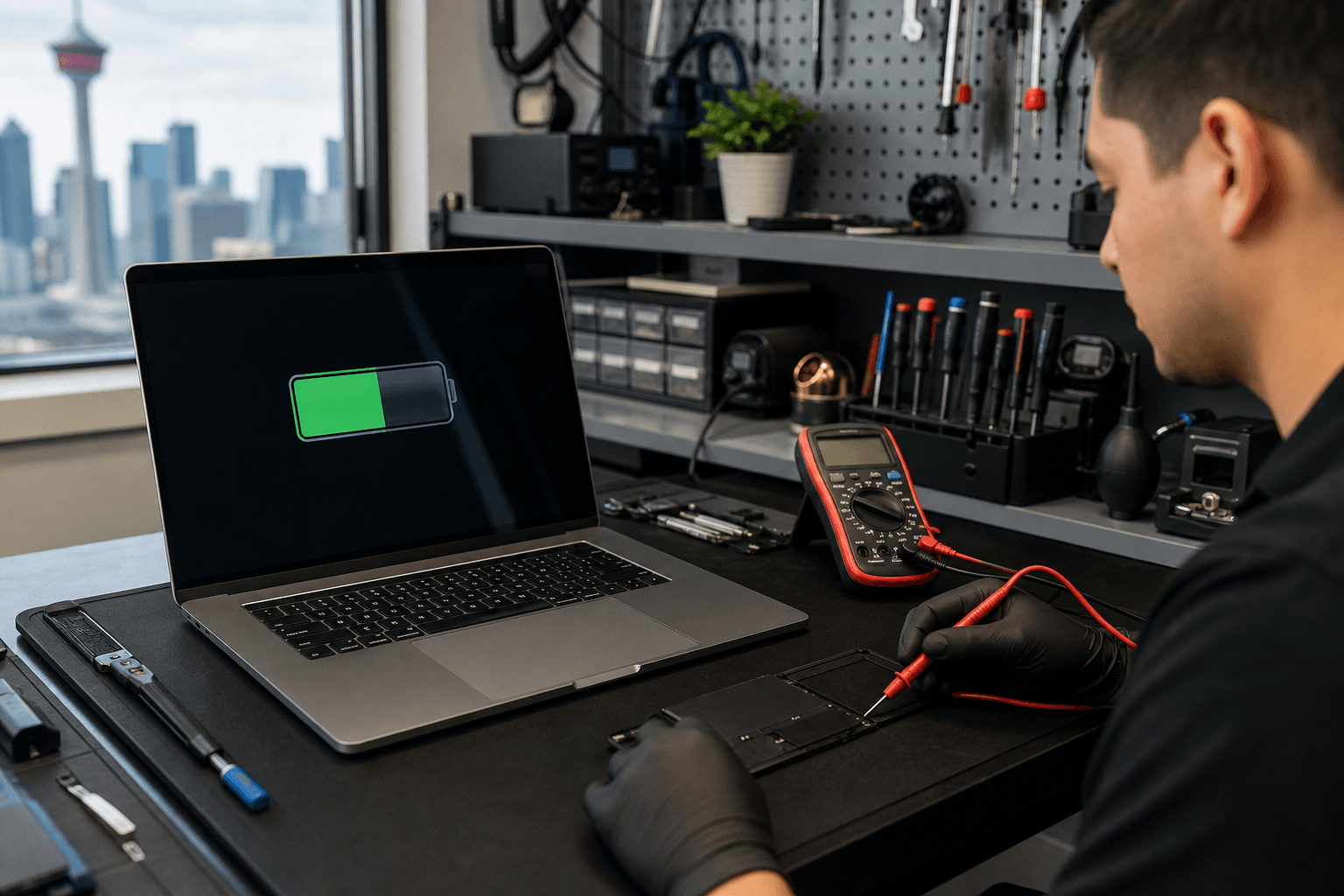
Published by TechBrotherz at TechBrotherz, the walk-in repair Store at 3317 17 Ave SE in Calgary. July 30, 2026, updated October 5, 2026.
No article on this site is paid for or sponsored. For a quote on your own device, call (403) 273-8324.
The safest decision is to separate ordinary performance concerns from urgent physical warnings. Gather the MacBook’s model details and symptom history, stop using it if the battery appears swollen or damaged, then compare service options based on diagnosis, compatibility, safety, timing, testing, and warranty.
Quick summary

- Rapid drain, unexpected shutdowns, charging problems, reduced runtime, heat, and physical changes justify an assessment.
- A lifting case, bulging trackpad, separating seams, smoke, odour, unusual heat, or visible battery damage requires you to stop using and charging the MacBook.
- Identify the exact MacBook model before requesting a quote. Battery designs and compatibility vary between MacBook, MacBook Air, and MacBook Pro models.
- Before approving work, confirm the diagnosis, compatible part, total price, timing, post-repair testing, data-handling expectations, and warranty.
Signs your MacBook battery may need assessment
Battery performance changes over time, but the pattern and severity of symptoms matter. The following signs suggest that an assessment is worthwhile, while still leaving room for other causes.
Rapid drain or reduced runtime
If the charge falls much faster than it used to, or the MacBook no longer lasts through your normal work away from an outlet, the battery may have lost usable capacity. Compare the change with your usual workload, since video calls, demanding applications, high screen brightness, and background processes can also increase power use.
Unexpected shutdowns
A MacBook that turns off while the battery indicator still shows charge may be struggling to deliver stable power under load. This can point to battery degradation, but an assessment should also consider software behaviour and other power-related hardware.
Charging problems
Intermittent charging, failure to charge, or a MacBook that works only while connected to power can indicate battery trouble. Check whether the issue changes with a known-compatible charger, cable, outlet, or charging port. Do not keep charging if the device shows physical swelling, unusual heat, smoke, or an odour.
Unusual heat or physical changes
Heat during normal use deserves attention, particularly when it appears alongside rapid drain or charging problems. A case that lifts, a trackpad that appears to bulge, or seams that begin separating is more serious than ordinary battery wear and should be treated as a safety warning.
Match the symptom to the next step

Use this table as a decision aid, not as a diagnosis. A repair provider should confirm the cause before replacing a part.
| Symptom | What it may suggest | Practical next step |
|---|---|---|
| Battery drains much faster than before | Battery wear, demanding software, or background activity | Review recent changes and arrange an assessment if the pattern persists |
| MacBook shuts down with charge remaining | Battery instability or another power-related fault | Save your work when possible and request a diagnosis |
| MacBook will not charge | Battery, charger, cable, charging port, or software issue | Check compatible charging equipment, then seek service if unresolved |
| Shorter runtime during normal work | Reduced battery capacity or higher-than-usual power demand | Record when the change began and compare service options |
| Unusual heat while charging or in light use | Battery stress, charging fault, blocked ventilation, or another issue | Stop charging if the heat is unusual or accompanied by physical changes |
| Raised case, bulging trackpad, or separating seam | Possible swollen or damaged battery | Stop using and charging the MacBook and arrange qualified service |
When a MacBook battery problem becomes a safety issue
Do not treat a visibly swollen or damaged battery as a routine replacement. Stop using and charging the MacBook if the case is lifting, the trackpad is bulging, seams are separating, or you notice unusual heat, smoke, odour, or visible battery damage.
- Disconnect the charger if it is safe to do so.
- Do not press the case or trackpad back into place.
- Do not puncture, bend, crush, or open the battery.
- Do not attempt to remove a swollen battery yourself.
- Arrange qualified service and describe the physical symptoms clearly.
These precautions matter more than convenience. If you are uncertain whether the case is swollen, avoid forcing the MacBook closed or continuing to charge it while seeking advice.
What to check before contacting a repair provider
Good information helps a provider assess compatibility and distinguish battery symptoms from other faults. Before requesting a quote, collect:
- The exact MacBook model, including whether it is a MacBook, MacBook Air, or MacBook Pro.
- Screen size, approximate purchase year, and serial number if available.
- The macOS version, if the MacBook still starts normally.
- When the symptoms began and whether they are getting worse.
- What happens while charging, including whether a different compatible charger changes the behaviour.
- Any unexpected shutdowns, heat, swelling, noises, odours, or visible case changes.
Back up important files when it is safe and practical, but do not keep using or charging a physically damaged MacBook merely to complete a backup. Ask how data will be handled and whether a login password is needed for testing.
Compare your MacBook battery replacement options
There is no single best route for every MacBook owner. The right choice depends on your comfort with the work, the condition of the device, the urgency, and the service terms you value.
| Option | Advantages to consider | Important questions or limits |
|---|---|---|
| Apple or an Apple Authorized Service Provider | Professional inspection and a manufacturer-supported service route | Confirm eligibility, price, timing, data requirements, and exact coverage for your model |
| DIY replacement | May suit someone with the correct model-specific kit, tools, skills, and time | Compatibility errors, damaged components, or unsafe handling can make the repair more difficult. Do not choose DIY for a swollen battery |
| Local repair provider | In-person assessment, convenient drop-off, and direct discussion of diagnosis, timing, testing, and warranty | Confirm the part, total price, expected completion time, testing process, and warranty before authorizing service |
Model compatibility is not a minor detail. A battery replacement listing for one MacBook Pro generation does not establish that the same part fits another model. Confirm the exact model before buying a part or approving installation. A MacBook Pro battery replacement listing illustrates why model-specific compatibility matters.
Questions to ask before approving battery service
- Has testing confirmed that the battery is the likely cause, or could the charger, port, software, or another component be involved?
- What exact MacBook model and compatible battery will be used?
- What is the total price, including labour and any additional work?
- How long is the expected turnaround for this model?
- What will be tested after repair, including charging and power behaviour?
- Will my files remain on the device, and what access is needed for testing?
- What does the warranty cover, and for how long?
- What happens if another fault is found after the MacBook is opened?
Do not authorize work based only on rapid drain. A reliable decision includes a diagnosis, agreed pricing, realistic timing, and clear terms for testing and warranty coverage.
Local MacBook repair options in Calgary
For customers in Calgary, Calgary SE, Chestermere, or Airdrie, TechBrotherz provides walk-in computer and laptop repair at 3317 17 Ave SE in Calgary during posted business hours. The shop diagnoses the device and provides a quote before work begins.
Laptop work is usually same-day rather than necessarily completed while you wait, so confirm the expected timing before leaving the MacBook. TechBrotherz states that repairs are covered by a 60-day warranty on the fitted part and the work performed. Confirm the exact battery, price, availability, testing, and warranty terms for your model.
Frequently asked questions
Does rapid battery drain prove that my MacBook needs a new battery?
No. Rapid drain is one of the signs your MacBook battery may need assessment, but demanding software, background activity, a charger issue, or another hardware fault can look similar.
What should I do if my MacBook battery is swollen?
Stop using and charging the MacBook. Do not press the case flat, puncture the battery, open the computer, or attempt removal. Arrange qualified service and explain the physical symptoms.
Can I replace a MacBook battery myself?
Some owners may have the correct model-specific kit, tools, and experience, but a built-in battery replacement can involve adhesive, delicate components, and safety risks. DIY is not appropriate for a swollen or visibly damaged battery.
What should I bring when requesting a MacBook battery assessment?
Bring the MacBook, its compatible charger if available, and model information. Note the symptoms, when they began, charging behaviour, shutdowns, heat, and physical changes. Back up files first only if doing so is safe.
How can I compare MacBook battery replacement quotes?
Compare confirmed diagnosis, exact model compatibility, total price, part and labour coverage, expected timing, post-repair testing, data-handling requirements, and warranty duration.
Conclusion: decide based on symptoms, safety, and a confirmed assessment
Rapid drain, unexpected shutdowns, charging problems, reduced runtime, heat, and physical changes are meaningful MacBook battery replacement signs, but they are starting points for assessment rather than automatic proof. Ordinary symptoms call for model-specific diagnosis and a comparison of service options. Swelling, a lifting case, a bulging trackpad, smoke, odour, unusual heat, or visible damage calls for stopping use and charging immediately.
If you are in Calgary or nearby and want an in-person assessment, TechBrotherz offers walk-in computer and laptop repair at 3317 17 Ave SE, with a diagnosis and quote before work and a stated 60-day repair warranty. Confirm the exact part, price, timing, testing, and warranty terms before approving service.
Related pages
Rather just ask a person?
Call (403) 273-8324 and describe the problem, or walk in to 3317 17 Ave SE in Calgary. Every repair is quoted free before any work starts.