
Blog
Android Screen Repair in Calgary: What the Repair Involves and How to Decide
Learn what Android screen repair in Calgary involves, what affects price and timing, and how to prepare for a walk-in quote at TechBrotherz with confidence.
Android screen repair usually means replacing a damaged screen assembly, but the correct repair depends on your phone model and symptoms. Cracked glass, a black display, flickering, and unresponsive touch may require different parts and repair times.
Key facts
- Published: July 31, 2026
- Last updated: October 6, 2026
- Reading time: 6 min read
- Questions about your own device: Call (403) 273-8324
Last updated
Android Screen Repair in Calgary: What the Repair Involves and How to Decide
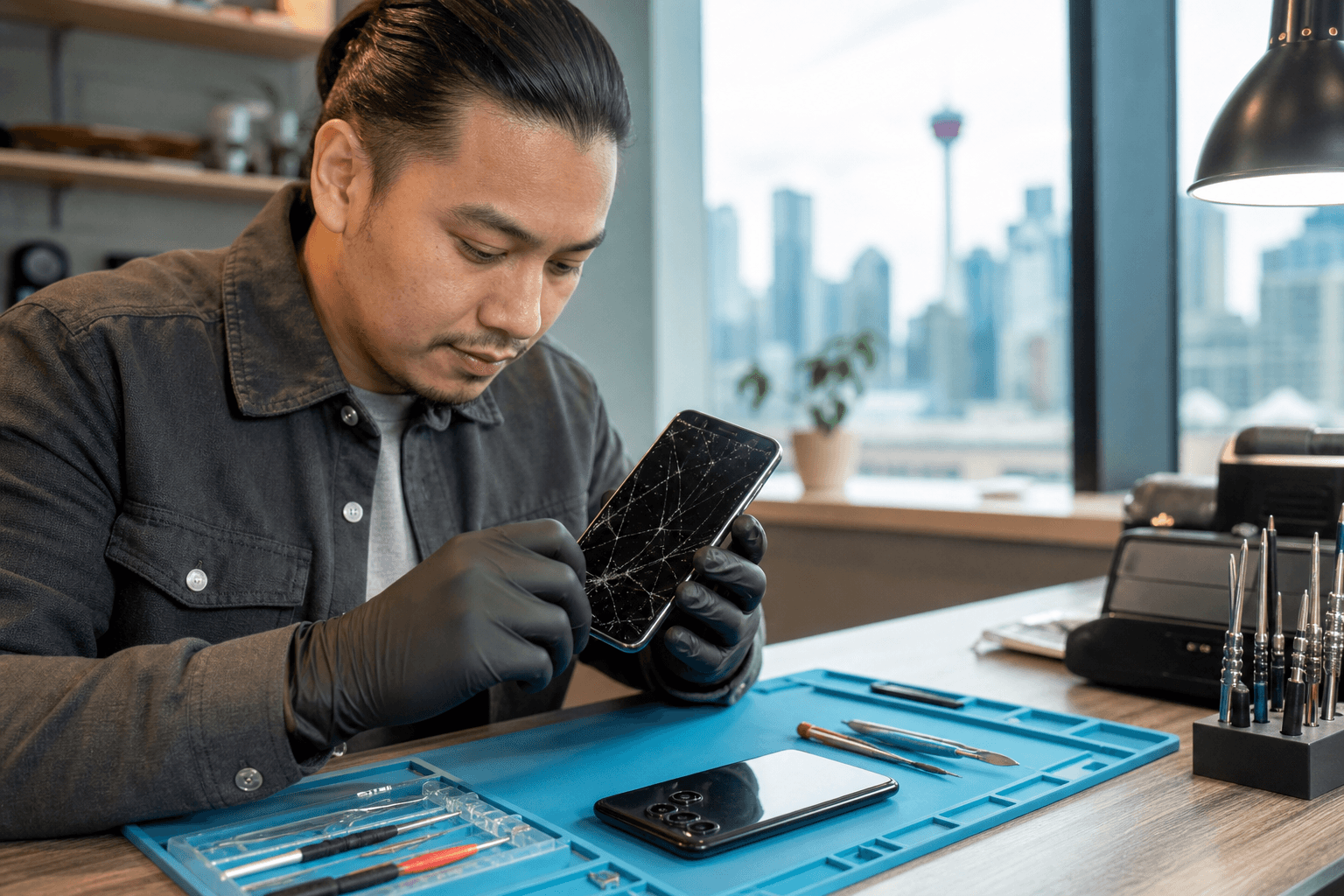
Published by TechBrotherz at TechBrotherz, the walk-in repair Store at 3317 17 Ave SE in Calgary. July 31, 2026, updated October 6, 2026.
No article on this site is paid for or sponsored. For a quote on your own device, call (403) 273-8324.
If you are comparing Android screen repair in Calgary, identify the exact model and request a model-specific quote before choosing repair or replacement. TechBrotherz offers walk-in assessments at 3317 17 Ave SE, with a free quote before work begins.
Quick summary

- Record the exact brand, model, and model number.
- Note whether the display, touch, cameras, speakers, and charging still work.
- Back up your phone before service.
- Ask for the complete parts-and-labour quote and realistic timing.
- TechBrotherz offers walk-in service, typical phone repairs of about 30 minutes, and a 60-day repair warranty. Timing varies by model and parts availability.
What Android screen repair actually involves
“Android screen repair” is a broad term for restoring the display and touch functions on an Android phone. A technician first identifies the device, checks the symptoms, and determines whether it needs a complete screen assembly or another component.
- Cracked glass with working image and touch: Whether glass-only replacement is possible depends on the phone’s construction and available parts.
- Black, flickering, or distorted display: The display panel may be damaged, requiring a replacement assembly rather than glass alone.
- Touch failure: Dead zones, ghost touches, or intermittent response can indicate digitizer or display damage.
Some Android phones use display parts supplied as a combined assembly. Samsung Galaxy screens, for example, are supplied with the OLED panel bonded to the phone’s frame. This affects repair scope and cost, but the same design should not be assumed for every Android model.
Repair or replace: make the decision after diagnosis

A model-specific quote is more useful than a generic online price. Compare it with the phone’s age, battery performance, software support, overall condition, storage, and the cost of a suitable replacement.
Repair may make sense when the phone is otherwise reliable and the screen is the main problem. Replacement may be more practical when the phone is older, has several existing faults, has a swollen battery, or has suffered water or internal damage.
Before approving work, ask what was found, which part will be fitted, whether additional damage is present, and what the warranty covers.
Use the symptoms to understand the next step
| What you notice | What it may indicate | Next step |
|---|---|---|
| Cracked glass, normal image and touch | Outer screen damage | Provide the exact model and ask whether the repair uses glass only or a complete assembly. |
| Black screen after a drop | Display or internal connection damage | Explain whether the phone still vibrates, rings, or connects to another device. |
| Lines, dark patches, or flickering | Damaged display panel | Request a screen assessment and describe when symptoms began. |
| Image works but touch has dead zones | Digitizer or display assembly damage | Back up the phone and identify the affected areas. |
| Screen lifting from the frame | Possible battery swelling or internal damage | Stop pressing it down and request an assessment promptly. |
Why the phone model affects price and timing
Android is an operating system family, not one standard phone design. Samsung Galaxy, Google Pixel, and other Android handsets use different screen technologies, frames, connectors, and replacement assemblies. Parts are not interchangeable simply because phones run Android.
Popular current models may have more readily available parts, while older or less common devices may require additional sourcing. TechBrotherz therefore quotes screen repairs by model rather than using one universal Android price.
Samsung provides a useful example. A Galaxy screen replacement generally involves transferring components into a display and frame assembly because the OLED panel is bonded to the frame. The repair is typically about 45 minutes, although timing depends on the model and circumstances. Review the Samsung screen replacement information for model-specific details.
When comparing prices, confirm that the figure includes both the part and labour. A model-specific listing, such as this example of A32 5G screen repair, also shows why the model number matters more than a broad “Android screen” label.
Samsung, Google Pixel, and other Android phones
TechBrotherz’s verified service information covers Samsung Galaxy and Google Pixel handsets, as well as other cell phones assessed by model. Provide the exact brand, model name, and model number rather than assuming every Android device has the same repair option or part availability.
For Samsung owners, mention battery or charging-port problems as well as screen damage. If the issue extends beyond the display, Samsung repair in Calgary also covers battery and charging-port problems.
What to expect from a Calgary repair visit
TechBrotherz is a walk-in repair shop at 3317 17 Ave SE in Calgary, so an appointment is not required. Explain what happened, whether the phone turns on, and whether touch still works.
The shop provides a free quote before work begins. Confirm that it includes the replacement part and labour, then ask whether the expected timing depends on parts being available. Most phone repairs take about 30 minutes, but this is a typical estimate, not a guarantee for every Android model.
Samsung screen replacement is generally around 45 minutes because the display and frame assembly require additional component transfer. Tablet, uncommon-model, and parts-order repairs may take longer.
Checklist before requesting repair
- Find the exact model. “Galaxy,” “Pixel,” or “Android” alone is not enough for a precise quote.
- Back up your data. Save photos, contacts, messages, and authenticator information while the phone still works.
- Record symptoms. Note whether it turns on, displays an image, accepts touch, charges, rings, vibrates, or connects to a computer.
- Mention other damage. Include drops, liquid exposure, a bent frame, previous repairs, or unusual battery heat.
- Ask key questions. Confirm the part, complete quote, timing, testing, data expectations, and warranty before approval.
What the 60-day warranty tells you
TechBrotherz states that every repair carries a 60-day warranty covering the fitted part and workmanship. Ask how it applies to your repair and keep your receipt or repair record.
Before leaving, test the display, touch response, cameras, earpiece, speaker, microphone, charging, buttons, and wireless connections as appropriate. A later drop, crack, or liquid exposure is separate physical damage, so clarify exclusions before authorizing service.
Frequently asked questions
Can I bring an Android phone to TechBrotherz without an appointment?
Yes. TechBrotherz provides walk-in phone repair at 3317 17 Ave SE in Calgary. Visit during posted opening hours with the device and its model information.
How long does Samsung screen repair usually take in Calgary?
Samsung screen replacement generally takes about 45 minutes at TechBrotherz. The model, part availability, condition, and additional damage can change the estimate.
Will my data be erased during screen repair?
Screen repair is intended to address display and touch components, but always back up your phone before service. A repair is not a substitute for a current backup.
What information is needed for a quote?
Provide the brand, exact model, model number if available, symptoms, and any history of drops, liquid exposure, or previous repairs. TechBrotherz provides a free quote before work begins, with parts and labour included in one figure.
Does the warranty cover a new crack?
TechBrotherz states that its 60-day warranty covers the fitted part and workmanship. A new crack caused by a later drop is new physical damage, so ask the shop how the warranty applies.
Conclusion: get the model-specific answer before deciding
Android screen repair does not have one standard price or process. The exact model, screen construction, parts availability, and damage type determine the repair scope, timing, and whether repair makes sense compared with replacement.
Identify the model, back up your data, document the symptoms, and obtain the full quote before approving work. For a local assessment, walk-in service, and a stated 60-day warranty covering the fitted part and workmanship, visit TechBrotherz at 3317 17 Ave SE in Calgary.
Related pages
Rather just ask a person?
Call (403) 273-8324 and describe the problem, or walk in to 3317 17 Ave SE in Calgary. Every repair is quoted free before any work starts.