
Blog
Laptop Repair Calgary: What to Check Before You Approve a Repair
Need laptop repair in Calgary? Learn what to bring, how TechBrotherz quotes the job, what to ask, and when repair may beat replacement.
A laptop that will not start, charge, display properly, or run reliably does not automatically need replacement. The sensible first step is a diagnosis that identifies the fault and provides a clear repair quote before you commit.
Key facts
- Published: August 26, 2026
- Last updated: October 18, 2026
- Reading time: 7 min read
- Questions about your own device: Call (403) 273-8324
Last updated
Laptop Repair Calgary: What to Check Before You Approve a Repair
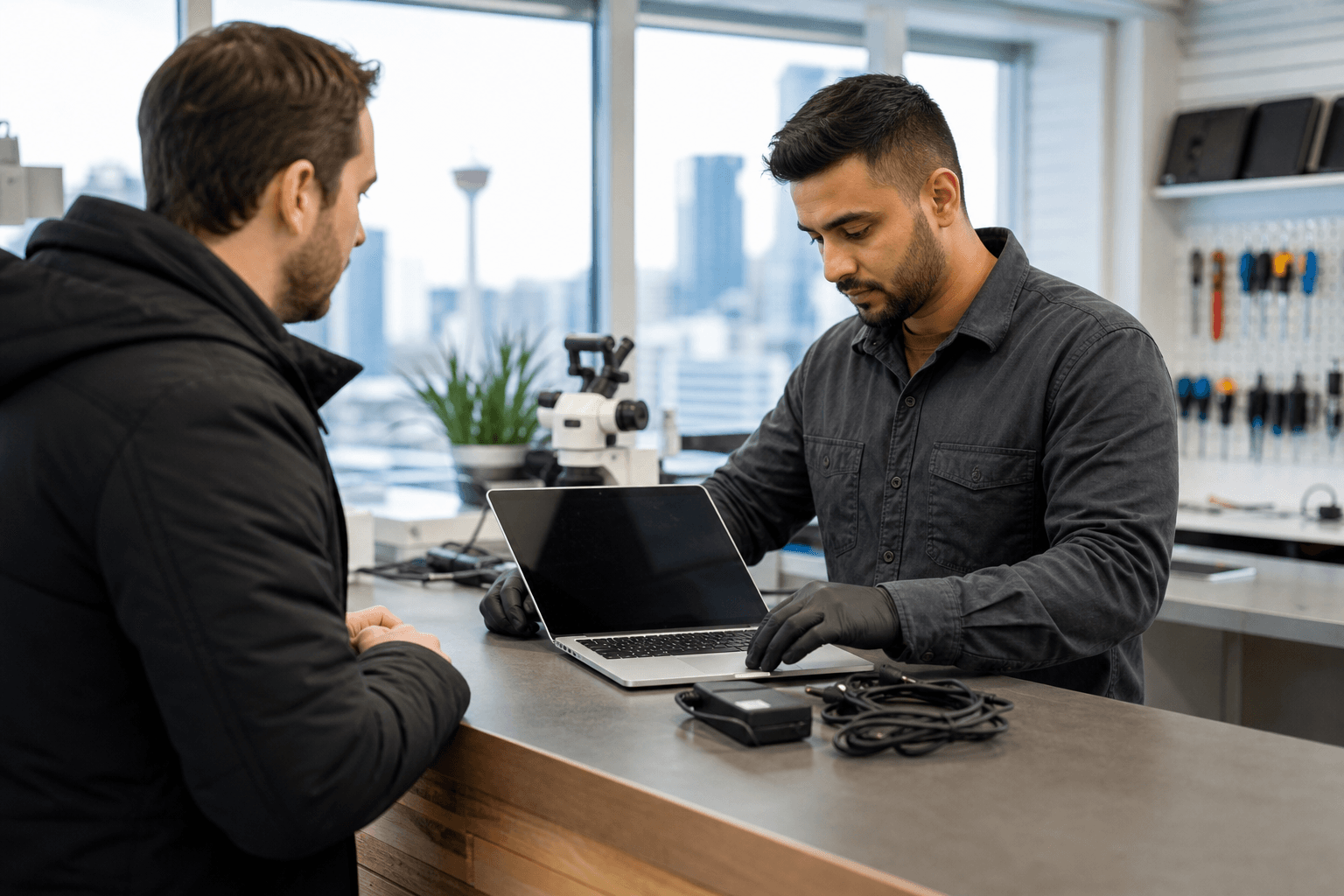
Published by TechBrotherz at TechBrotherz, the walk-in repair Store at 3317 17 Ave SE in Calgary. August 26, 2026, updated October 18, 2026.
No article on this site is paid for or sponsored. For a quote on your own device, call (403) 273-8324.
For laptop repair in Calgary, TechBrotherz offers walk-in computer service at 3317 17 Ave SE. The shop repairs laptops and desktop computers, with the job and price established before repair work begins.
Quick summary

- TechBrotherz accepts walk-in laptop assessments without an appointment.
- Computer repairs are quoted per job rather than by the hour, with parts and labour combined in one figure.
- Bring the laptop and charger together, especially for power or charging problems.
- Ask about the confirmed fault, total price, timing, data considerations, and warranty before approving work.
- Repair versus replacement depends on the device’s condition, performance, repair scope, and cost.
What laptop repair may involve
Laptop repair can describe several different types of work. A proper assessment should separate the visible symptom from the underlying fault. For example, a laptop that appears to have a dead battery may instead have a faulty charger, charging jack, power system, or software issue.
Screen and physical damage
A cracked, flickering, dim, or blank display may need screen-related work, but the cause is not always visible. The assessment may distinguish a damaged display from a cable, hinge, graphics, or power problem. Ask the shop to confirm what is failing before approving a screen replacement.
Charging and power problems
If the laptop will not charge, shuts down unexpectedly, or works only when the cable is held at a certain angle, bring the laptop and charger together. Testing both can help identify whether the problem involves the charger, charging jack, battery, or internal power system.
Windows and software issues
Slow performance, repeated errors, failed updates, malware concerns, or a laptop that will not boot may point to software or operating-system issues rather than failed hardware. TechBrotherz’s published computer service information includes diagnostics, Windows installation, and clean-up and tune-up work. The appropriate option still depends on the laptop and its symptoms.
Tune-ups and hardware fitting
A laptop may need maintenance or a hardware component fitted. Before authorizing the work, ask what problem the service is intended to solve and how the result will be checked. A tune-up cannot correct every failing component, and an upgrade may not be worthwhile if the laptop has several other limitations.
For local service details, including computer repair in Calgary, pricing structure, and what to bring, review the published service information before visiting.
How laptop repair estimates work in Calgary

TechBrotherz states that computer work is quoted per job rather than per hour. This gives you a defined scope to consider instead of leaving the final amount dependent only on time spent.
The shop also states that it provides a free quote before repair work starts, with parts and labour included in one figure. The amount depends on the laptop model, confirmed fault, required parts, and work involved. An online general price cannot replace a device-specific assessment.
What the quote should make clear
- What fault was confirmed and what testing supports the diagnosis.
- Which part or service will be provided.
- Whether the price includes both parts and labour.
- When the laptop is expected to be ready.
- Whether the shop will contact you before adding work if another problem appears.
- What warranty applies to the completed repair.
- Whether the work requires an account password, reset, or access to your files.
Laptop timing can vary according to the fault, parts, testing, and job scope. Do not assume that a phone repair timeframe applies to a laptop.
Repair or replace your laptop?
Repair is not automatically the better choice, and replacement is not automatically cheaper or more useful. Compare the quote with the laptop’s overall condition and the role it plays in your work, school, communication, or personal tasks.
| Consideration | Repair may make sense when... | Replacement may deserve consideration when... |
|---|---|---|
| Fault | The problem is specific and the rest of the laptop works reliably. | Several unrelated components are failing. |
| Physical condition | The chassis, hinges, keyboard, and ports remain usable. | There is widespread damage or more than one major defect. |
| Performance | The laptop handles the applications and tasks you need. | It remains too slow for your requirements. |
| Files and setup | Your existing programs, settings, and files are important to your workflow. | You can move to another device without losing essential access or productivity. |
| Value | The quote is reasonable for the laptop’s remaining usefulness. | The repair scope and cost compare poorly with a suitable replacement. |
Age alone should not decide the outcome. A well-maintained older laptop with one repairable fault may be practical to fix, while a newer laptop with extensive damage may require a careful cost comparison.
Before approving a repair, use this computer repair cost guide to consider diagnostics, parts, labour, data concerns, and turnaround. Treat the final quote for your laptop as the deciding figure rather than applying a fixed price threshold.
What to bring to a Calgary laptop repair visit
Bring the laptop and its charger together. This is particularly important when the device has a power, battery, or charging complaint, because testing the complete setup can help narrow down the source.
Prepare a short description of what happened. Note when the issue began, whether it is constant or intermittent, any error message, and whether the laptop was dropped, exposed to liquid, updated, or repaired previously.
- Laptop and charger
- Model information or serial details, if readily available
- A description of the symptoms and when they started
- Relevant accessories that may be part of the problem
- A backup of accessible files, if you can make one safely
Do not assume that a repair guarantees data recovery or preservation. If the laptop still turns on, back up important files before visiting. If it does not, tell the technician which files matter most and ask what access, reset, or storage-related steps the work may involve.
What to expect from a walk-in visit at TechBrotherz
TechBrotherz is located at 3317 17 Ave SE in Calgary and accepts walk-in customers without an appointment. The shop serves Calgary and nearby communities, including Chestermere and Airdrie.
Explain the symptoms, provide the laptop and charger, and request the diagnosis and quote before authorizing work. Confirm the expected timing for the specific repair, since there is no universal turnaround for every laptop problem.
TechBrotherz states that every repair carries a 60-day warranty. Ask what the warranty covers for your repair and keep the receipt or repair record after pickup.
Laptop repair approval checklist
| Check | What to confirm |
|---|---|
| Diagnosis | The specific fault has been explained clearly. |
| Scope | You know which part or service will be provided. |
| Total price | Parts and labour are included. |
| Timing | The expected completion timing is clear. |
| Extra work | You know whether the shop will ask before adding work. |
| Data | Backups, passwords, resets, and important files have been discussed. |
| Warranty | You understand the coverage and retain your documentation. |
| Decision | You have compared repair with the laptop’s condition and replacement options. |
Frequently asked questions about laptop repair in Calgary
Can I bring my laptop to TechBrotherz without an appointment?
Yes. TechBrotherz offers walk-in service at 3317 17 Ave SE in Calgary. Allow time for the assessment and quote, and confirm the expected repair timing before leaving the laptop.
Should I bring my laptop charger?
Yes. Bring it whenever the laptop will not charge, powers off, or works intermittently. Testing the charger and laptop together can help identify the actual source of the problem.
How does TechBrotherz quote laptop repairs?
Computer repairs are quoted per job rather than per hour. TechBrotherz states that it provides a free quote before work begins, with parts and labour combined in one figure. The final amount depends on the device and confirmed fault.
What if my laptop turns on but has a damaged screen or charging problem?
Back up important files if possible, avoid worsening the damage, and bring the laptop with its charger. Ask whether the issue involves the screen, charger, port, battery, or another component before approving a replacement part.
Does TechBrotherz provide a warranty?
TechBrotherz states that every repair carries a 60-day warranty. Ask what the warranty covers for the proposed laptop repair and keep your documentation.
Conclusion: get the diagnosis before deciding
The best starting point for laptop repair in Calgary is a clear diagnosis, not an assumption about the part that needs replacing. Bring the laptop and charger, describe the symptoms, request a per-job quote, and compare the repair with the laptop’s condition, performance, files, and expected usefulness.
TechBrotherz offers walk-in laptop and computer repair at 3317 17 Ave SE, with a quote before work starts and a stated 60-day warranty on repairs. To arrange an assessment or confirm current service details, visit TechBrotherz.
Related pages
Rather just ask a person?
Call (403) 273-8324 and describe the problem, or walk in to 3317 17 Ave SE in Calgary. Every repair is quoted free before any work starts.