
Blog
What Should You Check Before Choosing Samsung Galaxy Repair in Calgary?
Learn which questions to ask before approving Samsung Galaxy repair in Calgary, from model and pricing checks to data access, timing, and warranty terms.
Choosing Samsung Galaxy repair in Calgary should involve more than finding the quickest advertised service. Before approving any work, confirm the exact model, understand the suspected fault, request a clear repair scope and total price, and ask how your data and warranty will be handled.
Key facts
- Published: July 20, 2026
- Last updated: October 2, 2026
- Reading time: 8 min read
- Questions about your own device: Call (403) 273-8324
Last updated
What Should You Check Before Choosing Samsung Galaxy Repair in Calgary?
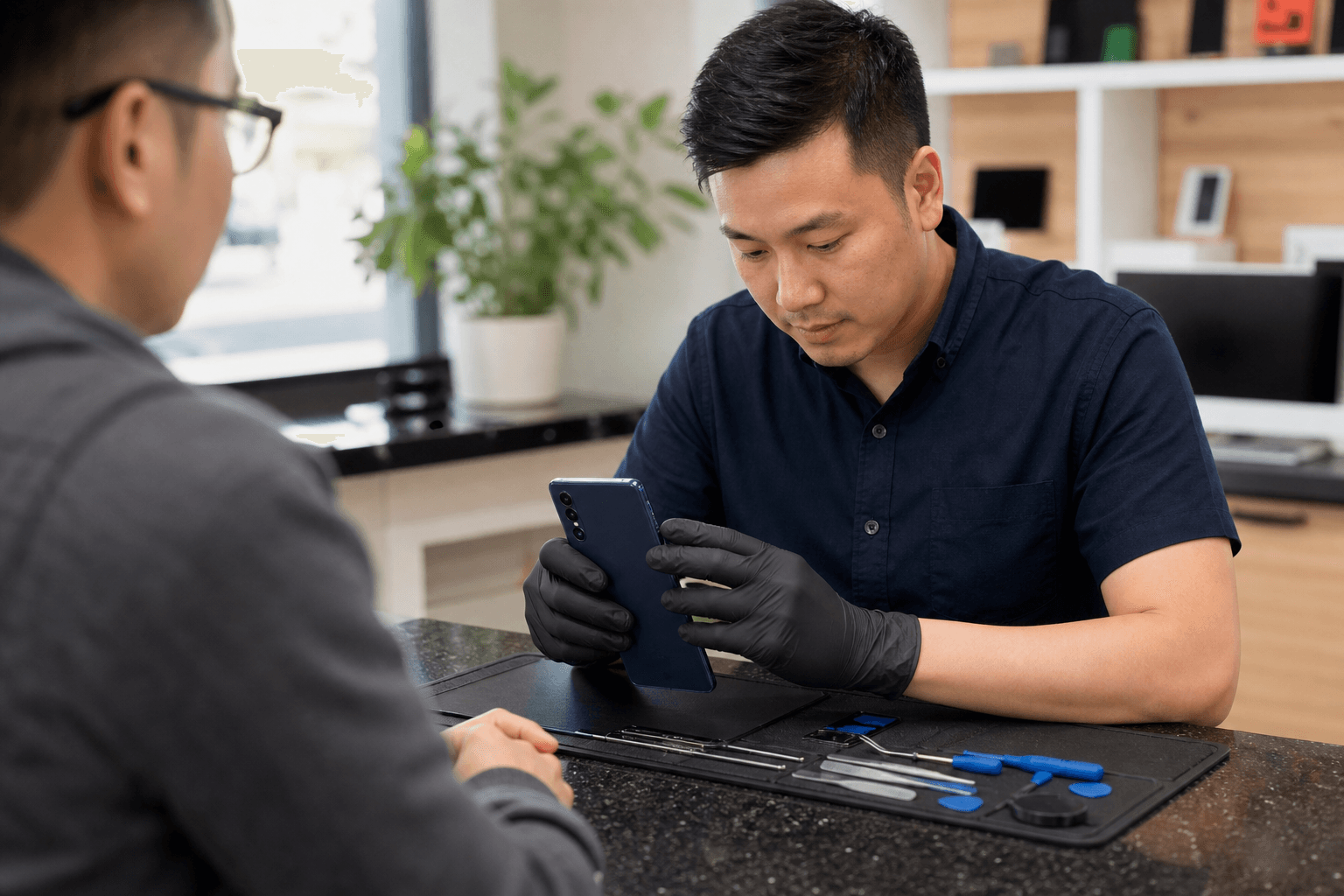
Published by TechBrotherz at TechBrotherz, the walk-in repair Store at 3317 17 Ave SE in Calgary. July 20, 2026, updated October 2, 2026.
No article on this site is paid for or sponsored. For a quote on your own device, call (403) 273-8324.
The best repair option is one that fits your device and gives you enough information to make an informed decision. Speed and convenience matter, but they should not replace a proper explanation of what will be done.
Quick summary

- Identify the exact Samsung Galaxy model and describe the problem, including any previous repair or liquid exposure.
- Ask whether diagnosis is included and request the total price, including possible fees and taxes.
- Confirm compatible parts, post-repair testing, data access requirements, and passcode handling.
- Clarify the estimated timing without assuming every repair can be completed the same day.
- Read the warranty terms, including exclusions and the process for returning with a concern.
1. Is the exact Galaxy model and fault confirmed?
Samsung Galaxy phones differ by model, generation, configuration, and construction. A repair conversation based only on “my Samsung screen is broken” may not give a shop enough information to confirm compatibility or prepare an accurate estimate.
Bring the model name if you know it, along with the model number where available. Describe what happened and what the device does now. Explain whether the screen is cracked, the display is dark, the phone will not charge, the battery drains unusually quickly, or the device has stopped powering on.
Ask these questions before authorizing work:
- Can you confirm the exact Galaxy model and storage or regional variant?
- Does the visible symptom identify the fault, or is further diagnosis needed?
- Is the diagnosis included in the estimate or charged separately?
- Could a previous repair, drop, or liquid exposure affect the recommended work?
A cracked screen, for instance, may be accompanied by display, frame, camera, or internal damage. You do not need to diagnose the phone yourself, but you should expect the repair provider to explain what has been checked and what remains uncertain.
2. Will the shop explain the repair scope and final price?

A vague estimate can make it difficult to compare Samsung phone repair Calgary options. Before you agree, ask what the quoted work includes and whether the price is a firm total or an initial estimate that may change after inspection.
Confirm whether the quote covers labour, parts, taxes, diagnostics, and required testing. If additional damage is found, ask whether the shop will contact you for approval before exceeding the agreed amount. Also ask what happens if the device is not economically repairable after diagnosis.
Transparent pricing lets you compare like with like. A lower starting figure may not represent a lower final cost if important work or fees are excluded. The same principle applies across service industries, as illustrated by a detailed pricing breakdown: the useful comparison is the complete scope, not an isolated headline price.
Before leaving the phone with a shop, save the agreed scope. This gives you a practical reference if the recommended repair changes later.
3. What should you ask about parts and testing?
Ask what type of replacement part is proposed and whether it is compatible with your specific Galaxy model. Do not assume that every part or screen listed for a Samsung phone will fit every Galaxy device.
Ask how the shop checks the device after repair. Depending on the fault, relevant checks may include basic operation, display response, charging, cameras, speakers, microphones, buttons, connectivity, or biometric functions. The appropriate tests depend on the repair and the phone’s condition.
Useful questions include:
- Is the proposed part compatible with my exact model?
- What limitations, if any, should I understand before approving the repair?
- Which functions will be tested before I collect the phone?
- Can I check the device before completing payment?
These questions do not require a promised outcome. They establish what is being repaired, what will be tested, and what you should expect when the device is returned.
4. How will your data, accounts, and passcode be handled?
Your Samsung Galaxy may contain banking apps, personal messages, photographs, work files, and saved account access. Ask whether the technician needs the passcode, whether testing can be completed without full access, and how your information will be protected during the repair.
Back up important data before handing over the phone if it is still usable. Remove sensitive information where practical, record the device’s condition, and keep your SIM card and removable storage unless the repair requires them. Do not share account credentials unnecessarily.
Also distinguish repair access from account or carrier unlocking. A phone may power on but still require account verification after a reset. If a locked Galaxy is part of your situation, review Samsung Google unlocking before authorizing related work.
Ask what happens to any passcode or temporary access information after testing is complete. A clear answer is part of choosing a repair provider, not an optional extra.
5. Does the timing and service format fit your situation?
When you need your phone for work, travel, family, or two-factor authentication, timing matters. Ask for an estimated completion window and find out what could delay the repair, such as diagnosis, part availability, additional damage, or the need for further approval.
Be careful with broad same-day claims. A walk-in option can make it easier to start the conversation, but walk-in availability does not automatically mean guaranteed completion while you wait. Ask whether you can leave the device, whether you will receive an update, and whether the shop will contact you before changing the scope.
TechBrotherz lists walk-in Samsung Galaxy repair in Calgary, so customers who prefer not to book an appointment can bring the device to the shop for assessment. The practical question is whether that format suits your urgency, travel distance, and willingness to wait for a diagnosis or repair.
6. What does the repair warranty actually cover?
A warranty can provide useful reassurance, but the headline period does not explain everything. Ask what the warranty covers, when it begins, which repair work it applies to, and how you should return if the same concern appears again.
Clarify exclusions before approving the work. These may relate to accidental damage, liquid exposure, new damage, unrelated faults, or problems involving a different component. Ask whether the warranty provides a recheck, repair, replacement, or another remedy, and whether you need your receipt or repair record.
TechBrotherz states that its repairs are backed by a 60-day warranty. Because warranty terms can be specific to the repair and circumstances, ask the shop to explain the applicable coverage for your Samsung Galaxy before proceeding.
A simple comparison checklist for Calgary repair shops
Use the same questions with each repair provider so you compare service fit rather than marketing language.
| Decision point | What to confirm |
|---|---|
| Device identity | Exact Galaxy model, variant, and reported symptoms |
| Diagnosis | What has been tested and whether diagnosis is included or separate |
| Repair scope | Which component or service is included and what may require approval |
| Total price | Parts, labour, taxes, diagnostic fees, and possible changes |
| Parts and testing | Compatibility, limitations, and functions checked before pickup |
| Data and access | Whether a passcode is needed and how account information is handled |
| Timing | Estimated completion window and how delays or updates are communicated |
| Warranty | Covered work, exclusions, period, and return process |
| Service format | Walk-in or appointment requirements, location, and collection arrangements |
If a provider cannot answer one of these questions immediately, that does not necessarily mean you should reject the option. It does mean you should understand what remains unconfirmed before handing over the device or approving paid work.
When is a local walk-in option a sensible choice?
A local shop may be sensible when you value in-person communication, want to discuss the fault directly, or need a convenient place to leave and collect the device. It can also help when you are unsure whether the problem is a screen, battery, charging, software, or another issue.
TechBrotherz lists Samsung Galaxy repair, walk-in service, and a 60-day warranty on repairs. The shop is located at 3317 17 Ave SE, Calgary, AB T2A 0R2, and can be reached at (403) 273-8324. Contacting the shop first can help confirm whether your model and issue are suitable for an in-person visit.
For customers travelling from Calgary SE or nearby communities, convenience should still be weighed alongside the checklist above. A nearby provider is most useful when it also gives you a clear scope, realistic timing, understandable warranty terms, and appropriate care for your data.
Frequently asked questions
What information should I bring when asking for Samsung Galaxy repair in Calgary?
Bring the phone, its exact model if known, a description of the symptoms, and details about any drop, liquid exposure, previous repair, or recent software change. If you have an estimate or repair history, bring that as well. Back up important data first when possible, and bring any charger or accessory relevant to the reported problem.
Can a repair shop identify my Samsung Galaxy model if I do not know it?
A repair shop can inspect the device and its identifying information, but ask the technician to confirm the model before work begins. This helps ensure the diagnosis, part compatibility, price, and warranty discussion all relate to the correct phone.
Should I ask about Google account or device unlocking before approving Samsung repair?
Yes, especially if the phone is locked, has been reset, or needs account verification after service. Ask whether the repair requires account access and whether the issue is a physical repair, a device passcode problem, or Google account protection. These are different situations and should be explained separately before you authorize work.
Conclusion: choose the option that answers your questions clearly
The right Samsung Galaxy repair option in Calgary is not determined by speed alone. Confirm the model and fault, get the complete repair scope and price, ask about parts and testing, protect your data, clarify timing, and understand the warranty before approving the work.
Those checks make it easier to compare providers fairly and decide whether local walk-in service fits your needs. To discuss Samsung Galaxy repair in person, visit TechBrotherz at 3317 17 Ave SE in Calgary or call (403) 273-8324 to confirm the next step for your device.
Related pages
Rather just ask a person?
Call (403) 273-8324 and describe the problem, or walk in to 3317 17 Ave SE in Calgary. Every repair is quoted free before any work starts.