
Blog
Android Screen Repair Quotes: What Changes the Price
Compare Android screen repair quotes in Calgary: identify your model, understand display types, prepare your phone and test the replacement before pickup.
Android screen repair quotes are model-specific because Android phones use different display assemblies, screen technologies and internal layouts. Before you approve a repair, identify the exact phone, record what the screen is doing, ask which part the quote covers and compare the confirmed cost with the device’s condition. At TechBrotherz, Calgary repairs are quoted before work starts, and most phone repairs take about 30 minutes. Related reading: iPhone Screen Repair in Calgary: Quotes, Timing, and What to .
Key facts
- Published: August 2, 2026
- Last updated: November 1, 2026
- Reading time: 9 min read
- Questions about your own device: Call (403) 273-8324
Last updated
Android Screen Repair Quotes: What Changes the Price
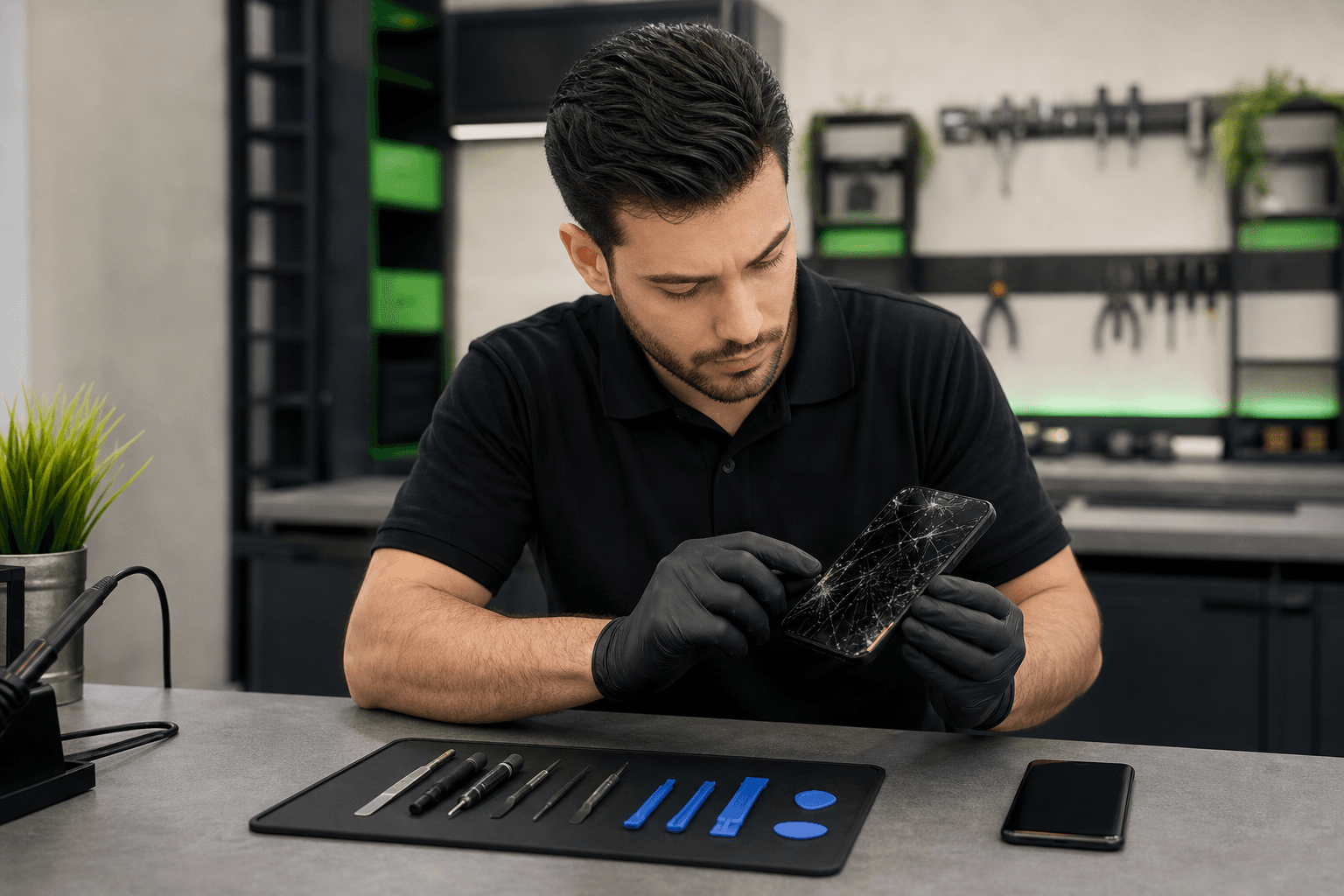
Published by TechBrotherz at TechBrotherz, the walk-in repair Store at 3317 17 Ave SE in Calgary. August 2, 2026, updated November 1, 2026.
No article on this site is paid for or sponsored. For a quote on your own device, call (403) 273-8324.
Start With the Symptom: Is the Android Screen Actually the Fault?

A visible crack, permanent line, black blotch or failed touch area points more strongly to display damage than a phone that simply will not power on. The symptom still needs diagnosis because the screen, battery, charging circuit, software and main board can produce similar behaviour.
What each symptom usually tells you
- Cracked glass with a normal picture and working touch: The outer glass may be damaged while the display and touch layer still function. The correct repair depends on the phone’s construction and compatible replacement assembly.
- Black spots or spreading blotches: Damage has likely reached the display panel. Avoid pressing the area, since pressure can make the affected region spread.
- Coloured lines, discolouration or flickering: These symptoms commonly point to a damaged display panel or connection. Record whether they appear constantly, after movement or only at certain brightness levels.
- Dead touch zones: If part of the screen shows an image but does not respond, the touch layer or display assembly may be damaged.
- Ghost touches: Uncontrolled taps, scrolling or app launches can result from touch-layer damage. Back up the phone promptly if you can operate it safely.
- Black screen with sounds, vibration or incoming calls: The phone may be running while the display or display connection has failed. Testing should also rule out software or board issues.
- No sound, vibration, charging response or visible activity: Do not assume the screen is the only fault. Battery, charging-port, power-management or board problems need to be separated from display damage.
Samsung Galaxy owners can compare these symptoms with Samsung Galaxy screen repair signs, including cracks, black spots, lines, flickering, dead zones and ghost touches.
Before attempting a software reset or opening the phone, follow these safe Android repair checks to separate a display problem from a broader phone fault.
Find the Exact Android Brand and Model Before Requesting a Quote
The exact model determines which display assembly fits, what screen technology the phone uses, how difficult the repair is and whether a part is available. “Samsung Galaxy” or “Android” is not enough for an accurate quote because models within the same family can use different screens and internal layouts.
- Manufacturer: Samsung, Google, Motorola, OnePlus or another brand.
- Model name and number: Find these in Settings > About phone if the screen works. The number may also appear on the box, receipt or SIM tray area.
- Visible damage: Note cracks, missing glass, black spots, lines, colour changes, flickering or frame bending.
- Power status: State whether the phone boots, vibrates, rings, shows a charging symbol or remains inactive.
- Touch behaviour: Record whether touch works everywhere, in selected zones or not at all.
- Liquid or impact history: Say whether the phone was dropped, bent, exposed to water or repaired previously.
- Other affected functions: Note charging, cameras, speakers, microphones, buttons, fingerprint unlock and wireless connectivity.
TechBrotherz provides model-specific quotes for Android phones. That approach is more useful than relying on a universal Android screen price.
What Android Screen Repair May Include
Android screen repair can mean replacing a complete display assembly, addressing a separate glass or touch-layer problem where the model allows it, or diagnosing a different fault that only looks like screen damage. The repair scope should be confirmed before work begins.
Some phones have a display, touch layer and outer glass built as one bonded assembly. On those models, a crack that looks limited to the glass may still require the full compatible assembly. Other designs separate some layers, but you should not assume a glass-only repair is possible without identifying the model and inspecting the damage.
A quote-focused process starts with the phone’s condition and symptom record. The shop should confirm the fault, explain the proposed part or repair scope, provide the price, receive approval, complete the installation and test the phone afterward. A bent frame, liquid exposure or second fault may mean that replacing the display alone will not solve every problem.
LCD, OLED and AMOLED: What Changes in the Replacement Screen?

LCD and OLED-family screens produce images differently, so the compatible display type can affect contrast, thickness, brightness behaviour, touch response and the appearance of black areas. AMOLED is a type of OLED technology commonly used in Android phones, but the exact implementation varies by model.
| Display consideration | Why it matters |
|---|---|
| LCD | Uses a separate backlight. The replacement must match the phone’s connector, size, resolution and touch system. |
| OLED or AMOLED | Lights individual pixels, which can produce deep blacks and high contrast. The correct panel, touch layer and fit remain model-specific. |
| Touch response | Inaccurate touch, dead zones or ghost inputs can make a visible screen unusable. Test the full panel after repair. |
| Brightness and colour | Compatible-looking screens can differ in brightness, colour balance and viewing experience. Ask what part is being quoted. |
| Fingerprint or proximity features | Some phones place sensors near or beneath the display. Fingerprint unlock, proximity behaviour and related features need testing after installation. |
Do not approve a quote based only on “screen replacement.” Ask which part or assembly is proposed, whether the frame is included, whether the phone has other damage and which features will be tested. The part description should be confirmed for your specific model.
How Android Screen-Repair Quotes Are Determined
There is no reliable universal Android screen-repair price. The final figure usually depends on the phone model, damaged layer or assembly, display technology, part availability, labour complexity, installation, calibration and post-repair testing.
Two phones with similar-looking cracks can produce very different quotes. A newer OLED phone, a model with a bonded display and a phone requiring sensor or frame work may follow a different repair path from an older LCD phone with a straightforward assembly replacement.
General tablet repair ranges are not Android phone prices. They illustrate why device identity and repair type matter: supplied tablet planning ranges place screen replacement at about $100 to $400, but those figures vary by model, display construction, part quality, adhesive work, calibration and testing.
At TechBrotherz, the repair is quoted free at the store before work starts, with the part and labour combined in one figure. Alberta consumers have the right to be informed of the full cost of requested goods or services. The province’s Consumer Bill of Rights guidance says consumers generally cannot be charged more than 10% above an estimate, up to a maximum of $100, subject to the circumstances described in that guidance. Read Alberta’s Consumer Bill of Rights for the official wording.
- What exact model and display assembly does the quote cover?
- Does the price include the part, labour, installation and post-repair testing?
- Could frame damage, liquid exposure or another fault change the scope?
- What part and labour coverage applies if the repaired function fails?
Use the Quote to Decide Whether Repair Makes Sense
A cracked screen does not automatically make a phone worth repairing or replacing. Use the confirmed quote alongside the phone’s age, remaining software support, overall condition, battery performance and the value of the data already on the device.
- Compare the repair price with a suitable replacement. Compare the repair with a phone that meets your needs, not only the cheapest available handset.
- Check age and software support. A phone that still performs well and receives needed updates is a stronger repair candidate than one nearing the end of its useful software life.
- Look for other failing parts. A cracked display plus a weak battery, damaged frame, unreliable charging port or camera fault can turn one repair into a larger decision.
- Consider data and setup burden. Repair may be worthwhile if the phone contains important files, accounts, settings or an established workflow.
- Separate the screen quote from unrelated work. Ask whether the price covers only the display or whether another confirmed fault also needs attention.
Broad repair-versus-replacement considerations belong in a wider Android repair decision guide. For this quote, the practical question is narrower: does the identified screen repair restore a phone that is otherwise suitable for your daily use?
What to Do Before Bringing the Phone to a Calgary Repair Shop
Back up a usable phone and record its starting condition before service. Do not force operation if the device will not operate normally.
- Back up photos, contacts, messages and important files if the phone operates normally.
- Photograph the front, back, frame and existing damage.
- Write down the model number, symptoms, power behaviour and any recent drop, pressure or liquid exposure.
- Remove the case, SIM card or accessories if requested.
- Decide how you will handle your passcode. Ask whether access is needed and how your information will be handled.
- Tell the shop about functions that were already failing before the screen problem.
TechBrotherz offers walk-in service at 3317 17 Ave SE in Calgary, so an appointment is not required. Most phone screen repairs take about 30 minutes, but timing depends on the model, repair scope and parts availability.
What to Test Before You Accept the Repair

Do not stop at the first successful unlock. Test the repaired display and features that could have been affected by the impact, opening process or original fault while the repair scope is still clear.
- Display: Look for cracks, lifting, black spots, lines, flicker, uneven brightness or unusual colour.
- Touch: Swipe across every edge and corner, type on the keyboard and press icons across the panel.
- Cameras: Open the front and rear cameras, focus on a nearby object and check the flash.
- Audio: Test the earpiece, speaker, microphone and media playback.
- Charging: Connect a suitable cable and confirm charging begins without an abnormal angle.
- Buttons and sensors: Test power and volume buttons, automatic screen-off during a call and the proximity sensor.
- Connectivity: Check mobile service, Wi-Fi and Bluetooth if relevant.
- Biometrics: Test fingerprint or face unlock where supported and previously functional.
TechBrotherz states that every repair carries a 60-day warranty on both the fitted part and work done. Ask for the approved scope and feature-specific limits in writing, since coverage for the repaired part and labour does not automatically include unrelated phone functions.
Android Screen Repair in Calgary: The Practical Next Step
If your Android phone has a cracked, black, flickering or unresponsive display, record the symptoms and exact model before visiting. A proper quote should identify the repair scope, combine part and labour costs, explain timing conditions and give you enough information to compare repair with replacement.
For a model-specific assessment and walk-in service, visit TechBrotherz cell phone repair at 3317 17 Ave SE in Calgary. The shop serves Chestermere customers and provides model-specific quotes. Repairs are covered by a 60-day warranty on the fitted part and work.
Related pages
Rather just ask a person?
Call (403) 273-8324 and describe the problem, or walk in to 3317 17 Ave SE in Calgary. Every repair is quoted free before any work starts.