
Blog
Used Smartphone Buying Guide for Safer Deals
Use this used smartphone buying guide to compare phone types, inspect battery and IMEI status, calculate repair costs and avoid risky purchases in Canada.
This used smartphone buying guide helps you assess ownership status, carrier compatibility, software support and core functions before paying. Test the screen, battery, cameras, ports, audio, biometrics and network connection, then add likely repair costs to the price.
Key facts
- Published: August 9, 2026
- Last updated: October 30, 2026
- Reading time: 11 min read
- Questions about your own device: Call (403) 273-8324
Last updated
Used Smartphone Buying Guide for Safer Deals
Published by TechBrotherz at TechBrotherz, the walk-in repair Store at 3317 17 Ave SE in Calgary. August 9, 2026, updated October 30, 2026.
No article on this site is paid for or sponsored. For a quote on your own device, call (403) 273-8324.
This used smartphone buying guide helps Calgary-area shoppers compare used, refurbished, certified pre-owned and new phones, calculate the real cost and inspect a device before money changes hands.
Used, Refurbished, Certified Pre-Owned or New: Which Route Fits?
These labels do not guarantee the same testing, warranty or return protection. Ask what the seller inspected, replaced and guarantees instead of relying on the label alone.
| Purchase type | Inspection effort | Main risk | Best fit |
|---|---|---|---|
| Used | High | Unknown battery, repairs, ownership or network status | Careful buyers comfortable with some uncertainty |
| Refurbished | Medium | Unclear testing, parts or battery standards | Buyers wanting a lower price with documented checks |
| Certified pre-owned | Lower, if terms are specific | Certification may not cover every cosmetic or battery concern | Buyers who value documentation and warranty |
| New | Lowest | Higher upfront cost | Buyers wanting maximum condition certainty |
A refurbished phone is not automatically certified pre-owned. Ask whether the seller tested charging, cameras, microphones, speakers, biometrics, cellular service and battery condition. Also ask which parts were replaced and what the grade actually means.
Calculate the Phone’s Total Ownership Cost
The useful comparison is not the sticker price. Use this formula: purchase price + immediate repairs + case or charger + taxes or delivery + likely return costs. Then account for the practical value of warranty and return protection.
Add repair costs when the inspection finds a defect, the seller discloses a worn component or the price is attractive only because work is needed. Get a model-specific estimate before calling a damaged phone a bargain.
Hypothetical example: a cheaper phone with two faults
Imagine a used phone priced at $280. Its battery drains quickly and the display has a damaged touch area. If a battery replacement and screen repair total $220, the working cost becomes $500 before a case, charger, tax or unexpected issue. A $430 phone with documented testing and a usable return policy may be the lower-risk choice.
Hypothetical example: a cosmetic flaw
Now imagine a $360 phone with a small frame mark, strong battery performance, working cameras and charging, confirmed ownership and written return terms. If the mark does not affect function, accepting it may make sense because the flaw is visible and reflected in the deal.
Pass when the final cost fits your budget and the phone meets your needs. Use caution when one repair or unclear term could change the calculation. Walk away when ownership, account status, blacklist status or basic functionality cannot be verified.
Choose the Model by Support, Condition and Daily Use
An older flagship can offer a better camera, display or processor than a newer budget phone, but age alone does not decide value. Compare the exact model’s operating-system and security support, battery condition, storage, network compatibility, repair history and price after required work.
A newer budget phone may be better if you need a longer support window, a fresh battery and lower repair risk. An older flagship may suit you if camera quality or performance matters more and the phone has verified support remaining.
Check the manufacturer’s current support information for the exact model and regional variant. Confirm operating-system eligibility, security-update availability and storage. Do not use release year as a substitute for these checks. Canada’s guidance on second-hand products also recommends asking about age, use, repair history and condition: review the second-hand buying guidance.
Inspect the Phone Before You Pay

Follow this order: identify the device, examine the exterior, test the display and controls, test charging and audio, test cameras and connectivity, then verify ownership and software. Do not let a seller rush the inspection.
1. Record the model, storage and identifiers
- Record the exact model, storage capacity and serial number from the settings menu.
- Display the IMEI and compare it with the box or purchase information if included.
- Confirm the advertised storage matches what the phone reports.
A mismatch is a reason to pause and request an explanation and supporting documentation.
2. Inspect the frame, screen and back
View the phone under bright, even light. Look for a bent frame, lifted display, housing gaps, deep dents, discolouration, damaged camera lenses and signs that it has been opened.
- Display white, black and solid-colour screens at high brightness.
- Look for bright spots, dark areas, lines, flicker, burn-in and uneven colour.
- Drag an icon across every edge to find touchscreen dead zones.
- Check that the display sits evenly and does not flex with light pressure.
- Inspect the rear glass and camera lenses for cracks or deep scratches.
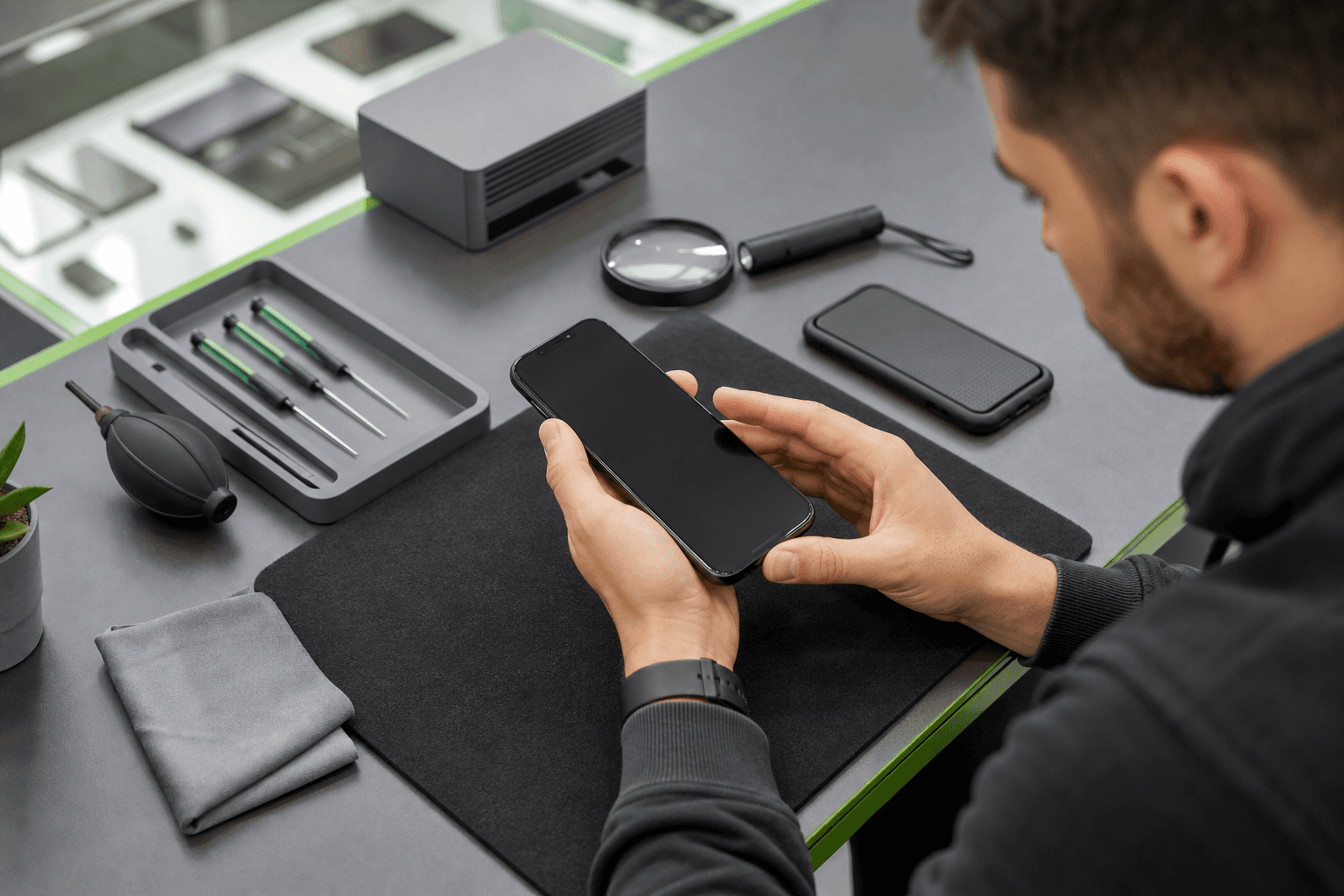
During an in-person inspection, check for screen damage, battery wear, and charging failures before agreeing on a price.
3. Test every physical function
- Connect a known-good cable and confirm charging starts consistently.
- Check that the port holds the connector firmly.
- Test the power, volume and mute or function buttons.
- Play audio, make a call and record a voice memo.
- Test front and rear cameras, focus, flash, video and lens switching.
- Test Face ID, Touch ID or fingerprint unlocking where supported.
A single successful charge does not prove battery or port health. Rapid percentage loss, unexpected shutdowns, unusual heat or a loose port deserves further investigation.
4. Test wireless connections and cellular service
Use your SIM where appropriate, or ask the seller to demonstrate cellular service. Confirm a call, text and mobile-data connection. Test Wi-Fi, Bluetooth and GPS if they matter to your routine.
For an online purchase, request dated video showing the settings page, IMEI screen, charging, cameras and account-removal process. Video cannot replace hands-on testing, so use the return window for a second inspection immediately after delivery. Source: Online shopping - Office of Consumer Affairs.
Verify Ownership, IMEI, Account Locks and Carrier Compatibility
A carrier lock and an account or activation lock are different. A carrier-locked phone may work normally but reject another provider’s SIM. An account lock can prevent activation after reset.
- Confirm the previous owner has removed their Apple, Google or other device account.
- Ask the seller to complete a factory reset and show the initial setup screen.
- Match the IMEI with the device and documentation.
- Ask whether financing or instalment obligations remain.
- Confirm the phone is not reported lost, stolen, blocked or blacklisted.
- Confirm whether it is unlocked or identify the exact carrier restriction.
Check the carrier’s compatibility information for the exact model, including bands, SIM type and eSIM support. If the phone has a carrier lock, ask the carrier first whether it can be removed and include possible phone unlocking costs in your calculation.
The CRTC’s Wireless Code provides information about Canadian mobile services, used phones and number transfers. Review Canadian mobile consumer guidance alongside the seller’s terms.
Test Battery Health, Charging and Software Support
Battery-health percentages are clues, not a complete diagnosis. Combine the available health reading with real behaviour: percentage drop, unexpected shutdowns, charging consistency and heat during ordinary use.
- Start at a known charge level and use the phone with the display on.
- Open the camera, stream briefly or browse over Wi-Fi.
- Watch for sudden percentage drops, shutdowns, severe heat or failed charging.
- Ask when the battery was replaced and whether documentation exists.
A low reading does not automatically make a phone a bad purchase. It becomes a cost issue when the price leaves no room for replacement or the device already needs other work. Reject a device with a swollen or separating battery unless a qualified assessment confirms it is safe.
Check pending updates, available storage and reset status. Confirm the phone can sign in to its own account after the previous owner is removed. If security updates have ended and you use the phone for banking, work or sensitive accounts, treat that as a serious risk factor.
Ask What Was Repaired and Which Parts Were Used
Prior repair is not automatically a reason to reject a phone. A documented professional repair can be preferable to an undisclosed fault, but you need to know what changed and whether the repaired functions still work.
- Which component was replaced?
- When and by whom was the work completed?
- Was the screen, battery, camera, port or housing new, refurbished or aftermarket?
- Does the repair have a written warranty?
- Was the phone exposed to liquid?
- Were biometrics, display quality, charging and cameras tested afterward?
After a screen replacement, test edge touch accuracy, brightness, colour, proximity sensors and biometrics. After battery or port work, test charging stability, cable fit, battery behaviour and heat. A repaired housing may look excellent while its seals or internal condition remain uncertain, so appearance cannot prove water resistance.
For display-specific questions, see this iPhone screen repair assessment before accepting a phone with a replaced iPhone display.
Choose the Seller and Get the Terms in Writing
Private sellers may offer lower prices but require more inspection work. Marketplaces can provide messages, payment records or a return process. Retailers and refurbishers may offer clearer grading and warranty terms. Do not assume a repair shop sells certified pre-owned phones unless its terms say so.
- What is the exact model, storage and regional version?
- What does the condition grade include?
- What is the battery-health or performance expectation?
- What repairs or parts replacements were completed?
- Is the phone unlocked and free of account, financing and blacklist concerns?
- What accessories are included?
- What is the return period and who pays return costs?
- What does the warranty cover and exclude?
- What is the final price including taxes and delivery?
Save the listing, messages, receipt and warranty terms. Alberta prohibits misleading statements about quality, characteristics or availability, including presenting used or reconditioned goods as new. Read Alberta’s guidance on misleading condition claims if the device and description do not match.
Do not assume “as is” has the same meaning in every transaction. The Office of Consumer Affairs advises caution with as-is sales and explains that implied warranties generally apply under provincial and territorial sales laws. Check the general warranty guidance for context.
Walk Away From These Problems
Some defects are negotiating points. Others make the purchase too risky.
- The seller refuses to show the IMEI or allow basic testing.
- The device is blacklisted, reported lost or stolen, or has unexplained status problems.
- An Apple, Google or other account remains attached.
- The IMEI or serial number does not match the device or documentation.
- Financing or instalment obligations cannot be explained.
- The battery is swollen, the housing is separating or the phone becomes dangerously hot.
- Cellular service, charging, touch or activation fails.
- The phone no longer receives the security support you need.
A scratched frame, worn battery, damaged screen or unreliable port can sometimes be priced into a deal. Proceed only when ownership and account checks pass, the fault is defined and a model-specific repair estimate leaves enough value.
If the Phone Fails a Check: Repair, Negotiate or Pass
Pass immediately when security or ownership status is unclear. Negotiate only when the defect is known and repairable. Seek an assessment when the model fits your needs, ownership is clean and the expected repair still makes financial sense.
TechBrotherz provides walk-in phone and computer repair at 3317 17 Ave SE in Calgary. The shop offers free quotes before work starts, with parts and labour in one figure. Most repairs take about 30 minutes, but timing and outcome depend on the exact device and fault.
Repairs carry a 60-day warranty. That warranty does not make every used phone worth repairing, so consider the quote, condition and expected ownership period together.
Final Checklist Before You Transfer Money
- Confirm model, storage and regional version.
- Inspect the frame, screen, back, cameras and liquid or impact damage.
- Test touch, brightness, buttons, biometrics, audio and cameras.
- Test charging, battery behaviour, Wi-Fi, Bluetooth, cellular service and data.
- Verify IMEI, serial number, ownership and blacklist status.
- Confirm previous accounts are removed and the phone reaches setup.
- Check carrier compatibility, unlocked status, SIM or eSIM support and financing.
- Confirm current operating-system and security support.
- Record repairs, parts, accessories, warranty, returns and final price.
- Keep the listing, messages, receipt and proof of payment.
Frequently Asked Questions
Can I return a used phone if the seller described it inaccurately?
That depends on the seller, purchase channel and terms. Save the original description, compare it with the phone and use the marketplace or retailer process promptly if the condition is materially different. Alberta guidance prohibits misleading claims, but the available remedy depends on the transaction.
Should I buy an older flagship or a newer budget phone?
Choose the older flagship when it has verified support, healthy battery performance, suitable network compatibility and a clean repair history. Choose the newer budget phone when longer support, battery condition and lower repair risk matter more than premium hardware.
What should I do if a used phone is carrier-locked?
Ask the carrier whether it can unlock the phone and what conditions apply. Do not confuse a carrier lock with an activation lock, and do not pay until you know the phone can work with your plan.
Is a phone with a replaced screen still worth buying?
It can be if the repair is disclosed, touch, brightness, biometrics and cameras pass testing, the frame is sound and the price reflects the repair history. Walk away if touch is unreliable, the screen is lifting or the seller cannot explain the repair.
How can I buy a used phone safely from a private seller?
Meet in a public place with enough time and power for the inspection. Do not transfer money before the IMEI and account checks pass, and keep written details of the model, condition, price and terms. Leave if the seller refuses testing or rushes payment.
A Practical Calgary Next Step
If a used phone passes ownership and account checks but has a potentially repairable screen, battery or charging issue, bring it to TechBrotherz at 3317 17 Ave SE in Calgary for a walk-in assessment and free phone repair quote before approving work. The quote can help you decide whether repairing that device makes more sense than passing on it.
Related pages
Rather just ask a person?
Call (403) 273-8324 and describe the problem, or walk in to 3317 17 Ave SE in Calgary. Every repair is quoted free before any work starts.