
Blog
How to Inspect a Refurbished Phone Before Paying
Inspect a refurbished iPhone or Android before buying: test the screen, battery, IMEI, locks and connectivity, then decide whether to buy or walk away.
A refurbished phone should pass two inspections: a short check before you pay or leave the seller, followed by deeper testing during the return window. Check the phone’s identity and lock status first, then test the screen, battery, cameras, audio, charging, buttons, sensors, biometrics and connectivity. A clean exterior or high cosmetic grade does not prove good technical condition.
Key facts
- Published: August 10, 2026
- Last updated: October 30, 2026
- Reading time: 9 min read
- Questions about your own device: Call (403) 273-8324
Last updated
How to Inspect a Refurbished Phone Before Paying
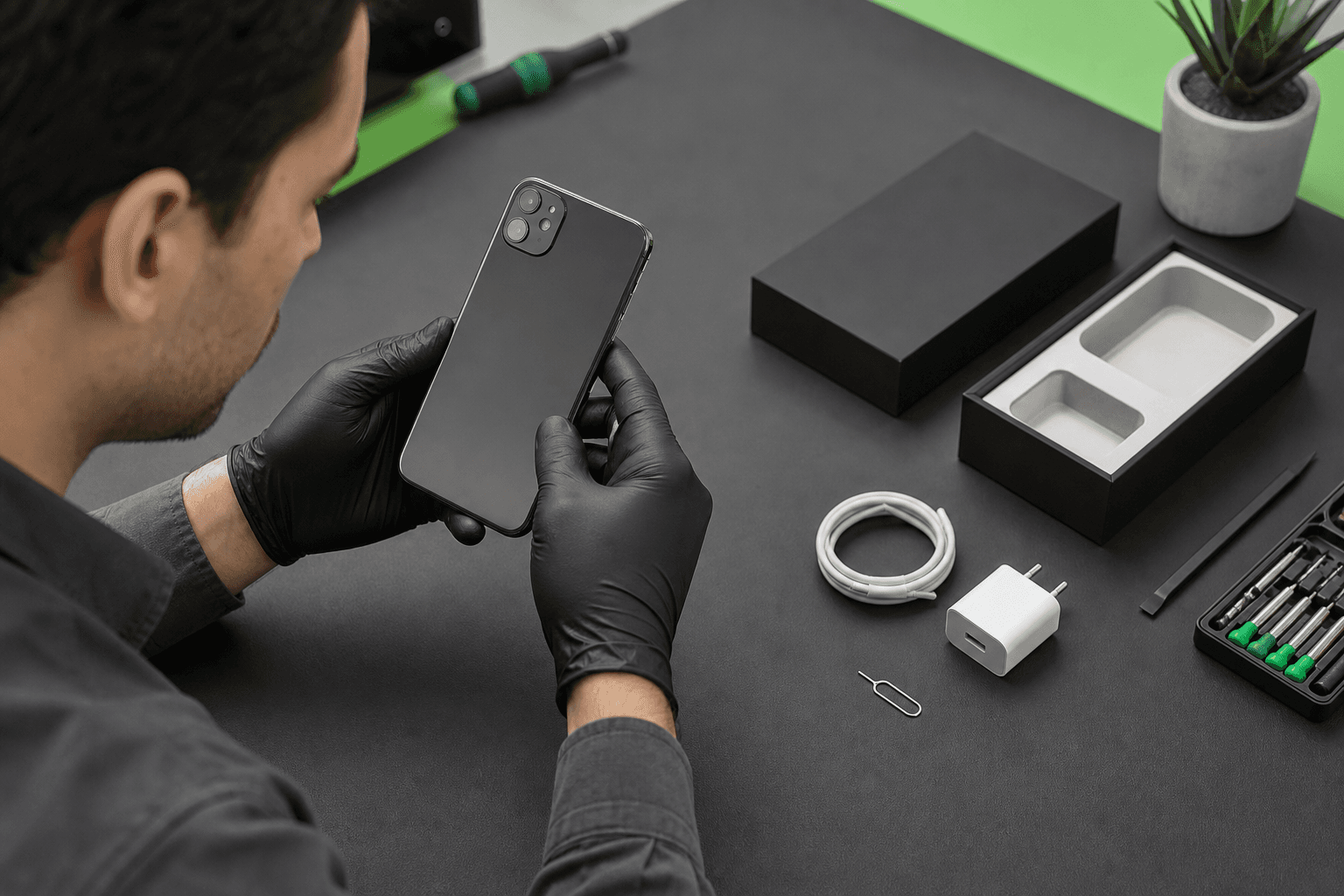
Published by TechBrotherz at TechBrotherz, the walk-in repair Store at 3317 17 Ave SE in Calgary. August 10, 2026, updated October 30, 2026.
No article on this site is paid for or sponsored. For a quote on your own device, call (403) 273-8324.
What “refurbished” actually tells you
“Refurbished” usually means a previously owned phone has been inspected, tested, cleaned or repaired before resale. It does not describe one universal testing standard, battery condition or parts policy.
“Used” and “pre-owned” are broader terms. “Repaired” means at least one fault was addressed, but it does not tell you which part was used or whether every function was tested.
Health Canada advises buyers to inspect second-hand phones for damage, repairs and refurbishment history. Used electrical products may have been damaged, recalled, modified or repaired improperly, so treat “like new” as a description to verify. Health Canada’s second-hand product guidance is a useful reference. Source: Buying electrical products online - Canada.ca.
| What you see | What it may mean | What to verify |
|---|---|---|
| Grade A or like new | Minimal visible wear | Screen, battery, cameras, locks, network and repair history |
| Good or Grade B | Visible marks or light wear | No bent frame, lifted screen or hidden impact damage |
| Refurbished screen or battery | A component was replaced or reconditioned | Part type, compatibility, performance and warranty |
| Used or pre-owned | The phone had a previous owner | Whether it was tested, repaired, reset and cleared of locks |
Cosmetic grade and technical condition are separate. A marked phone can work perfectly, while a spotless phone can have a weak battery, poor display, blocked account or intermittent charging fault.
Why replacement parts matter
A replaced screen may differ in brightness, colour, touch response, refresh behaviour or fingerprint compatibility. A replacement battery may perform well, but its reported health information may not behave like the original. A charging port, camera or biometric component can also affect future repairs if it is incompatible or poorly fitted.
Ask which parts were replaced and whether the seller documented the work. The discussion of refurbished assemblies explains why component quality and compatibility matter beyond appearance.
A refurbished phone does not automatically include a new battery. Whether the battery was replaced depends on the seller’s policy. Battery replacement is not automatically part of refurbishment.
The five-minute inspection before you pay

Start with identity and ownership checks, then move from visible condition to individual functions. This prevents you wasting time on a phone with a mismatched identifier, account lock or seller who will not document the deal.
- Record the exact model. Note the manufacturer, model, storage, colour and operating-system version. Compare them with the listing, invoice and packaging.
- Record the IMEI and serial number. Find the IMEI in Settings or through the standard dialler code where supported. Compare it with the label or box.
- Inspect the frame and display. Look for bends, gaps, lifted glass, dents, loose buttons or signs the phone was opened.
- Test image and touch. Open white, black and grey images. Raise and lower brightness, then drag your finger across every edge in a notes or drawing app.
- Check battery information. On iPhone, review Battery Health in Settings. On Android, battery menus vary, so look for diagnostics or built-in care tools. Watch for rapid drain, heat, shutdowns or swelling.
- Open both cameras. Take near and distant photos, switch lenses, test autofocus, record video and use the flash.
- Test audio. Play sound, make a short call if possible, record a voice memo and test the earpiece and microphones.
- Connect a charger. The cable should fit firmly and charging should begin without repeated reconnection.
- Press every control. Test power, volume, mute and vibration. Buttons should not stick or require excessive pressure.
- Confirm a clean start. The previous owner’s Apple Account or Google account must not block setup.
Before buying, run fast diagnostics for the display, charging port, cameras, speakers and battery. If the seller refuses these checks, treat that as a buying risk.
Test the display, battery and physical condition
A screen test should reveal more than whether the phone turns on. Plain backgrounds and slow edge-to-edge movements can expose display defects, dead zones, ghost touch and poor replacement parts.
- Use white to find yellow patches, dark spots and uneven brightness.
- Use black in a dim room to find bright spots or uneven illumination.
- Use grey or solid colours to reveal lines, blotches, burn-in or colour shifts.
- Draw slowly from every corner to the opposite corner. Missed strokes or jumps suggest a touch problem.
- Move brightness from minimum to maximum and watch for flicker or sudden dimming.
- Check for lifted glass, uneven gaps or clicking around the frame.
Do not confuse a screen-protector scratch with panel damage. For lines, ghost touch, dead zones or separation, the screen inspection process can help identify whether the display assembly is at fault.
Battery health is not a universal pass or fail number. Age, model, usage, reported capacity, temperature and replacement history all matter. Ask whether the battery was replaced, what type it is, what warranty applies and what behaviour the seller observed.
Fast percentage drops, unusual heat, unexpected shutdowns or a lifting back panel deserve attention. A swollen lithium-ion battery is a safety issue. Stop using it, do not press it closed or puncture it, and do not continue charging it.
Test the cameras, audio, charging and sensors
Individual tests are more useful than a general statement that the phone “works.” Test each component under conditions close to your normal use.
Cameras and flash
Photograph close text, a distant scene and a low-light subject. Switch through every lens, tap to focus, record video and activate the flash. Look for haze, focus failure, dark spots, vibration, cracked camera glass or an app that closes.
Speakers, microphone and vibration
Play speech and music at low and high volume. Record and replay a voice memo, make a test call and check for distortion, rattling or dropouts. Test vibration with an incoming call or the phone’s vibration setting.
Charging port and cable fit
Insert a compatible cable once. Charging should start promptly. A connector that works only at one angle, feels loose or disconnects with light movement needs repair attention. If the model supports wireless charging, test that separately.
Buttons, proximity and biometrics
- Press power and volume buttons repeatedly.
- During a call, cover the proximity sensor near the earpiece.
- Test fingerprint, Touch ID or facial unlock after the phone is cleared for your account.
- Test orientation, auto-brightness and motion features if they matter to you.
A replaced screen can affect proximity, brightness, touch or biometric functions if the part is incompatible or poorly installed. The seller should demonstrate these features or document any limitation before payment.
Confirm IMEI, account locks, carrier status and connectivity
IMEI, account and network checks answer different questions. A matching IMEI confirms that the phone and paperwork refer to the same device. It does not prove clean ownership, no unpaid balance or compatibility with every Canadian network.
Check identity and account status
Compare the IMEI in the phone with the box, invoice or SIM-tray label where applicable. A mismatch is a reason to pause. On iPhone, setup should begin at the welcome screen without requesting the previous owner’s Apple Account. Android should not request the previous Google account after reset.
Never accept an offer to “remove the lock later.” The previous owner should remove it in front of you, or the phone should not change hands.
Test network and wireless functions
- Insert your SIM or test eSIM where possible.
- Place a call, send a message and test mobile data with Wi-Fi off.
- Connect to Wi-Fi and pair a Bluetooth accessory.
- Open a map and check GPS.
- Confirm the model supports your carrier’s required bands and SIM setup.
A phone can be unlocked yet incompatible with a carrier’s bands, or connect to Wi-Fi while having a mobile-network fault. Test the network you intend to use.
Use the return window as a second inspection

The first five minutes cannot reveal every fault. If the phone is delivered or taken home, treat the return period as a structured acceptance test and finish it before the deadline.
During the first hour
- Photograph the phone, packaging, accessories, screen and frame.
- Record model, IMEI, serial number and battery information.
- Confirm the previous account is gone before signing in.
- Set up biometrics.
- Make and receive a call and send a message.
- Retest mobile data, Wi-Fi, Bluetooth, GPS, cameras, audio and vibration.
After charging and normal use
Charge from a low battery level with a compatible charger. Note unusual heat, charging interruptions, rapid drain or shutdowns. Use normal apps, stream audio, make a longer call and take several photos.
Document faults with photographs, recordings, dates and conditions. Contact the seller in writing before the deadline and keep the receipt, packaging and accessories.
Decide: buy, negotiate, repair, return or walk away
Use the most serious finding, not the phone’s best feature, to guide the decision.
| Finding | Reasonable action |
|---|---|
| Small scratches, full function, clear history and written protection | Buy if the price reflects the condition. |
| Visible wear but reliable hardware and documented battery condition | Negotiate if terms remain acceptable. |
| Replaced screen or battery with documented parts and working features | Consider it if performance, price and warranty make sense. |
| Charging angle fault, camera failure, dead zones or shutdowns | Request a written repair scope or use the return option. |
| Activation Lock, Google protection, IMEI mismatch or unclear ownership | Do not pay, or return the phone. |
| Swelling, lifted screen, liquid signs, bent frame or multiple faults | Walk away or return it. |
| No testing, receipt or clear return policy | Choose another seller. |
Questions to ask the seller and red flags to notice
Ask: What is the exact model, storage size and IMEI? Why was it refurbished? Which parts were replaced? Was the battery replaced? Has it had liquid exposure or a major drop? Are account locks removed? Is it carrier-unlocked? What does the warranty cover? How long is the return window? Will the model, IMEI, condition and terms appear on the receipt?
Red flags include pressure to pay before testing, no IMEI, mismatched identifiers, another person’s account, vague claims such as “fully checked,” missing repair history, or refusal to document warranty and returns.
Refurbished phone inspection questions buyers still ask
Does refurbished mean the battery has been replaced?
No. Battery replacement depends on the seller and device. Ask for condition, replacement history, test method and warranty.
What if a seller will not let me test the phone?
Do not pay without a clear written return option, or choose another seller.
Is a replaced screen still worth buying?
It can be, if touch, brightness, biometrics and proximity work and the seller documents the part and warranty.
Can an IMEI check prove a phone is safe?
No. Combine it with matching paperwork, account-lock removal, network testing, physical inspection, repair history and written return protection.
What should I test after delivery?
Photograph the condition, record identifiers, confirm account removal, test every major function and complete a real call and full charge before the return deadline.
A sensible next step if the phone fails a test
If a refurbished phone has a screen, battery, charging, account-lock or Android hardware problem, preserve your records and request a device-specific assessment before authorizing work. TechBrotherz offers walk-in phone repair at 3317 17 Ave SE in Calgary, with no appointment required and free quotes before repair. Review its cell phone repair service before deciding whether repair, return or replacement is the sensible next move.
Related pages
Rather just ask a person?
Call (403) 273-8324 and describe the problem, or walk in to 3317 17 Ave SE in Calgary. Every repair is quoted free before any work starts.