
Blog
Cell Phone Unlocking Basics: 6 Locks to Identify First
Learn what phone unlocking changes, identify carrier and account locks, use Canada's free carrier-unlock rule, check compatibility, and choose safe help.
Cell phone unlocking basics start with identifying the lock. A carrier-unlocked phone can accept a compatible SIM or eSIM from another network, but unlocking does not remove a screen passcode, Apple Activation Lock, Google account protection, or a blacklist. In Canada, ask your carrier first because the CRTC Wireless Code requires a provider to unlock its locked device, or provide the means to unlock it, at no charge upon request. The CRTC Wireless Code explains this consumer protection.
Key facts
- Published: August 3, 2026
- Last updated: October 31, 2026
- Reading time: 8 min read
- Questions about your own device: Call (403) 273-8324
Last updated
Cell Phone Unlocking Basics: 6 Locks to Identify First
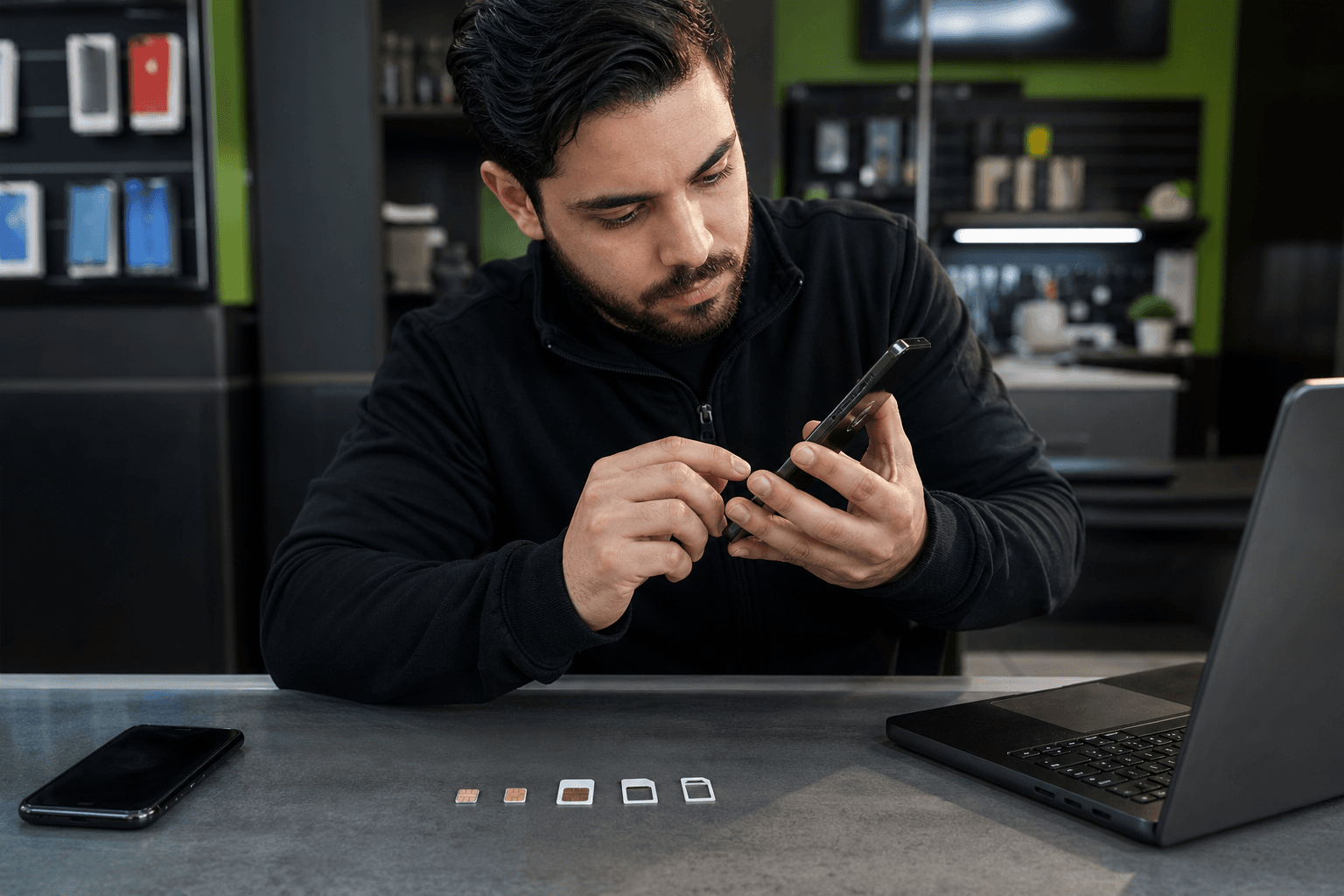
Published by TechBrotherz at TechBrotherz, the walk-in repair Store at 3317 17 Ave SE in Calgary. August 3, 2026, updated October 31, 2026.
No article on this site is paid for or sponsored. For a quote on your own device, call (403) 273-8324.
What phone unlocking changes, and what it does not
Carrier unlocking removes the software restriction that ties a phone to one network's SIM cards. After a successful unlock, you can switch providers, use a local SIM while travelling, or activate a compatible secondhand phone.
This is a network permission, not a change to the phone's identity or operating system. Carrier unlocking is different from jailbreaking or rooting, and it does not remove a screen passcode, Apple or Google account, activation lock, financing obligation, or blacklist.
A phone displaying “SIM not supported” after another carrier's SIM is inserted may have a carrier lock. An iPhone asking for the previous owner's Apple Account after a reset has an ownership or activation lock instead.
The Canadian carrier rule applies to eligible carrier locks. It does not guarantee that every unlocked phone will work on every network.
Identify the lock before choosing a solution

“My phone is locked” can describe several unrelated problems. Match the symptom to the lock before paying anyone.
| Problem | Typical sign | What it affects | Legitimate next step |
|---|---|---|---|
| Carrier or network lock | “SIM not supported” or another carrier's SIM will not register | Which mobile network can be used | Ask the original carrier to unlock it, then test a compatible SIM or eSIM |
| Screen passcode | The phone asks for a PIN, password, or pattern | Access to the device | Use the manufacturer's account recovery process |
| Apple Activation Lock | An iPhone asks for the previous owner's Apple Account | Ownership and activation | The previous owner must remove the device from their account |
| Google account protection or FRP | An Android phone asks for the previous Google account after a reset | Ownership and activation | Use the original account or an authorised recovery route |
| SIM or eSIM activation issue | No service, an activation error, or the wrong line | Line provisioning and network registration | Contact the destination carrier and check compatibility |
| Blacklisted IMEI | The device cannot register because it was reported lost or stolen | Network access | Ask the reporting carrier or authorised account holder to resolve the report |
Can a locked mobile phone be unlocked? Often, yes, if it has an eligible carrier restriction and its IMEI is not blocked. A phone tied to another person's account or reported lost or stolen cannot be made legitimate through a code or repair-shop shortcut.
Run the five-minute carrier-lock check
Use this sequence before requesting an unlock. It separates a network restriction from an activation, compatibility, or hardware problem.
- Identify the original carrier. Check the receipt, old account, SIM packaging, device settings, or seller.
- Check the phone's status. iPhones may show carrier information in Settings under General and About. Android menus vary by manufacturer.
- Try another network. Use a known-working compatible SIM or activated eSIM. Record the exact message.
- Find the IMEI. Dial *#06# or find it in device settings.
- Check the destination network. Confirm supported bands, VoLTE, SIM type, and eSIM service.
“SIM not supported” points more strongly to a carrier restriction than “no service,” which can also mean poor coverage, an inactive line, unsupported bands, or a damaged phone.
Ask the Canadian carrier first
If the phone is tied to your own Canadian carrier account, the carrier is the first place to ask. For an eligible network lock, the provider should complete the request or provide the means to unlock the device without charging you. The device-unlocking rules applied to all contracts as of December 1, 2017. The Wireless Code's simplified explanation states the requirement in plain language.
Ask the carrier whether the request was completed, whether the phone needs a restart or new SIM, and whether a separate activation issue remains. Keep the confirmation number if the new network still does not work.
A secondhand phone, imported phone, handset from a carrier that no longer operates, or phone whose original account cannot be accessed may require an eligibility assessment. None of these situations automatically means the phone can be unlocked.
Prepare before requesting an unlock or assessment
Gather the exact make and model, original carrier, IMEI, account status, ownership information, financing or payoff status, destination network, SIM or eSIM type, and exact error message.
These details identify who controls the restriction, whether the device is eligible, whether the destination network supports it, and whether the problem is activation rather than unlocking. Do not give an unknown service your Apple Account, Google password, banking password, or carrier login.
If you are comparing paid options, review the main phone unlocking costs and prerequisites before paying. The device model, original carrier, IMEI status, and type of lock affect the work involved.
Choose the safest unlocking route
Start with the least expensive option that matches the problem.
| Route | Best fit | Cost and timing | What it cannot do |
|---|---|---|---|
| Original Canadian carrier | Your own account and a network lock | Free upon request; timing depends on the carrier | Remove account protection, fix hardware, or guarantee compatibility |
| Self-check and activation | The phone may already be unlocked or you have a new SIM ready | Usually no service fee; a replacement SIM or activation may cost extra | Resolve a blacklist, account lock, or eligibility dispute |
| Professional assessment | Secondhand, imported, unclear, or possibly damaged devices | Depends on the device and situation; approve the scope first | Bypass blacklists, ownership protection, financing, or carrier rules |
Be cautious of anyone promising to remove a blacklist or bypass an Apple or Google account. Those promises can expose your data and money to unnecessary risk.
Check compatibility after the unlock
An unlocked phone is not automatically universal. The destination carrier must support the handset's network bands, 4G or 5G service, VoLTE requirements, SIM format, and eSIM capability.
Compatibility matters especially with imported and older devices. A phone may accept a new SIM yet lack a band used in your area, fail carrier activation, or lose features such as VoLTE or Wi-Fi calling. Confirm the exact model or IMEI with the destination carrier.
The main downside of an unlocked phone is assuming that it guarantees coverage, speed, 5G access, eSIM support, or full network features. Financing, account obligations, activation locks, and blacklists remain separate issues.
Install the new SIM or eSIM and test the result
Once the carrier confirms the unlock, test the phone in this order:
- Insert the new SIM or complete eSIM activation.
- Restart the phone and select the intended line.
- Place a call and send a text.
- Turn off Wi-Fi and test mobile data.
- Check voicemail and, where supported, Wi-Fi calling or 5G.
- Test in a location with known coverage if the first location shows no service.
If only data fails, investigate activation or APN settings. If the SIM is rejected immediately, revisit carrier-lock status and compatibility.
What to do when an approved unlock still does not work
Confirm that the original carrier completed the unlock for the correct IMEI. Then restart the phone, install available updates, reseat or replace the physical SIM, and confirm that the eSIM was fully activated.
Check the destination carrier's model compatibility, bands, VoLTE support, and coverage. A damaged SIM tray, inactive line, incorrect eSIM profile, unsupported feature, or blacklisted IMEI can all look like an unsuccessful unlock.
Do not factory-reset the phone simply because another SIM does not work. A reset will not fix unsupported bands or a blacklist and can create an account-verification problem.
When professional help makes sense in Calgary
Professional help is useful when you cannot identify the original carrier, the phone is secondhand or imported, a SIM or eSIM will not activate, or the device may have a hardware fault. A legitimate assessment should review the model, IMEI status, carrier situation, ownership information, compatibility, and exact error before work begins.
TechBrotherz operates a walk-in phone and computer repair store at 3317 17 Ave SE in Calgary. Its phone-unlocking service covers Canadian carriers, usually the same day, and unlocking does not erase customer data. Bring the phone, make, model, and IMEI. Related reading: iPhone Screen Repair in Calgary: Quotes, Timing, and What to.
TechBrotherz cannot unlock blacklisted devices, remove account locks, or bypass ownership protection. Those issues need to be addressed through the relevant carrier or account holder.
Questions readers still ask about phone unlocking
Can a locked mobile phone be unlocked?
Yes, a carrier-locked phone can often be unlocked if the carrier or device is eligible and the IMEI is not blacklisted. Other locks require authorised account recovery.
How much does it cost to have a phone unlocked?
For an eligible device on your Canadian carrier account, unlocking should be free upon request. Professional services may charge when the carrier route is unavailable or the issue involves a secondhand, imported, SIM, eSIM, or hardware situation.
Is there a downside to having an unlocked phone?
An unlocked phone gives you network choice but does not guarantee compatibility. Check bands, VoLTE, 5G, eSIM support, and activation requirements before switching.
Can TechBrotherz unlock my carrier-locked phone?
TechBrotherz can assess and unlock eligible phones for Canadian carriers, usually the same day. Bring the phone, exact model, IMEI, original carrier information, and relevant ownership details. The shop cannot bypass a blacklist, account protection, ownership restriction, or carrier eligibility rule.
Make the next step fit the lock
Ask your Canadian carrier first when the problem is an eligible network lock on your own account. If the phone is secondhand, imported, showing an account prompt, rejecting an eSIM, or reporting no service, use the model, original carrier, IMEI, ownership details, and exact error to choose the next assessment.
For Calgary readers who need a legitimate assessment of a carrier lock, SIM or eSIM problem, or device compatibility, TechBrotherz's carrier unlocking service is available through its walk-in shop at 3317 17 Ave SE.
Related pages
Rather just ask a person?
Call (403) 273-8324 and describe the problem, or walk in to 3317 17 Ave SE in Calgary. Every repair is quoted free before any work starts.