
Blog
Cell Phone Repair Calgary Guide: Test the Fix Before Leaving
Use this Calgary phone repair pickup guide to approve the right work, test the fix, protect your data and understand warranty coverage before leaving.
The most useful Calgary phone repair check happens before you leave the shop. Confirm that the approved repair matches the quoted scope, test the function that failed, and check related features while you can still report a problem in person.
Key facts
- Published: August 11, 2026
- Last updated: October 30, 2026
- Reading time: 7 min read
- Questions about your own device: Call (403) 273-8324
Last updated
Cell Phone Repair Calgary Guide: Test the Fix Before Leaving
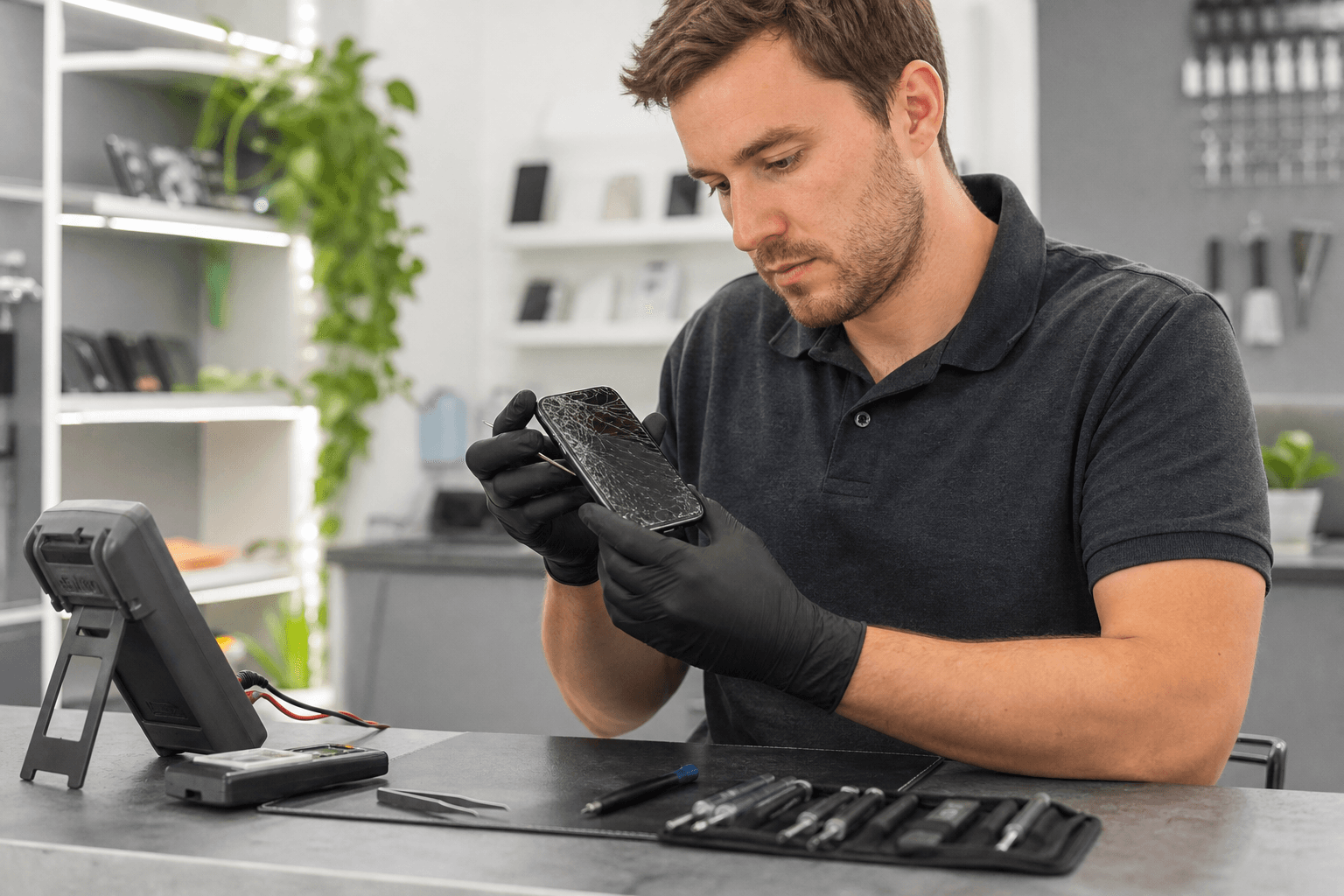
Published by TechBrotherz at TechBrotherz, the walk-in repair Store at 3317 17 Ave SE in Calgary. August 11, 2026, updated October 30, 2026.
No article on this site is paid for or sponsored. For a quote on your own device, call (403) 273-8324.
TechBrotherz provides walk-in phone repair at 3317 17 Ave SE. Its published repair information says quotes are free before work begins, the part and labour are combined in one figure, most phone repairs take about 30 minutes when the required part is in stock, and repairs carry a 60-day warranty on the fitted part and the work done.
Before Repair: Record the Problem Clearly
A good pickup check starts with a precise intake record. Write down the exact model, the symptom, when it began, and which functions still work. This gives you something concrete to compare after the repair.
- Describe what happens, such as “the display is black but the phone vibrates” or “charging stops unless the cable is held at an angle.”
- Note whether the fault is constant, intermittent or linked to a particular app, cable or position.
- Record any drop, bend, liquid exposure or earlier repair.
- List the functions you rely on most, such as calls, cameras, biometric access, charging or wireless connections.
- Photograph existing cracks, dents and frame damage before handing over the device.
Do not choose a replacement part from the appearance of the damage alone. A cracked glass panel, a failed display, a touch fault and a phone that has lost power can require different diagnostic paths.
Approve the Repair Only When the Scope Is Clear
A repair approval should tell you what was diagnosed, which part or service is proposed, the total price, and what timing is realistic. At TechBrotherz, the quote is provided before work starts and combines the part and labour in one figure.
Before saying yes, ask these five questions:
- What exact fault is this repair intended to address?
- Does the quoted work include the part, labour and any required testing?
- Is the part available now, and does that support the estimated completion time?
- What other symptoms were found but not included in the approved repair?
- What does the 60-day warranty cover on this particular job?
A low headline price is not enough for a useful comparison. Compare the model, repair scope, part availability, labour, timing and warranty terms together.
Which Phone Problem Do You Have? Match the Symptom to the Pickup Test
The function you test after repair should match the symptom you reported. Test the repaired feature first, then check nearby functions that may have been affected during the same work.
Screen, glass or touch problem
For a display repair, inspect the entire panel from edge to edge. Open a plain white screen and a dark screen to look for lines, blotches, flicker or uneven brightness. Drag an icon across every corner to check touch response.
Also test the front camera, earpiece, proximity behaviour during a call, brightness controls and any biometric function that was working before the damage. A phone that displays an image is not necessarily a phone with a fully tested screen repair. Related reading: 7 phone screen repair tips compared: DIY vs professional.
Battery or shutdown problem
After battery service, check that the phone starts normally, accepts a charge and remains powered on during ordinary use. Confirm that the connector sits securely and that the casing is not lifting or pinched.
A battery percentage by itself is not a complete acceptance test. The useful comparison is whether the original symptom, such as unexpected shutdowns or rapid loss of charge, has been addressed.
Charging port problem
Use the cable and adapter you normally carry, if available. Check that the phone recognizes the connection, charges without repeated interruptions and does not need the cable held at an unusual angle.
Charging faults can involve the cable, adapter, port, battery or internal power circuitry. If the original symptom remains, describe exactly what you observed instead of assuming the wrong part was fitted.
Camera, speaker or microphone problem
Take a photo with both cameras, record a short video, play audio, make a test call and record a voice note. This separates camera, speaker, earpiece and microphone symptoms that can otherwise feel like one general phone fault.
Software, carrier-lock or access problem
For software trouble, reproduce the original error if it is safe to do so. Test startup, the affected app, mobile data and Wi-Fi. Do not treat a phone that turns on as fully repaired if the original restart, update or access problem continues.
A phone that works normally but rejects another carrier’s SIM may have a network lock rather than a physical fault. The phone unlocking cost guide explains the eligibility and information to check before requesting carrier-lock removal.
For Android owners, the Android phone repair guide covers safe troubleshooting and data-protection steps before service.
How Calgary Phone Repair Quotes and Timing Work
Repair timing depends on the exact model, the required part, parts availability and the complexity of the work. TechBrotherz states that most phone repairs take about 30 minutes when the required part is in stock.
That estimate is a planning point, not a substitute for a model-specific quote. Ask whether the repair is expected to be completed while you wait, whether diagnosis found another fault, and what happens if the required part is unavailable.
Keep the approved scope beside you when collecting the phone. Compare the completed work with the original symptom record, not just with how clean or new the device looks.
What Happens During a Professional Phone Repair Visit?

A transparent repair visit has five practical stages: intake, diagnosis, approval, repair and functional testing.
- Intake: You explain the symptom, model and relevant damage history.
- Diagnosis: The reported fault is separated from related symptoms.
- Approval: You receive the combined part-and-labour quote before work begins.
- Repair: The agreed service is performed.
- Testing: The failed function and relevant related features are checked before pickup.
Your own pickup test complements the technician’s checks. You know how the phone is normally used, which accessories belong with it and which intermittent symptom matters most.
Prepare Your Phone Before You Hand It Over
Preparation reduces delays and protects your information. Back up accessible photos, contacts and important files before service, then record the model and the problem in writing.
- Plan access: Ask how access will be handled during testing and what you need to provide.
- Manage SIM or eSIM access: Ask whether your physical SIM should be removed and note any activation details you need later.
- Check account locks: Know whether Find My, Google device protection or another security lock could affect service.
- Remove accessories: Take off cases, wallets and other items you do not want left with the phone.
- Keep your intake record: Bring the photos and symptom notes so you can compare the result at pickup.
If the phone has been exposed to liquid, switch it off, disconnect it from charging and do not apply heat or place it in rice before assessment.
Repair or Replace? Use the Confirmed Quote to Decide
The confirmed quote helps you decide whether to continue with repair, not merely whether the first symptom sounds fixable. Repair is easier to justify when one defined fault affects a phone you otherwise trust. Replacement deserves more consideration when several unrelated faults are present or the phone is already unreliable.
- Does the approved repair address one focused fault or several problems?
- Was the phone reliable before this incident?
- Does the repair restore the functions you actually need?
- Are there other known issues, such as weak battery life or unreliable charging?
- Does the confirmed figure make sense compared with a suitable replacement?
Hypothetical example
Imagine a phone with one cracked display, a stable battery and no liquid history. A model-specific screen quote may make repair sensible because the problem is defined and the pickup test is straightforward.
Now imagine an older phone with a cracked display, repeated shutdowns, unreliable charging and frame damage. A screen repair alone may not restore dependable use, so compare the full repair scope with replacement before approving additional work.
What the 60-Day Repair Warranty Means
TechBrotherz states that every repair carries a 60-day warranty on the fitted part and the work done. Ask how the coverage applies to your repair, when the period begins, what documentation to keep and how to report a returning symptom.
A warranty does not replace a pickup test. Finding a problem before you leave gives you a clear opportunity to compare it with the approved scope and ask what happens next.
Use This Pickup Record
Copy these fields into your phone or a note before visiting:
- Device model:
- Original symptom:
- Damage or liquid history:
- Approved repair:
- Quoted part and labour total:
- Expected completion time:
- Functions to test at pickup:
- Warranty questions:
At pickup, test the failed function first. Then check charging, calls, touch, display, cameras, speakers, microphone and wireless connections as relevant to your repair.
Choose Your Next Step
Write down your exact model, original symptom and repair history before requesting an assessment. For a Calgary walk-in quote, contact TechBrotherz at 3317 17 Ave SE and ask for the repair scope, timing and pickup tests before approving cell phone repair in Calgary.
Related pages
Rather just ask a person?
Call (403) 273-8324 and describe the problem, or walk in to 3317 17 Ave SE in Calgary. Every repair is quoted free before any work starts.