
Blog
Android Phone Unlock: Find the Right Recovery Route
Trying an Android phone unlock? Identify the lock, protect your data, and choose the safest Calgary recovery route for your device and account before you
An Android phone unlock can mean several different things. A carrier or SIM lock may be removable through the carrier, while a forgotten screen PIN, Google verification screen, or blacklisted IMEI requires a different route. Identify the lock first because some recovery options preserve data, while a factory reset erases the phone.
Key facts
- Published: August 4, 2026
- Last updated: October 31, 2026
- Reading time: 8 min read
- Questions about your own device: Call (403) 273-8324
Last updated
Android Phone Unlock: Find the Right Recovery Route
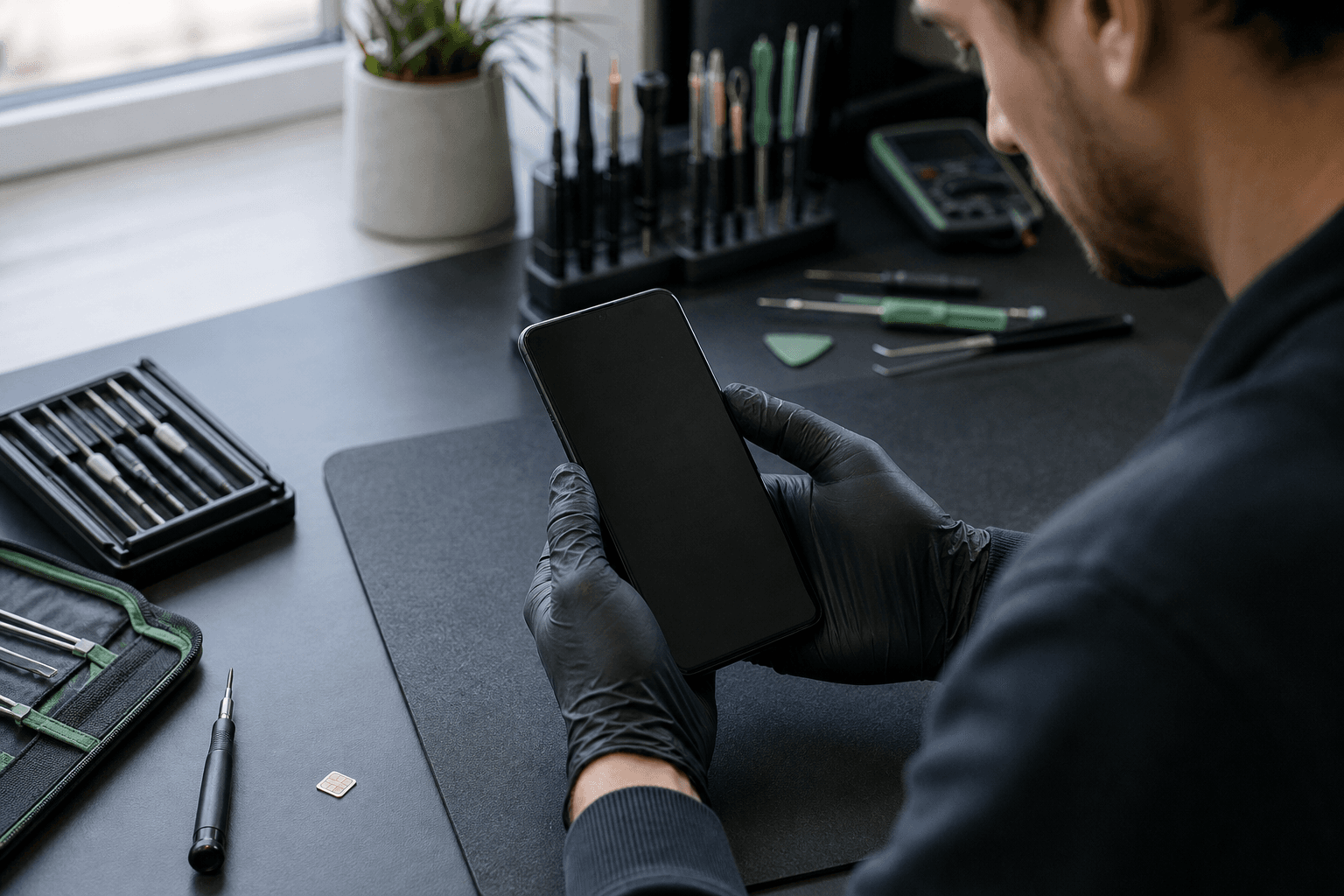
Published by TechBrotherz at TechBrotherz, the walk-in repair Store at 3317 17 Ave SE in Calgary. August 4, 2026, updated October 31, 2026.
No article on this site is paid for or sponsored. For a quote on your own device, call (403) 273-8324.
Identify the Lock Before Choosing an Android Unlock
Start with the message or behaviour you see, not the unlocking tool you found online. These four situations require different solutions.
- A new SIM is rejected: The phone may have a carrier or network lock. This affects mobile-network access, not the screen credential.
- A PIN, pattern, or password blocks the home screen: This is a screen lock. Carrier unlocking will not remove it.
- Google verification appears after a reset: The phone is asking for the Google account previously associated with it. This is Factory Reset Protection, commonly called FRP.
- The IMEI is reported lost or stolen: The device may be blacklisted. An unlock cannot make a blacklisted phone usable on a Canadian network.
If the problem is a network restriction, check the carrier unlock route first. If the phone is asking for a previous owner's account or will not accept your screen credentials, do not treat it as a SIM-unlock problem.
Carrier or SIM Unlocking: Check the Free Route First
Canadian wireless providers must unlock a locked device, or provide the means to unlock it, at no charge when requested. Devices provided for wireless service must also be provided unlocked under the CRTC Wireless Code. The rule took effect on December 1, 2017. The CRTC's simplified Wireless Code explains the current requirement. Source: CRTC puts an end to locked cellphones and unlocking fees - Canada.ca.
Contact the carrier connected to the phone and ask whether the device is eligible. An unpaid financing agreement, account issue, or device reported lost or stolen may need to be resolved separately from a technical carrier lock.
After the carrier processes an unlock, test the phone with a SIM from another carrier. Check that it registers on the network, makes a call, sends an SMS, and uses mobile data.
If a provider does not follow the current unlocking rule, the CRTC provides a complaint and inquiry route for mobile-phone unlocking concerns.
Forgotten Screen PIN, Pattern or Password: Protect Data Before Trying Recovery
A forgotten Android screen lock is harder to remove safely than a carrier lock. Modern Android phones encrypt user data and do not offer one universal, legitimate method that removes every forgotten PIN, pattern, or password without erasing the phone.
Try only account-recovery or device-recovery options that the phone itself presents. If you can reach an approved Google or Samsung recovery path, use the account already associated with the device. Options vary by manufacturer, Android version, security patch, account settings, and whether the phone has restarted.
Smart Lock or a trusted-device feature may help in a narrow situation, such as a phone that remains powered on in a trusted location. After a restart, Android normally requires the full screen credential before biometric or trusted-device features can resume.
Do not keep guessing credentials. Repeated failed attempts can increase the waiting period and trigger additional protection. If the contents matter, stop before choosing a factory reset and determine whether a current backup exists in Google Photos, Google One, Samsung Cloud, or another service you already use.
A factory reset is often the official fallback when the screen credential cannot be recovered. It removes locally stored content, and the device may still request the previously associated Google account during setup.
Google Verification After a Reset Is a Different Lock
Google verification after a reset means the phone is protecting the previous owner's data and account. It requires the Google account previously connected to the device.
The legitimate routes are to sign in with that account or use Google's account-recovery process. If you bought the phone secondhand, ask the previous owner to remove the device from their account through the normal account and device settings.
A repair shop should not help bypass ownership security without clear authorization. Be wary of anyone promising a universal FRP bypass, especially if the method involves an unofficial APK, remote access, or payment before inspection.
Compare the Main Recovery Routes by Risk and Eligibility

Choose the least destructive route that fits your situation. “Low data risk” means the route normally does not erase stored content, not that recovery is guaranteed.
| Route | Who it suits | Requirements | Likely data outcome | Stop when |
|---|---|---|---|---|
| Carrier support | A phone rejecting another carrier's SIM | Carrier eligibility and any account or financing requirements | Normally preserves data | The IMEI is blacklisted or the issue is a screen or Google-account lock |
| Google or Samsung account recovery | A phone asking for an account you own | Access to the associated account and recovery methods | Usually preserves data | You cannot verify ownership or the account belongs to someone else |
| Smart Lock or trusted-device feature | A compatible phone still powered on with saved conditions | The feature was enabled before the lockout | May preserve data, but availability is limited | The phone has restarted or attempts are becoming guesses |
| Factory reset | An owner who accepts losing locally stored data | Backup where possible and the account needed for setup | Erases data stored on the phone | Important data is not backed up |
| Professional assessment | A phone with a carrier issue, damaged hardware, unclear lock type, or ownership questions | Phone details, IMEI, and ownership information where required | Depends on the lock, model, condition, and recovery path | The device is blacklisted or the request would defeat ownership security |
When the Phone Cannot Be Operated Normally

Physical damage changes the order of the problem. If the phone cannot display the lock screen, accept touch input, hold a charge, or boot, restoring basic operation may need to come before unlocking.
Broken or unresponsive screen
A cracked display may still have a working phone underneath, but a damaged digitizer can prevent PIN entry. Screen repair or assessment may be needed before you can sign in, back up the device, or test a second SIM. Related reading: iPhone Screen Repair in Calgary: Quotes, Timing, and What to.
Dead battery or damaged charging port
Use a known-good charger and cable only if the phone shows no signs of heat, swelling, liquid damage, or physical danger. If it will not power on or the port is damaged, do not force a cable or repeatedly cycle chargers.
Disabled USB debugging
USB access is not a general bypass for a locked Android phone. If USB debugging was not enabled and authorised before the lockout, a computer will not automatically provide access to encrypted user data.
Phone will not boot
A boot failure may be a battery, charging, screen, software, storage, or board problem rather than an unlocking problem. Note whether the phone vibrates, rings, shows an indicator, reaches a logo, or stays completely unresponsive.
Know When to Stop: Unsafe Bypasses and Impossible Unlocks
Stop before installing an unofficial unlocking program or following a video that promises guaranteed access. Suspicious APKs and desktop tools can contain malware, request unnecessary credentials, or cause a reset that destroys your data.
- Do not pay for a claimed 100% success rate before anyone identifies the model and lock.
- Do not treat brute-force claims as a normal consumer recovery plan.
- Do not repeatedly guess a PIN or pattern when the data is valuable.
- Do not attempt to alter the IMEI. It will not solve a blacklist or carrier-lock problem.
- Do not hand over your Google password to an unverified person.
A reported lost or stolen phone cannot be unlocked by a repair store or carrier. That limitation protects the original owner and prevents spending on an impossible request.
Local Android Unlocking Help in Calgary
For a local assessment, bring the phone, its make and model, and the IMEI. You can usually find the IMEI on the original packaging, SIM tray, account records, or by dialling *#06# if the phone can reach the dialler. Bring relevant account information and proof of ownership where required.
TechBrotherz publishes walk-in phone unlocking at 3317 17 Ave SE in Calgary for phones from Canadian carriers, usually the same day. Timing and available options depend on the model, carrier, device condition, and type of lock.
Before approving work, ask which lock has been identified, whether the proposed route preserves locally stored content, what happens if a reset is required, and how the result will be tested. A second SIM is useful when the concern is network access, while a screen or account lock needs a different confirmation.
If a broken screen, dead battery, or damaged port prevents testing, restoring enough hardware function to operate the phone may be the immediate priority. That does not guarantee access to encrypted data, but it gives the assessment a realistic starting point.
After You Regain Access, Secure the Phone Immediately
- Back up photos, contacts, messages, and important files.
- Review Google and Samsung accounts. Remove accounts you do not recognise and confirm recovery details.
- Change passwords if compromise is possible. Start with email, banking, social media, and the recovery account.
- Review Find My Device and other security settings.
- Install pending security updates through the phone's normal update screen.
- Test the result. Check calls, SMS, mobile data, Wi-Fi, charging, touch input, and the second SIM.
Android Unlocking Questions Calgary Owners Still Ask
Can a locked Android phone be unlocked without losing data?
Sometimes, depending on the lock. Carrier unlocking and successful account recovery normally leave data in place, while a forgotten screen credential may require a reset. There is no universal data-preserving bypass for modern Android phones.
Can Google Find My Device remove a forgotten Android screen lock?
Do not assume it can. Google Find My Device is primarily for locating, securing, or erasing a device, and erasing removes data stored on the phone.
What should I do if my Android phone shows Google verification after a reset?
Sign in with the previously associated Google account or use official account recovery. If the phone is secondhand, ask the previous owner to remove it from their account.
Can a repair shop unlock a phone reported lost or stolen?
No. A blacklisted phone cannot be made usable through carrier unlocking or repair-shop software.
What should I bring for an Android unlocking assessment in Calgary?
Bring the phone, make, model, IMEI, charger if the battery is low, relevant account details, ownership information where required, and a second SIM if the concern is network access.
If you need help separating the options, TechBrotherz provides phone unlocking in Calgary through its walk-in shop at 3317 17 Ave SE.
Related pages
Rather just ask a person?
Call (403) 273-8324 and describe the problem, or walk in to 3317 17 Ave SE in Calgary. Every repair is quoted free before any work starts.